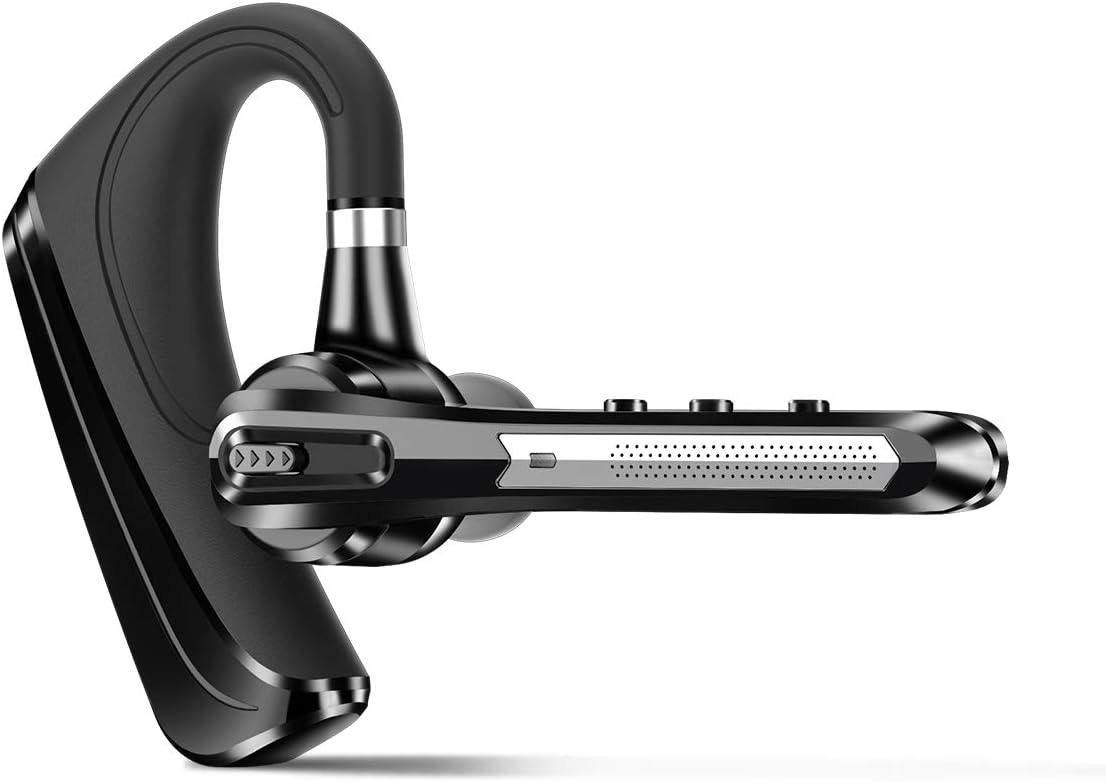
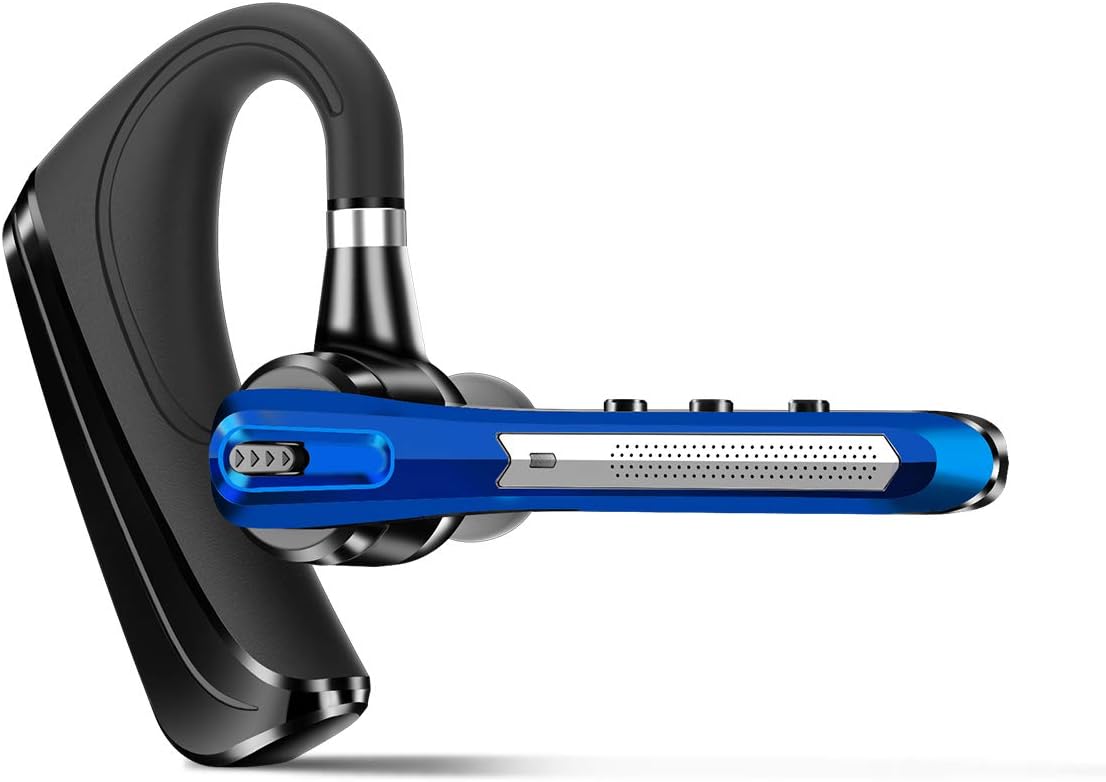
Dechoyecho Bluetooth Headset V5.1, Wireless Headset with Battery Display Charging Case, Bluetooth Earpiece with Noise Canceling Mic for Driving, Office and Business,Compatible with Cell Phone and PC : Cell Phones & Accessories
- Category: Single Ear Bluetooth Headsets
- Store: Brand: DECHOYECHO
Share on:
Description
Please don't use fast charging nor car charger 1. After pairing with the first device, turn off the bluetooth on first device, the bluetooth headset will enter pairing mode again. 2. Turn on the bluetooth on the second device, then connect it with the bluetooth headset. 3. Turn on the bluetooth on first device. 4. Turn off the bluetooth headset and turn it on, it will automatically connect with two devices Step 1: Download a bluetooth driver depends on your computer system and update it to newest version. Step2: Plug in the Bluetooth dongle, at this point, the gray Bluetooth icon will turn to blue.(Note: If computers have Bluetooth function, you don't need to use Bluetooth dongle) Step3: Hold and press ” MFB” button for several seconds till the LED light flashes red and green, the headset will enter paring mode. Step4: Right click on the computer interface, select the “search” equipment, the headset must be in pairing mode ( LED light flashes red and green) , then the computer will search for all nearby Bluetooth devices and find the "G5" signal 1. Our bluetooth headset only work with computers that have Bluetooth function. But you can use a bluetooth dongle if your computer has no Bluetooth function. 2. Poor sound quality and Bluetooth connection occur sometimes when Bluetooth Driver is not updated to the latest version . 3. The buttons on the bluetooth headset only work while using with cellphones. If you need to mute on Skype or other softwares on PC, please mute/unmute through the software you are using.
Product Overview
We Recommend