

Stiive Smart Watch, 1.28 Inch Full Touch Screen Smartwatch for Men Women, Heart Rate & Sleep Monitor, Pedometer IP68 Waterproof Fitness Watch for Android & iOS Phones-Black : Electronics
- Category: Smartwatches
- Store: Stiive
Share on:
Description
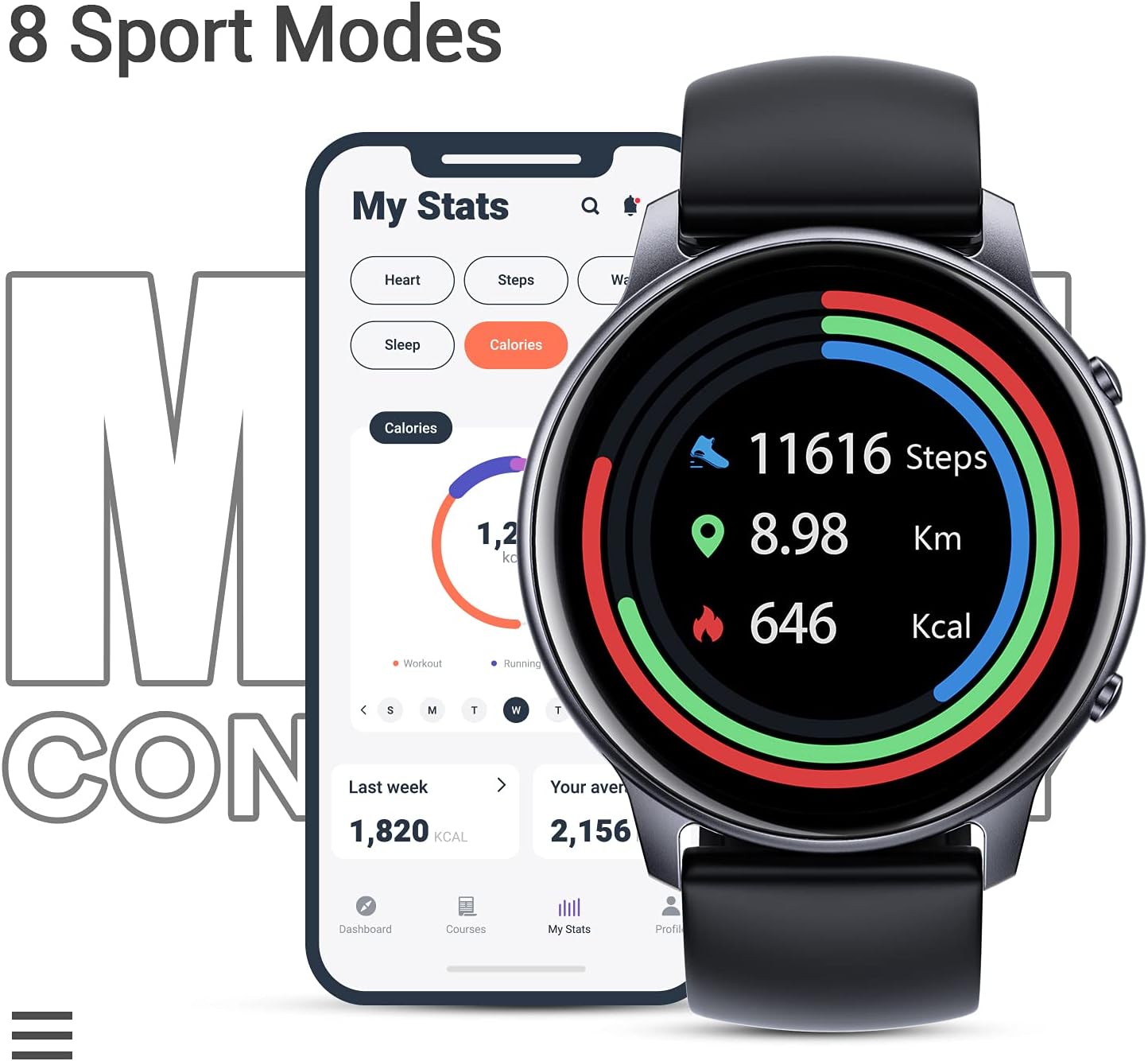
Adopted advanced heart rate sensor, It can measure your heart rate automatically every 10 minutes all day, and can also be switched to manual monitoring mode to know of pulse rate changes in real-time. You can also intuitively check the heart rate graph in the Onwear APP. Automatic sleep tracking can monitor your sleep status (deep sleep, light sleep, awakening) and provide a comprehensive sleep quality analysis to help become healthier. You can view the summary of your status in the APP. The width of the band is 22mm(0.87in), the width of the watch dial is 45mm(1.7in), and the length(include display screen)is 255 mm(10 in).The 1.28 inch is the width of the TFT touch screen. You can set up to 8 alarms quickly and easily, our alarms won't disturb others around you. Our watch is equipped with sedentary reminder functions, water reminders, weather reports, night-mode brightness adjustments, and much more. More than 100 watch faces are available to suit your mood and outfit that make every glance at your watch a unique experience. Free your hands and record beautiful moments. Just open the App on your smartphone and find the shake camera function to take a photo by shaking your smartwatch. Charging time: 2hrs; Usage time: 7 days+; Standby time: 35 days The smartwatch's long-lasting battery can up to 7 days on a single charge. (Varies according to the use environment and the number of uses) Get the real-time stats during your workouts. View the detailed workout data on the OnWear app (Workout Time, Heart Rate, Distance, Steps, Burned Calories). Allows you to control music via the smart watch, make it easier to adjust your music when on the go. Connect to App, tap the watch to play or pause music and switch songs without having to take your phone from your pocket. FAQ: Failure to find the watch when pairing 1. Make sure your smartphone’s Bluetooth is enabled and your smartphone’s system meets the requirements of Android 5.0 or higher, iOS 10.0 or higher, and Bluetooth 4.0 or higher. 2. Make sure the distance between your smartphone and the watch does not exceed 0.5 meters and that Bluetooth communication is also within range (10 meters max). 3. Make sure your watch has enough battery life. Failure to receive message/calls notifications The message/calls notification function works when the watch connects to your smartphone via the app. Please kindly refer to the following tips: 1. Go to your smartphone settings, find the OnWear app, and enable the Location and all Notifications. 2. Enable your phone’s Bluetooth and go to the OnWear app to pair the watch. 3. Open the app. Go to the "Device" page, turn on "Call Reminder" and "Notification Reminder". 4. Make sure the do-not-disturb function is not enabled in the app or the watch. The watch will disconnect from your smartphone in the following cases: 1. Smartphone Bluetooth is off or exceeds the Bluetooth connection range (the maximum Bluetooth connection range is 10 meters and can easily be reduced by walls, furniture, etc.) 2. The OnWear app is closed on the phone. (This can occur automatically under certain circumstances.) To reconnect the watch to your smartphone, please kindly take the following steps: 1. Go to your smartphone system Settings, find the OnWear app, and enable the Location and Bluetooth. 2. Clear all running / background processes on your smartphone. Open the OnWear app, go to the "Device" page, tap the watch image, and then the watch will reconnect to your smartphone and update data. You can also forget the device in your smartphone settings, restart your smartphone and Bluetooth, and then re-pair the watch in the app.
Product Overview
We Recommend