


Camcorder 1080P Video Camera YEEHAO 36MP 3.0 Inch IPS Touch Screen IR Night Vision 16X Digital Zoom Camcorder with External Microphone Handheld Stabilizer Remote Control : Electronics
- Category: Camcorders
- Store: YEEHAO
Share on:
Description
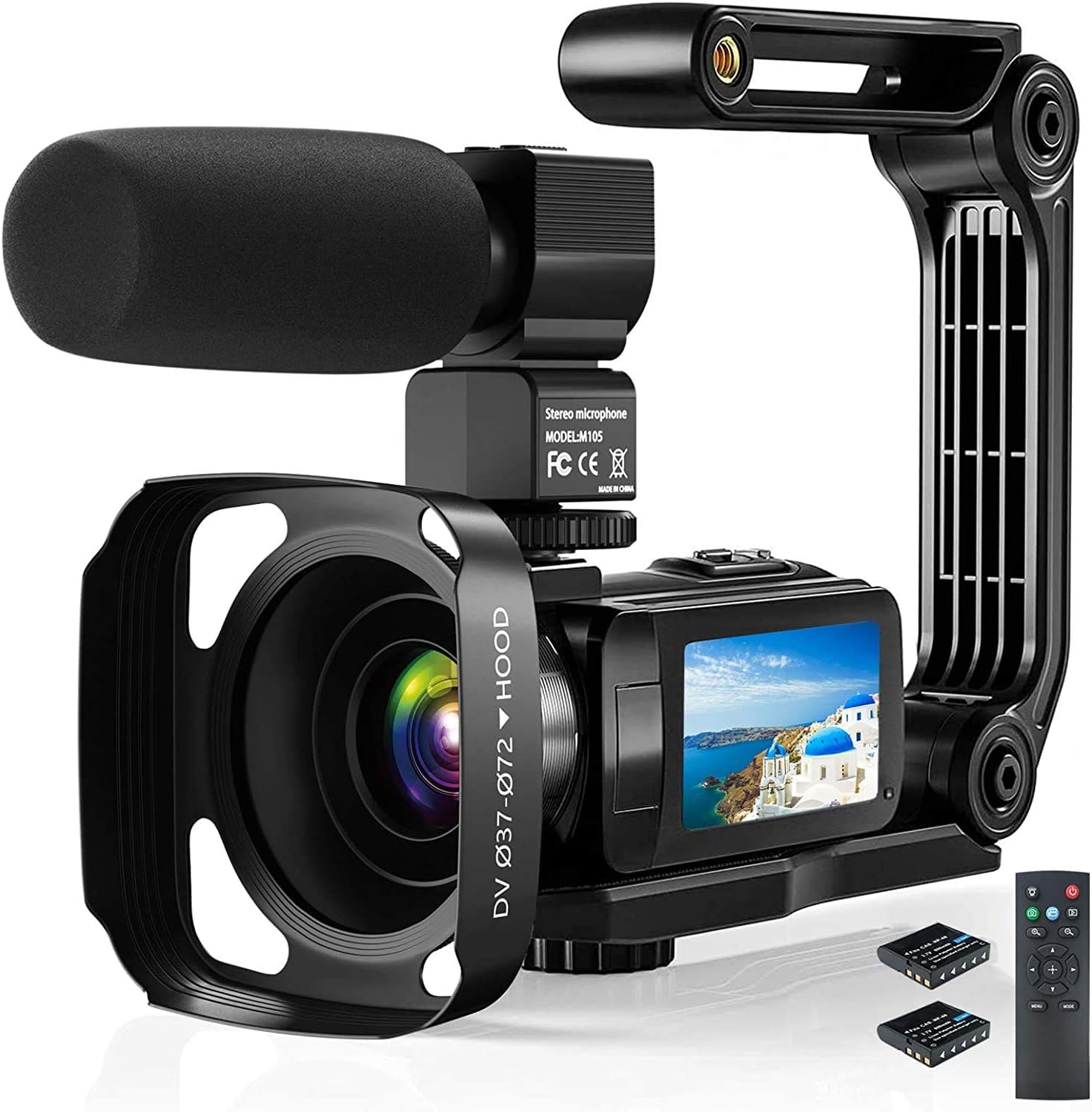
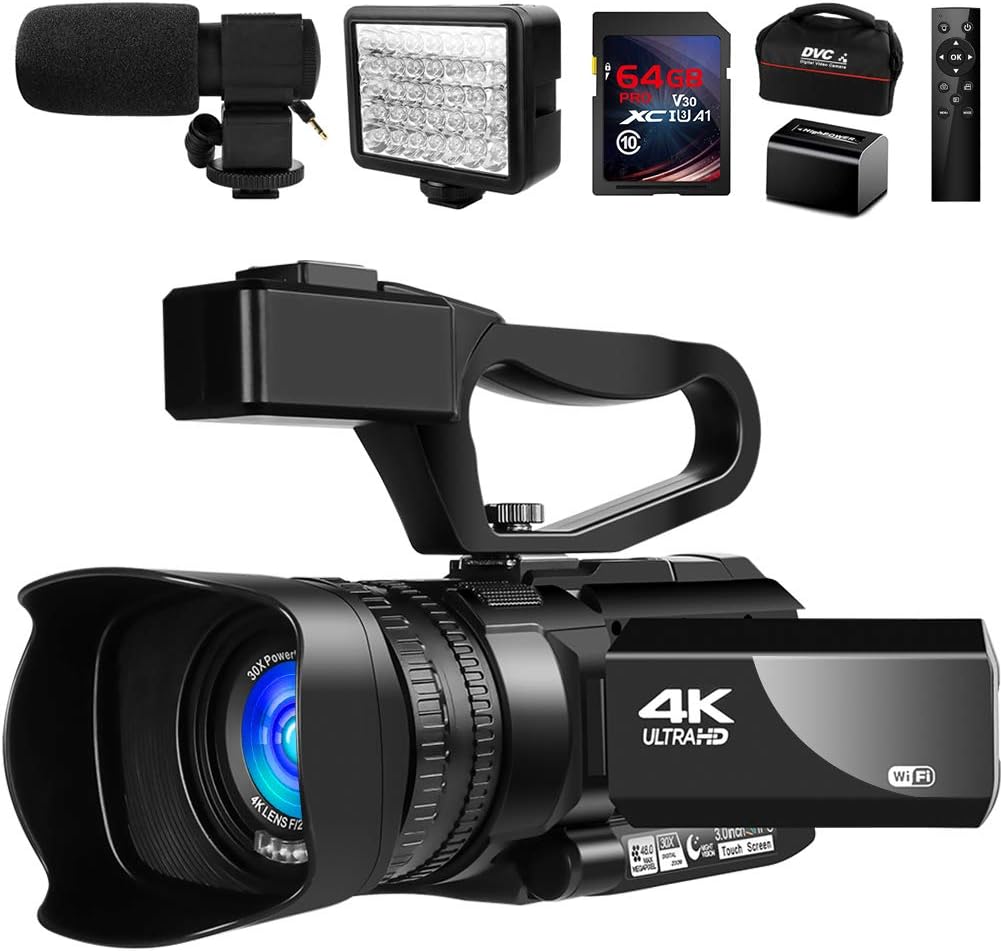
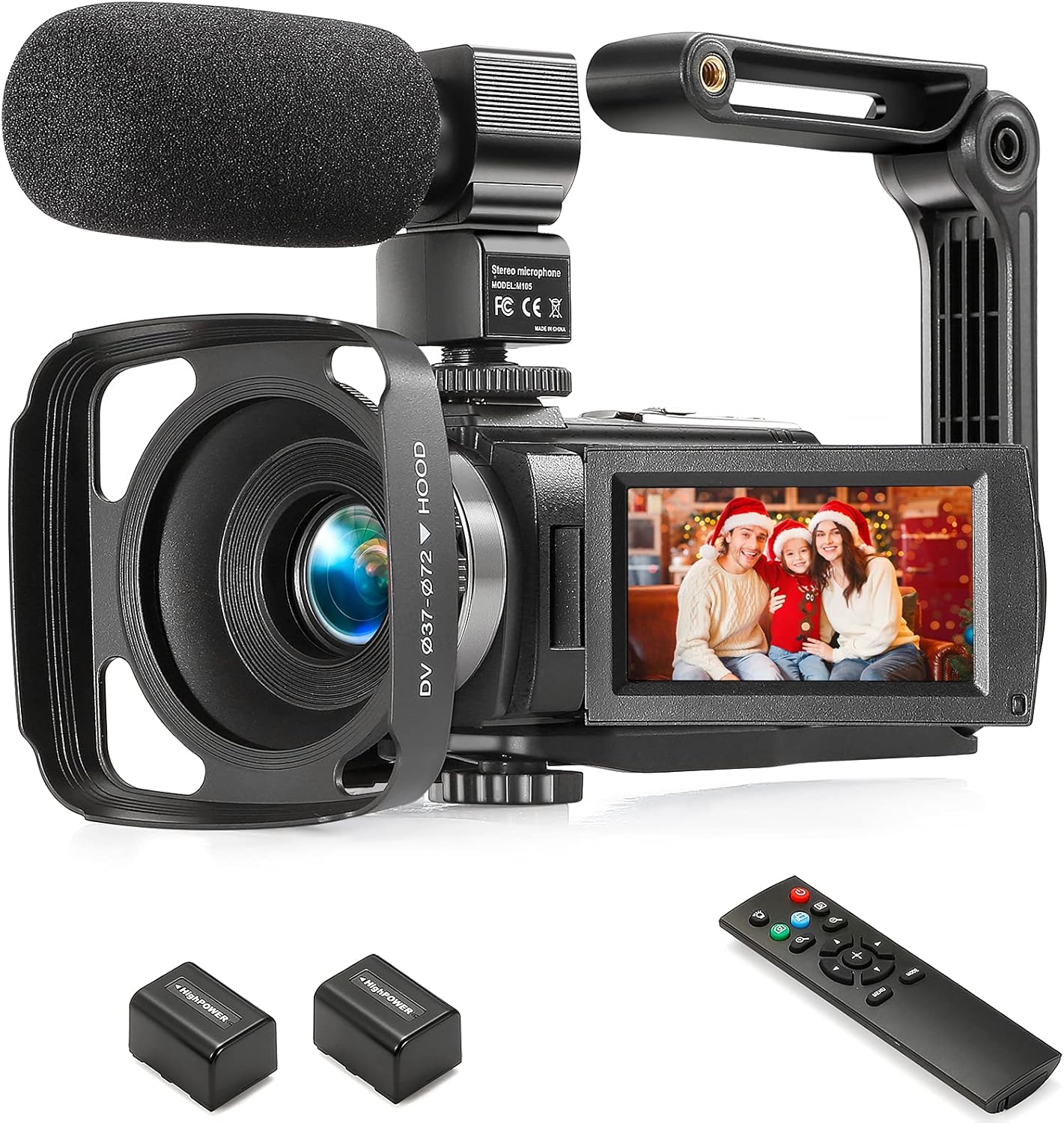
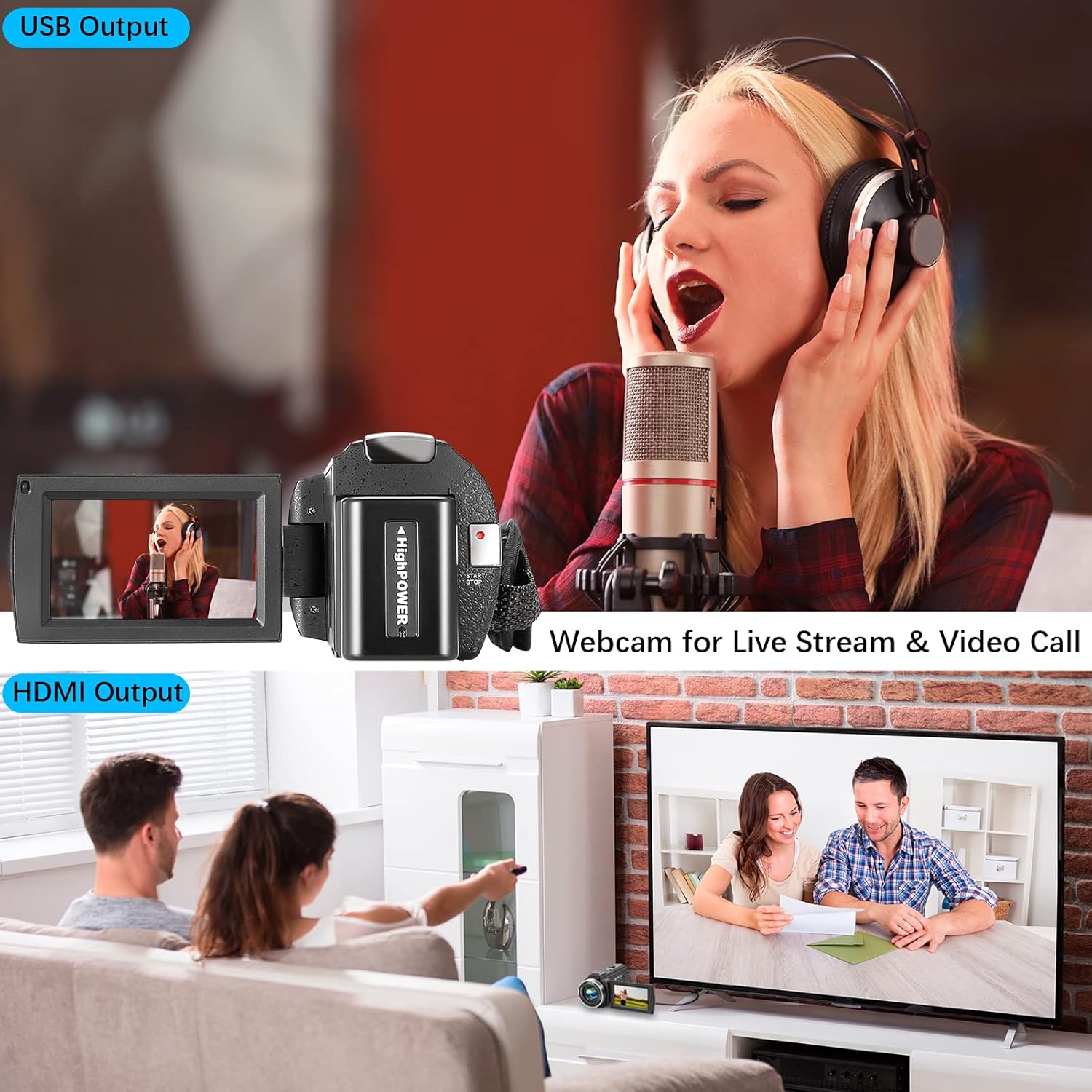
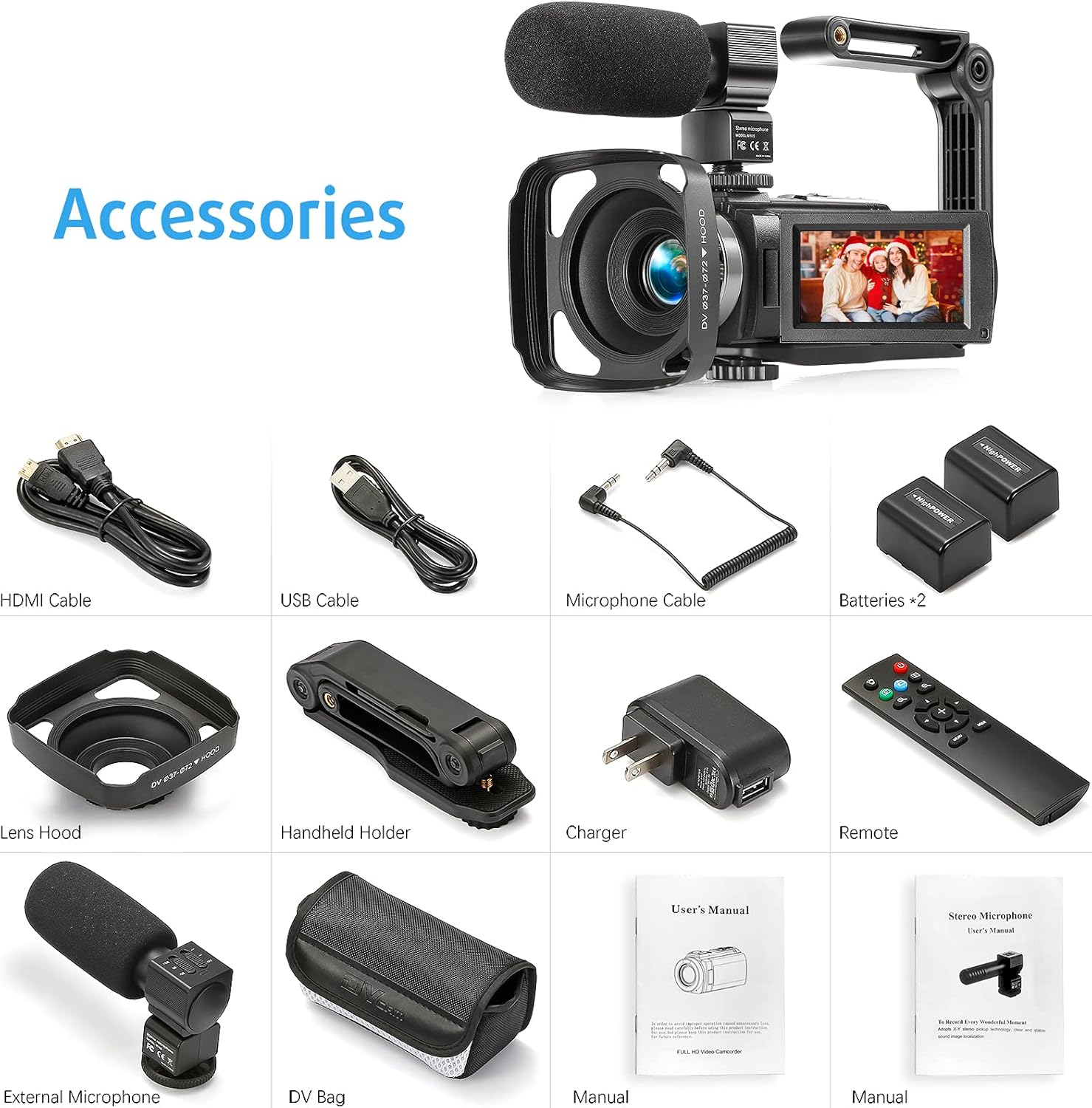
The camera is equipped with a hood to filter out excess astigmatism, prevent external light from making the lens glare, and take higher quality pictures and videos. It is equipped with folding hand-held stabilizer to ensure the stability of the camera during shooting. Press the menu button to enter the setting interface, under "video", select "slow motion", then press the “OK” button, and then press the “start / stop” button to start recording. Press the “start / stop” button again to complete the recording. You can also press the “Photo” button to pause recording. Note: No sound will be recorded during slow motion recording. Microphone with X-Y stereo pickup technology, sound image positioning is clear and stable. Built-in low-cut filter switch can effectively reduce the ambient low-frequency noise. Note:External microphone is only available for HAOHUNT 1080P cameras. The camera can be used as a webcam. Connect the 1080p portable camera to the computer with USB cable. Two options of "MSDC & PC camera" will appear on the camera screen. Select "PC camera" and press OK to complete the setting. Note: The driver will be automatically installed on your PC when you first connect. The camera supports SD memory cards. (4-128GB) Memory cards need to be formatted for first use or if the card is already being used by another camera. NO3" / 8 cm
Product Overview
We Recommend