
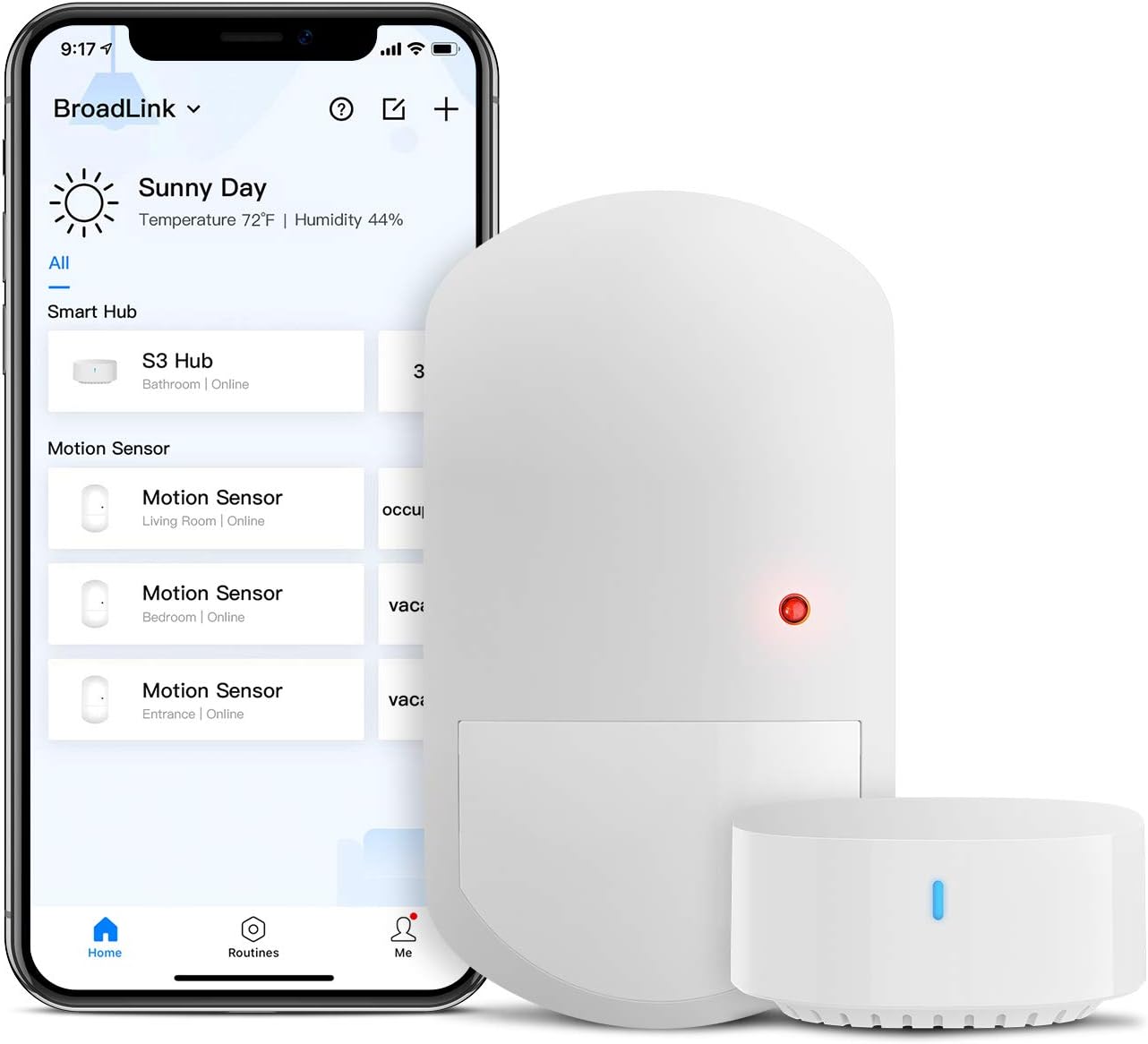
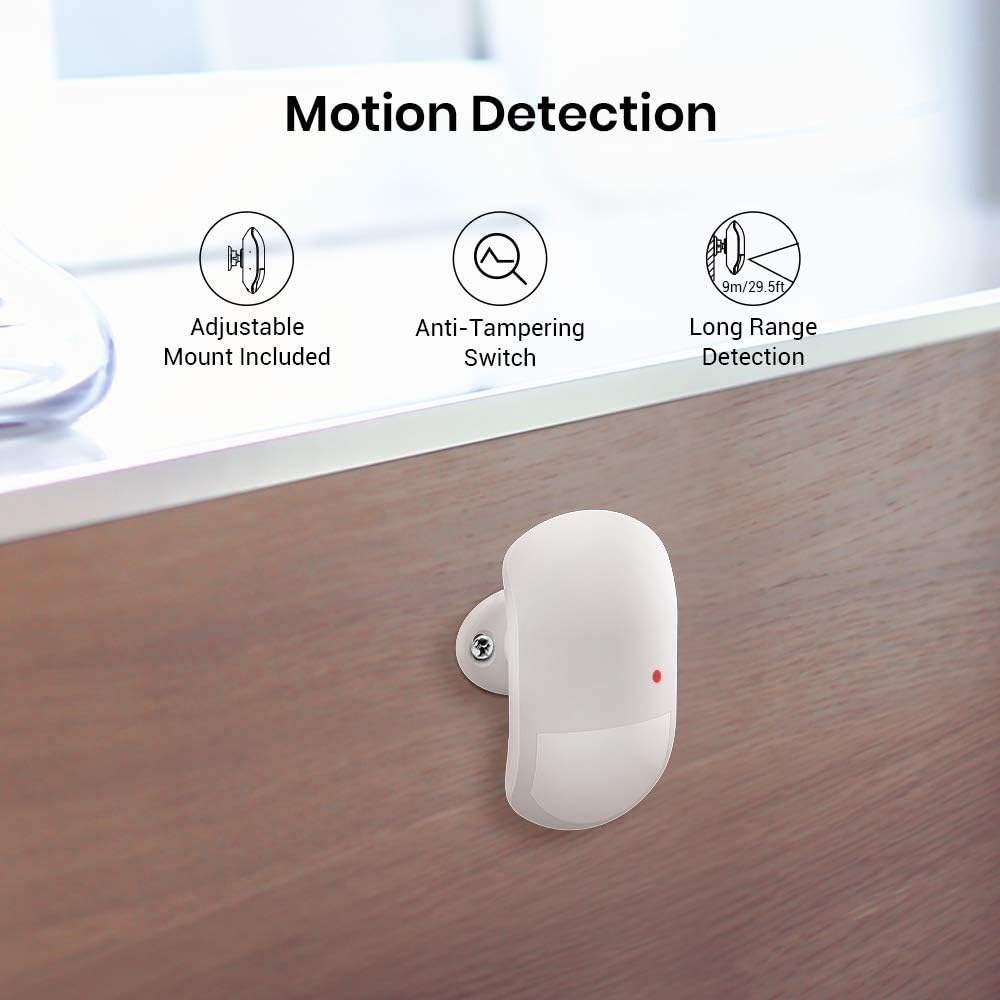
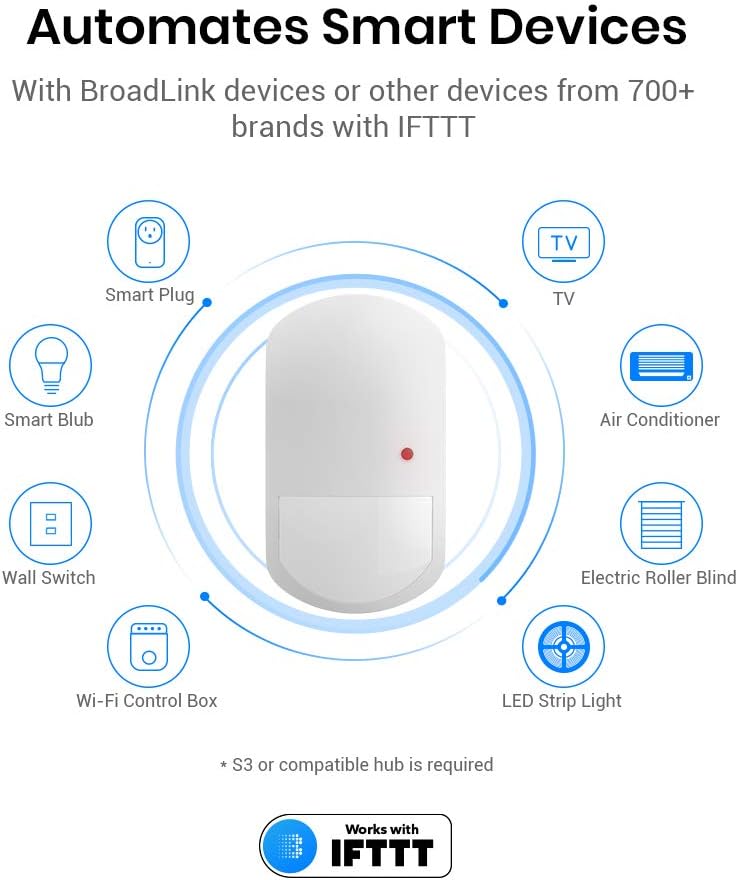
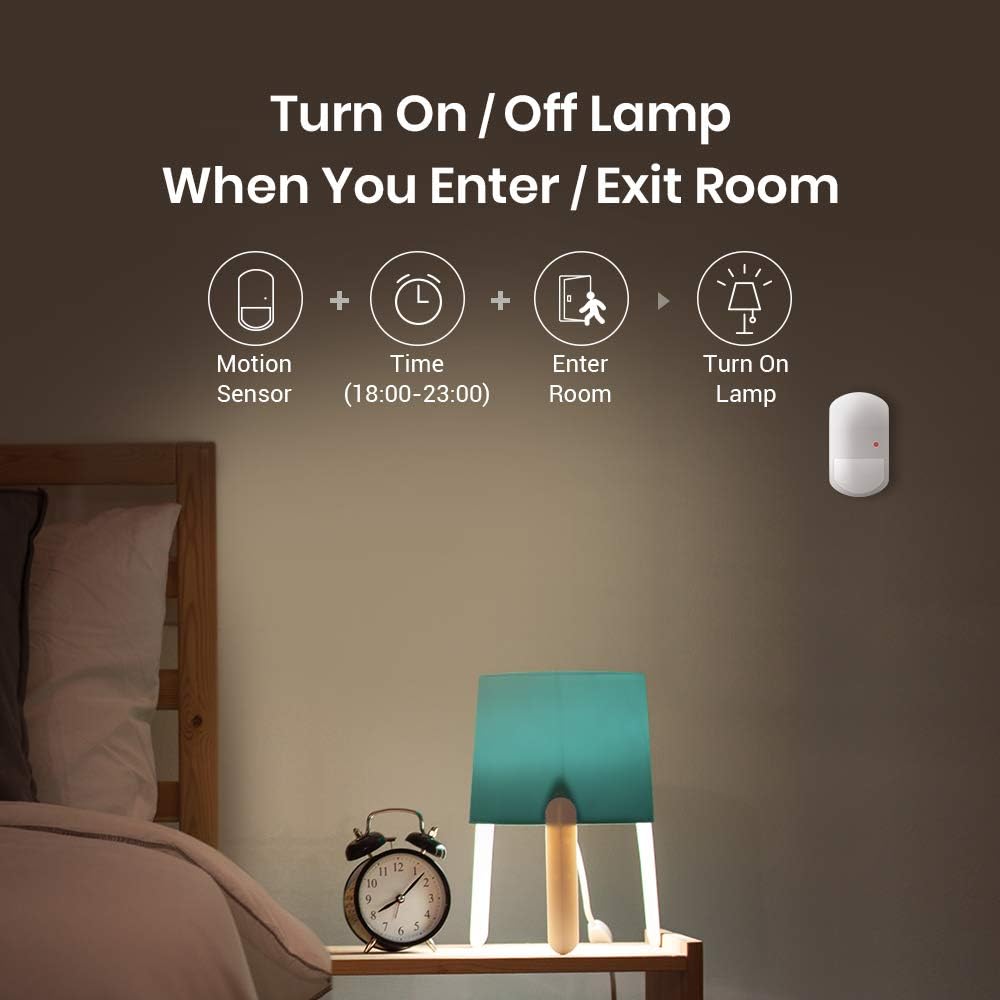
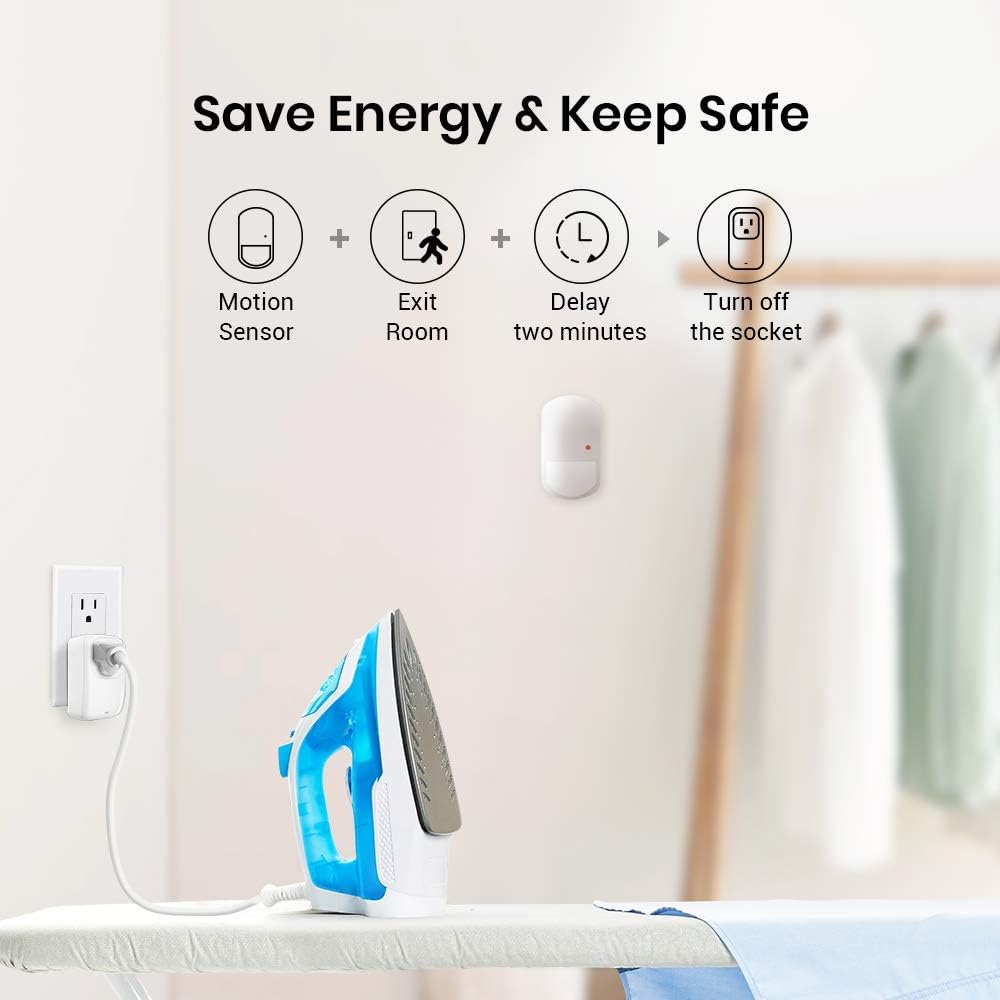
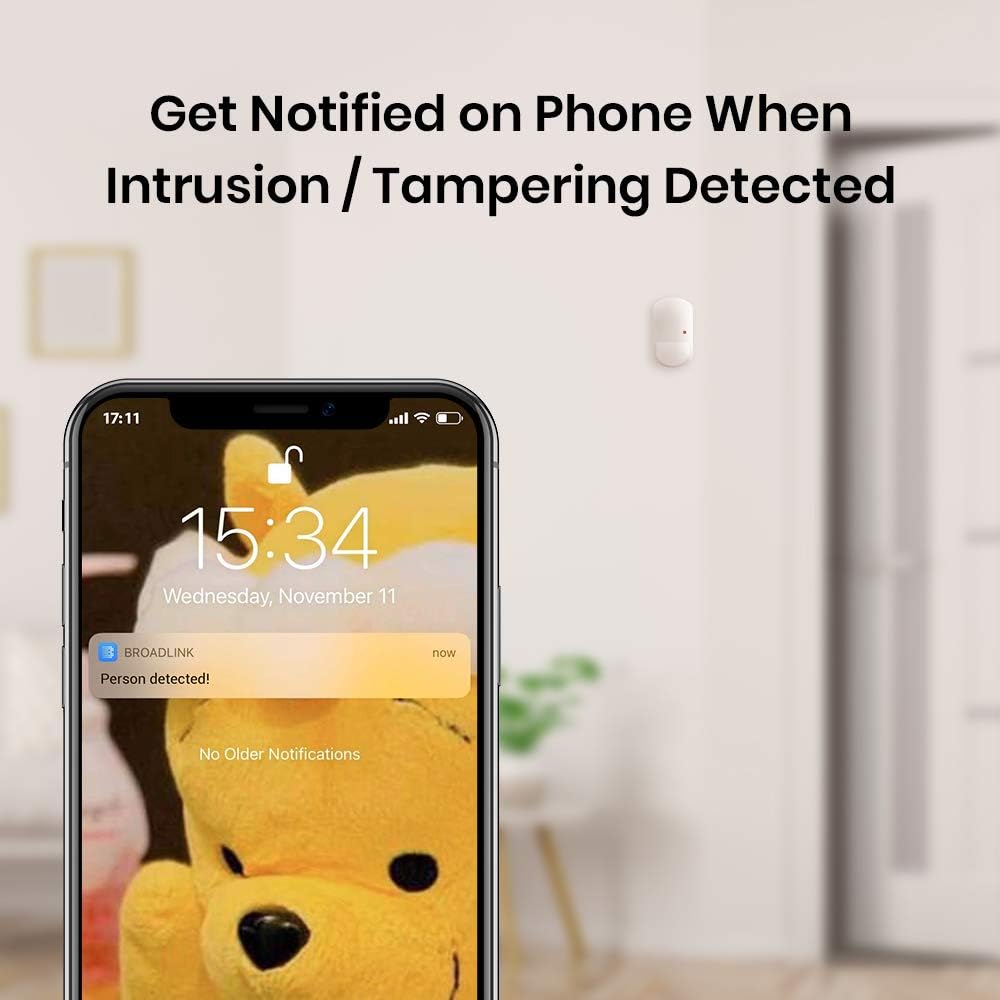
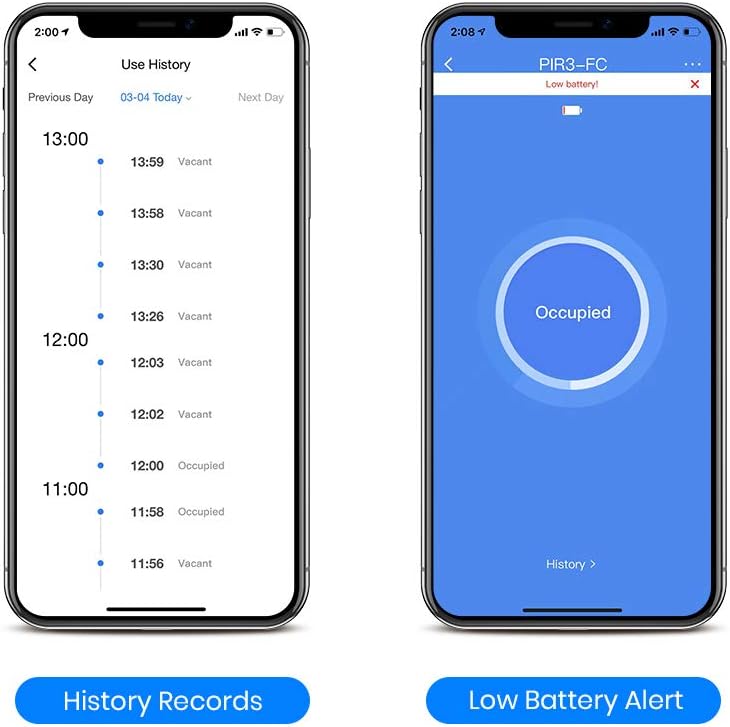
BroadLink Smart Motion Sensor, PIR for Home Automation, Works with IFTTT and Alexa Routines. Wireless Trigger Smart Home Devices and Scenes, Occupancy Lighting, S3 hub Included - -
- Category: Hubs & Controllers
- Store: Broadlink
Share on:
Description
Power on the hub and make sure it's in setup mode. Then select "Add device" on BroadLink APP and follow the wizard to complete hub setup. Scan QR code on device in BroadLink APP and select hub to add it virtually. The device will be shown as "Unpaired" in device list. When prompted on APP for pairing, pull out the battery insulation sheet (for first use) or reset device and proceed pairing on APP.
Product Overview
We Recommend