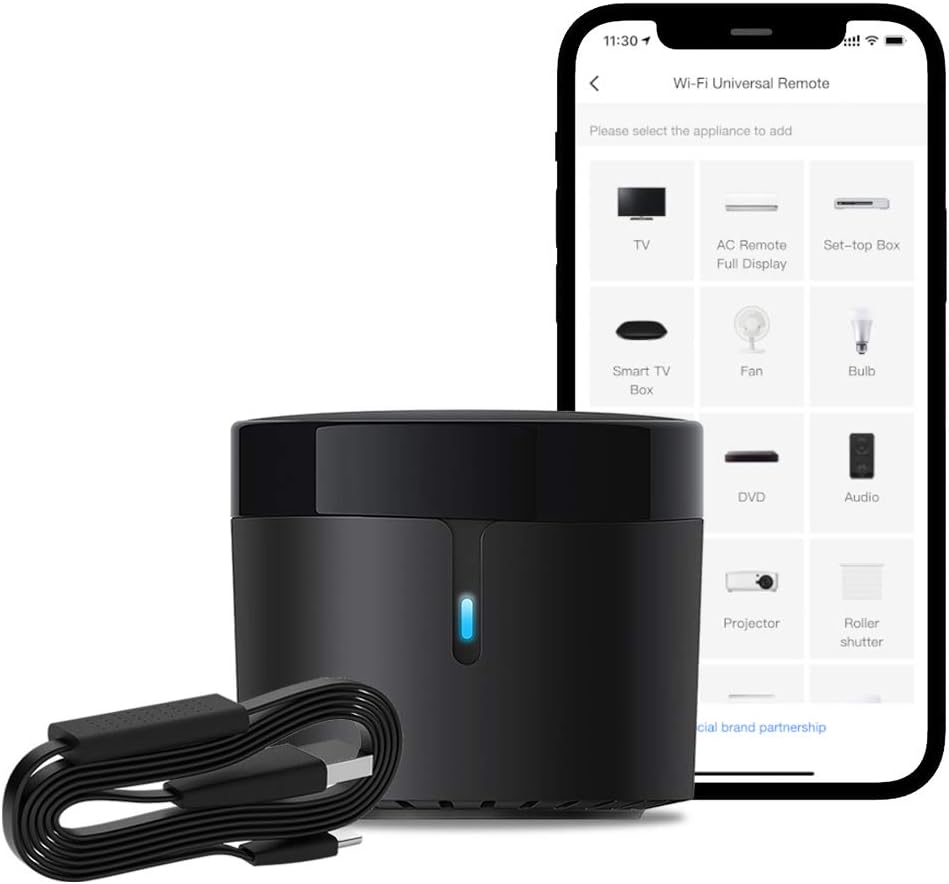

BroadLink Smart Home Hub-WiFi Remote Control IR Blaster for Smart Life Home Automation, TV Remote, Works with Alexa, Google Home, IFTTT (RM4 Mini) - -
- Category: Hubs & Controllers
- Store: Broadlink
Share on:
Description
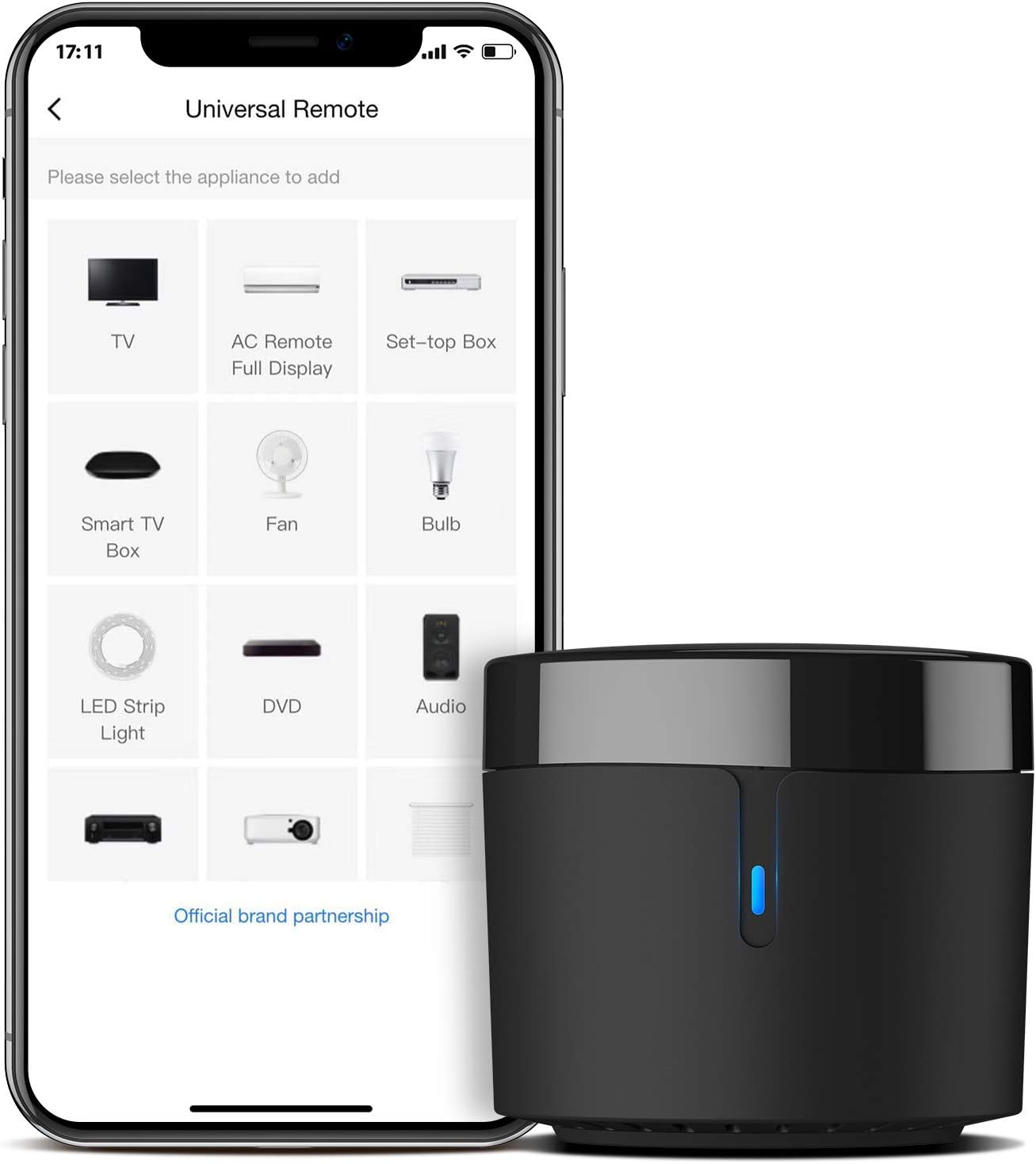
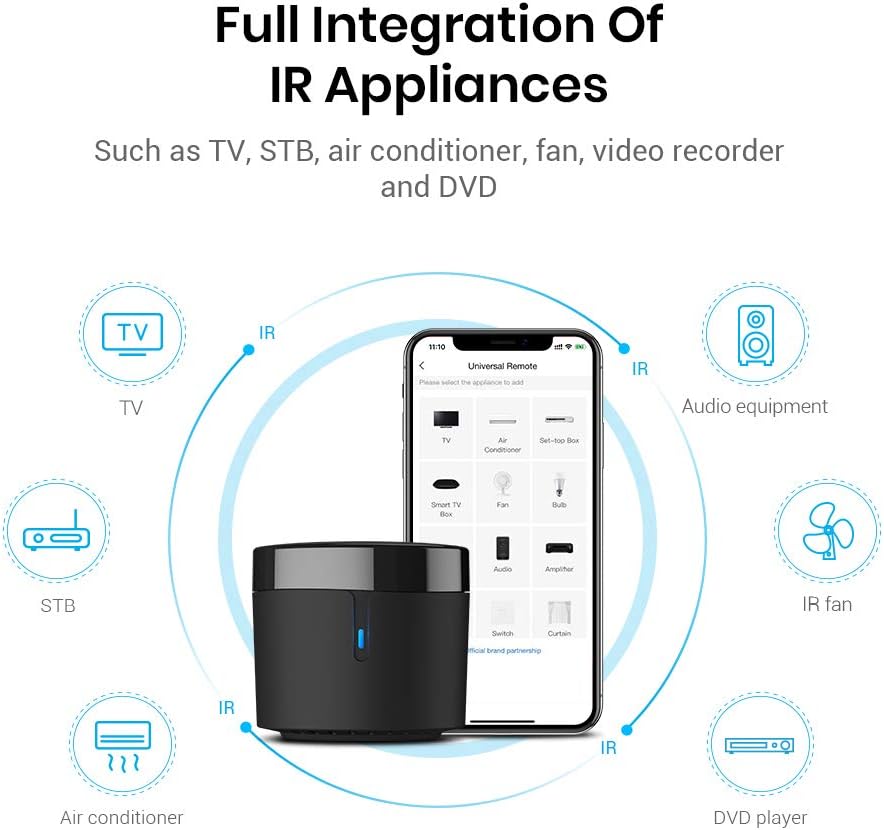
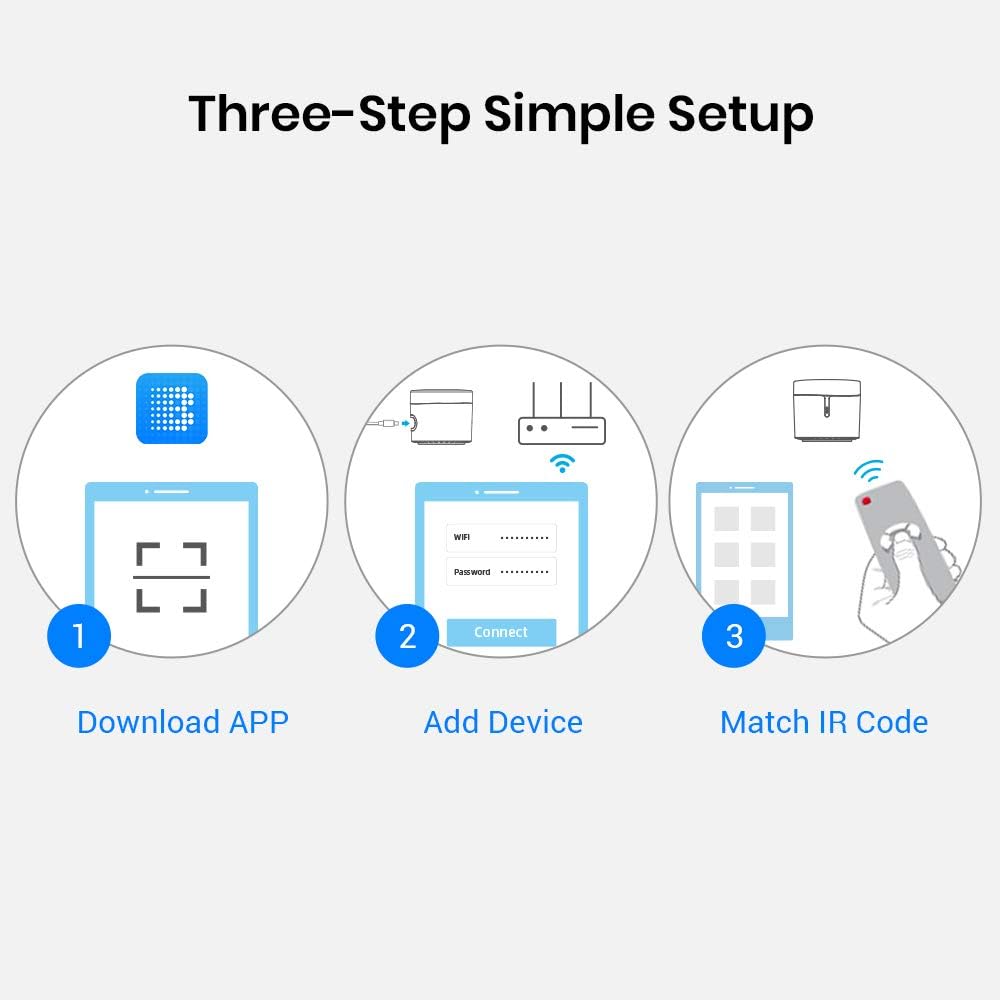
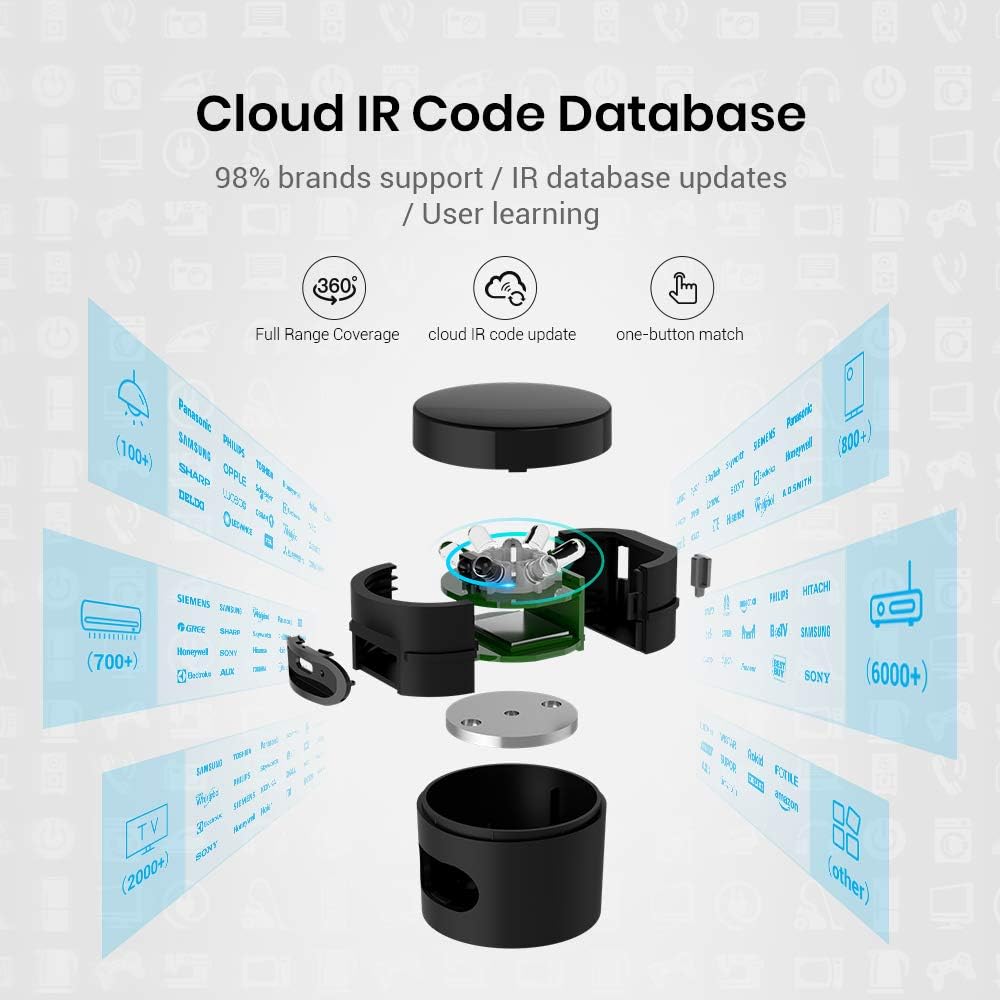
Connect your smartphone to your Wi-Fi network (2.4GHz), Download and install the latest “BroadLink” APP, and sign up a BroadLink account. Power up the device and press button until LED indicator intermittently flashing, Tap “add device” and follow the instruction to get the device be connected with your Wi-Fi network. Get into device page and tap “add appliances” to choose a category and a brand. Find the best solution from our library or define your customized remote panel from leaning mode.
Product Overview
We Recommend