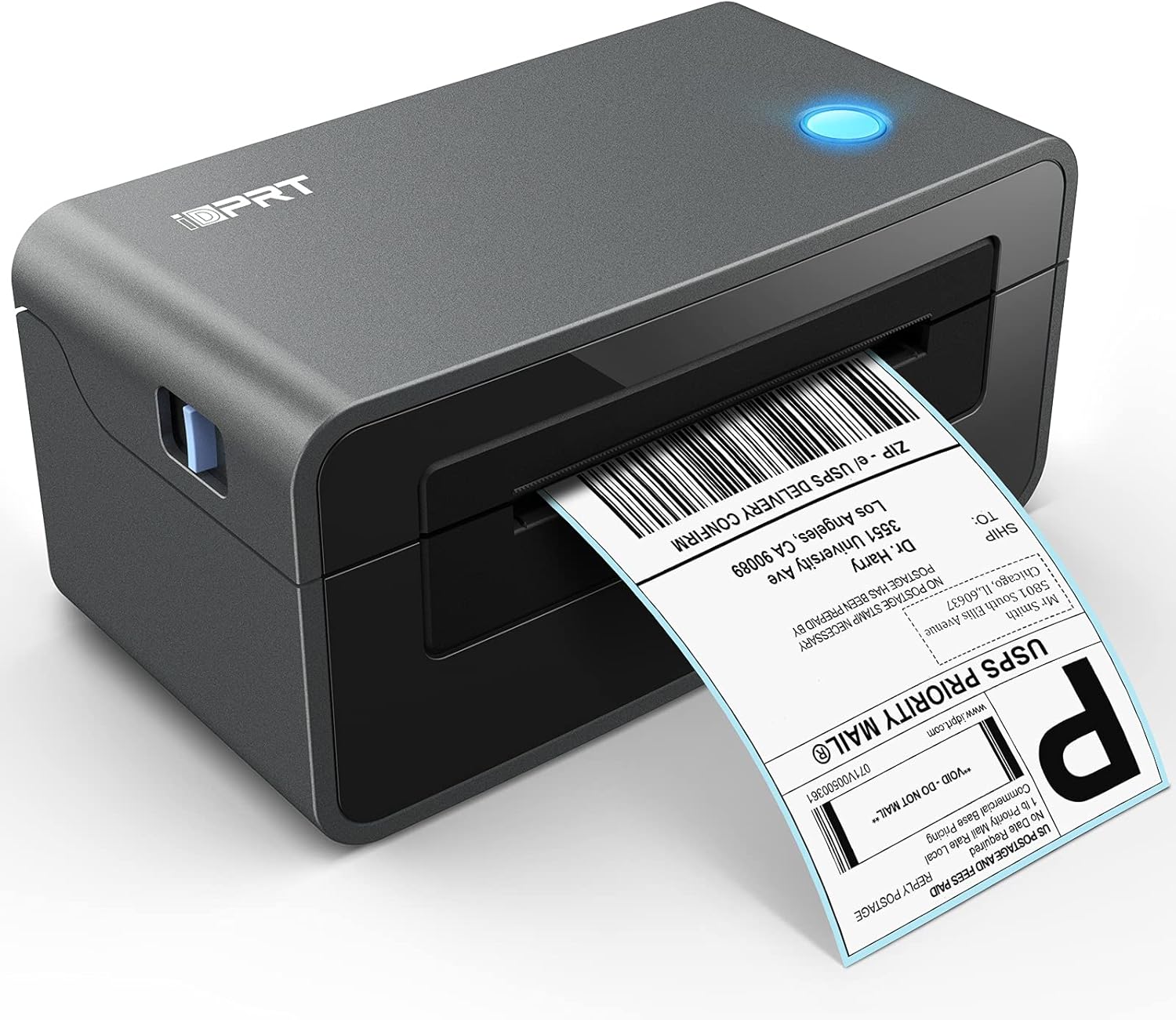


iDPRT Thermal Label Printer - SP410 Thermal Shipping Label Printer, 4x6 Label Printer, Commercial Direct Thermal Label Maker, Compatible with Shopify,Ebay, & Etsy, Support Multiple Systems : Office Products
- Category: Label Printers
- Store: iDPRT
Share on:
Description
By downloading the driver from our official website, the installation of the printer could be finished quickly. The detailed instructions are listed clearly in the guidance. iDPRT shipping label printer is suitable for several types of label papers, including the stack and the roll ones. The type of label papers could be chosen freely according to your needs. This label printer supports different sizes of label papers, especially 4x6 size, which ensures a variety of label-printing needs for multiple e-commerce and logistic platforms. Printing 72 labels of 4x6 size per minute, the thermal printer supports up to 6IPS high-speed printing with low noise, reducing unnecessary time wastage. With the intelligent function of adjusting paper, iDPRT label printer could adjust the position automatically and precisely, making the process go smoothly. Firstly, install the shipping label printer's driver. Secondly, connect the wire cord and USB cable to the label maker and the computer. Thirdly, loading the labels. Lastly, click the button to print! Connection Chromebook Printing Blurry or Zigzag Printing Sideways
Product Overview
We Recommend