

MFLABEL Label Printer, 4x6 Thermal Printer, Commercial Direct Thermal High Speed USB Port Label Maker Machine, Etsy, Ebay, Barcode Express Label Printing, White : Electronics
- Category: Label Printers
- Store: MFLABEL
Share on:
Description
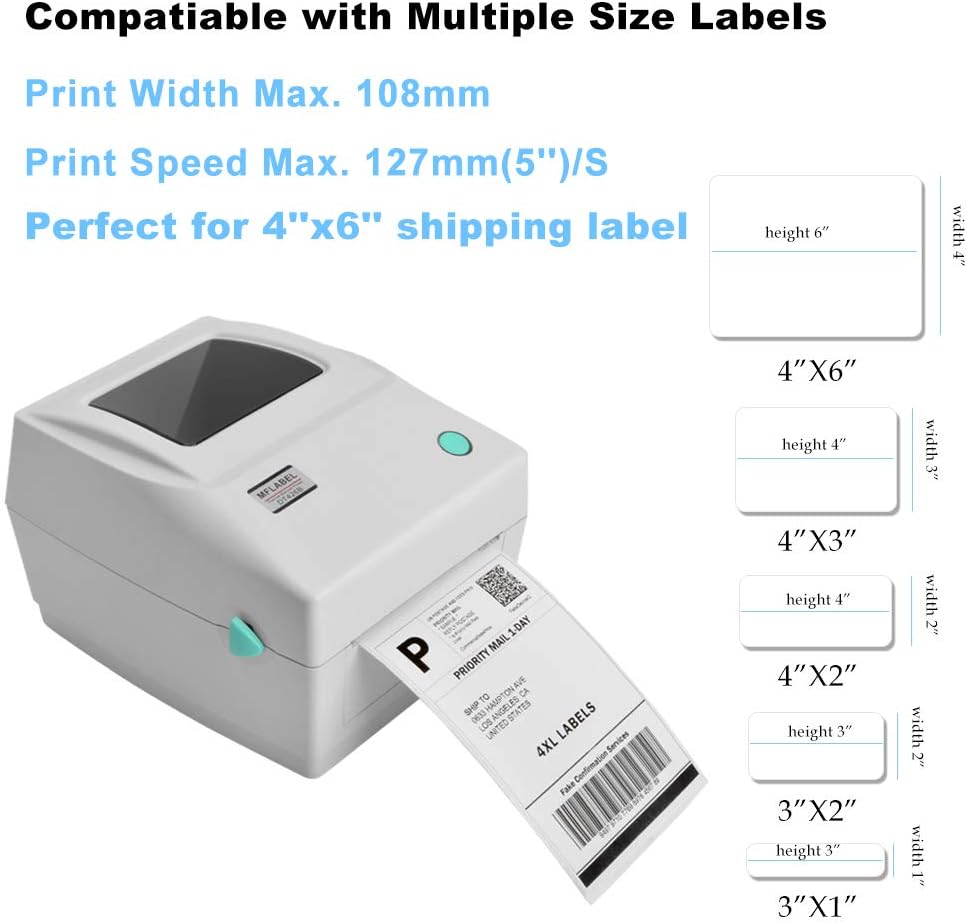
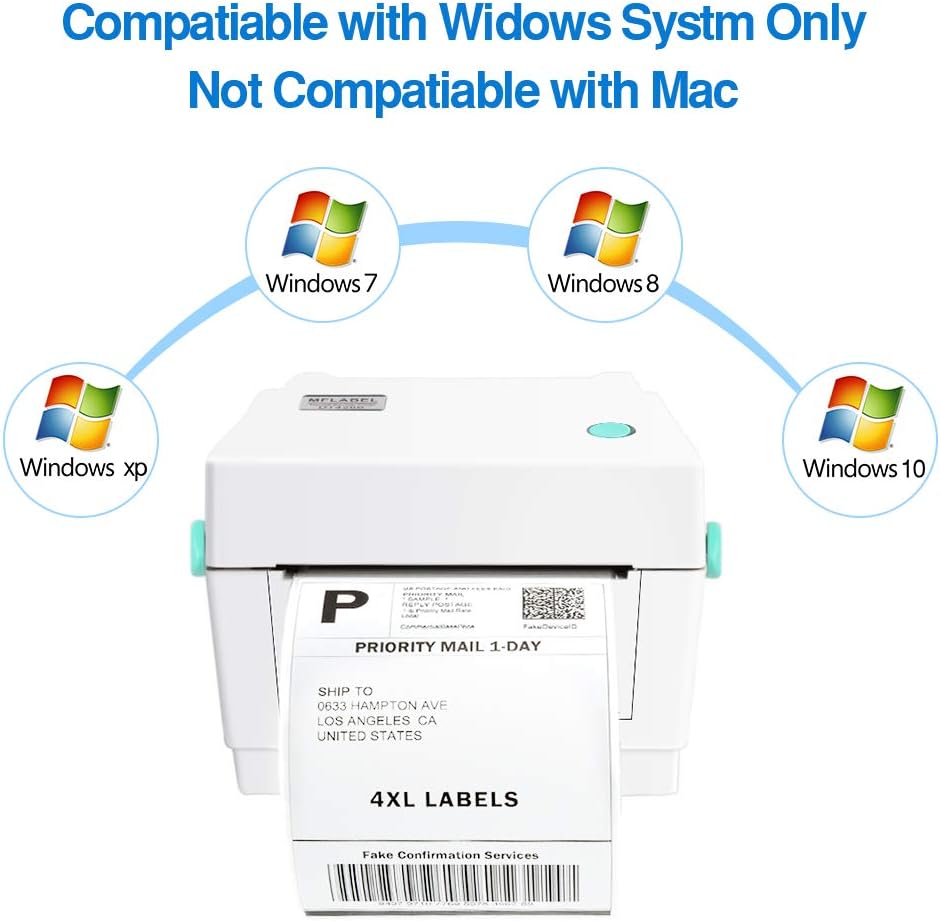
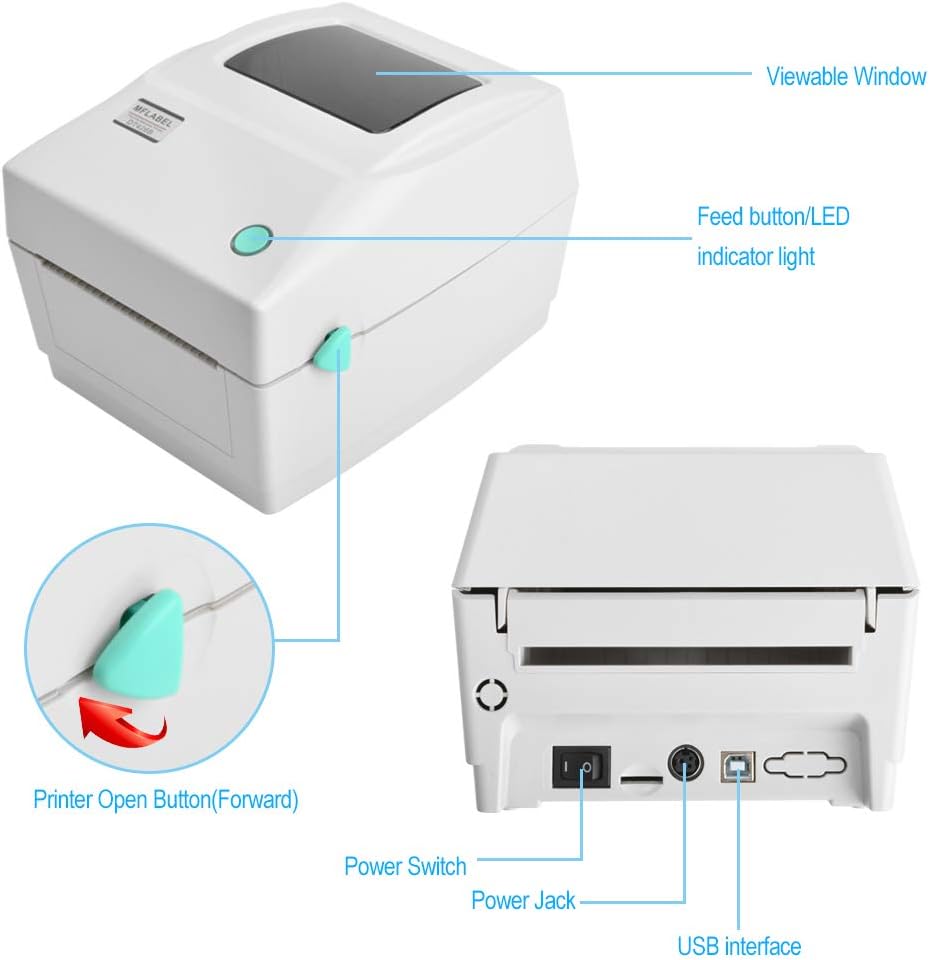
Specification:Printing method: Direct ThermalResolution: 1.8dots/mm(203DPI) Max. print speed: 127mm(5'')/S Max. Print width: 108mm(4.25'') Comptitable: Windows (XP,7,8,10). Not compatible With MAC Support printing roll label and fanfold labelButton Functions:(1) Feed LabelsWhen the printer is ready, press the button to feed one label to the beginning of next label.(2) Pause the printing jobWhen the printer is printing, press the button to pause a printer job. When the printer is paused the LED will blink blue. Press the button again to continue the printing job. Printer Installation1. Connect the printer to a computer mainframe with a provided parallel port cable or RS-232 or USB cable.2.Connect the printer with power source.Please switch OFF printer power switch prior to plug in the power cord to printer power jack.3. Install the printer driver on your cpmputer.if you don't have a CD driver, please contact us to get the driver.4.If a window pops up asking how to connect this printer ( USB, Network, Bluetooth, Other), Please choose Other and click NEXT.And then, this step is very important. When a window pops up asking specified port, please find USC00X Port, X is the biggest number. Then click NEXT to finish your printer installation.5.Set up the label size and begin to use the printer to print labelsPackage Content:PrinterUSB CablePower CableAdapterDriver CDQuick Installation Guide How to Clean: After the printer cold down, using cotton swab with 100% alcohol to clean the printer head.
Product Overview
We Recommend