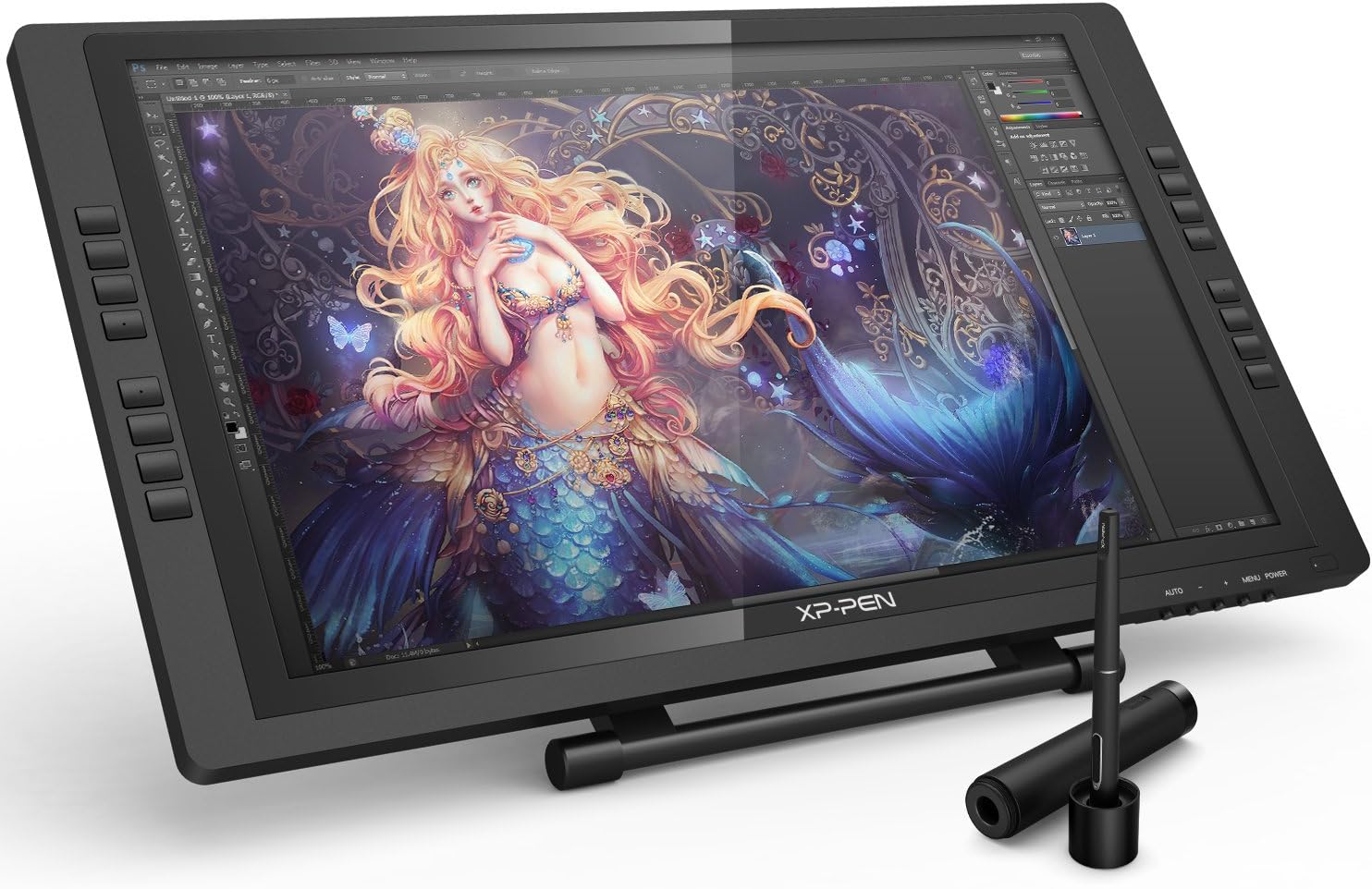



2021 HUION KAMVAS 16 Graphics Drawing Tablet with Full-Laminated Screen Anti-Glare 10 Express Keys Android Support Battery-Free Stylus 8192 Pen Pressure Tilt 15.6 Inch (Black) : Electronics
- Category: Graphics Tablets
- Store: HUION
Share on:
Description
For Online Teaching&Working and Web Conference Use: Huion tablets are well compatible with office software like Microsoft office Word, Excel, Power Point. It is ideal for online teaching, remote work, web conference, presentation and so on. Important Notices: 1. Kindly note that Kamvas 16(2021) is NOT a standalone product. It needs to be connected to a computer/laptop to work. 2. Connection Tips: The Kamvas 16(2021) comes with 2 USB-C ports, which support both 3-in-1 USB-C connection(HDMI Signal) and full-featured Type-C connection (DP Signal). 1) For the 3-in-1 USB-C cable, your computer needs to have HDMI and USB ports available for the connection, if not, you need an adapter to convert for the connection. Please be assured the USB cable & HDMI cable securely plug into your computer. It only comes with a US power adapter (suit for 110V-240V). If you need EU or other power adapters, please ask us for further information. 2) For the full-featured Type-C cable, It is included in the package content. supports Type-C to Type-C connection and no need to have HDMI port or HDMI adapter. Extra power supply is needed. The type-c port of your PC or Android devices need to supports USB3.1 GEN1 data transfer protocol and DP1.2 3) Connection with Android devices, Full-featured Type-C cable is needed if you want to connect Kamvas 16(2021) with Android devices. Extra power supply is needed under connectivity with Android device. Please note that not all Android phones support full screen mode. Full screen mode is only available for the Android devices which support desktop operating system for PC mode or DEX mode. List of Compatible Android Devices: Samsung: Galaxy Note 8/9/10/10+/10+ 5G/20/20 Ultra 5G, Galaxy S8/S8+/S9/S9+/S10/S10+/S10e/S20 5G/S20+ 5G/S20 Ultra 5G/S21 5G/S21+ 5G/S21 Ultra 5G, Galaxy Z Fold/Z Fold 2, Galaxy A90 5G, Galaxy Tab S4/Tab S5e/Tab S6/Tab S7/S7+ Huawei: P20/P20 Pro/P20 RS/P30/P30 Pro/P40/P40 Pro/P40 Pro Plus, Mate 30/30 Pro/30 RS/30E Pro/40/40 Pro/40 Pro+/40 RS/X/X2 3. Driver Installation Tips: Huion driver will be regularly updated, so please go to Huion official web to download the newest driver, and install it on your computer. Before installation, please uninstall Other Brand’s Driver and reboot your computer. And please close all drawing program when installing the driver. For Mac Mojave (10.14) Users, please Add the “TabletDriverAgent” into the whitelist first after installing the driver on your computer. Please be sure that Huion driver is compatible with the newest Mac OS 10.15 Catalina. 4. Huion PenTech 3.0 adopts Capacitive Pressure Sensor and stable pen nibs to provide real pen-writing feeling. 5. Huion Tech Support If you have any problems, please check the Quick Guide and search Huion online to find a way for further assistance, we are always ready to help you! Kamvas 16(2021) can be switched easily between two modes, Pen Display and Pen Tablet. Pen Tablet mode will be activated when the screen of Kamvas 16(2021) is off which not only helps to save power, but also offers another way for users to express their creativity. Featuring a 15.6 inches IPS Screen, the weight of KAMVAS 16(2021) is about 1.26kg and the thickness is 12mm, it is easy to put in your backpack and carry everywhere. With one USB-C to USB-C cable Kamvas 16(2021) can be connected to your android devices. Users can express their ideas whenever and wherever they want. Moreover Kamvas 16(2021) is ergonomically designed to support both Left-hand and Right-hand users.
Product Overview
We Recommend



![[4 Bonus Items] Simbans PicassoTab 10 Inch Drawing Tablet and Stylus Pen, 2GB, 32GB, Android 9 Pie, Best Gift for Beginner Graphic Artist Boy, Girl, HDMI, USB, GPS, Bluetooth, WiFi - P92: Computers & Accessories](https://images-na.ssl-images-amazon.com/images/I/913q1toVsTL._AC_SL1500_.jpg)