

XP-PEN Artist22E Pro Drawing Pen Display Graphic Monitor IPS Monitor 8192 Level Pen Pressure Drawing Pen Tablet Dual Monitor with 16 Express Keys and Adjustable Stand 21.5 Inch: Computers & Accessories
- Category: Graphics Tablets
- Store: XP-PEN
Share on:
Description
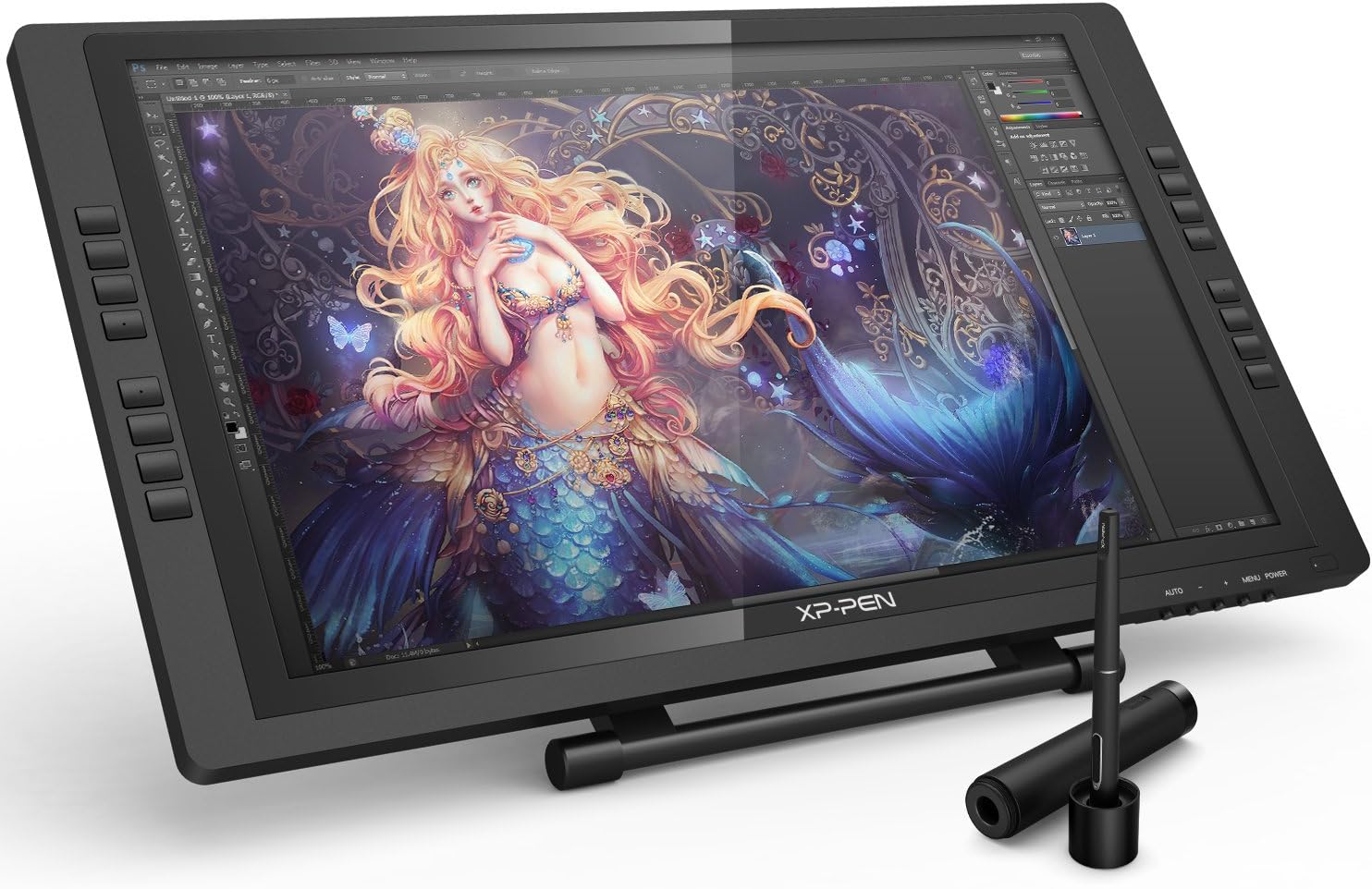
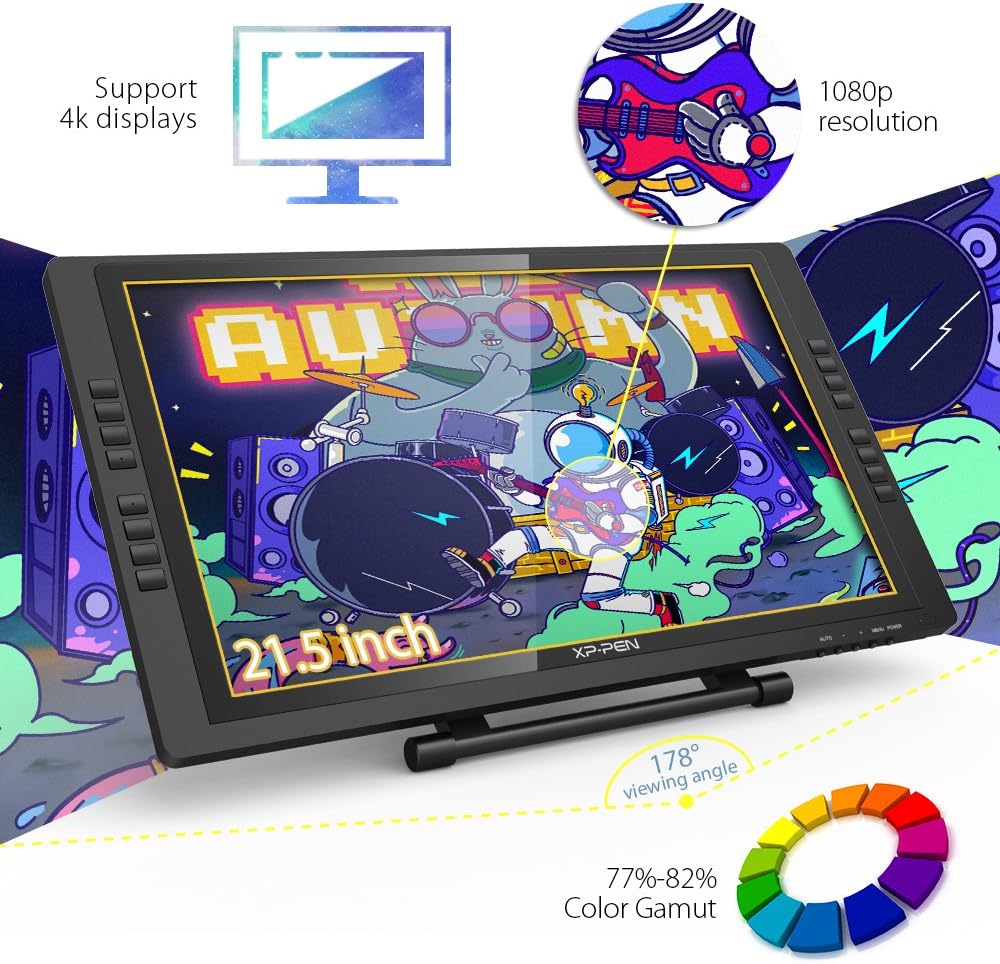
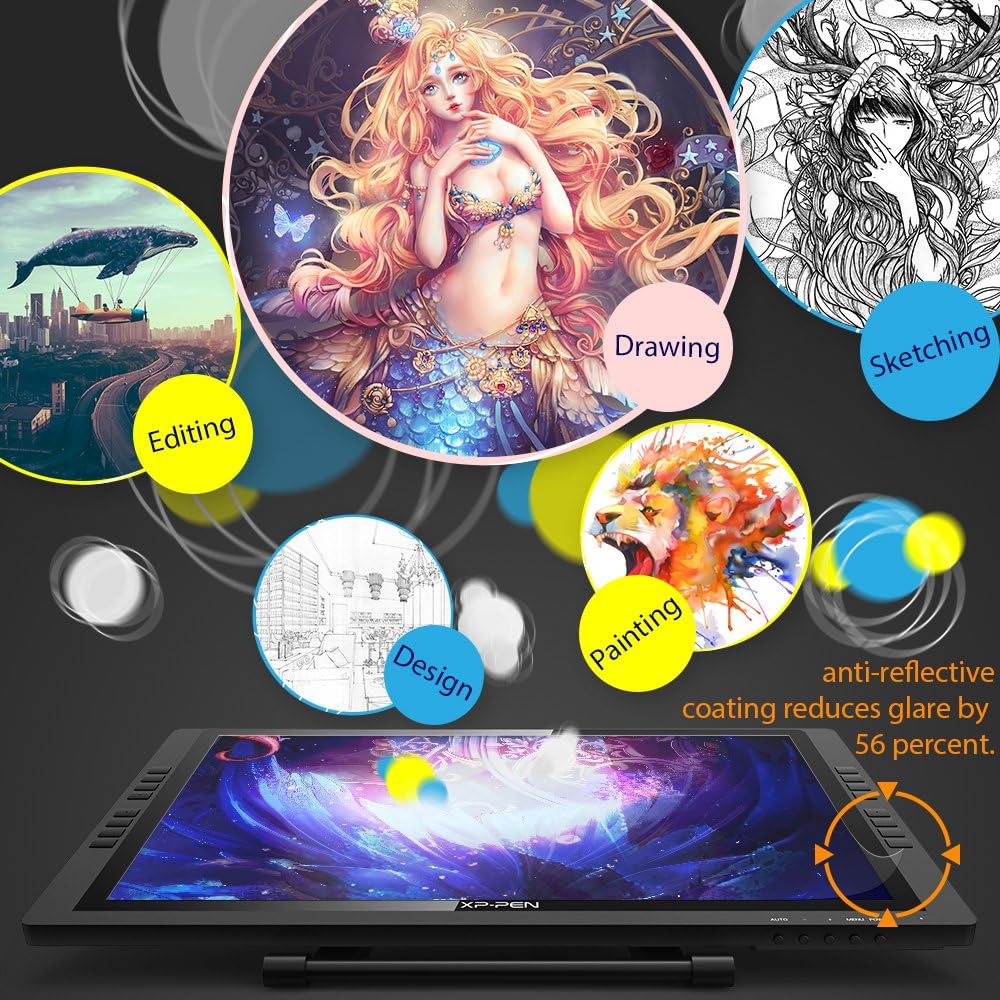
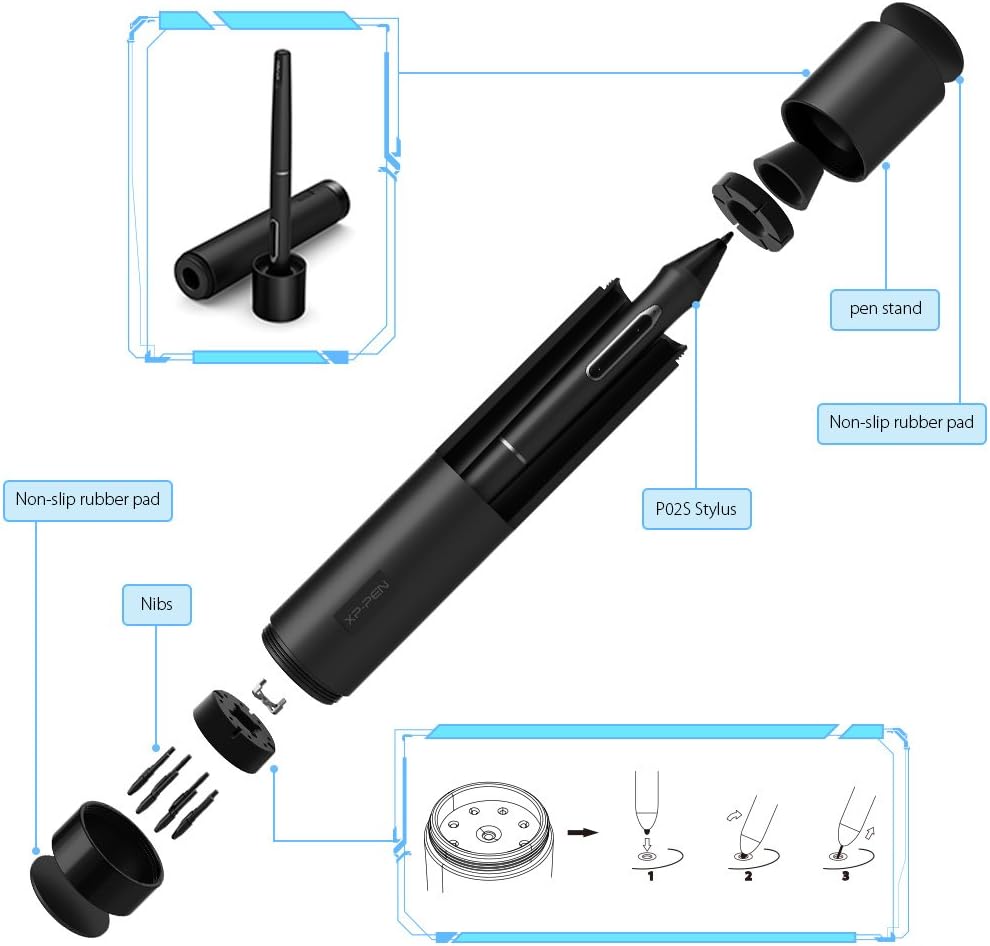
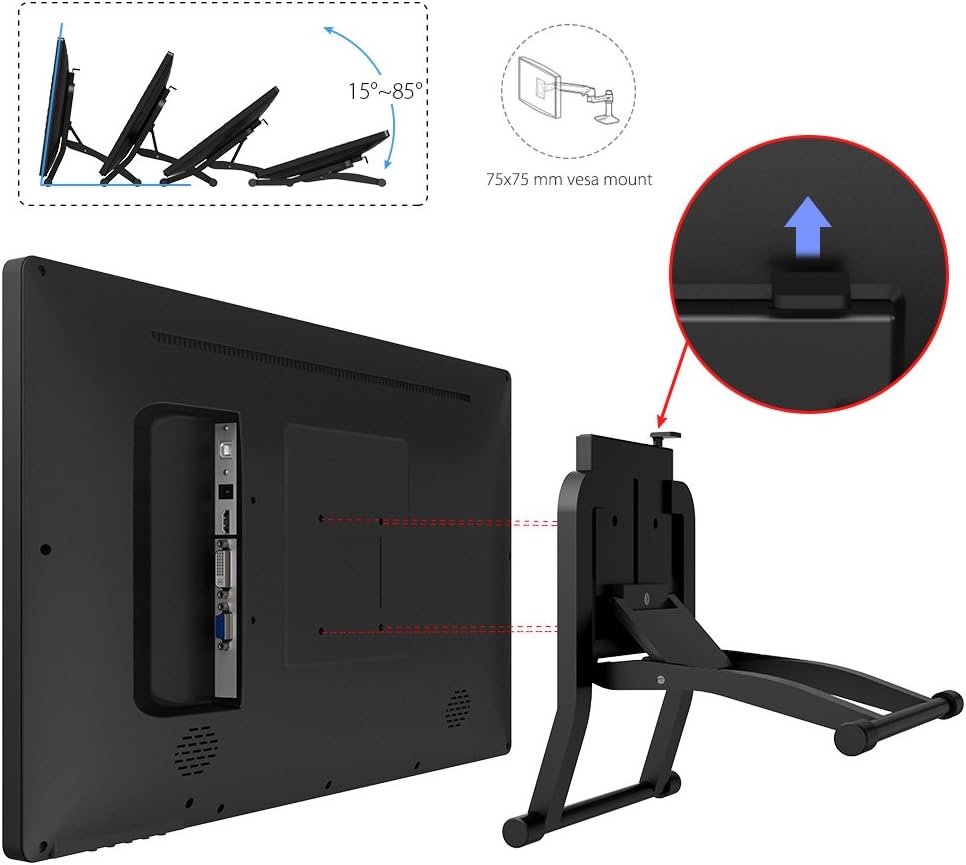
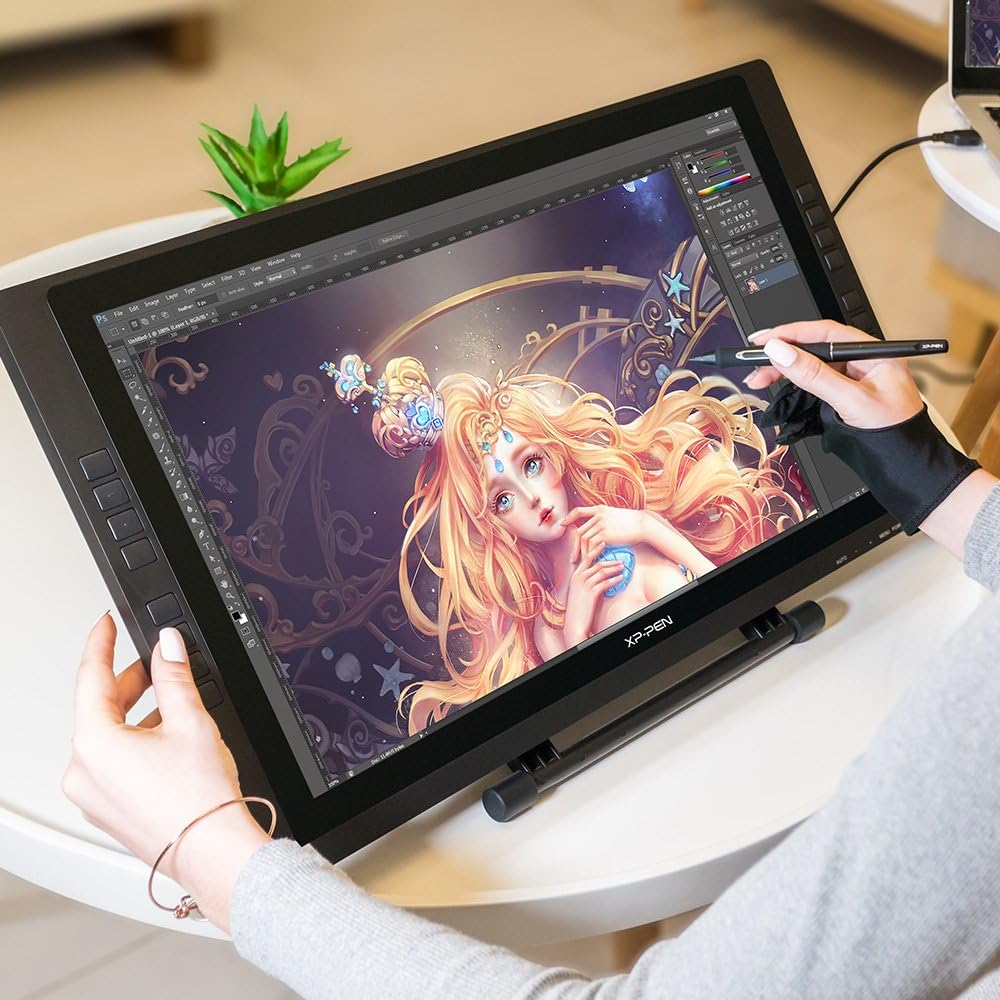
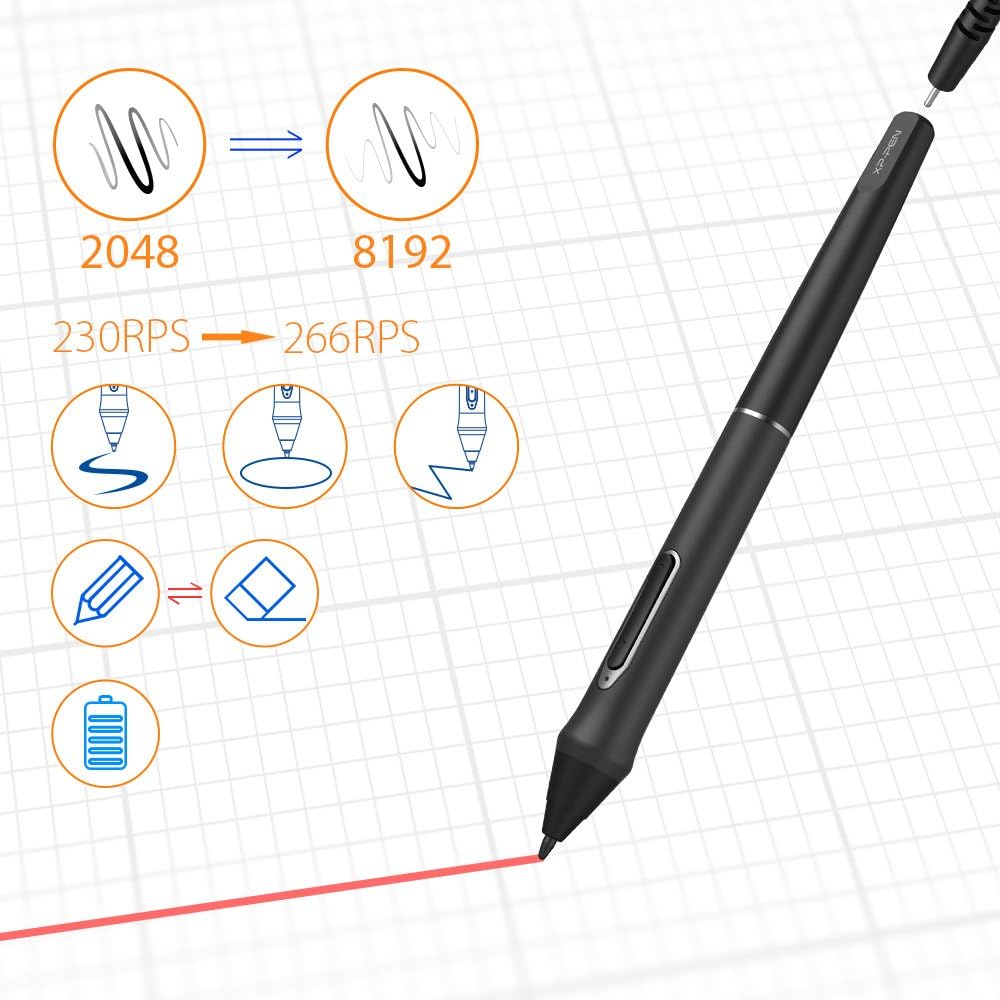
Important Notice: 1. Artist22E Pro is NOT a standalone product!!! This device must be connected to a laptop/computer to work. It is compatible with Windows system 10/8/7(32/64bit), Mac OS X version 10.10 or later. 2. About the Protective Film Artist22E Pro drawing pen display comes with protective covers(plastic layer) to avoid damages to the surface from hand grease, scratches, etc. Please peel off the protective covers(plastic layer) before the application! The real protective film is under the protective covers(plastic layer). 3. Connection Tips Your computer needs to have HDMI and USB ports available for the connection, if not, you need an adapter to convert for the connection. Please confirm the Black USB Cable and the HDMI Cable completely plug into your computer. And don't forget to connect the power adapter. If your computer only has Type-c ports, you need a Type-c to HDMI and USB adapter for the connection. Other Tips: After connecting all the cables in the correct places, please wait about 30s~1min to make the USB Hardware driver loaded successfully. 4. Driver Download and Installation Tips Driver Download: Our driver will be regularly updated, so please go to our official web to download the newest driver, and install it on your computer. 4.1 Before Driver Installation: Please Remove Other Brand’s Driver from your computer and reboot before installing the XP-PEN’s driver, or there will driver conflict problems. 4.2 For Windows Users: Please close all drawing programs and run the driver as Administrator when installing the driver. (IMPORTANT) 4.3 For Mac Mojave (10.14), Catalina (10.15) Users: Mac Mojave 10.14 or Above needs to add the "PenTabletSetting" and "PenTabletDriverUX" into the accessibility list first after installed XP-PEN Driver. Details steps please see the FAQ section on the XP-PEN web. Mac OS Mojave (10.14) or above OS upgrade in the security section, you need to put programs you newly downloaded into accessibility list first to normally use it. 5. XP-PEN Provides Lifetime Technical Support on all Our Drawing Pen Tablets/Displays When you have problems with the use of the Artist22E Pro, please checks the Quick Guide, search XP-Pen online to find a way to us for further assistance, we are always standing by to help! If your order has any hardware problems within one year, we strongly advise you to contact XP-PEN, we will be glad to help you to replace it with a brand-new product (As long as the product is non-human made damaged or non-accidentally damaged). XP-PEN Artist22E Pro 21.5 inch display features 1080p resolution with 77%-82% accurate Color Gamut. Delivering vibrant colors and rich detail.Versatile and suitable for artists of any skill level or specialty. Expand your creativity and work naturally and intuitively. Artist22E Pro drawing monitor meets the needs of all types of digital artists at any skill level. Artist22E Pro compared to the Artist 22E, it features 16 customizable shortcut keys to help you express your big ideas for convenience and efficiency. The driver allows the shortcut keys to be attuned to many different software. Work easier and faster with shortcut keys comfortably placed for both left and right handed users. Latest P02S stylus technology provides 8192 levels of pressure sensitivity and Max to 266 RPS, allowing you to create your remarkable piece with superior control and stunning fluidity. A full charge provides up to two months of scribbling, sketching, and designing. Our Multi-function Pen Holder is included to keep your pen and pen nibs safe. You can use it as a pen stand or a pen holder. The Artist 22E Pro driver supports 4k displays, now you can enjoy every sharp detail. The custom-designed anti-reflective coating reduces glare by 56 percent. Your screen will continue to look clear and beautiful, even if it's bright out. The sturdy, adjustable, and ergonomically designed stand prevents shaking and sliding, providing a comfortable drawing experience. It can also be attached to a 75x75 mm vesa mount. We are dedicated to providing state-of-the-art digital tablets with all the latest technology. We tirelessly research and innovate new ways to improve the user experience of our products. Our drawing tablet applicable to drawing, illustrative, image editing, sketching, handwriting recognition, online education and other usages. XP-PEN Artist22E Pro compatible with Windows 10/8/7, Mac OS version 10.10 and above. Compatible with Photoshop, SAI, Painter, Illustrator, Clip Studio, and more. Compatibility is always being steadily improved through driver updates. Please go to the official website to download the latest driver for your graphic drawing tablet.
Product Overview
We Recommend



![[4 Bonus Items] Simbans PicassoTab 10 Inch Drawing Tablet and Stylus Pen, 2GB, 32GB, Android 9 Pie, Best Gift for Beginner Graphic Artist Boy, Girl, HDMI, USB, GPS, Bluetooth, WiFi - P92: Computers & Accessories](https://images-na.ssl-images-amazon.com/images/I/913q1toVsTL._AC_SL1500_.jpg)