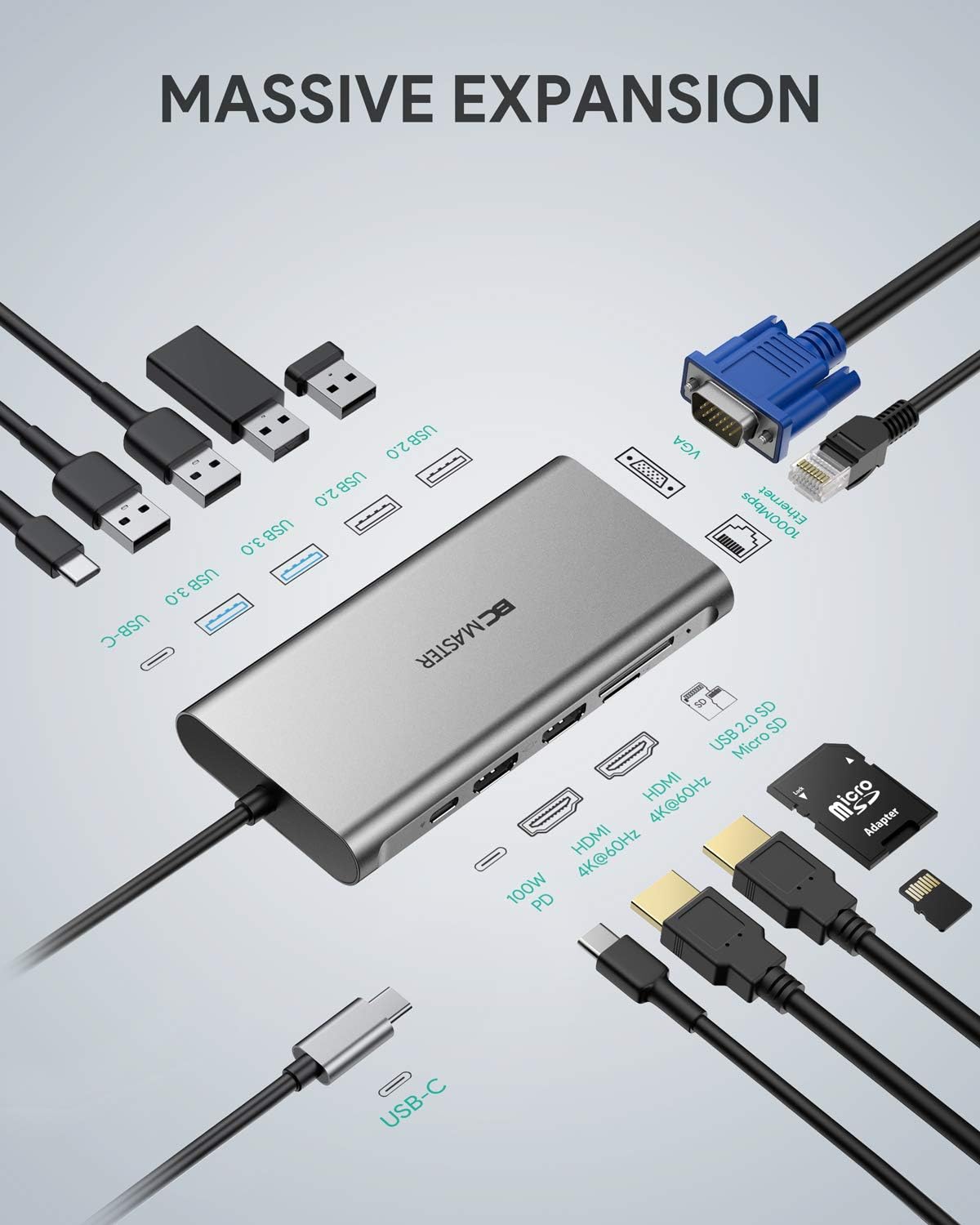
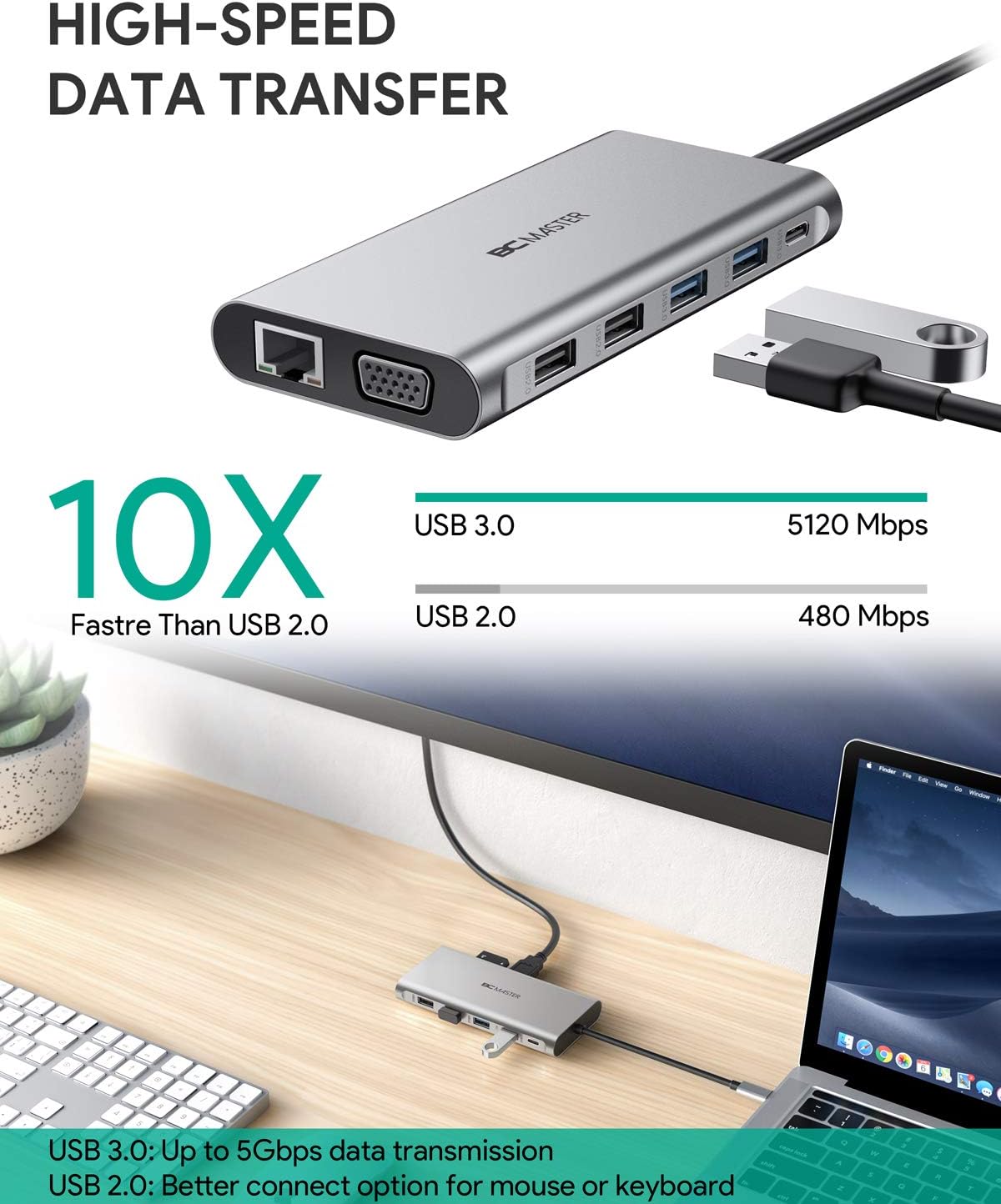
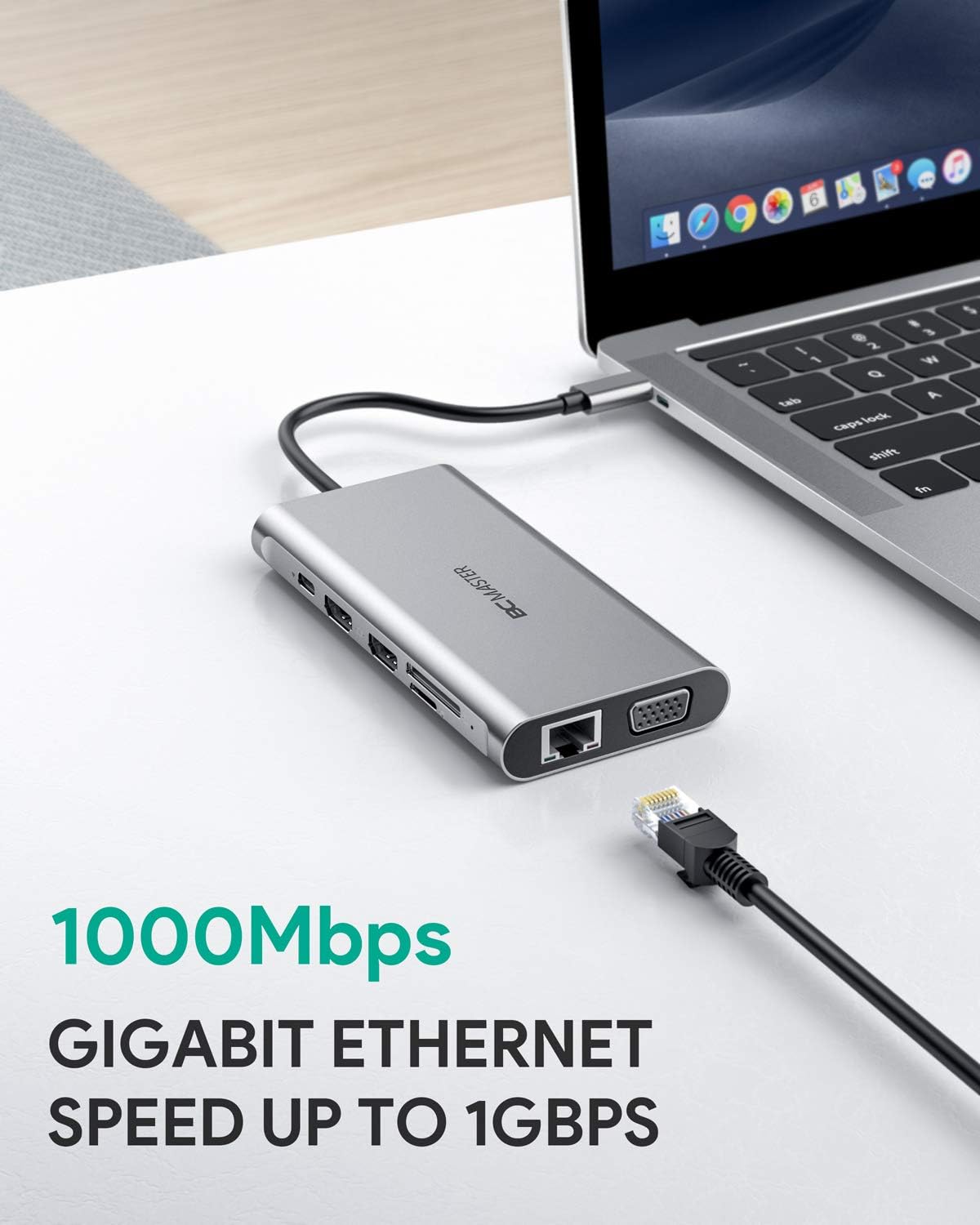

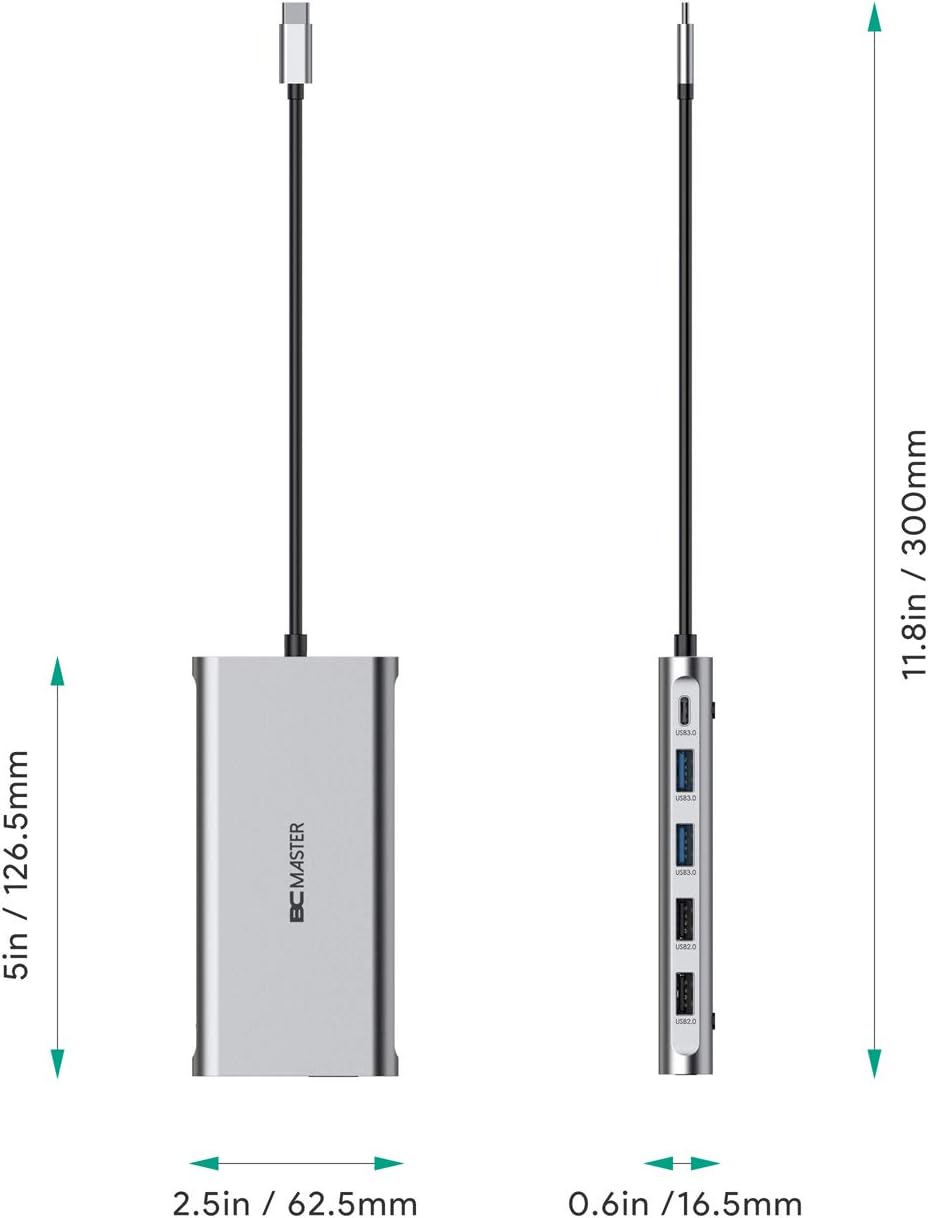
USB C Hub BC Master 12-in-1 USB C Docking Station with Ethernet, 4K HDMI, 2 USB 3.0, 2 USB 2.0, 100W PD, USB C Data Port, VGA, and SD/TF, Thunderbolt 3 Dock Compatible with MacBook Pro/Air and Others: Computers & Accessories
- Category: Docking Stations
- Store: Brand: BCMASTER
Share on:
Description
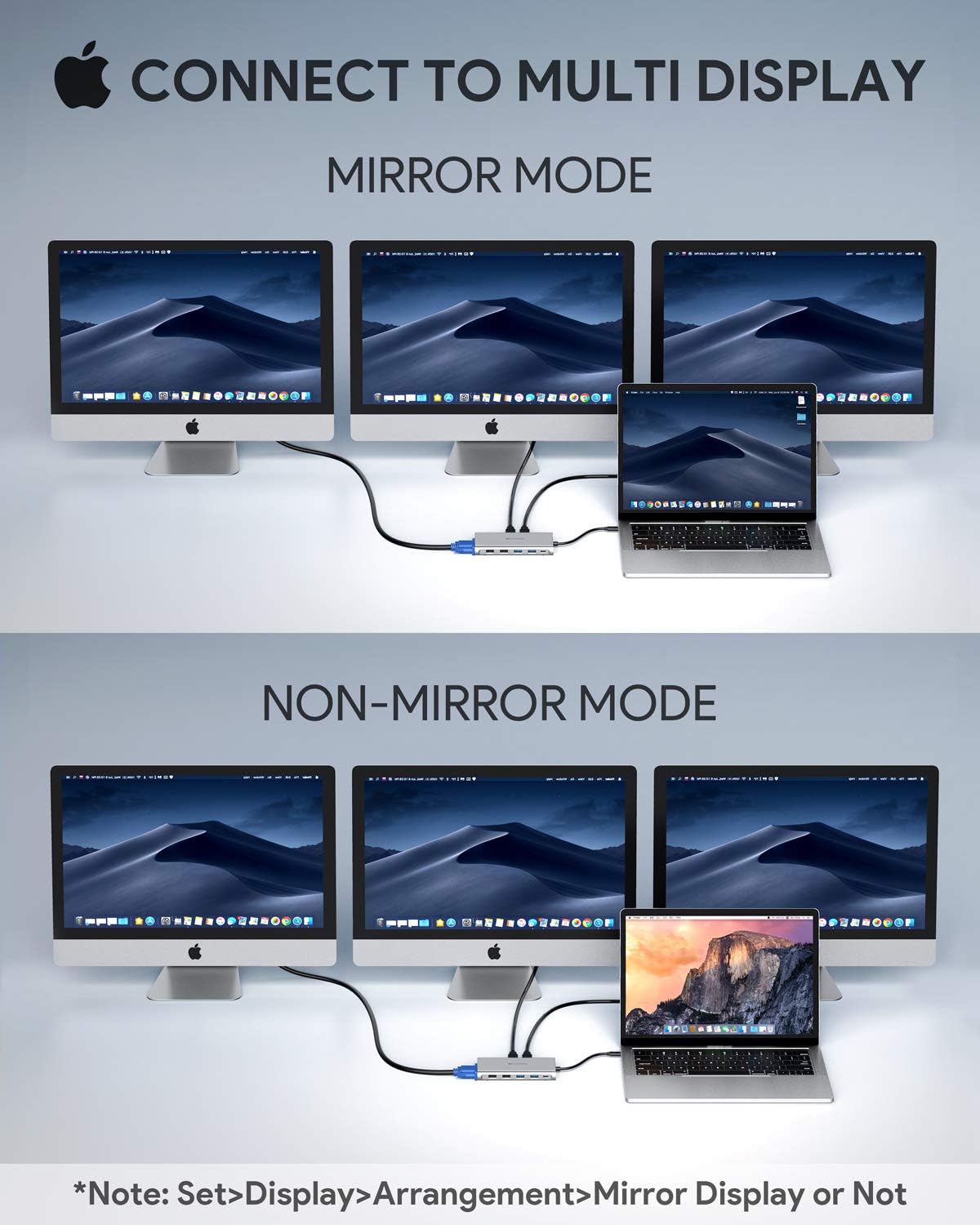
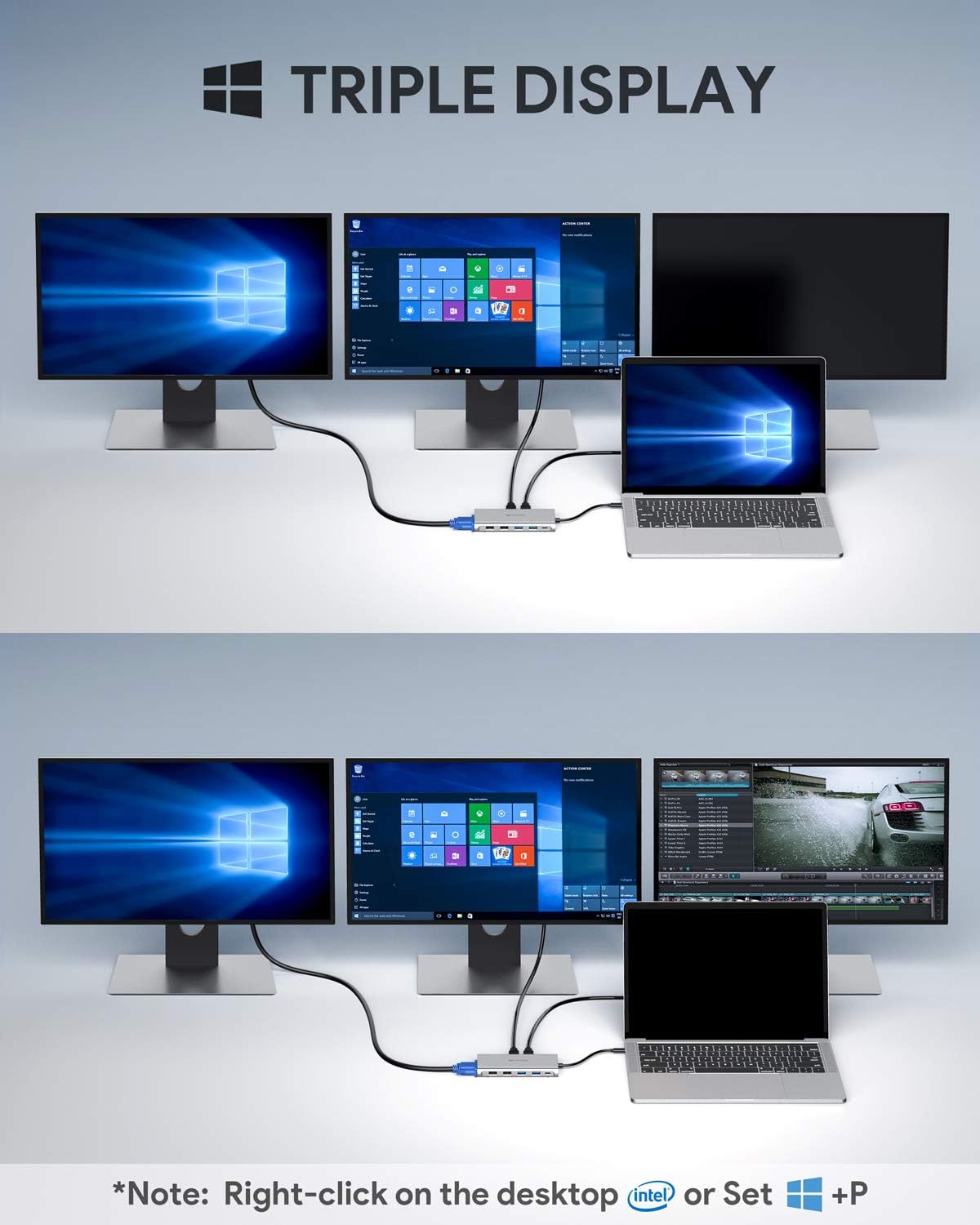
Three high-definition displays (1080p@60Hz) for powerful multi-tasking. Note: Set up in Settings → System → Display (or press Windows key + P). Click "Second screen only" to turn off the laptop screen and use three external displays Mirror with up to 4K@30Hz display when connecting to one HDMI port (or 1080p@60Hz for both or for VGA). Note: Set up in Settings → System → Display (or press Windows key + P) Extend the display to other screens with up to 4K@30Hz resolution. Resolution is 1080P@60Hz when use VGA. Note: Set up in System Preferences → Display. Deselect Mirror Displays in Arrangement for extend mode
Product Overview
We Recommend