


GTMEDIA V8 UHD 4K Ultra HD Digital Satellite Receiver, FTA H.265 TV Sat Decoder DVB-S/S2/S2X+T/T2/Cable/ISDB-T/ATSC-C, Built-in 2.4G WiFi, Supports CA Smart Card, Biss Auto-roll: MP3 Players & Accessories
- Category: Receivers
- Store: Brand: GTMEDIA
Share on:
Description
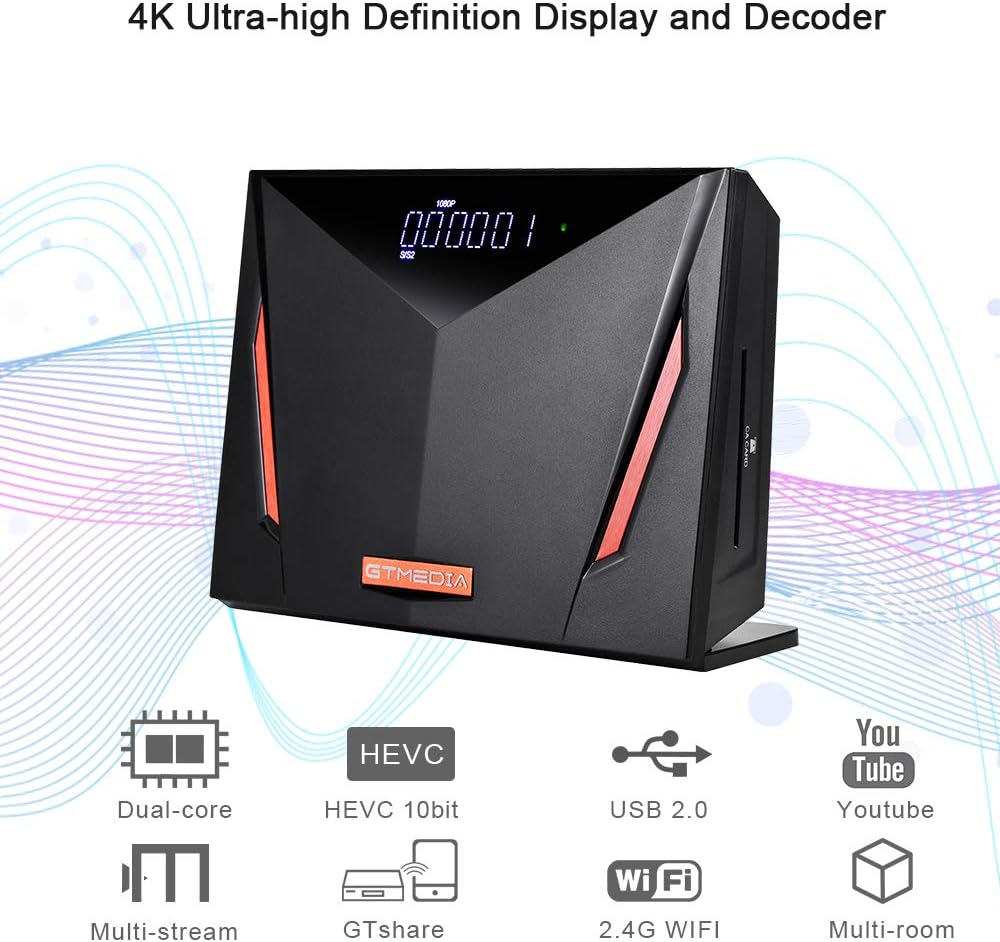
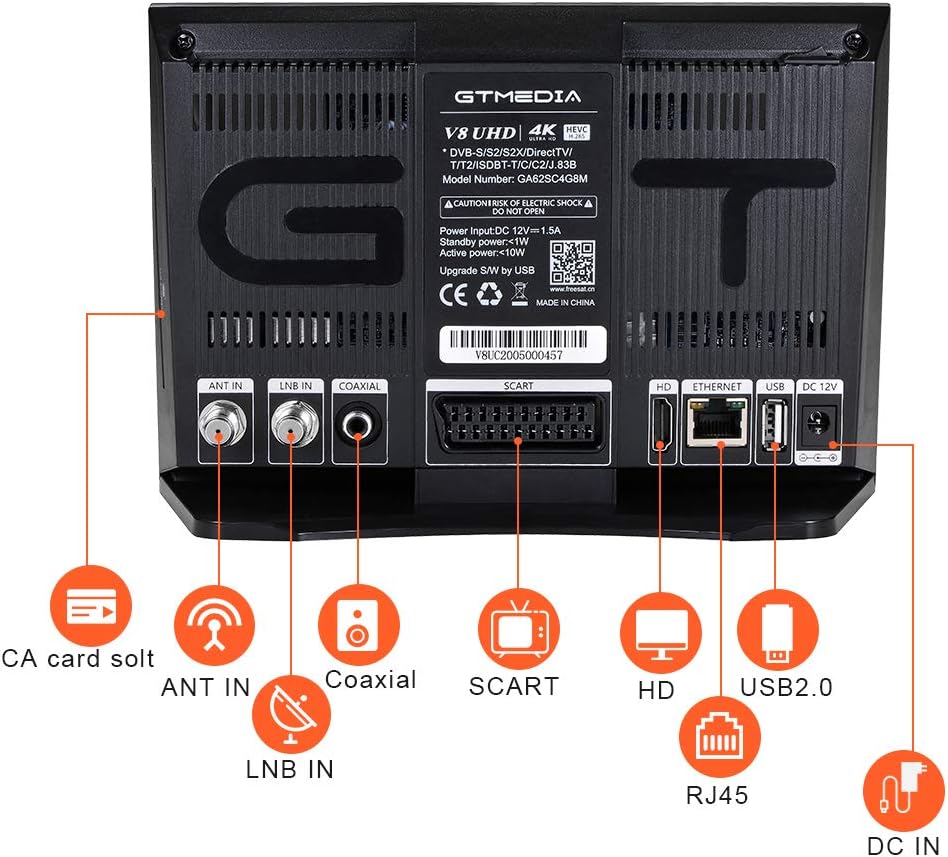
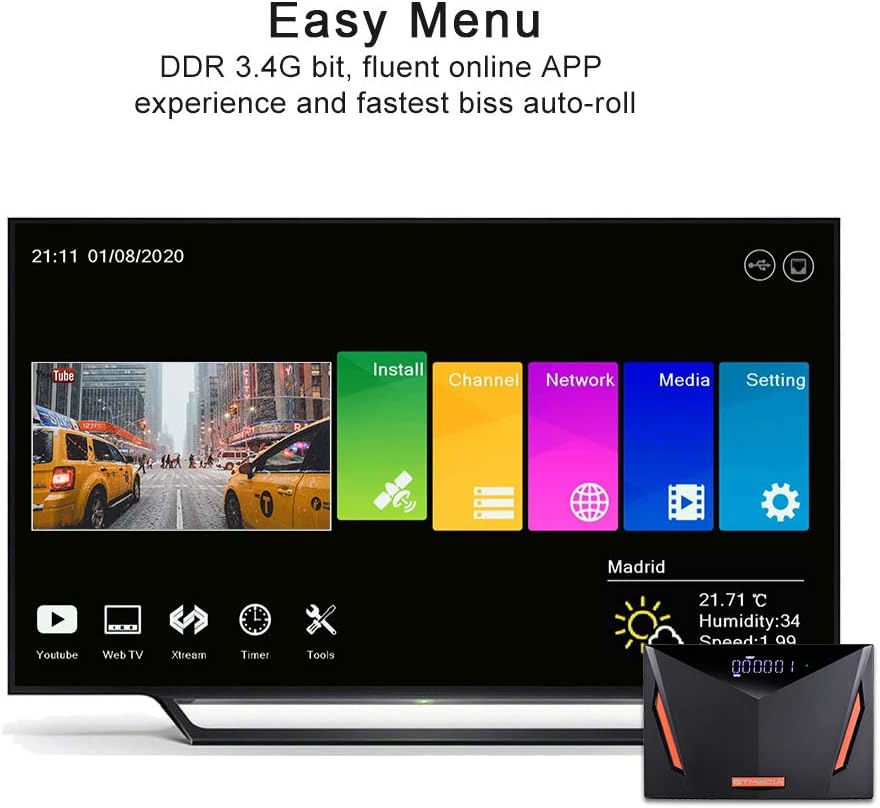
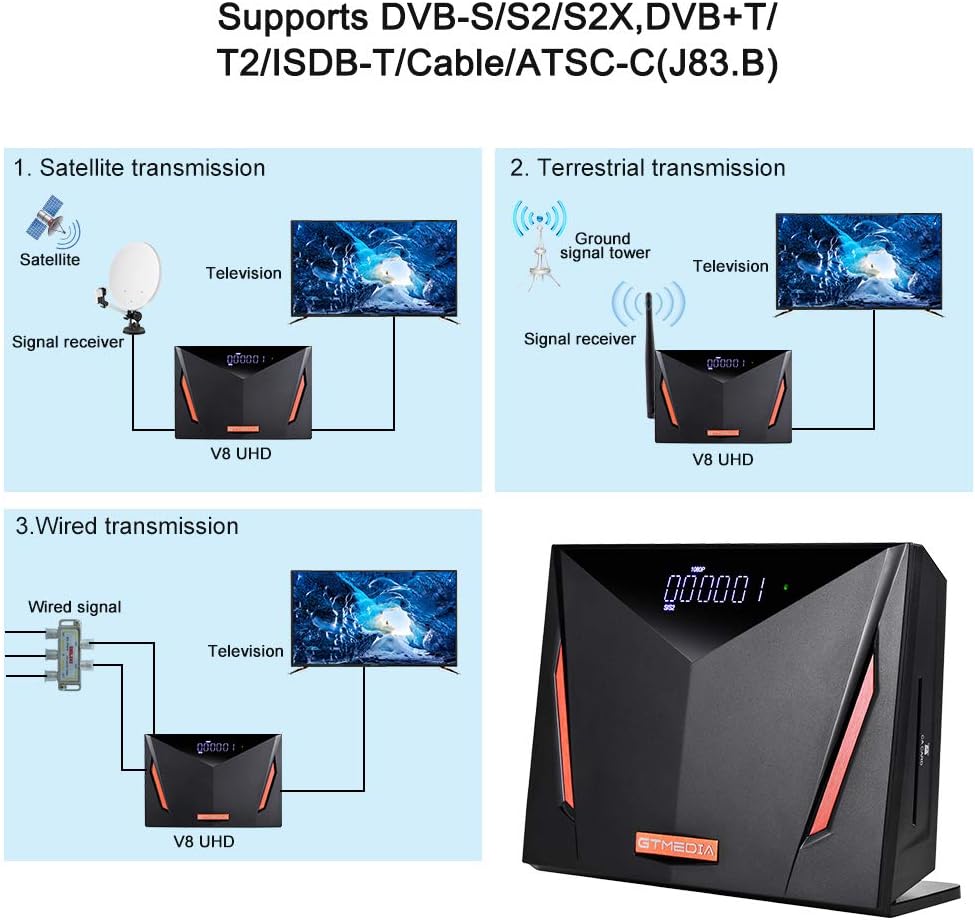
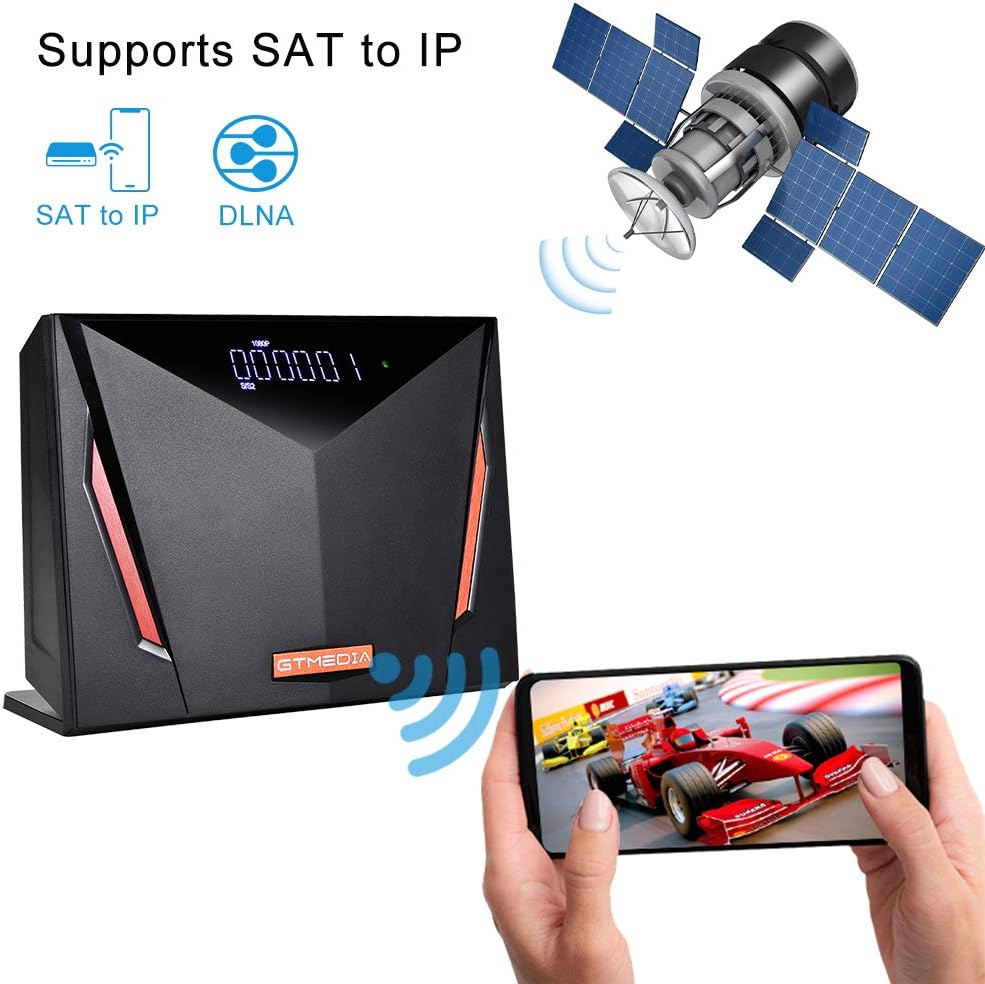
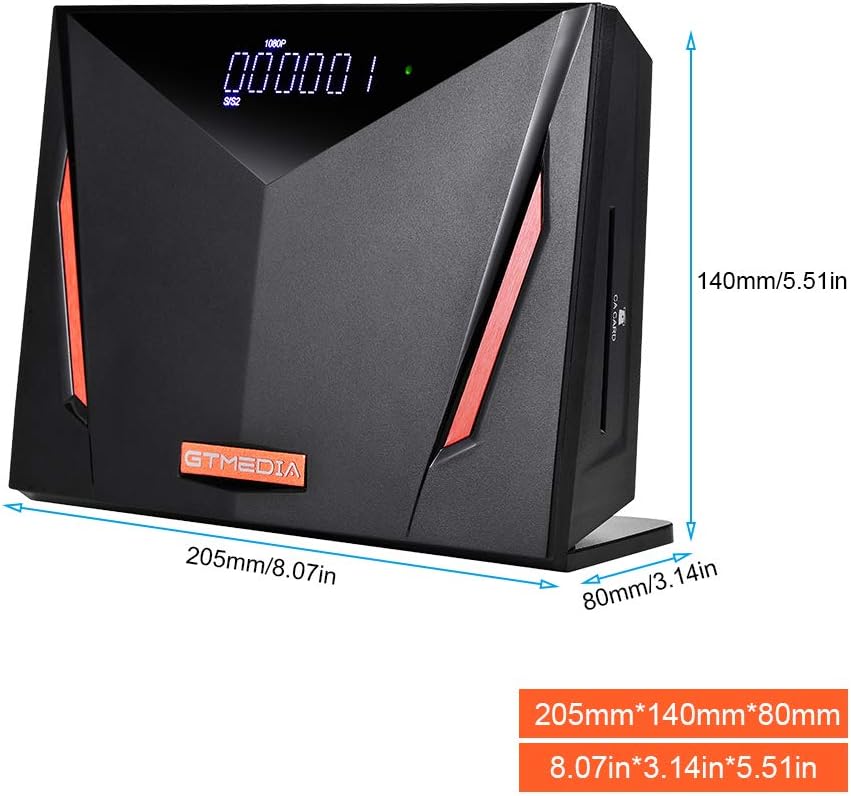
Highlights 1. DVB-S/S2/S2X, DVB+T/T2/ISDB-T/Cable(J83.A/C)/ATSC-C(J83.B). Support DLNA, SAT to IP. 2. Support Multi-format 4K HD display and video decoder, Dual-core MIPS74Kf processor. 3. Time set by GMT offset automatic and manual, summer time support. 8 event timers, Off/Once/Daily Mode. 4. Can switch to other channel while recording the channel. Various channel editing functions: favorite(32 different groups’ selection), move, lock, skip, delete, rename, find and sort. 6. Can open STB to enter play auto standby, also support regional weather. 7. Software upgrades: USB port or FTP upgrade. Specifications Multi-core CPU architecture: MIPS 74Kf core operating frequency up to 1GHz, 16KB I-cache, 16KB D-cache and 1 Register File CPU: Ali M2662 Flash: 64MB SPI DDR3: 4Gb RAM(128M*16*2) Sound Mode: Left/ Right/ Stereo/ Mono Power Supply: AC100V~250V, 50/60Hz Power Consumption: 12W in operation, ≦1W standby mode Hardware Specifications Panel Display: 8-digit white LED display, with multiple function indicators LED Indicator: Power ON: Green; Standby: Red Rear Panel: ANT IN(EC-type IEC169-2 Female), LNB IN(Frequency Range 950MHz to 2150MHz), HD OUT(HDMI2.0, up to 4kx2kp50/60output ), SCART OUT, 1*Coaxial(RCA: black), 1*USB2.0, 1*RJ45(For 10M/100M MAC), 1*CA card slot, DC IN(DC12V/1.5A) Software Specifications Standard: Fully comply with DVB-S/S2/S2X(SCPC and MCPC receivable from C/Ku band satellite), DVB-T/T2/Cable(J83.A/B/C)/ISDBT, MPEG-2/4 H.265 Standard OSD Language: English, French, German, Italian, Spanish,Portuguese, Russian, Turkish, Polish, Arabic, Persian, Thai, Vietnam, Czech, Armenian,Georgian, Ukrainian, Albanian, Hungary, Malay, Indonesian, Dansk, Greek, Serbian Accessories 1x V8 UHD Satellite Receiver 1x Adapter 1x IR Remote Control 1x HDMI Cable 1x Use Manual
Product Overview
We Recommend


