

Arcade Fight Stick - PXN USB PC Street Fighter Arcade Game Fighting Joystick Controller with Turbo and Macro Function for PS3, PS4, Xbox One, Switch, Window PC 0082 : Video Games
- Category: Controllers
- Store: Brand: ANRIS
Share on:
Description
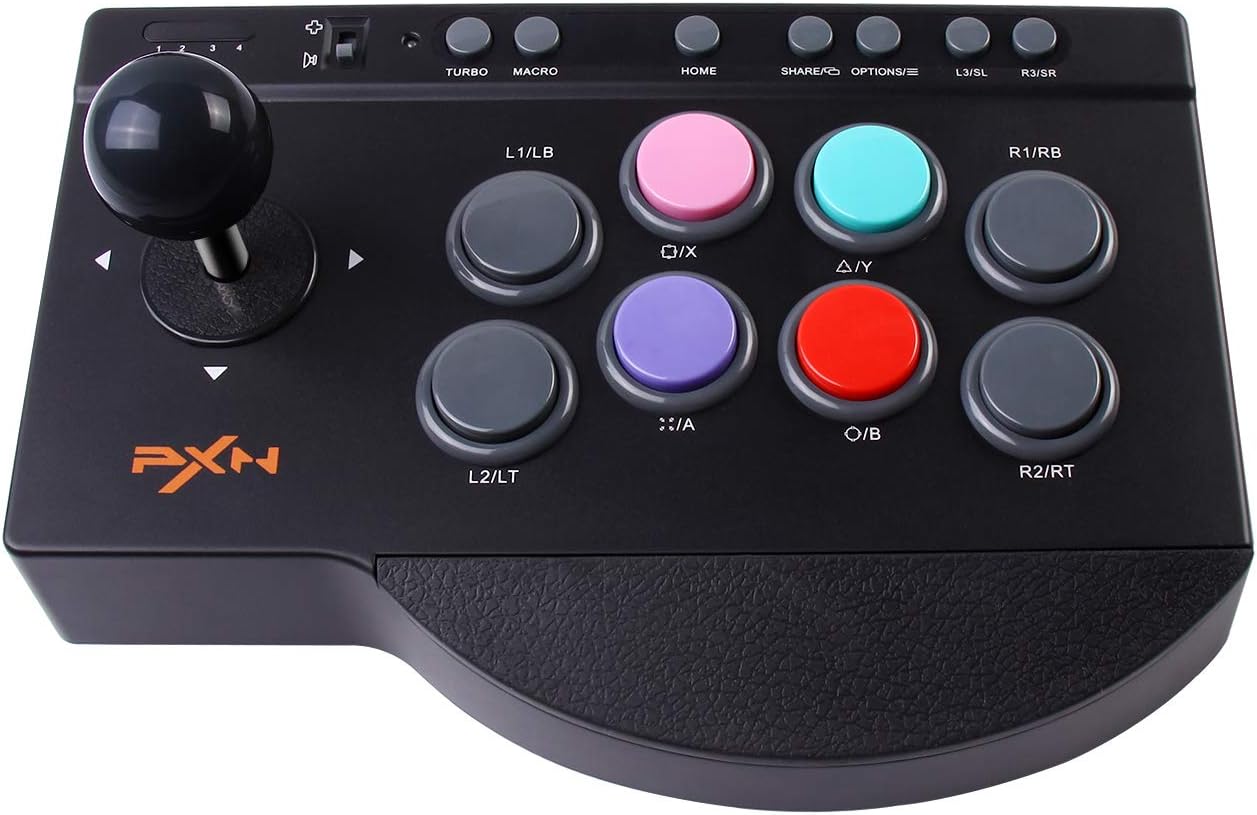
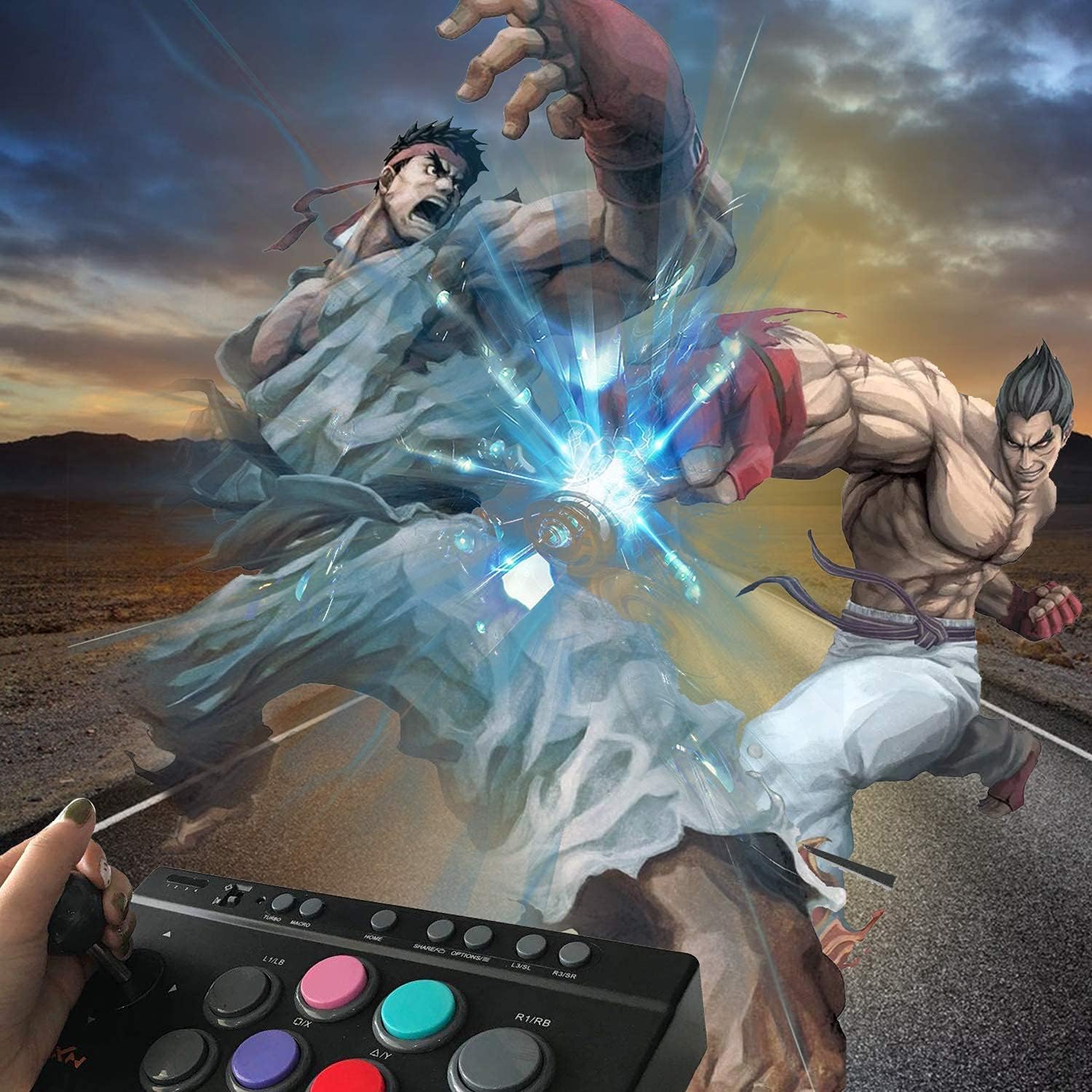
Features: 1.Simulation of joystick and buttons from the arcade machine. 2. High abrasion resistant steel joystick and durable action buttons. 3. Use the joystick as direction stick or D-pad depends on the type of games, one button to switch. 4.TURBO and MACRO function for more fun. 5.Four powerful suction pads make the product easy to fix. Q&A Q:Does this work with the Xbox 360? A:No, this not work with the Xbox 360. Q:Does it have bluetooth ? can this connect to ipad? A:The arcade stick is USB wired, and don't compatible with iPad. Q:Does the joystick move in 8 directions? A:The joystick does move, and has a very nice "click" that occurs in all 8 directions. Q:Can I use this for any games on PS4? A:No, it is only suitable for fighting games Q:Does this work on macs? A:No, it is not work on macs. Q:Can this wake up the switch? A:No, it is can not wake up the switch PC Connection 1.Plug the USB of Joystick into the computer USB interface. 2.At the first connection, your computer will find new hardware and install the driver automatically. Testing It Can test function buttons and stick through computer game controller on PC. The specific methodsshow below: WIN XP/7/10: enter Control Panle → Devices and Printers → controller icon → right click with your mouse → Game controller settings, chooseProperties test. Open the test interface as below, you can test theaxes and buttons. TURBO Function 1.Available Buttons:A、B、X、Y、LB、RB、LT、RT. 2.TURBO Set:Press TURBO and Available Buttons,indicator LED flash. 3.TURBO Clear:Press TURBO and Well-Setting Buttons,indicator LED lights off. MACRO Function It supports one-key programming of the button setting "MACRO", and can customize the button , allowing you to release your finger and Ko enemy easily. Joystick MODE Change 1.Turn the switch to the icon of "D-pad",thejoystick is D-pad function on different consoleapplication. 2.Turn the switch to the icon of "Controller Joystick"the joystick is Controller joystick function ondifferent console application. 360° Rotary Joystick The joystick can be rotated in 8 directions and responds quickly, which has a great sense of operation and gives you the best gaming experience, let you regain the fun of playing the arcade. Non-slip Rubber Base with non-slip rubber base to hold the fighting stick firmly in place. Ergonomic Design with ergonomic design to make you hands comfortable when playing.
Product Overview
We Recommend