MacBook Pro Docking Station, 4K Triple Display Hiearcool 9 in 2 Laptop Docking Station Compatible for MacBook Pro/Air Thunderbolt 3 Multiport Docker USB C Dongle (2HDMI PD3.0 SD TF Reader RJ45 2USB): Home Audio & Theater
- Category: Docking Stations
- Store: Hiearcool
Share on:
Description
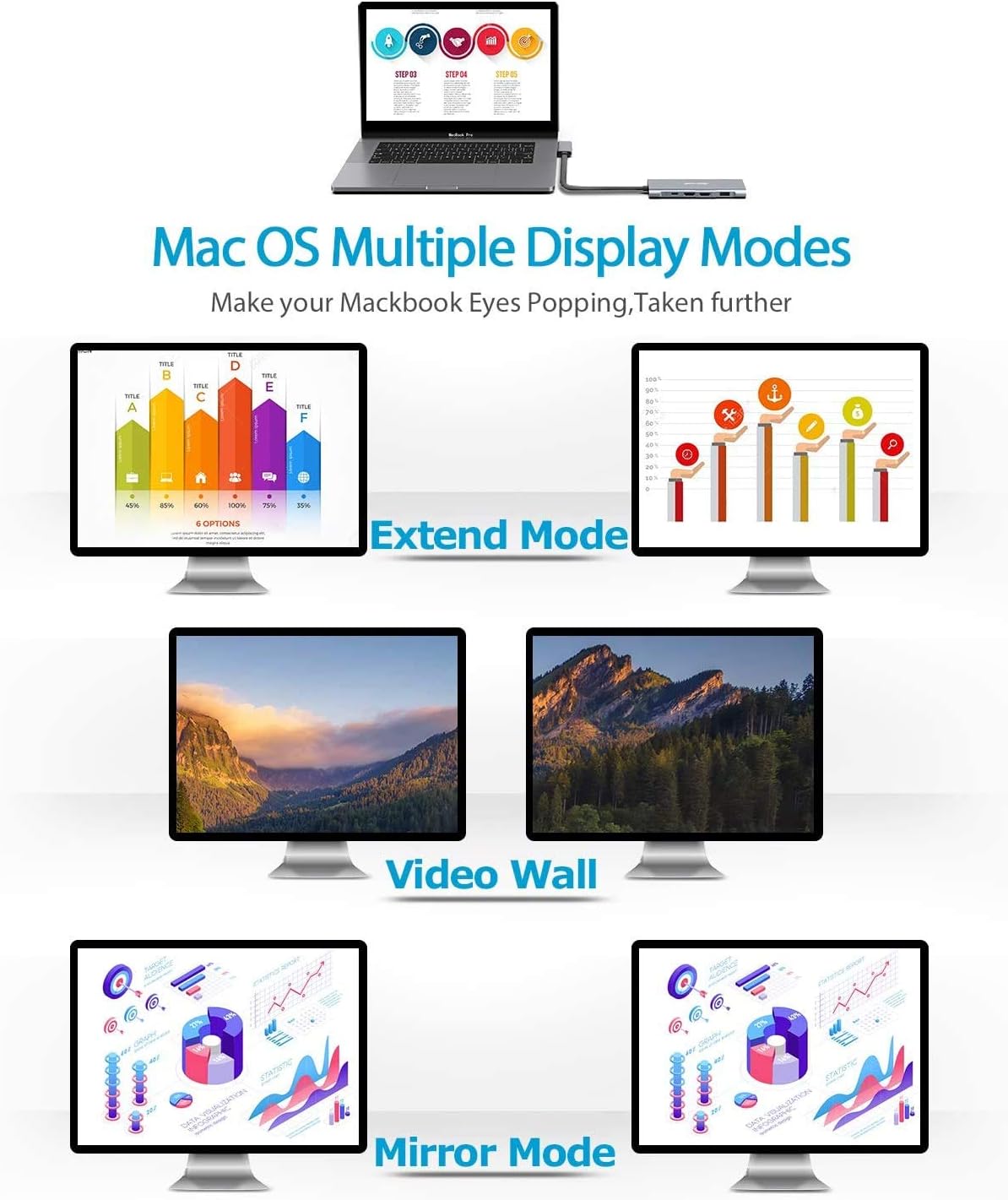
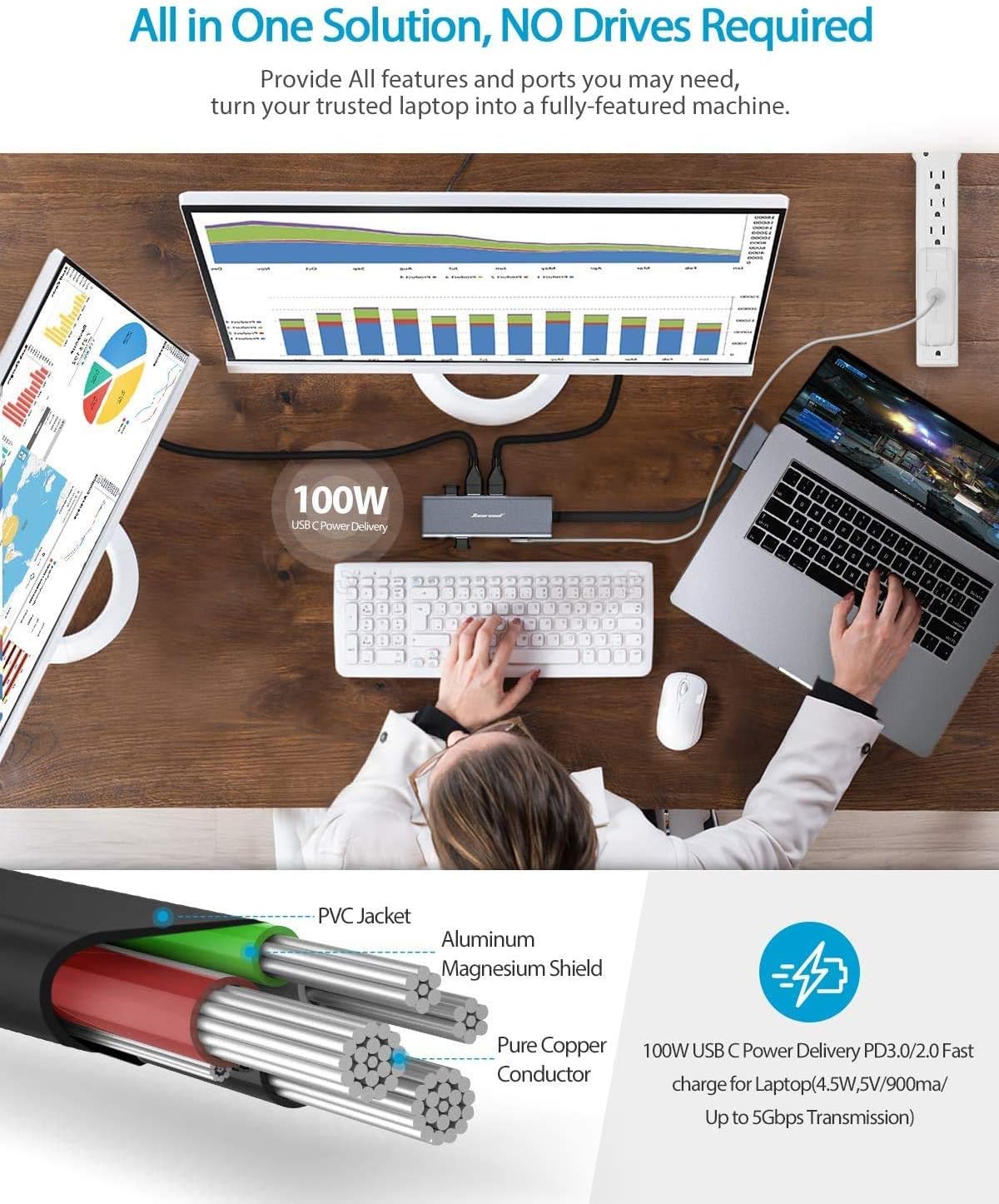
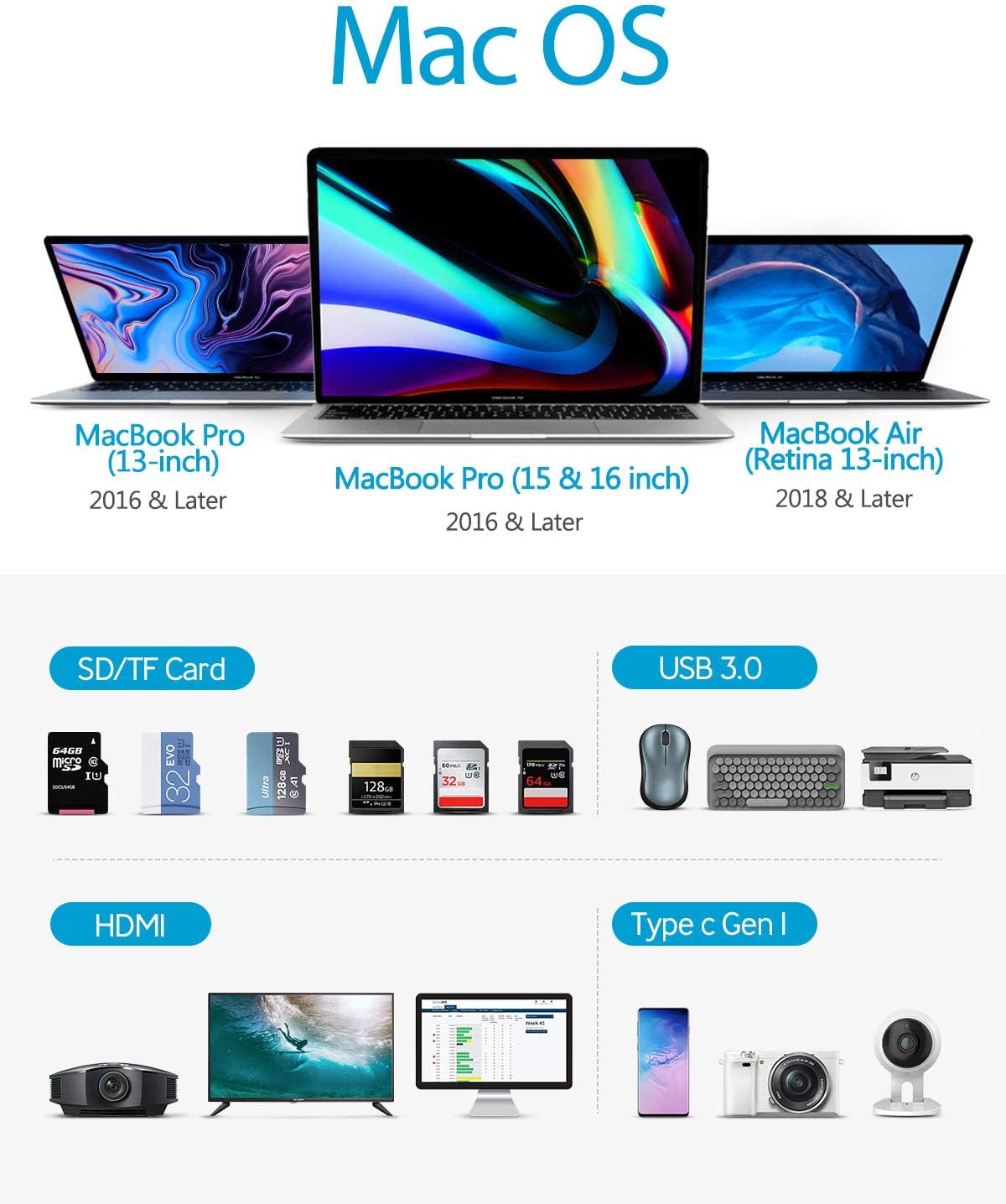
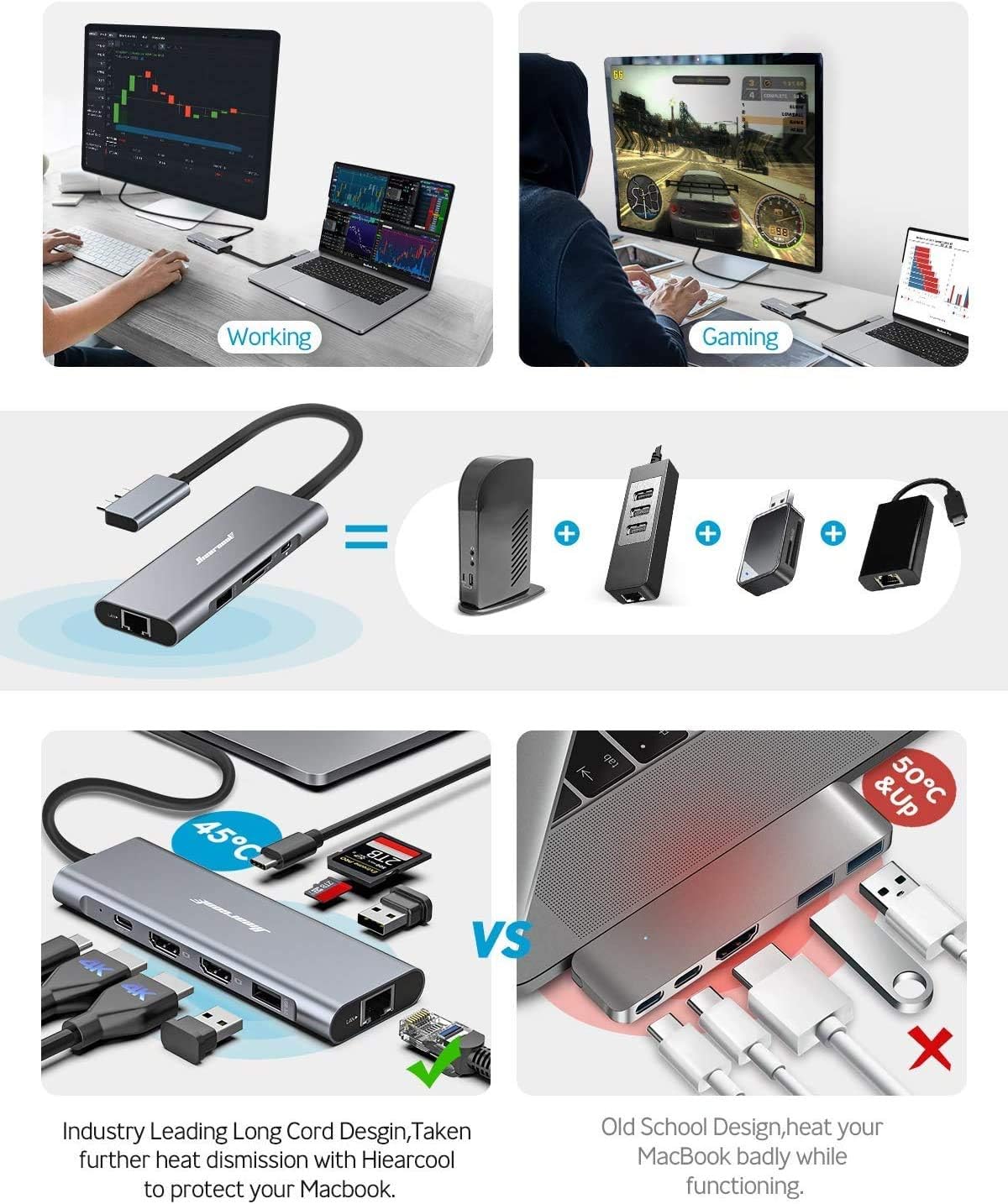
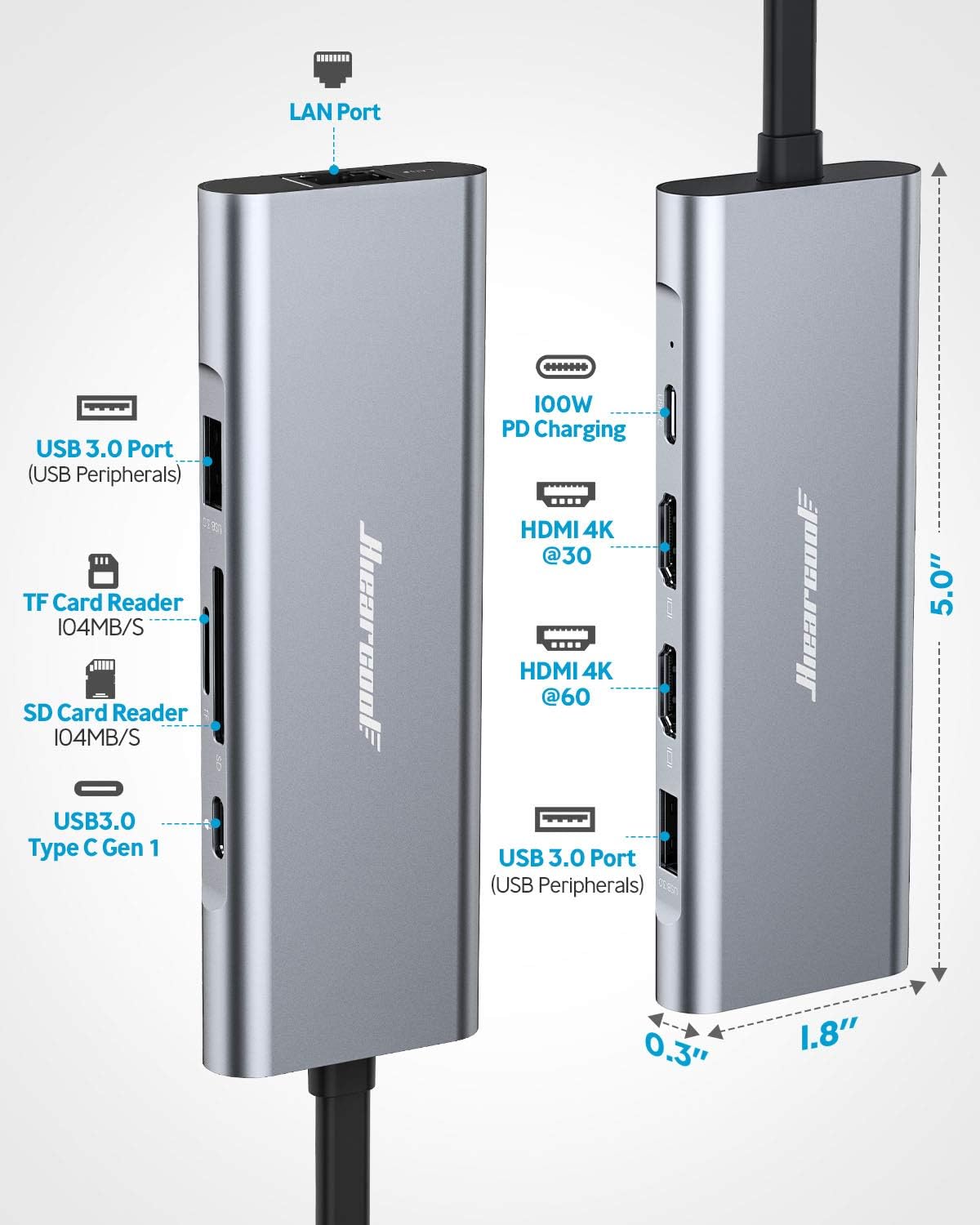
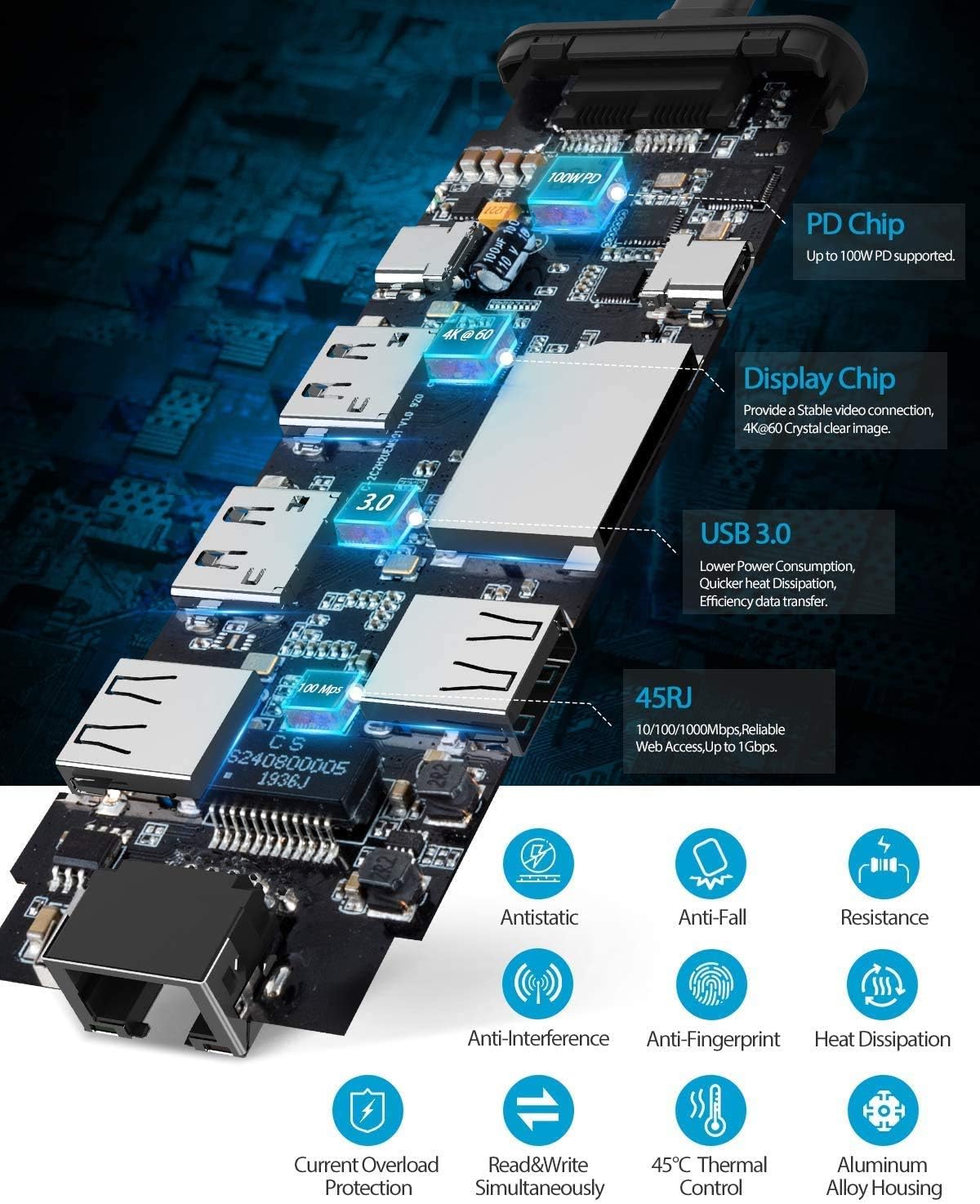
Frist&Ever The Frist Light-Weight and Portable Macbook Pro/Air USB C Docking station with 4K Extend Mode on the Market. Perfectly Portable Slim and light, this adapter is perfect for the home, office, or anywhere in between. Great for mobile workers or those in hoteling or hot-desking environments. Plug and Play Simplicity With no need for additional software, this adapter easily attaches to your Macbook Pro/Air to help you connect to achieve multi-screen, more peripherals, and transfer data. NOTICE: For a stable display result, please plug in the MacBook power supply to the PD port on the docking station before connecting it to the laptop. WINDOWS ARE INCOMPATIBLE. Setting Up Wired Ethernet with 9IN2 MacBook Air/Pro Docking Station Step 1. Connect Your Computer to the Network Plug one end of the Ethernet cable into the network card or port in your Macbook Air/Pro and the other into the Ethernet jack on the wall. If your Ethernet jack has one orange port, plug your cable directly into that port. If the Ethernet jack has two orange ports, try the one on the right side first, as this is usually the single activated port. Step 2. Configure TCP/IP In System Preferences -> Network select Built-In Ethernet from the Show: drop-down menu. With the TCP/IP tab selected, select Using DHCP from the drop-down menu. Click Apply Now and then quit System Preferences. To Achieve 100W PD To Charging the Macbook Pro/Air 1.Connect the OEM power supply to the PD port on the product. 2.Connect the product to the Macbook Pro/Air.
Product Overview
We Recommend