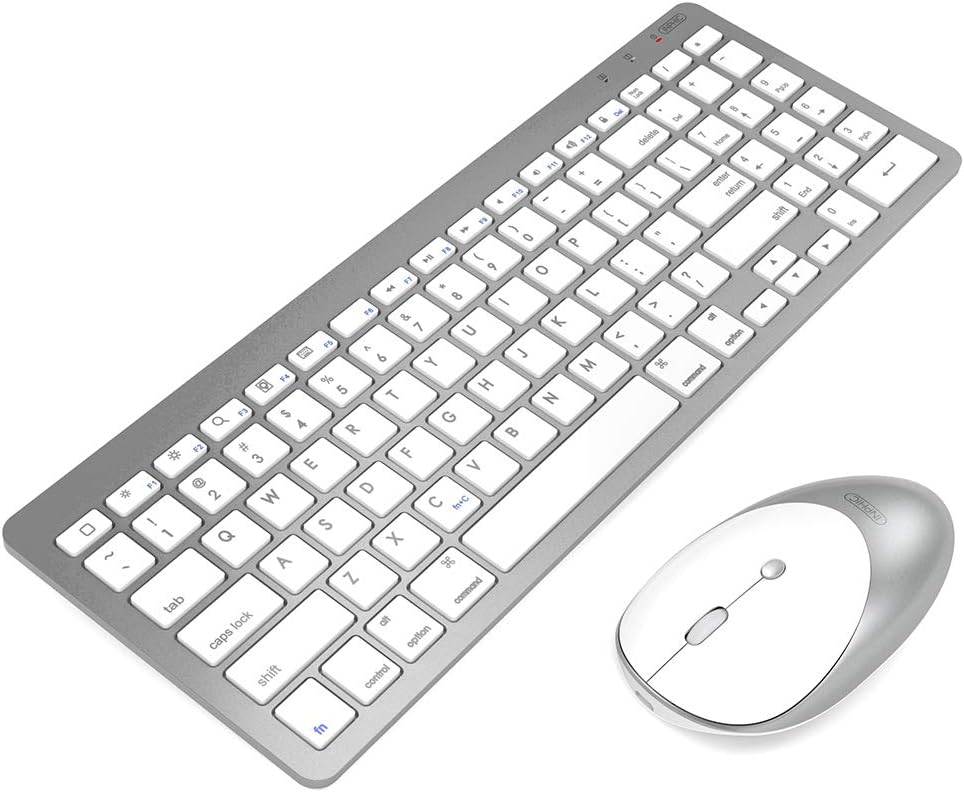



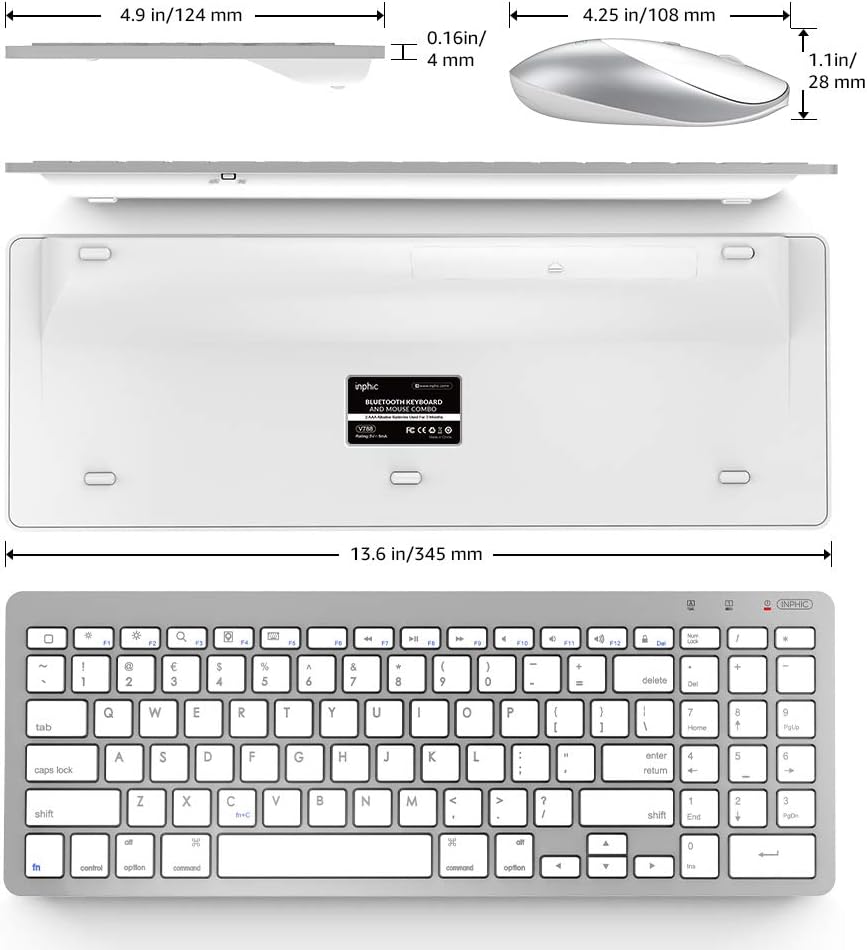


inphic Ultra-Slim Wireless Bluetooth Keyboard Mouse Combo, Compatible with iPad 10.2/9.7, iPad Air 10.5, iPad Pro 11/12.9, iPad Mini 5/4, iPhone and Other Bluetooth Enabled Devices, White: Computers & Accessories
- Category: Tablet Accessories
- Store: Brand: INPHIC
Share on:
Description
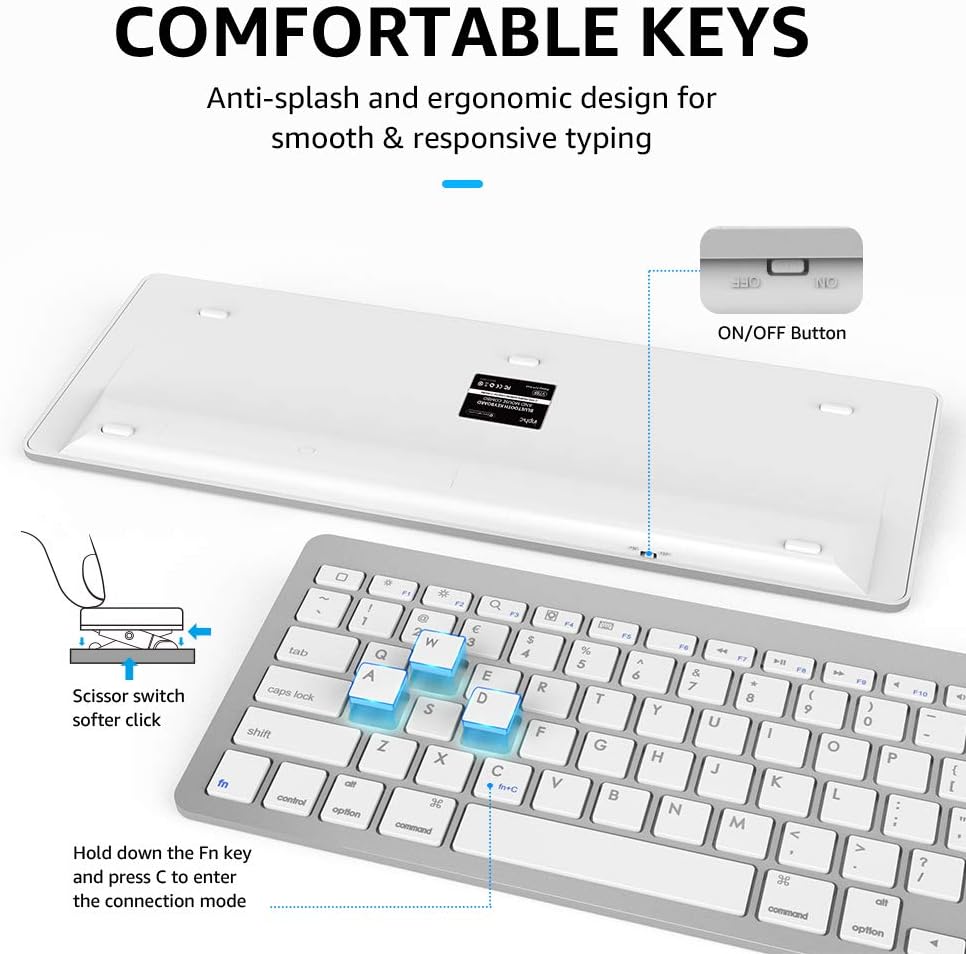
Fulfillment by Amazon (FBA) is a service we offer sellers that lets them store their products in Amazon's fulfillment centers, and we directly pack, ship, and provide customer service for these products. Something we hope you'll especially enjoy: FBA items qualify for FREE Shipping and Amazon Prime.If you're a seller, Fulfillment by Amazon can help you grow your business. Learn more about the program.How to pair the keyboard with your device?1. Slide the power switch [OFF → ON], the battery indicator will flash for a second. 2. Hold down the Fn key and press C to enter the connection mode.The battery indicator will flash continuously [Fn+C] 3. Turn on Bluetooth on your device, search for devices to connect. Select "Bluetooth keyboard" on the device list. 4. Please Enter the PIN code as displayed on the screen and press[Enter]key. 5. The battery indicator will stop flashing when your device is connected to the keyboard. If no PIN code displayed, please enter two numbers[11]in your original keyboard and press[Enter]key, then enter two numbers[11]again in our keyboard and press[Enter]key. (Note: When you enter the PIN code, please use the main keyboard area on the keyboard, not the numeric keypad as it only works after the keyboard is connected. How to pair the Mouse with your device ? 1. Make sure your computer's Bluetooth function is turned on. 2. Turn on the Bluetooth mouse, Press the Mode button and hold around three seconds, the Blue light will flashing fast. 3. In a few moments, the Bluetooth device Named BT5.0 Mouse/BT3.0 Mouse should appear in the list of discovered Bluetooth devices. Select the device, and then click continue to begin the pairing process. 4. After completed pairing, the corresponding indicator light will be on around 2 seconds and then turn off, that's means the mouse can be used normarly
Product Overview
![Kindle US (Type A, United States) Power Adapter [Fits Kindle and Kindle DX] : Devices & Accessories](https://m.media-amazon.com/images/I/71wyuz8xxJL._AC_SL1500_.jpg)