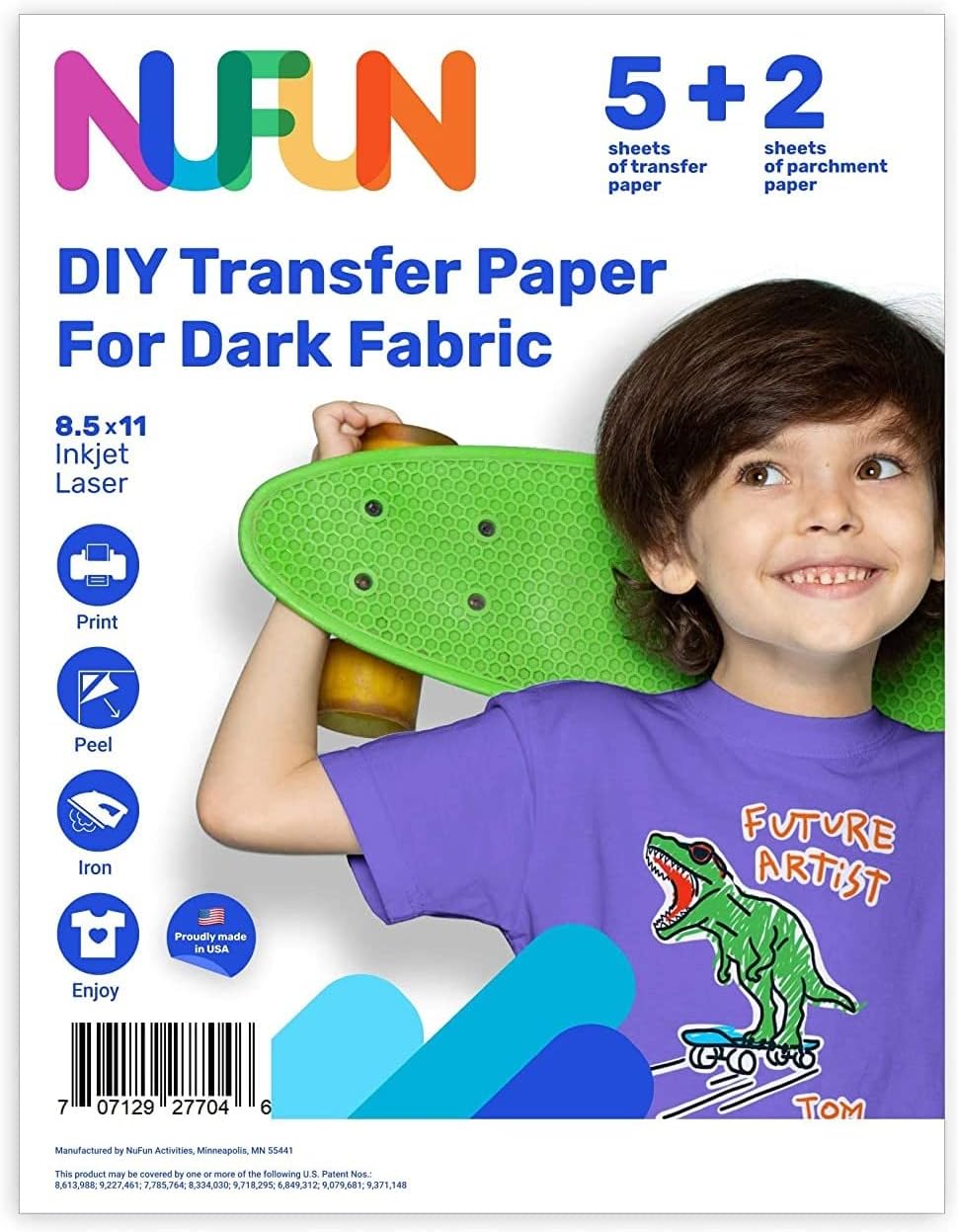


Iron-On Heat Transfer Paper for Dark Fabric 10 Sheets 8.3x11.7" T-Shirt Transfer Paper for Inkjet Printer Wash Durable, Long Lasting Transfer, No Cracking : Arts, Crafts & Sewing
- Category: Heat Transfer Paper
- Store: Printers Jack
Share on:
Description
Tips before printing: 1.The ink to be used is preferably pigment ink, sublimation ink must not be used. 2.The size of the heat transfer paper is 8.3x11.7 inch, please set the size of the paper to 8.3x11.7 inch before printing. 3.If you want to confirm the printable side of the heat transfer paper, just peel a small part of corner to confirm. This can avoid the problem of peeling caused by uneven paper after printing. 4.If the picture printed on the paper has obvious streaks and indentations, please check your printer or ink. Tips after transfer: 1.Do not pull the fabric forcibly after transfer, and do not wash within 24 hours. 2.When washing, the pattern should face inward, please use cold water. 3.Please do not use bleach or alkaline detergent when cleaning, please avoid rubbing pictures with your hands. 4.Please do not use a dryer to dry, high temperature will dissolve the picture, please dry naturally in a cool place. 5.Use on the dark color cotton or nylon fabrics(best transfer effect for fabric with 60% cotton or more). Print the the image on front side of heat transfer paper (the smooth and soft side is the front side, and the marked side is the back side); After printing, allow the paper to dry. Cut the paper into the shape you want, be careful not to leave out white edges. Make sure your iron doesn't have any water in it and the steam setting is off; Then set the iron to high or cotton setting. Lay the garment on a hard, heat resistant surface and iron any wrinkles. Peel the back side of the paper, place the printed side face up on garment; Please make sure the paper is flat on the garment, cover the image with provided separator paper. If you use an iron, after the iron is heated to high temperature, transferring process is started, please apply firm pressure evenly about 2-3 minutes.(Every corner needs to be stressed evenly) If you want to use a heat press, first close down the heat press, adjust the pressure to a suitable state. Recommended Time: 25 to 30 seconds; Temperature: 329°F ~ 365°F (165°C ~ 185°C). Finally When the time and temperature reach the value you set, you can transfer the paper. After the ironing is complete, Please remove the separator paper without cooling. Transfer had been done! For any questions, please see the detailed instruction videos on the product page.
Product Overview
We Recommend