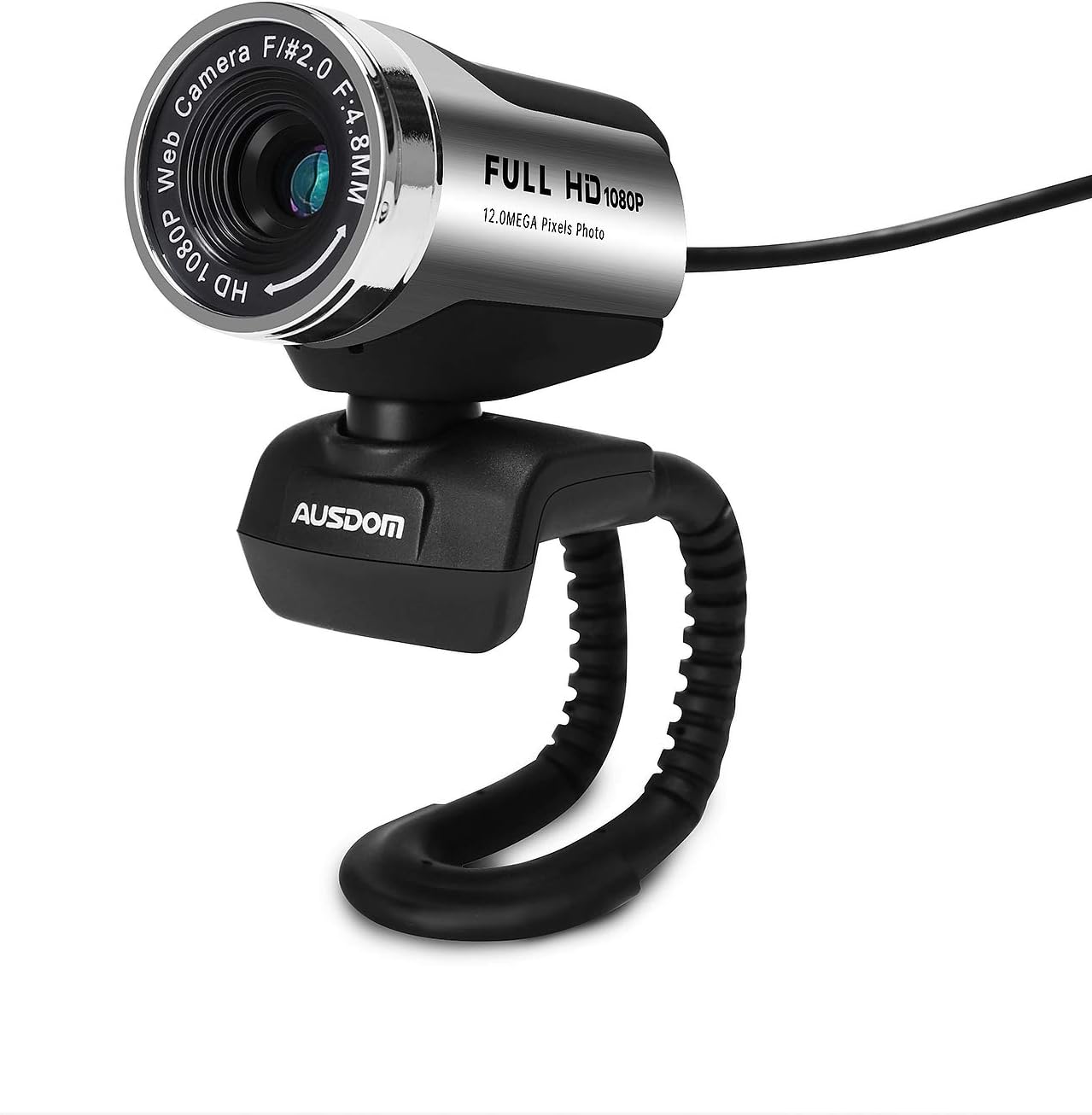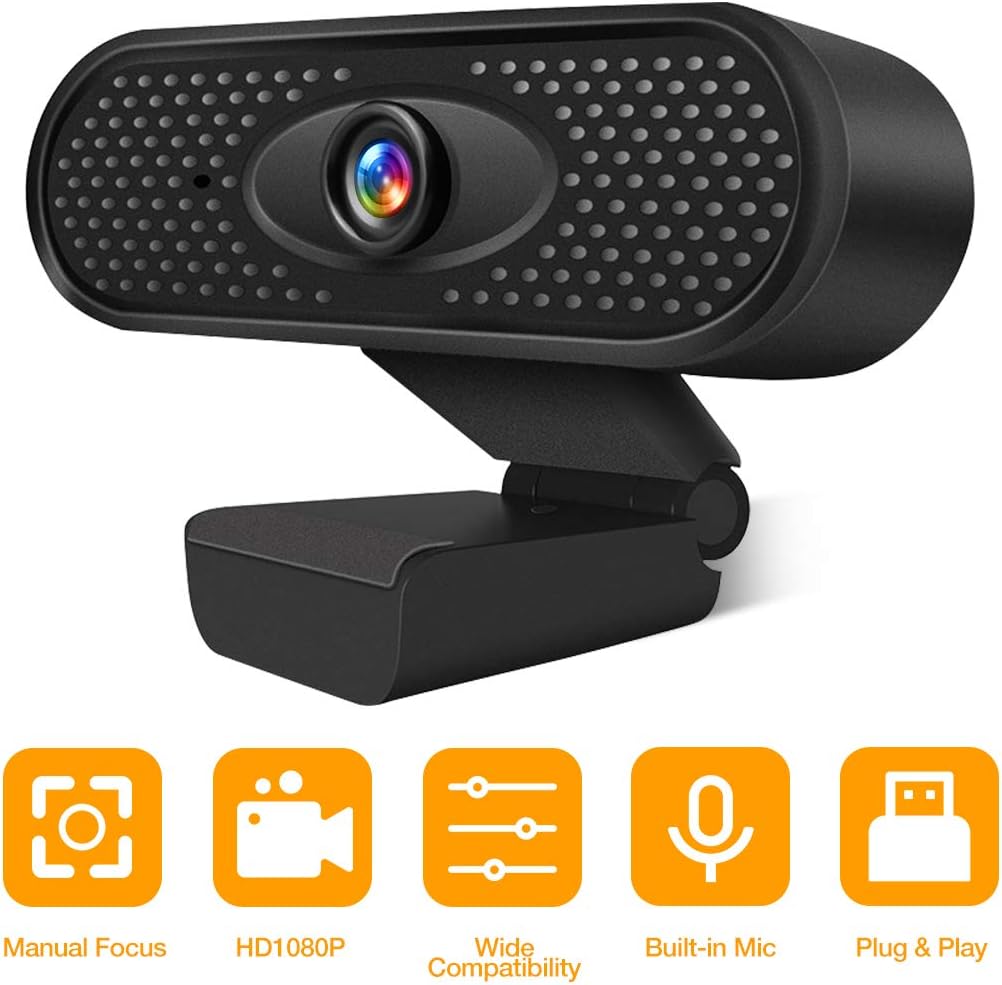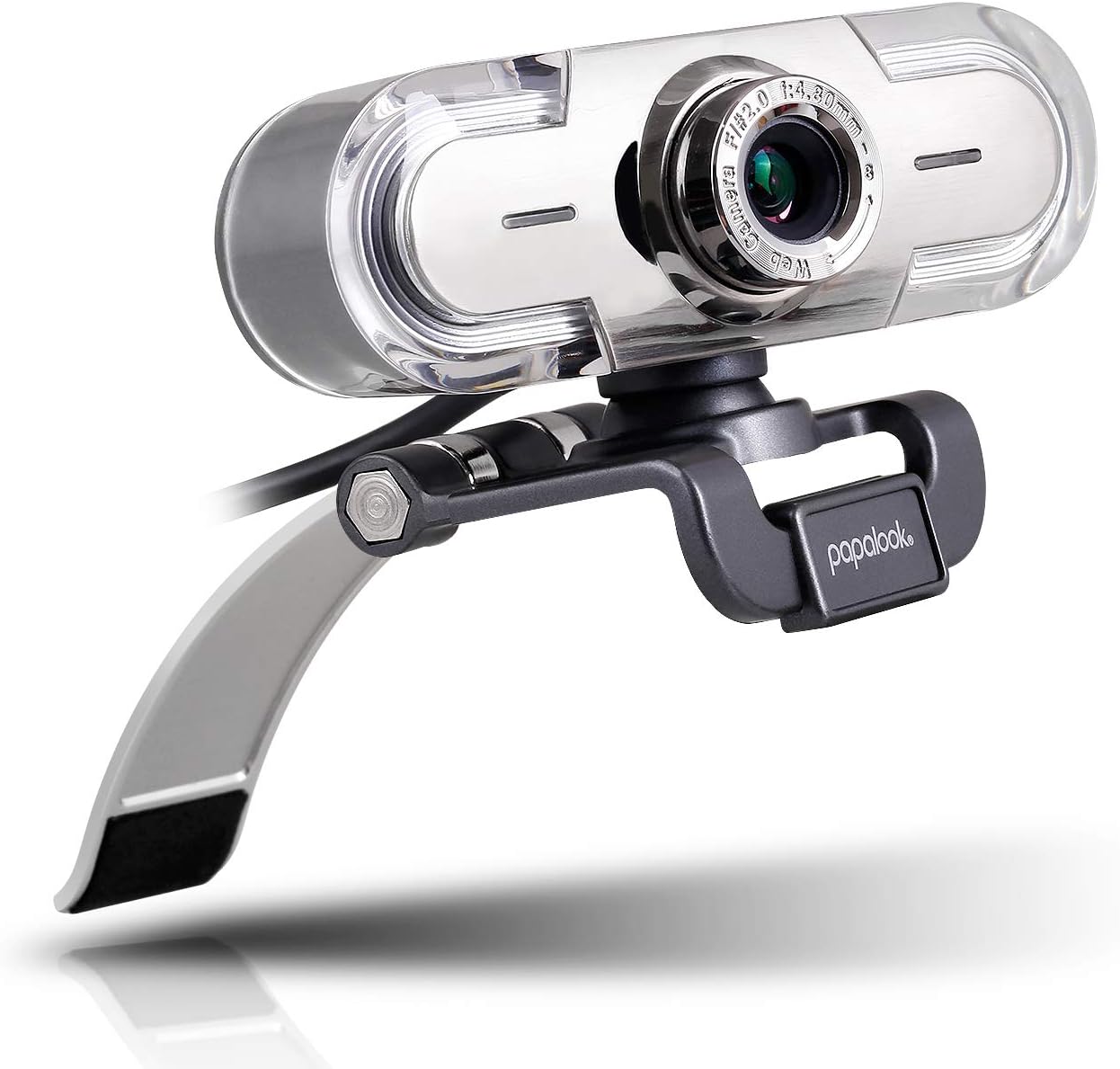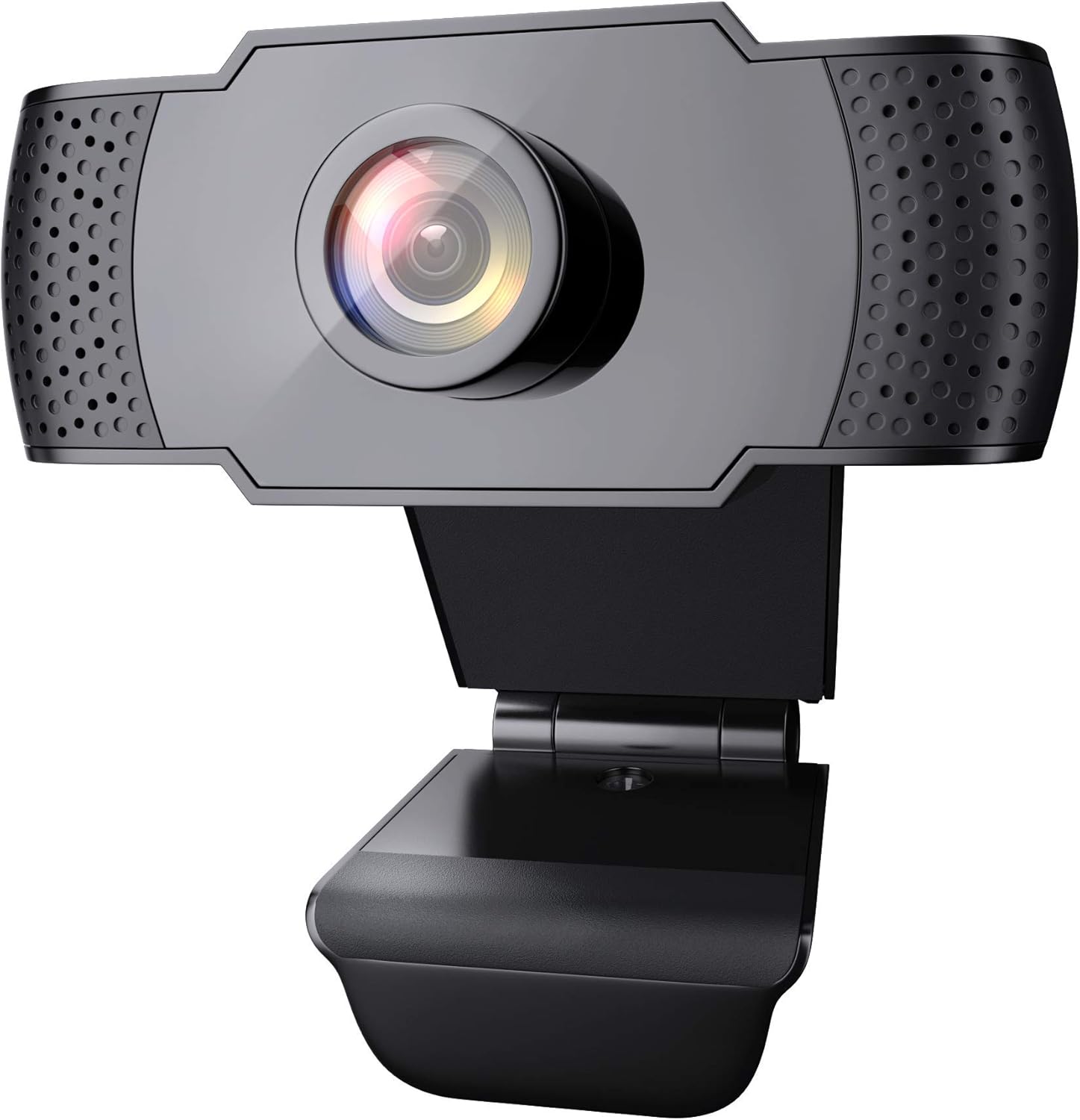

Webcam with Microphone, Hrayzan 1080P HD Webcam with Privacy Cover and Tripod, Streaming Computer Web Camera with 110-Degree Wide View Angle, USB PC Webcam for Video Calling Recording Conferencing : Camera & Photo
- Category: Webcams
- Store: Brand: Hrayzan
Share on:
Description
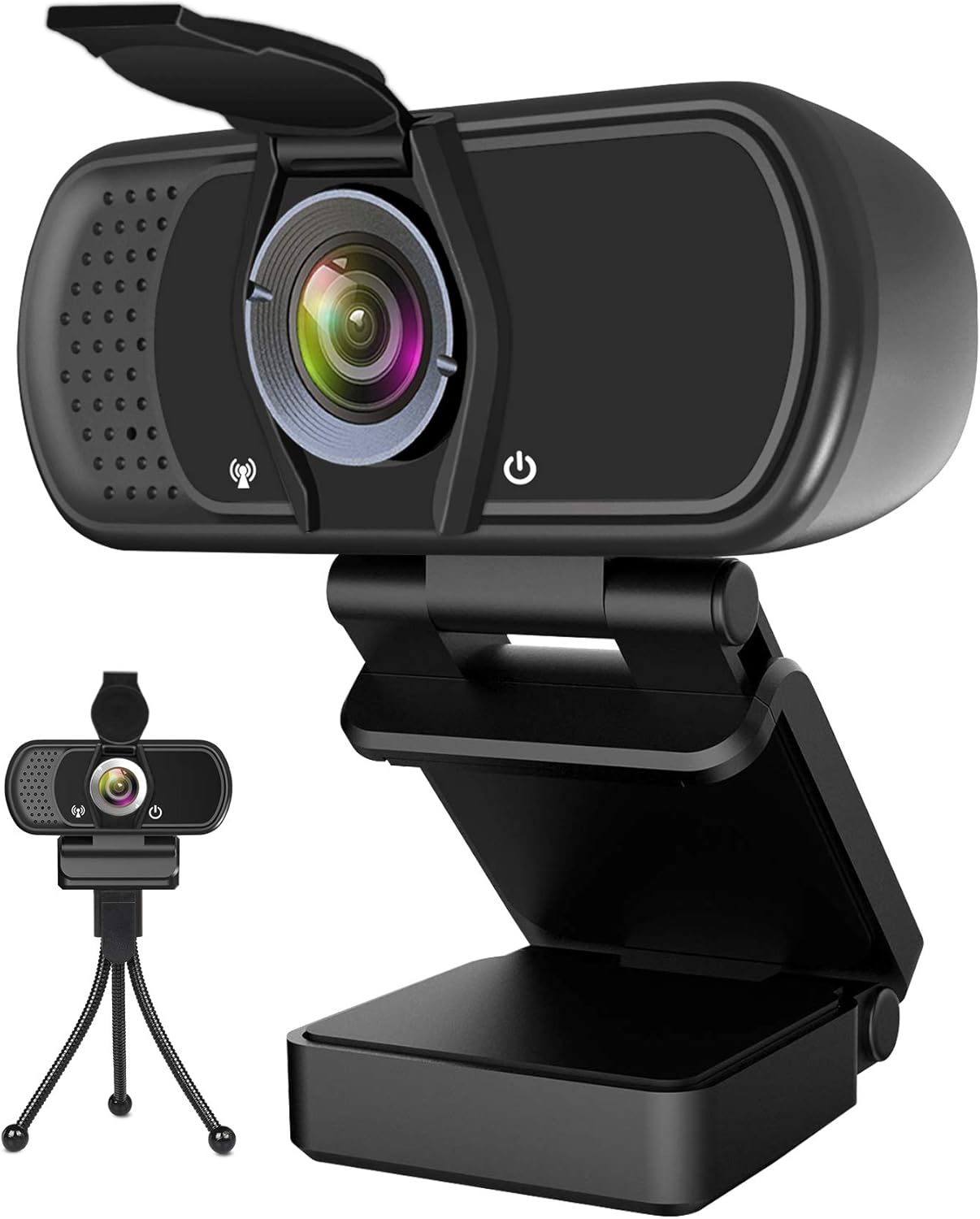
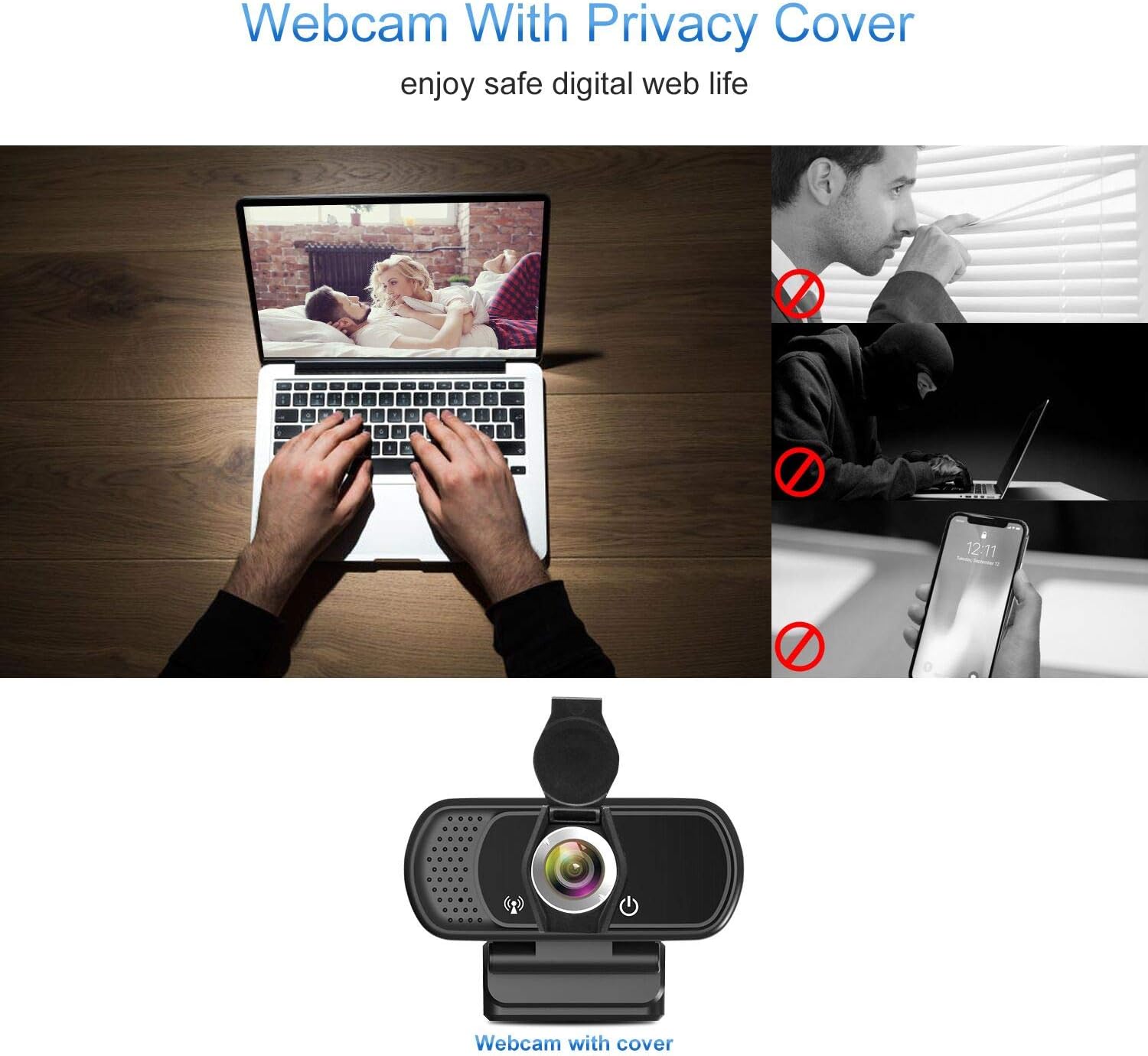
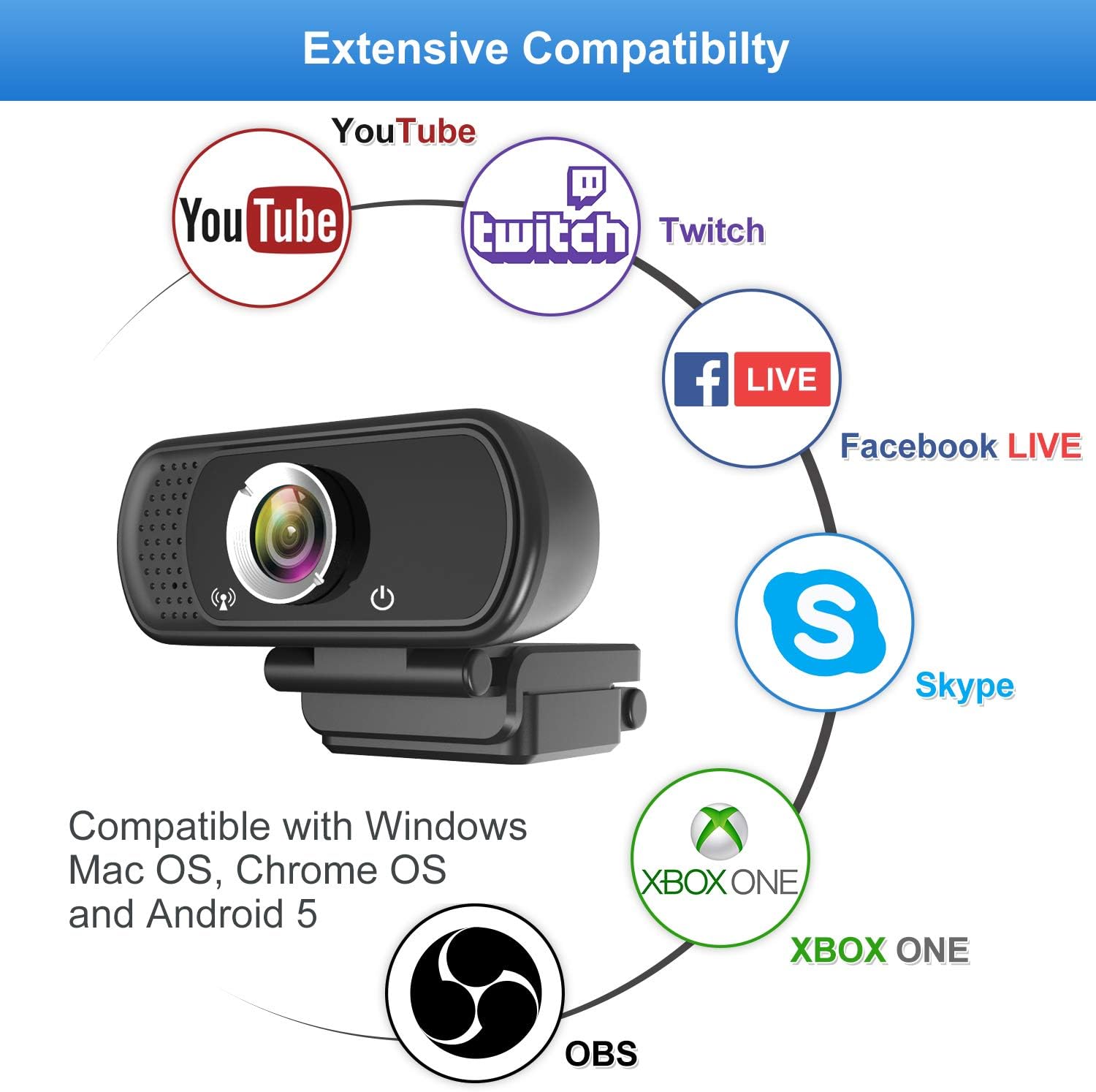
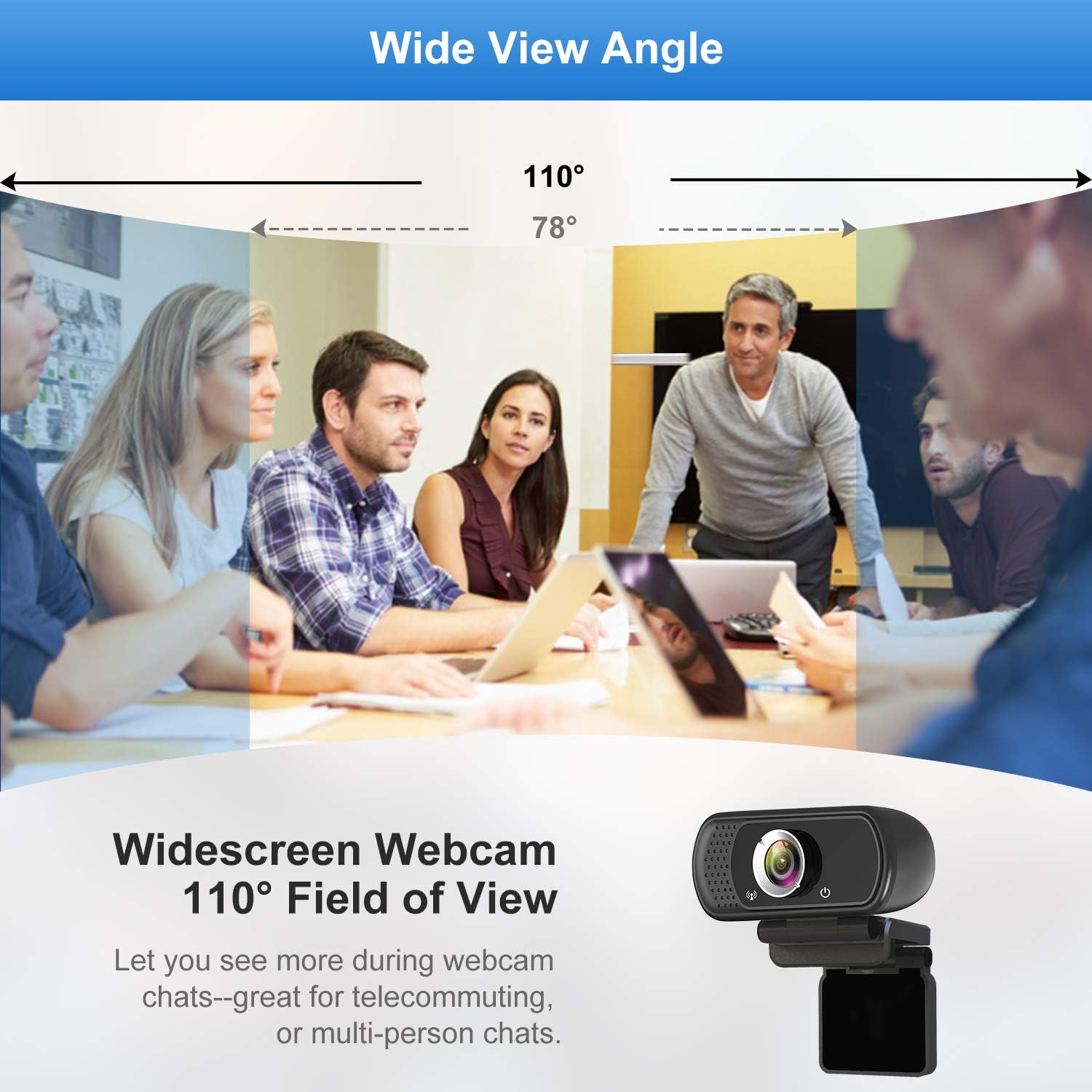
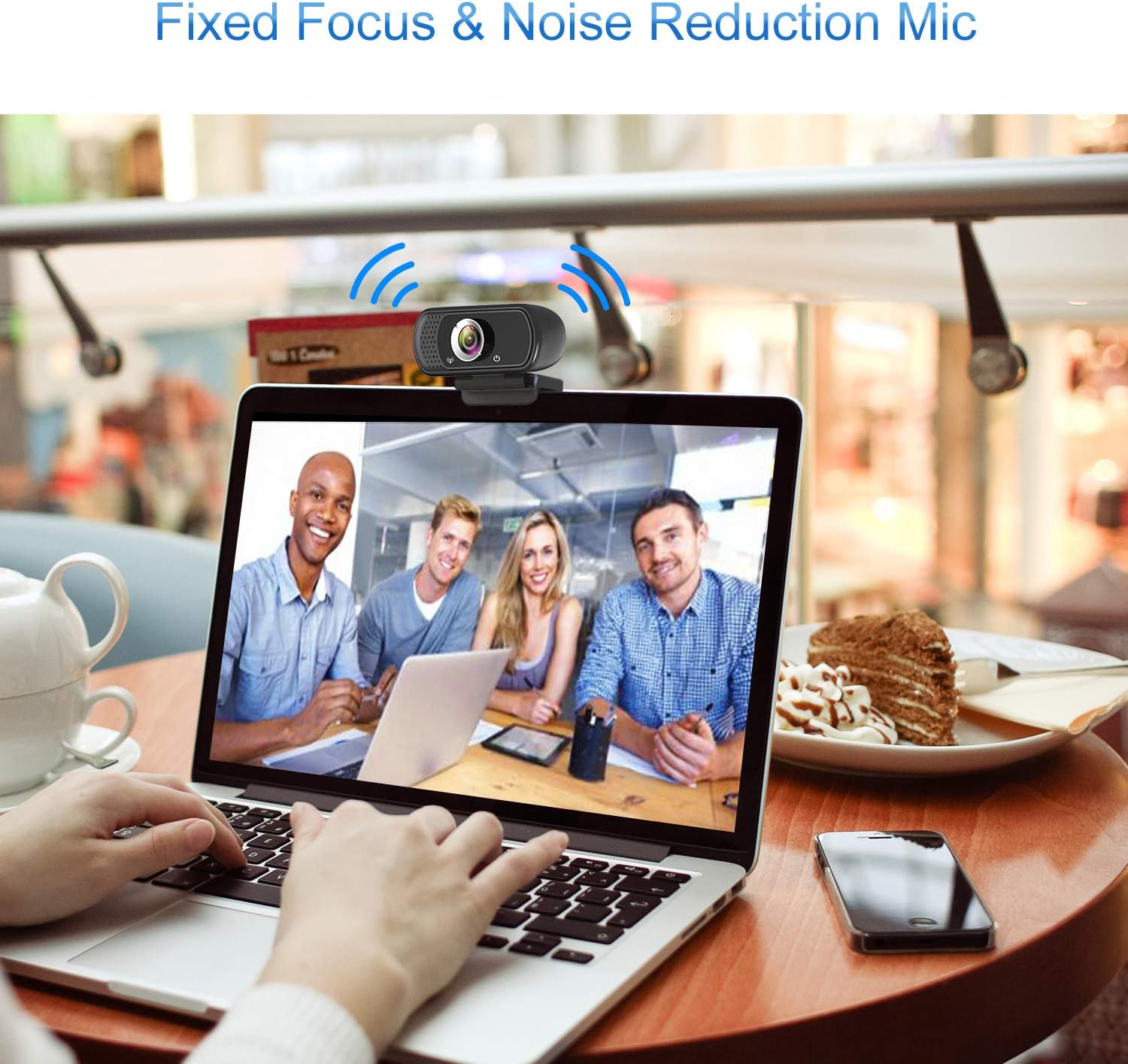
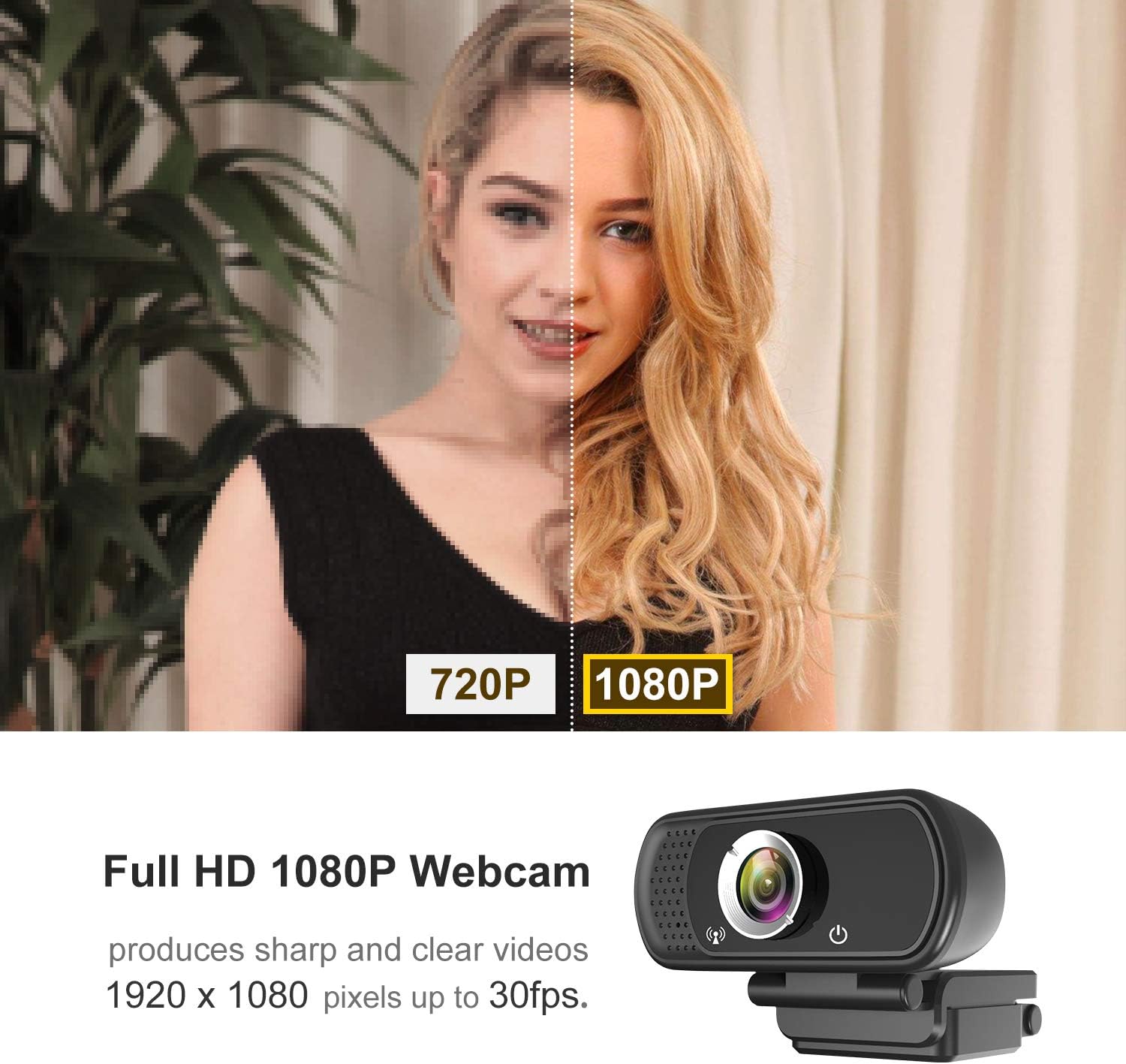
HD Webcam, Works in USB Video Device Class (UVC) mode Compatible with: -Windows 7/8/10 or later - MacOS 10.6 or above - Chrome OS 29.0.1547 or above - Android V5.0 or above Even In dim light, low light correction will be automatically working, let you get a clear image or video call and say byebye to the black face era This fixed focus webcam, 110° Field of View, focus distance up to 2.5m, and automatically reduce distracting background noise for natural and clear sound when it working USB Camera for Computer, Easy set up, no driver needed.With 1.8M/6ft USB power cable, Webcam clip on, flexible placement This is an excellent 1080P USB webcam with audio. Hrayzan 1080P webcam has exquisite appearance, smooth video, clear quality image,.The webcam is easy installation and plug-and-play. Webcam cover and tripod will be provied for free. Webcam Package: 1 x PC Webcam 1 x Manual 1 x Tripod 1 x Cover 1 x Box WebcamTechnical specifications: Suggest software: OBS Studio. Lens: Glass lens Angle: 110 Degree Image sensor: CMOS Focus Type: Fixed focus. Focal length: 0.5m to 2.5m. Video encoding: mjpg, Yuv. Video resolution: full HD 1080P/30FPS (support: 1920x1080, 1280x720, 640x480 etc.) Note: ✔✔If you are unable to access Windows 10'S preinstalled Skype with this 1080P webcam, please go to the Skype official website to download the latest desktop version. ✔✔Due to the large angle of view, the four corners of the picture will have some distortion, but the middle position will not have distortion. Large wide angle can see a larger area, so you can enjoy different video effects. ✔✔If you do not receive webcam cover or tripod due to Amazon logistics, please contact us. ✔✔If the mic didn't work, that is because the computer give the wrong channel for webcam microphone, if you had used other camera (or other devicea) for the computer, the right channel is occupied, so your computer distribute the wrong channel to new webcam please open your device manager of your computer, and find the audio 1. You should find the recording equipment in the system. 2.Find the device you are connected to and click enter properties. 3.Enter advanced options for properties. Select the channel type you want to select. Mono selection 1 channel ,stereo selection 2 channels. Then plug webcam in again and it will work normally.
Product Overview
We Recommend