
Huion KAMVAS Pro 16 Graphics Drawing Tablet with Full-Laminated Screen Tilt Battery-Free Stylus Touch Bar Adjustable Stand- 15.6 Inches Pen Display: Computers & Accessories
- Category: Graphics Tablets
- Store: HUION
Share on:
Description
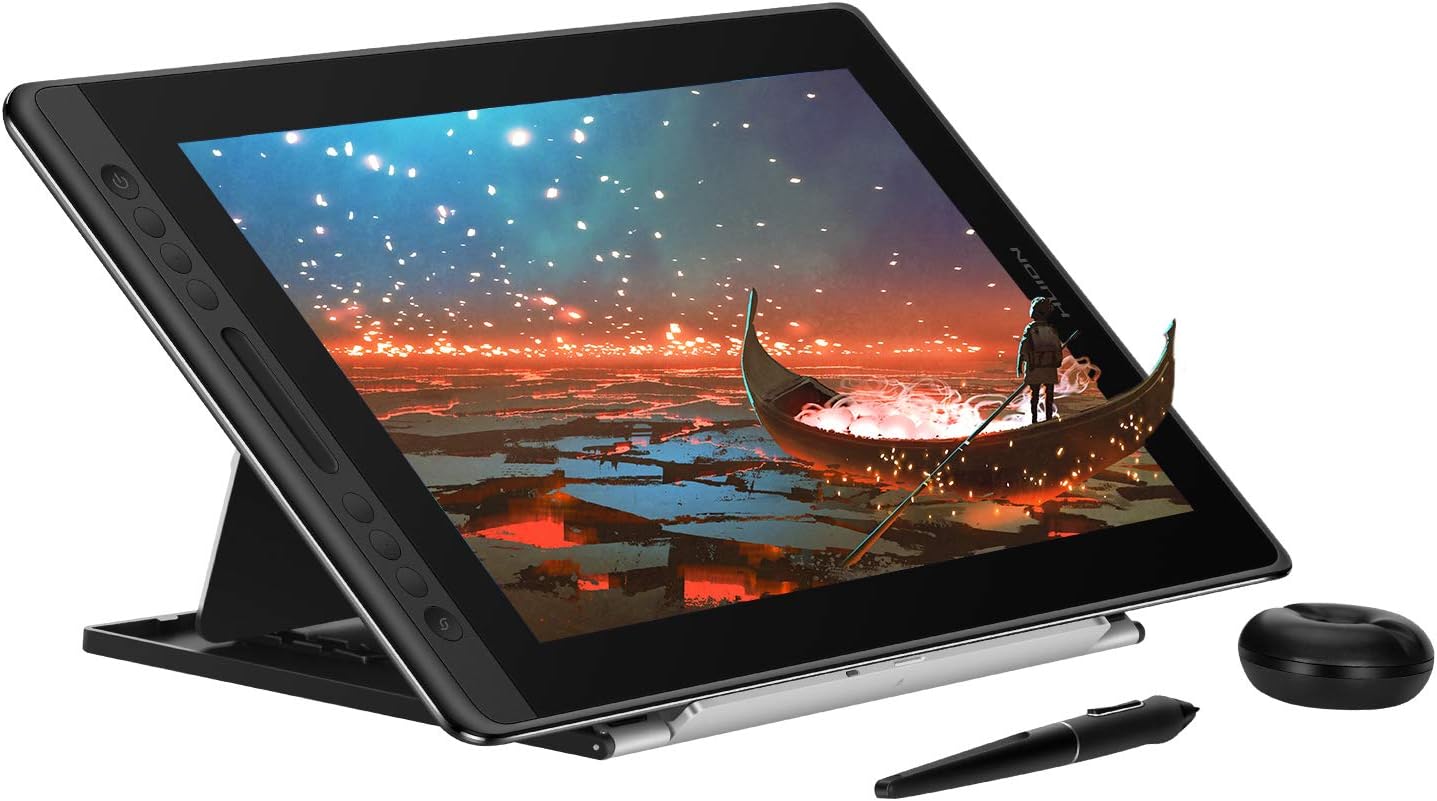
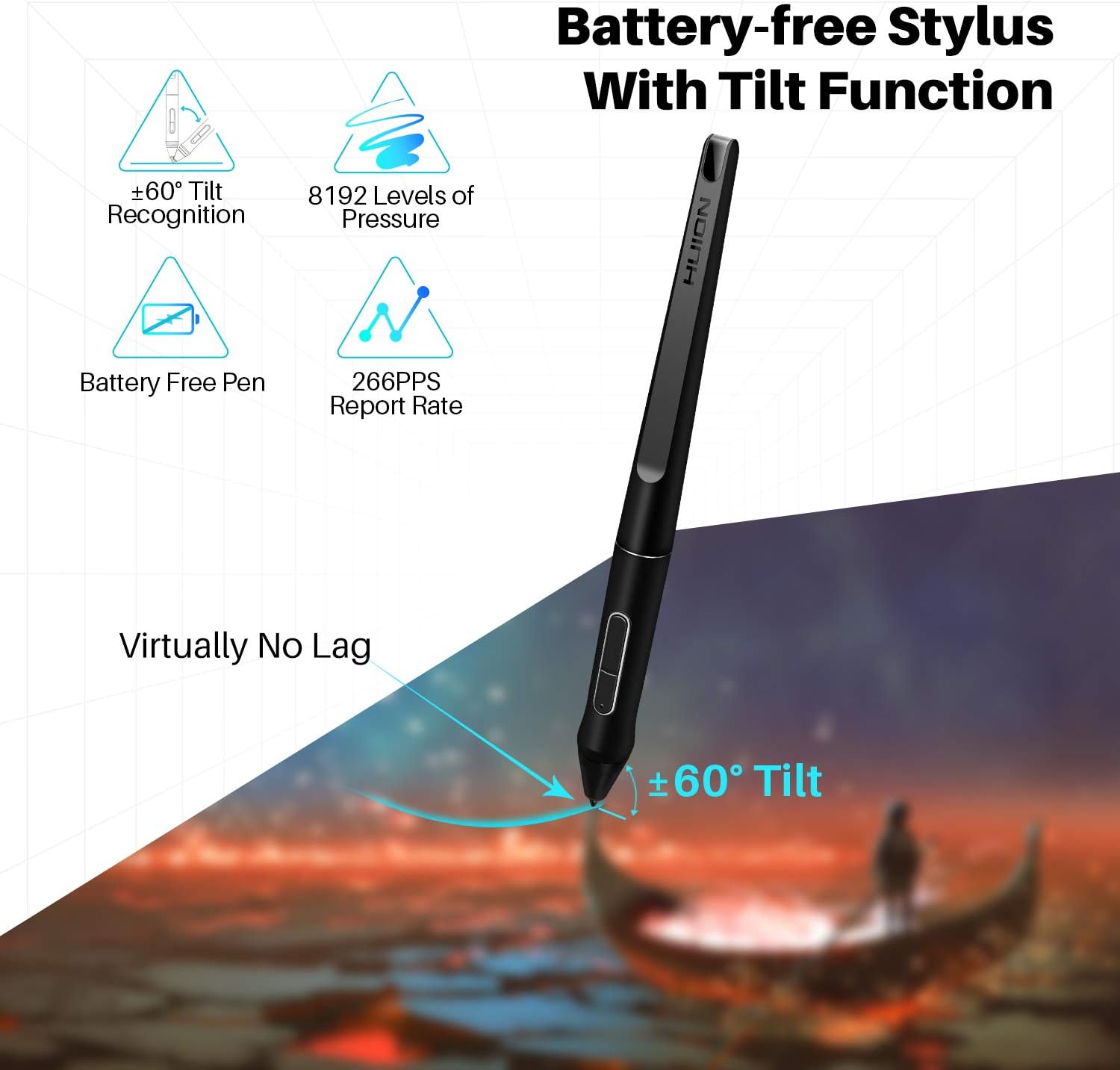
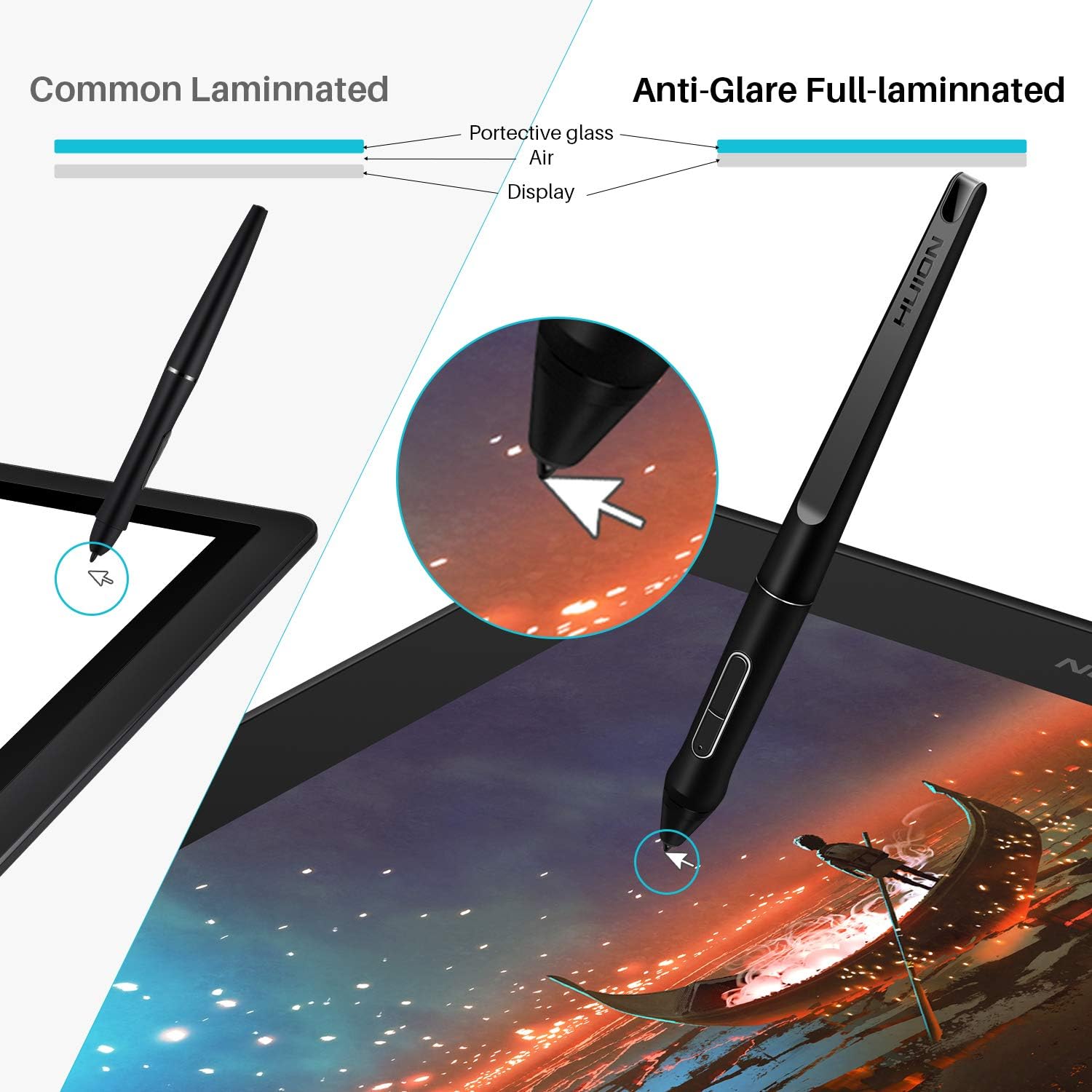
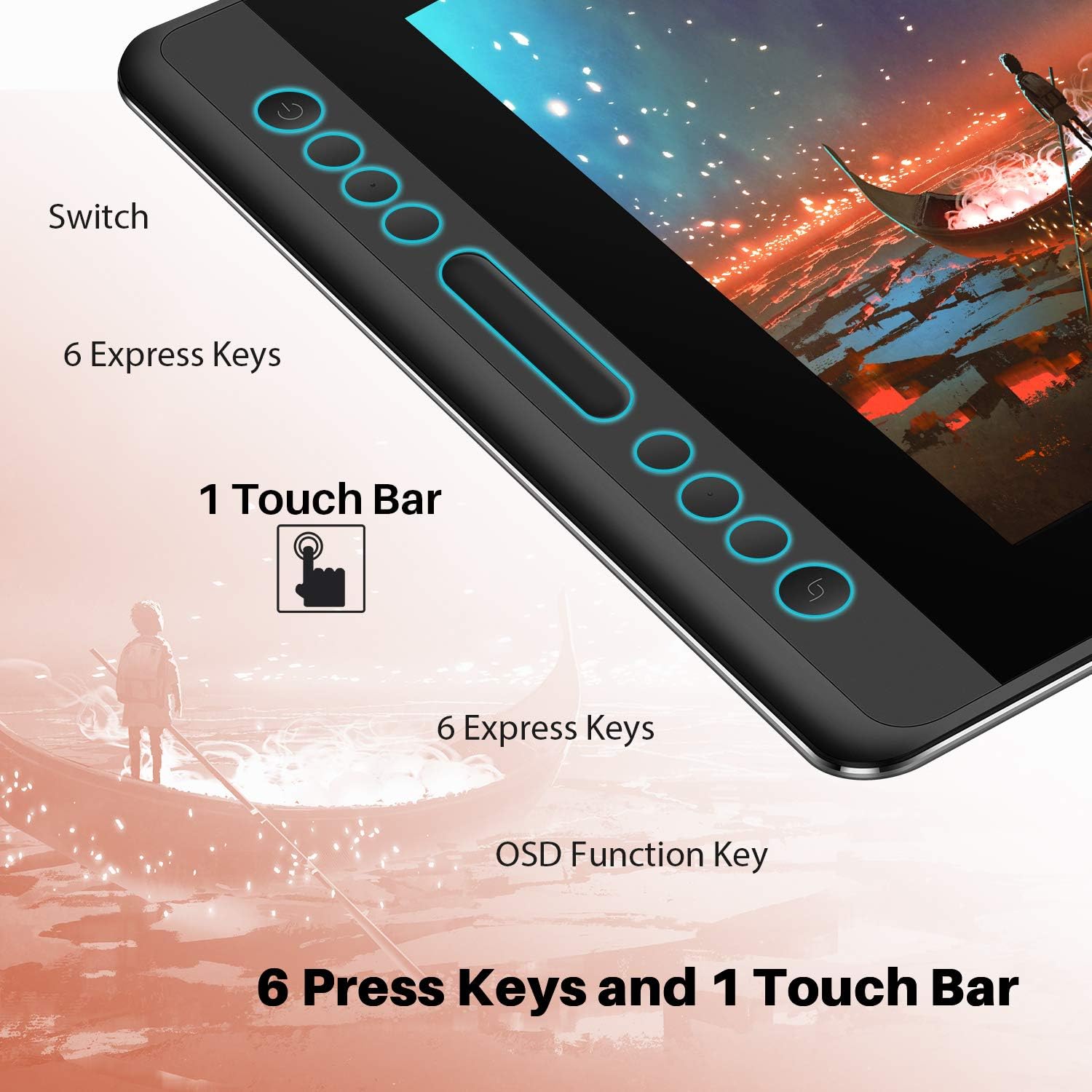
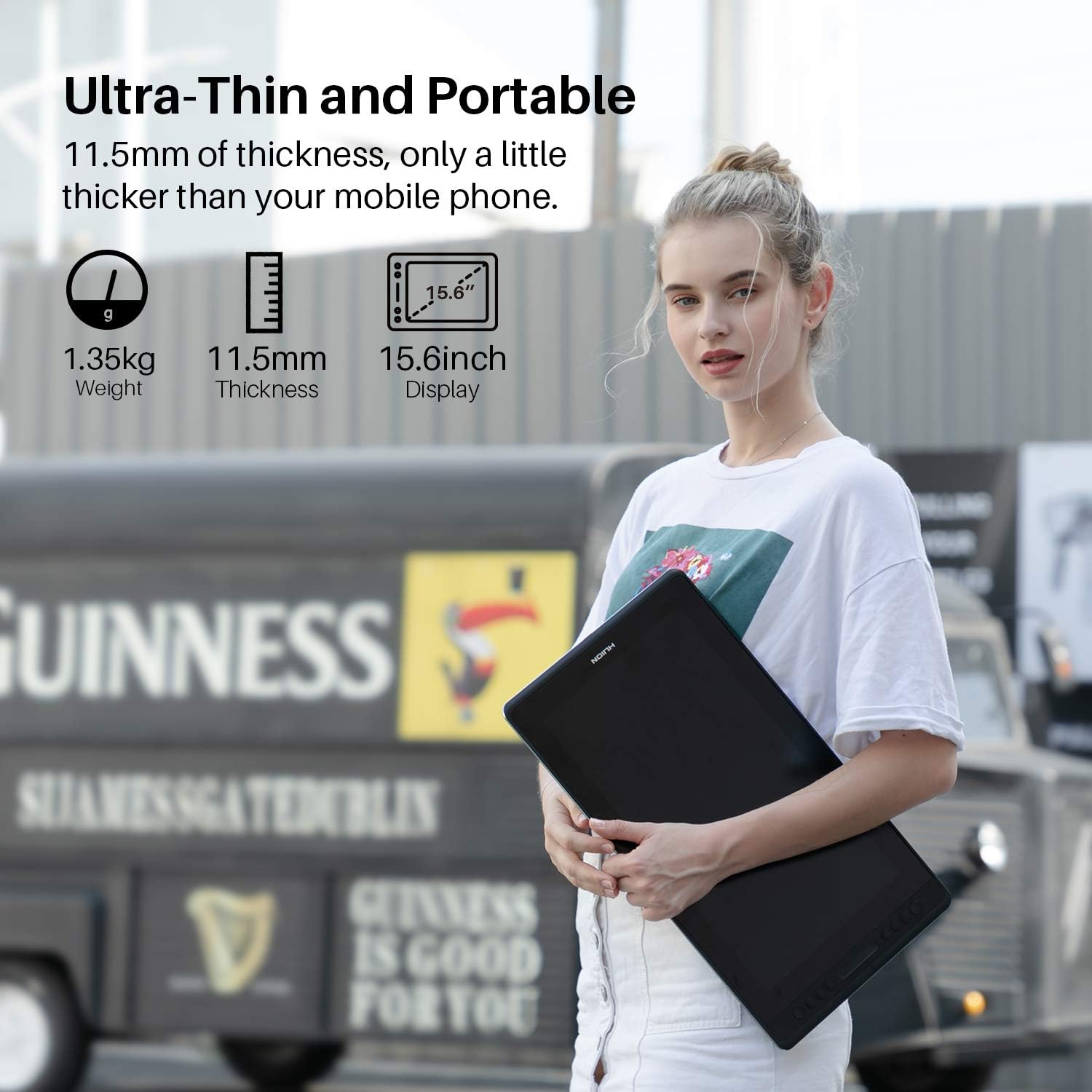
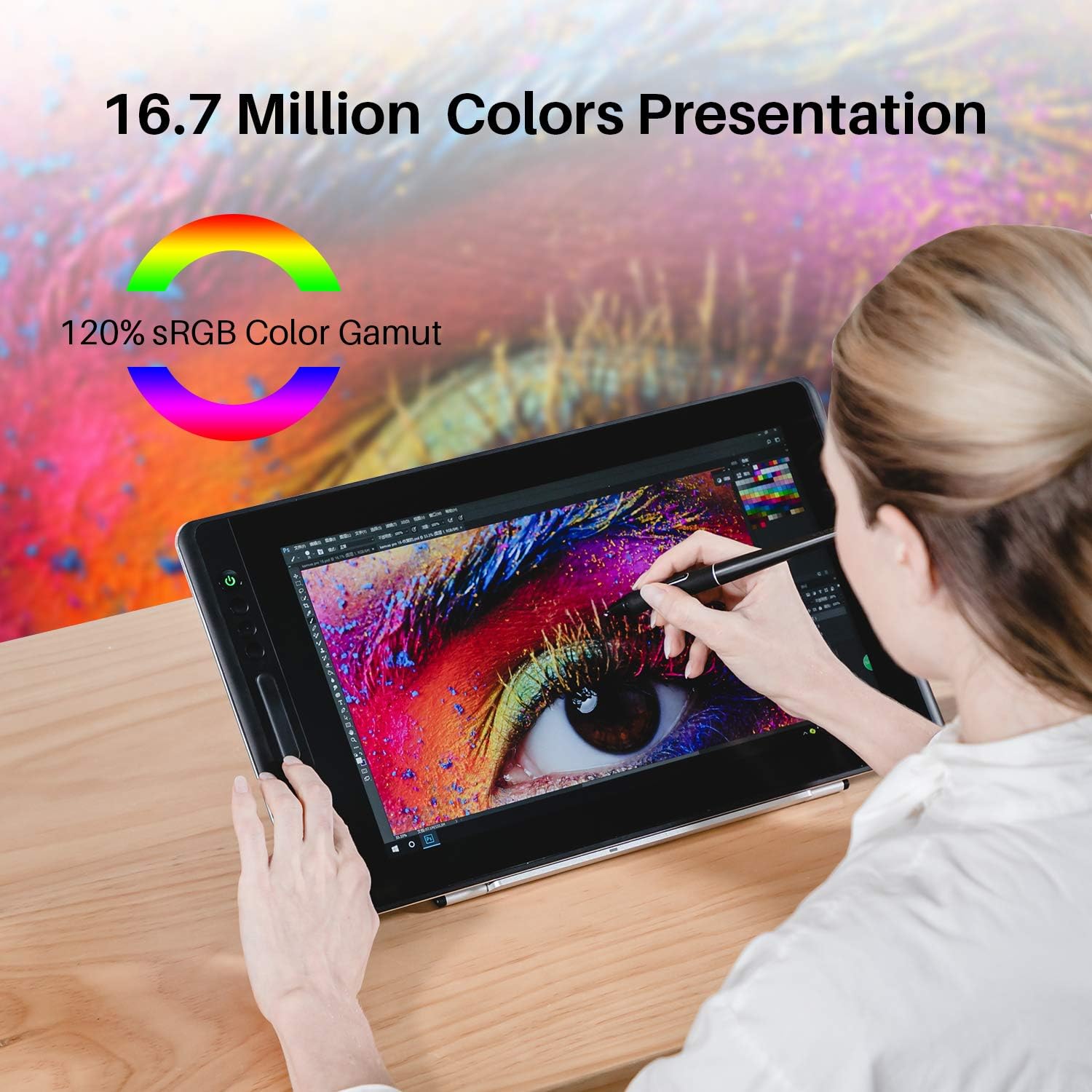
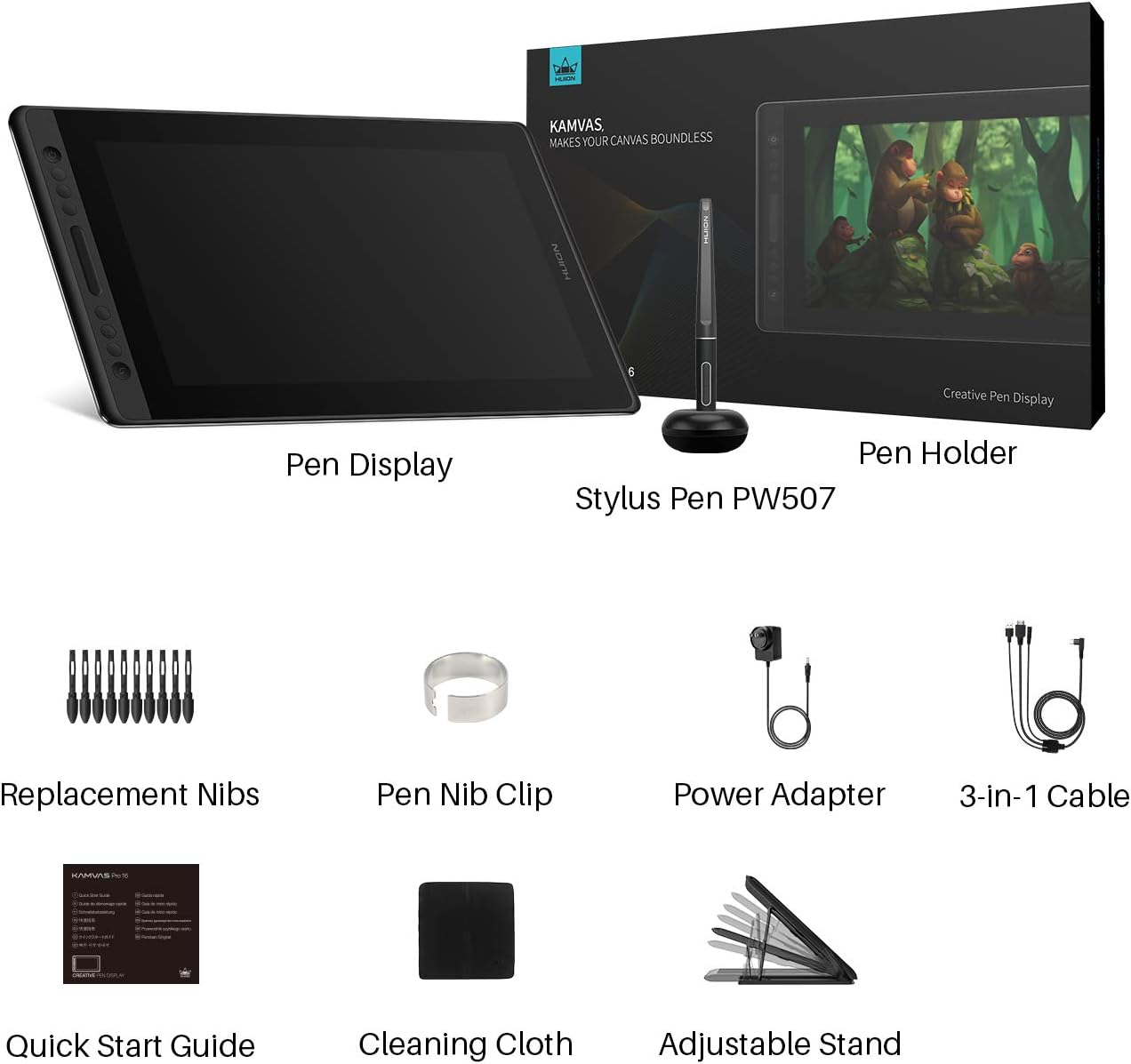
Fulfillment by Amazon (FBA) is a service we offer sellers that lets them store their products in Amazon's fulfillment centers, and we directly pack, ship, and provide customer service for these products. Something we hope you'll especially enjoy: FBA items qualify for FREE Shipping and Amazon Prime.If you're a seller, Fulfillment by Amazon can help you grow your business. Learn more about the program. Online Teaching and Working 1.Online Teaching Meet all your needs for every subject.You can use it with some online teaching softwares such as Power Point, Wrod, OneNote, PDF... for online tutoring,writing drawing and calculating. 2.Online Working Work more efficiently with Huion tablet.You can use it for online conference purpose,Web Conferencing, Webinars and Screen Sharing. WARM TIPS: 1. Kamvas Pro 16 is NOT a standalone product! This device must be connected to a computer to work. 2. Connection Tips: Your computer needs to have HDMI and USB ports available for the connection, if not, you need an adapter to convert for the connection. Please be assured the USB cable & HDMI cable securely plug into your computer. It is only coming with a US power adapter (suit for 110V-240V). If you need EU or other power adapters, please ask us for further information. After connecting all the cables to correct places, please wait about 30s-1min to wait the USB Hardware driver loaded successfully. 3. Driver Download and Installation Driver Download: Our driver will be regularly updated, so please go to Huion official web to download the newest driver, and install it on your computer. Driver Installation: Please make sure there is no other brands driver on computer and close all drawing program or protecting program before installation. Please Run As Administrator when installing the driver. MacOS users need to put software you newly downloaded into whitelist first to normally use it. 4. Indication to Avoid Offset Please set the optimal resolution: 1080 * 1920 Please set the display size to 100%: Click the right mouse button -> Screen Resolution -> Display -> 100% -> Apply. 5. HUION Tech Support If you have any problems with the Kamvas Pro 16 Graphics Drawing Tablet Moniotr, please check the Quick Guide and search Huion online to find a way to ask us for further assistance, we are always ready to help you! Excellent Screen When you draw on KAMVAS Pro 16 Graphic Monitor, the parallax is close to none and the display effect is magnificent. 120% sRGB(=92%Adobe RGB=88%NTSC) color gamut shows 16.7 million colors vividly. 6 Press Keys and 1 Touch Bar The combination of 6 press keys and 1 touch bar cannot only save your time but also enhance your productivity. You are free to set up your preference express keys. Comfortable Grip Pen PW507 is a battery-free pen features 8192 pen pressure levels and tilt recognition. With the ergonomic design and the supple rubble grip, it is easy to hold, comfortable to use, and enjoyable for creating. ±60 Levels Tilt Recognition Kamvas Pro 16 drawing pen display is with ±60 degrees of natural tilt recognition. You will have much more fun when drawing. Provides a more accurate and natural drawing experience. Full-laminated Anti-glare Glass With Full-laminated Technology, it reduces parallax to the lowest level and makes your stylus more accurate. With Anti-glare Glass, effectively reducing the "glare" effect and better protecting your eyes. 15.6-inch Compact Size Featuring a 15.6 inches IPS Screen, the weight of KAMVAS Pro 16 Pen Display is about 1.2KG and the thickness is 11.5mm, only a little thicker than a mobile phone. It is easy to put in your backpack and carry.
Product Overview
We Recommend



![[4 Bonus Items] Simbans PicassoTab 10 Inch Drawing Tablet and Stylus Pen, 2GB, 32GB, Android 9 Pie, Best Gift for Beginner Graphic Artist Boy, Girl, HDMI, USB, GPS, Bluetooth, WiFi - P92: Computers & Accessories](https://images-na.ssl-images-amazon.com/images/I/913q1toVsTL._AC_SL1500_.jpg)