
Huion H610 Pro V2 Graphic Drawing Tablet Android Supported Pen Tablet Tilt Function Battery-Free Stylus 8192 Pen Pressure with 8 Express Keys: Computers & Accessories
- Category: Graphics Tablets
- Store: HUION
Share on:
Description
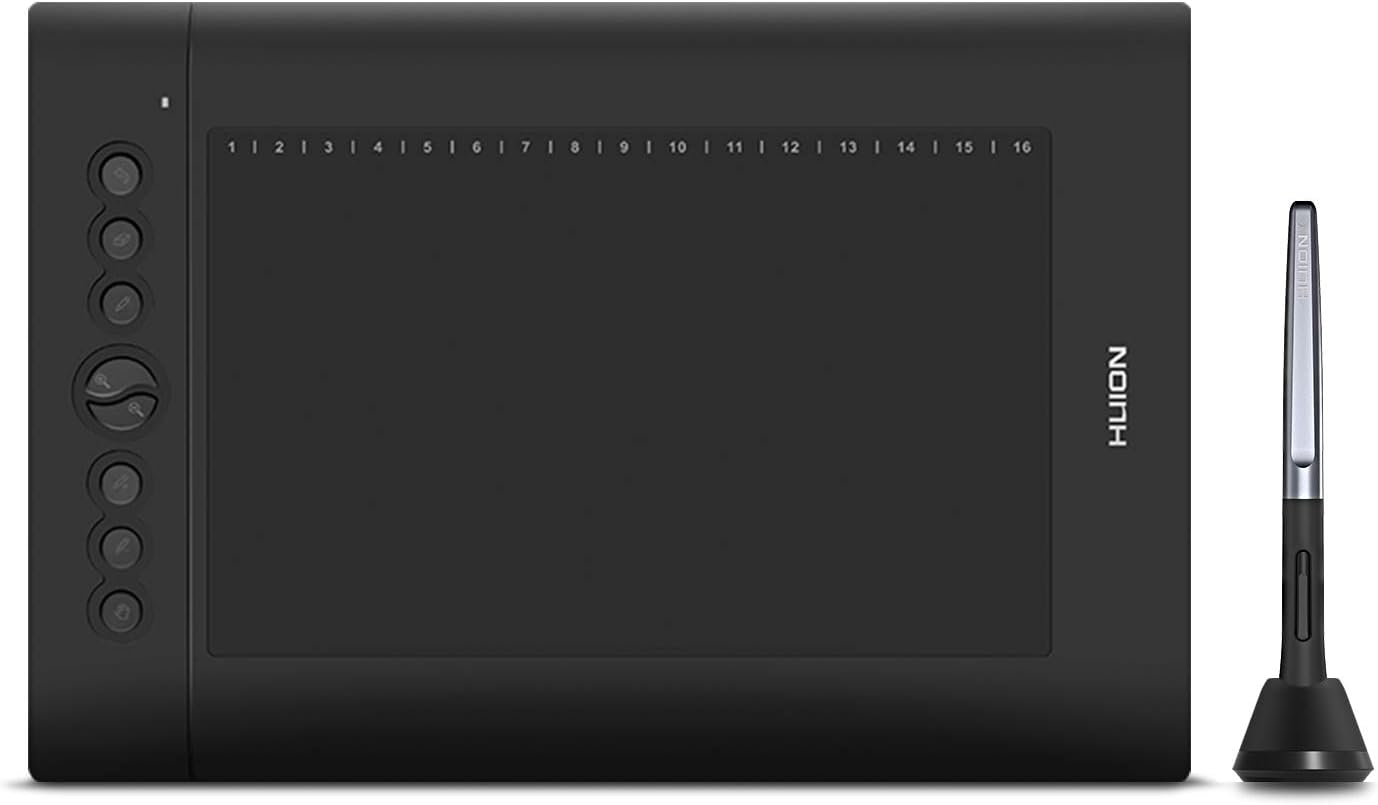
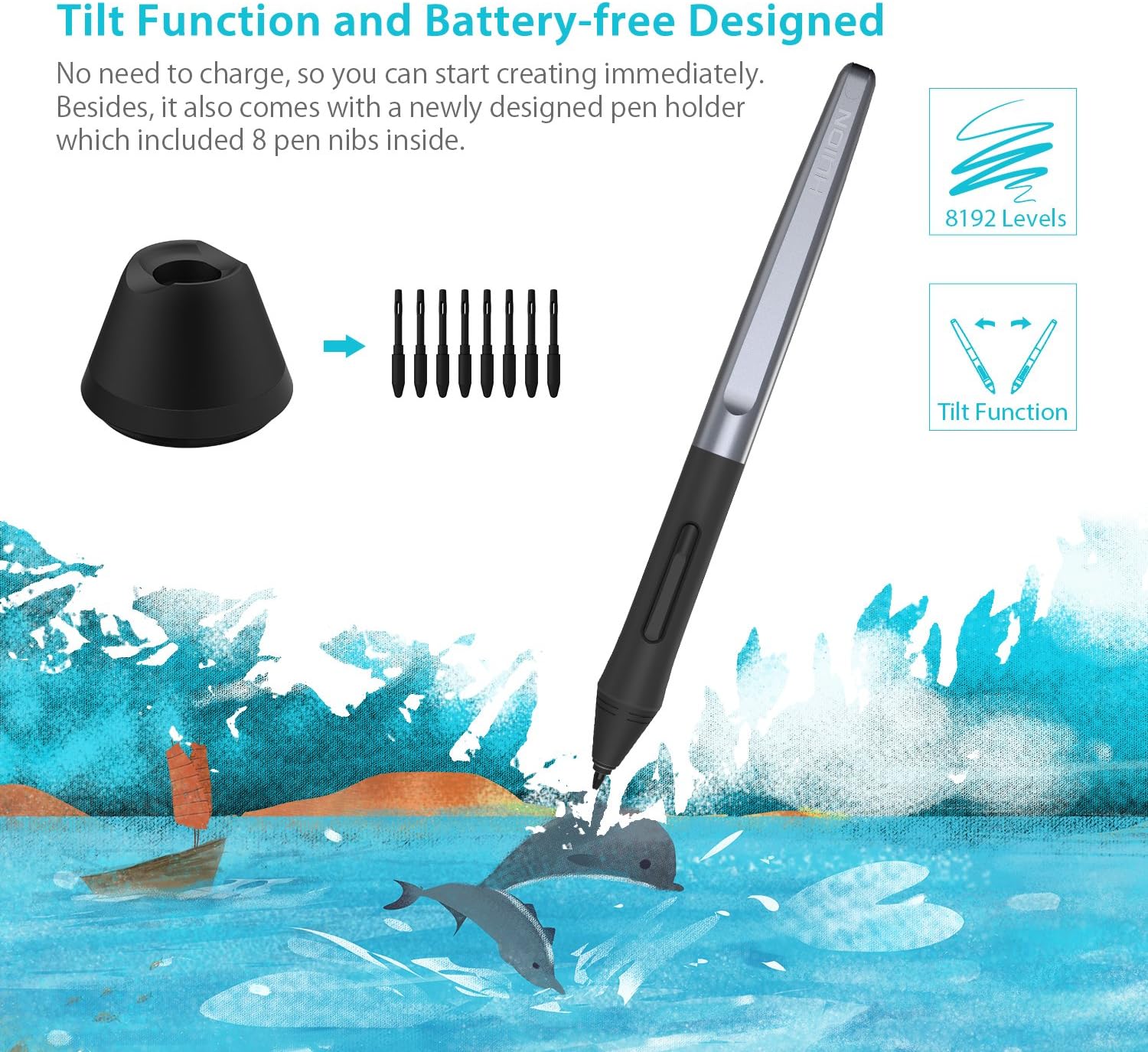
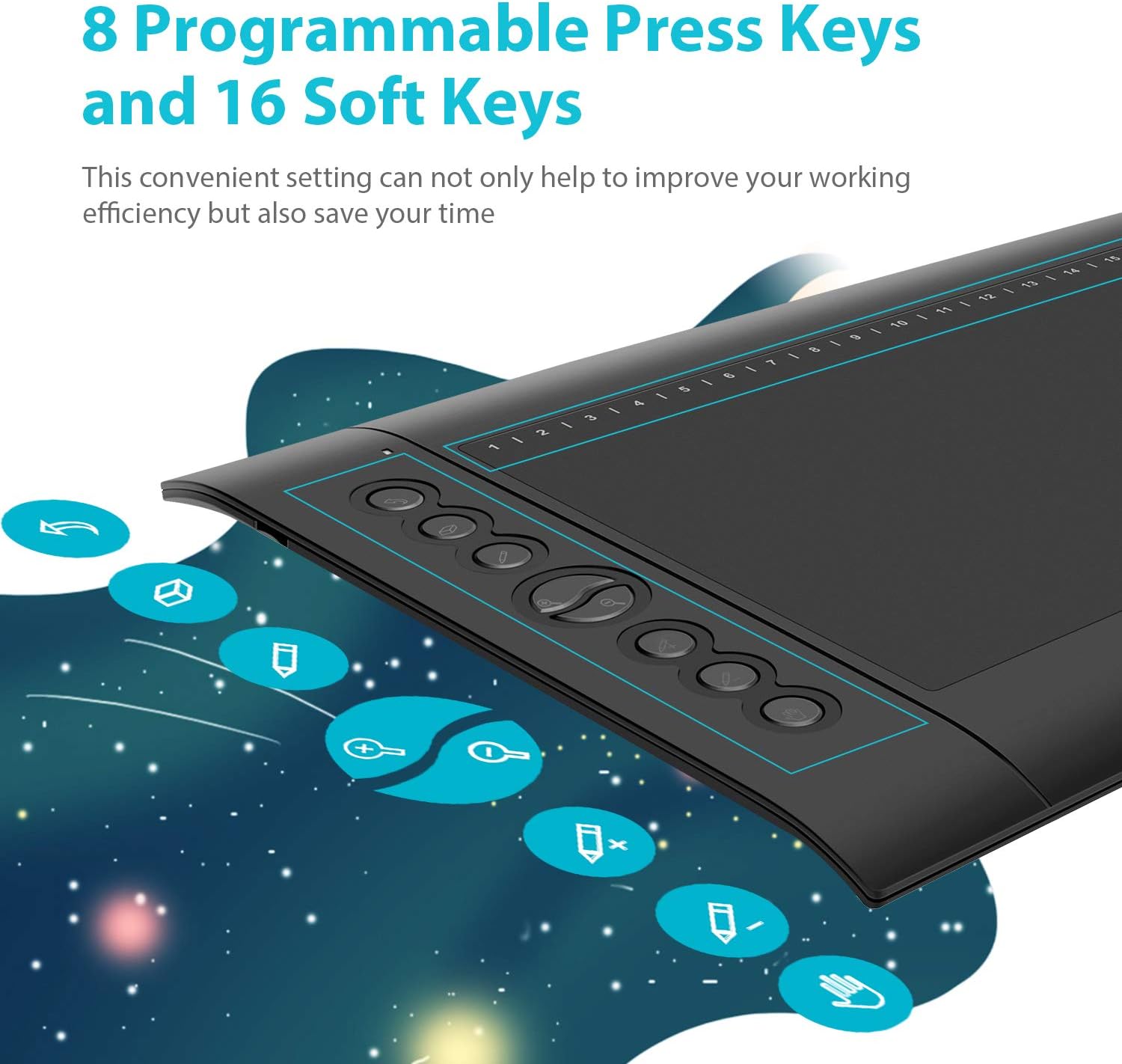
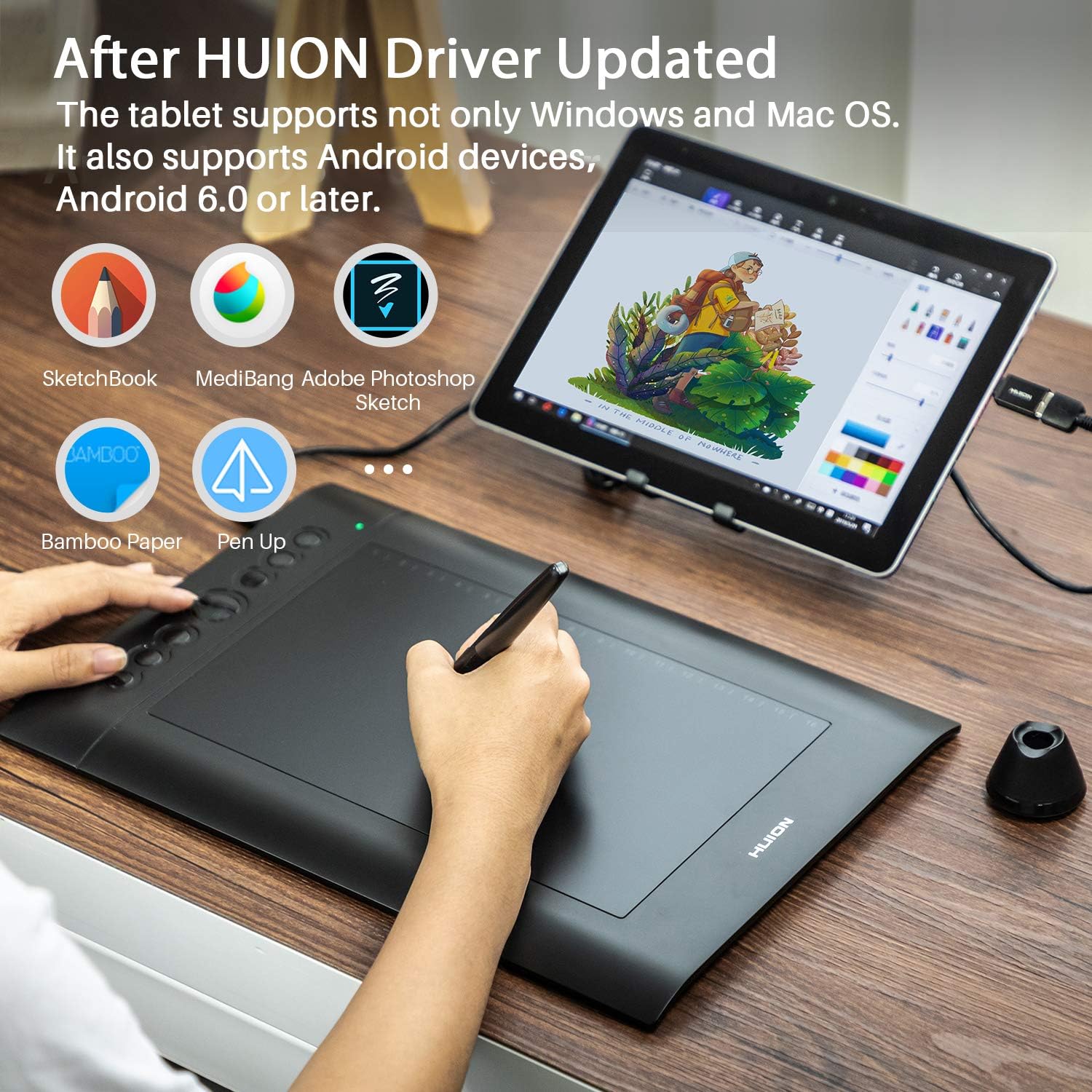
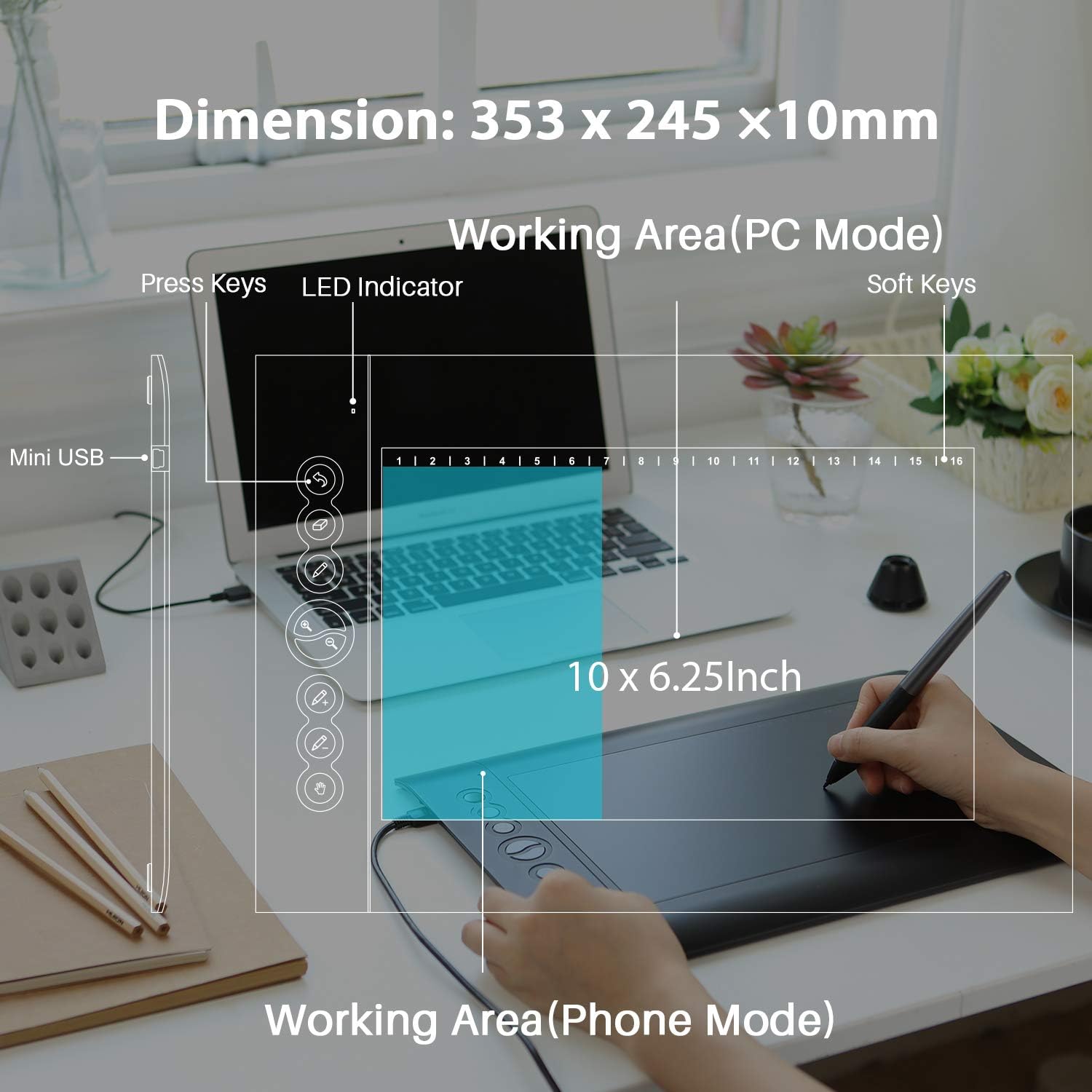
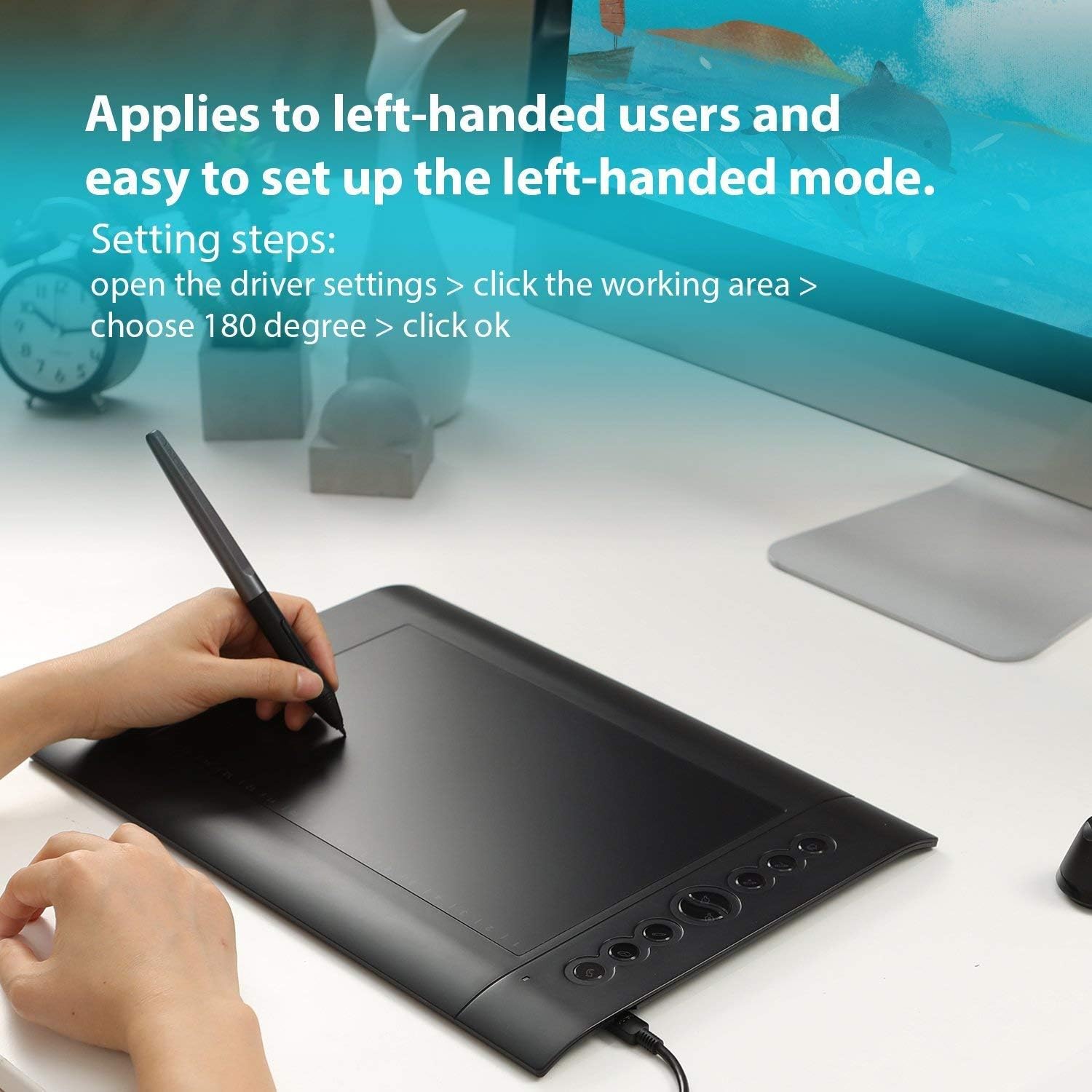
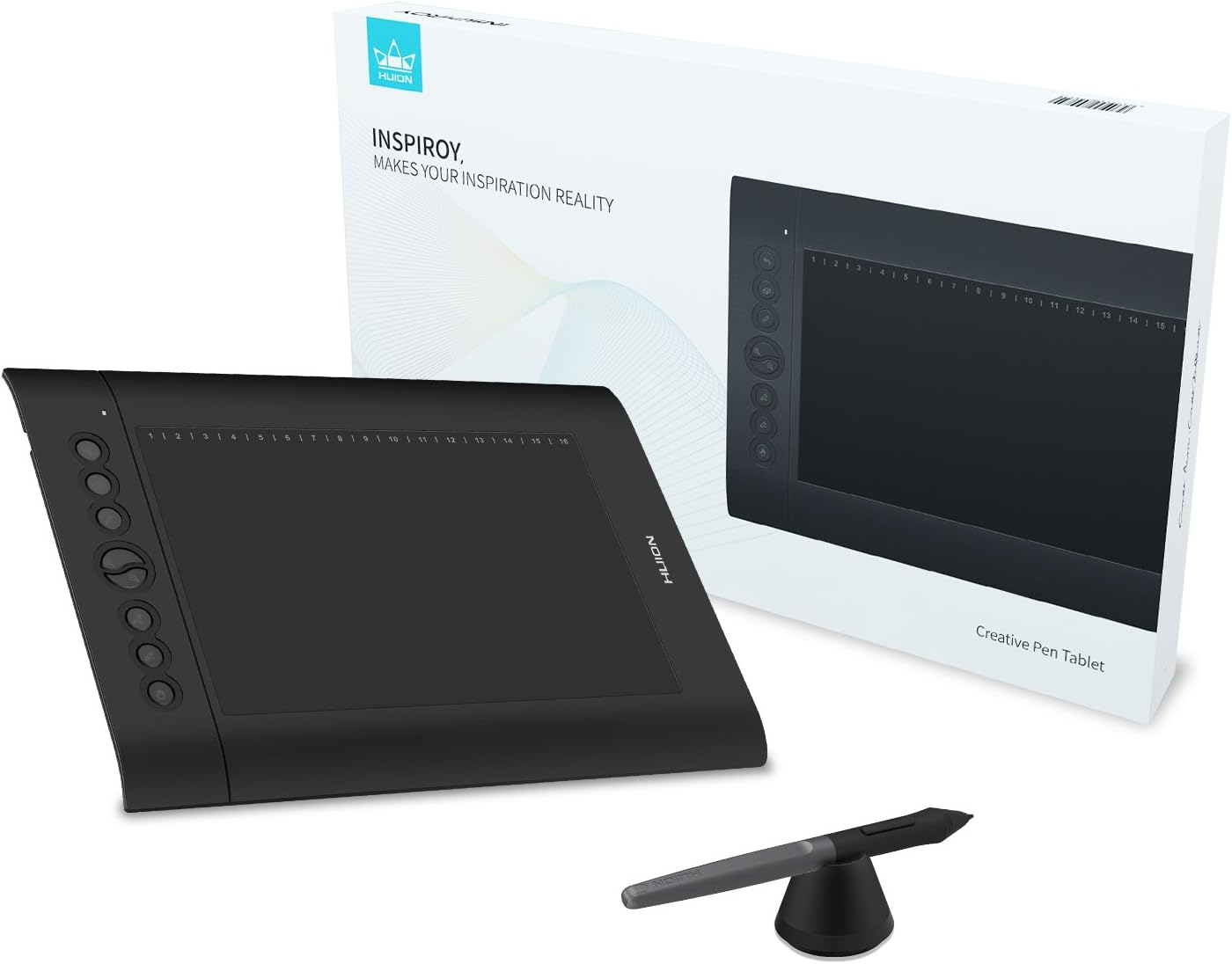
Fulfillment by Amazon (FBA) is a service we offer sellers that lets them store their products in Amazon's fulfillment centers, and we directly pack, ship, and provide customer service for these products. Something we hope you'll especially enjoy: FBA items qualify for FREE Shipping and Amazon Prime.If you're a seller, Fulfillment by Amazon can help you grow your business. Learn more about the program. WARM TIPS: 1. H610 Pro V2 is not a stand alone product! H610 Pro V2 must be connected to a computer or Android Devices to use. 2. Connection Please make sure completely plug USB cable into the tablet. When you need to connect the tablet to mobile phone, please use the OTG adapter and operate following to the user manual. 3. Driver Download and Installation Driver Download: Our driver will be regularly updated, so please go to Huion official web to download the newest driver, and install it on your computer. 3.1 For Windows Users: Please make sure there is no other brands driver on computer and close all drawing program before installation. (IMPORTANT) Please run as administrator when installing the driver. 3.2 For Mac Mojave (10.14), Catalina (10.15) Users: Our driver is compatible with Mac OS Mojave (10.14) and Catalina (10.15), please install the newest released driver on your computer and add the "HuionTablet" and "TabletDriverAgent" into the whitelist first after installed the driver. 4. HUION Tech Support If you have any problems with the H610 Pro V2, please check the Quick Guide and search Huion online to find a way to ask us for further assistance, we are always ready to help you! Reminder: The Samsung Note series can display the cursor after setting, other series will not. The cursor will not show up in following models: Nexus 6 /Google Galaxy S6 /Samsung Galaxy S7 edge /Samsung Galaxy S7 /Samsung Galaxy Tab S2 /Samsung Galaxy S8 /Samsung Galaxy S9 /Samsung Galaxy S10, S10e /Samsung Outfitted with Huion's latest battery-free stylus PW100, say goodbye to charging cables. With 8192 Pen Pressure, makes every stroke more fluent. ±60°tilt support ensures lifelike rendering of shading added to your works, without compromising the delicacy of each line input. Combination of 8 hard keys and 16 soft ones is available for shortcut setup, which will outstandingly contribute to your work efficiency. The driver allows the shortcut keys to be attuned to many different software. Anti-slip Mats on the back can prevent the tablet from dropping easily down when you focus on drawing. Sides with curvature reduce fatigue for long hours of work and have a better user experience. For an Android phone/tablet connection, the work area will be 158.8 x 99.2mm. ONLY mobile phone and tablet powered by Android 6.0 or above are supported. For a PC/laptop connection, the work area for the graphic tablet is 254 x 158.8mm. Choose the most comfortable way you like to make your creation better. You can easily connect your phone to the tablet with the OTG connector after firmware UPDATED. NOTE: The cursor will not show up in SAMSUNG at present, except SAMSUNG Note Series. If you are not sure whether the product is compatible with your Phone or if you meet any problems, please question us. Compatible with Windows 7 or above / Mac OS 10.12 or above / Android 6.0 or above (iPhone and iPad are NOT at the moment). Work with mainstream digital art software: Adobe Photoshop, Illustrator, Corel Painter, Manga Studio, Clip Studio, Zbrush, Krita, Gimp and more. The Huion Sketch App even allows you to use the express keys on tablet and pen when connect the tablet to your phone! Huion H610 Pro V2 Graphics Tablet Battery-free Pen PW100 Mini USB Cable Pen Holder PH03 Pen Nibs x 8 (Included in pen holder) OTG Adapter (Micro USB) OTG Adapter (USB-C) Quick Start Guide
Product Overview
We Recommend



![[4 Bonus Items] Simbans PicassoTab 10 Inch Drawing Tablet and Stylus Pen, 2GB, 32GB, Android 9 Pie, Best Gift for Beginner Graphic Artist Boy, Girl, HDMI, USB, GPS, Bluetooth, WiFi - P92: Computers & Accessories](https://images-na.ssl-images-amazon.com/images/I/913q1toVsTL._AC_SL1500_.jpg)