


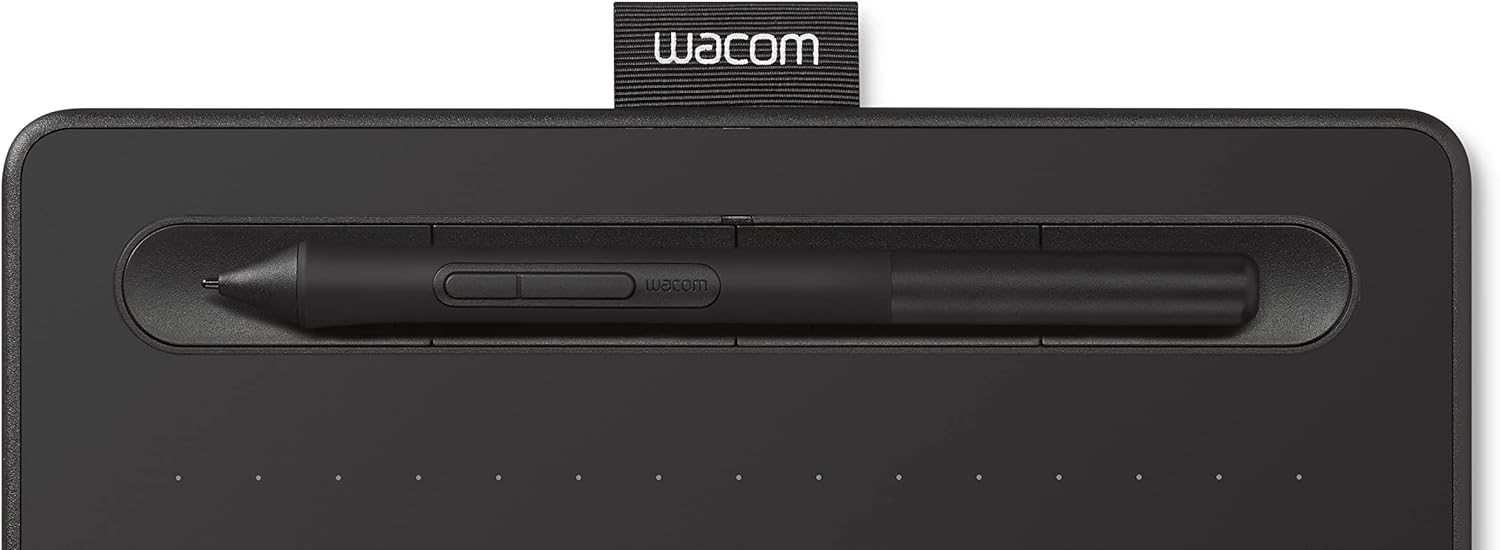


Wacom Intuos Graphics Drawing Tablet for Mac, PC, Chromebook & Android (small) with Software Included - Black (CTL4100) : Electronics
- Category: Graphics Tablets
- Store: Wacom
Share on:
Description
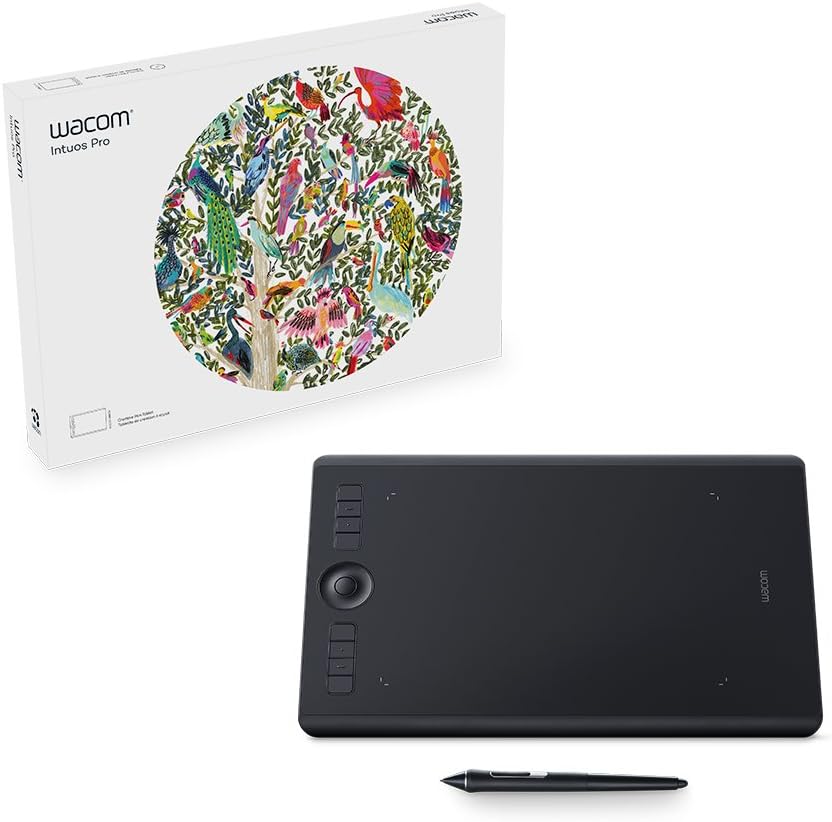
With natural pen strokes, quick coloring, unlimited tones and 3D figure templates, it has everything a budding comic-book artist or manga lover needs to bring action to life. If you’re on Mac or PC, receive 2-year license. If you’re on Chromebook, receive a 3-month license. Simply register your tablet to get the download instructions. Release your inner artist with a variety of painting styles, award-winning Natural-Media brushes and photo effects. Get the most out of your Intuos & create an authentic, hand-painted look every time. Simply register your tablet to get the download instructions. Turn your passion for photography into unforgettable memories with powerful processing tools and presets to enhance any image from good to great. Simply register your tablet to get the download instructions. Wacom Intuos is tested and confirmed by Wacom to be compatible with Chromebook which opens up a new world of creativity in education for students and teachers to communicate concepts more easily with a pen tablet connected to their Mac, PC, or Chromebook. Create powerful learning moments with Intuos and EdTech software – purchase and register your tablet and receive 3-month trials Pear Deck, Kami, Limnu, Explain Everything and Collaborard. Compatible software How do I get my software Works With Chromebook Android setup Wacom Intuos pen tablet has been designed for those who are getting started drawing, painting or photo editing with their Mac, PC, Chromebook or select Android smartphones/tablets. Whether it’s the light super-accurate pen, the stylish design, the included software or online tutorials, Wacom Intuos is all you need to get creative digitally. Wacom Intuos can also be used to easily write, edit or convey ideas to in education or remote work settings. This product works with devices capable of running the latest version of Chrome OS. Google is not responsible for the operation of this product or its compliance with safety requirements. Chromebook is a trademark of Google LLC.
Product Overview
We Recommend



![[4 Bonus Items] Simbans PicassoTab 10 Inch Drawing Tablet and Stylus Pen, 2GB, 32GB, Android 9 Pie, Best Gift for Beginner Graphic Artist Boy, Girl, HDMI, USB, GPS, Bluetooth, WiFi - P92: Computers & Accessories](https://images-na.ssl-images-amazon.com/images/I/913q1toVsTL._AC_SL1500_.jpg)