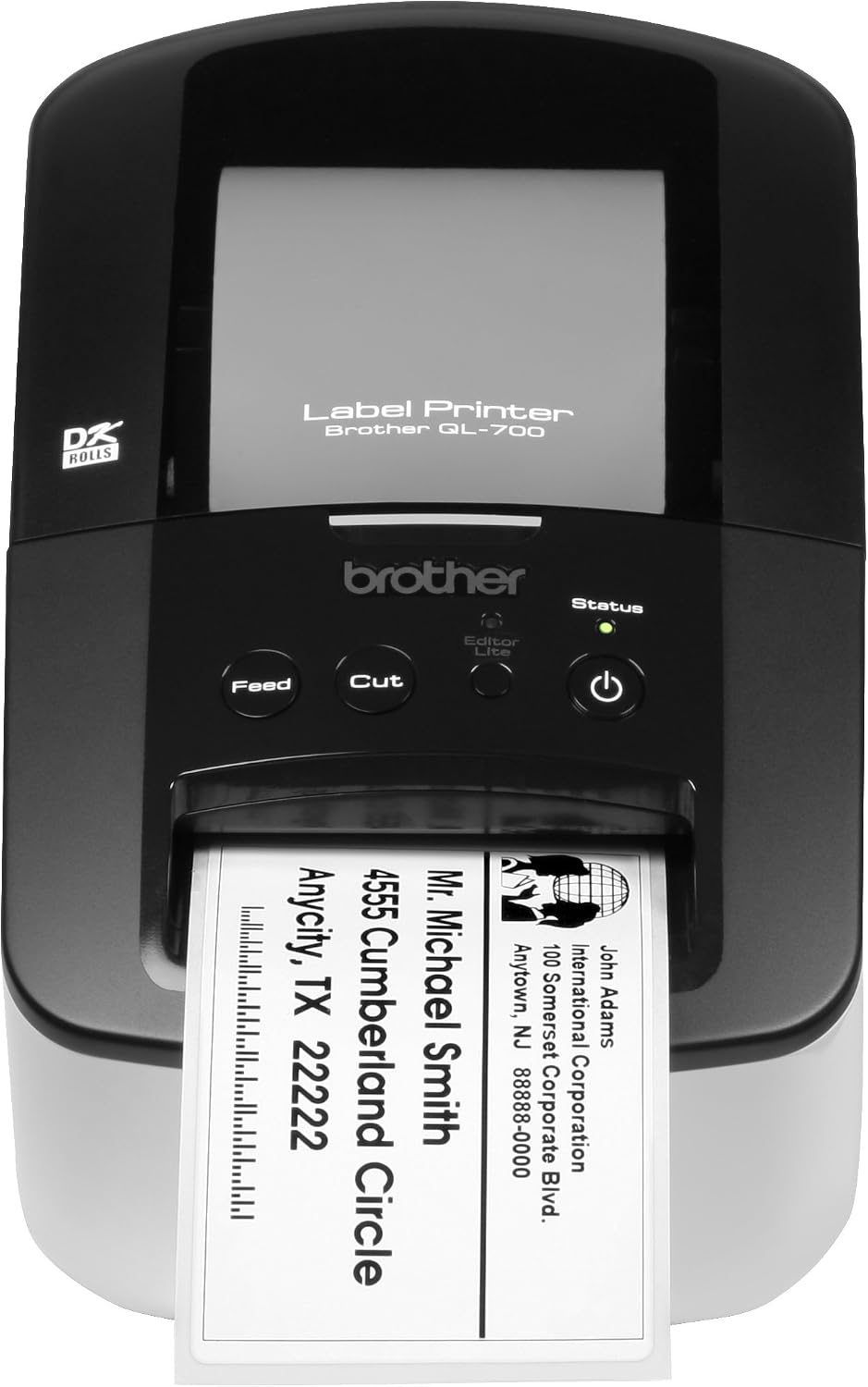
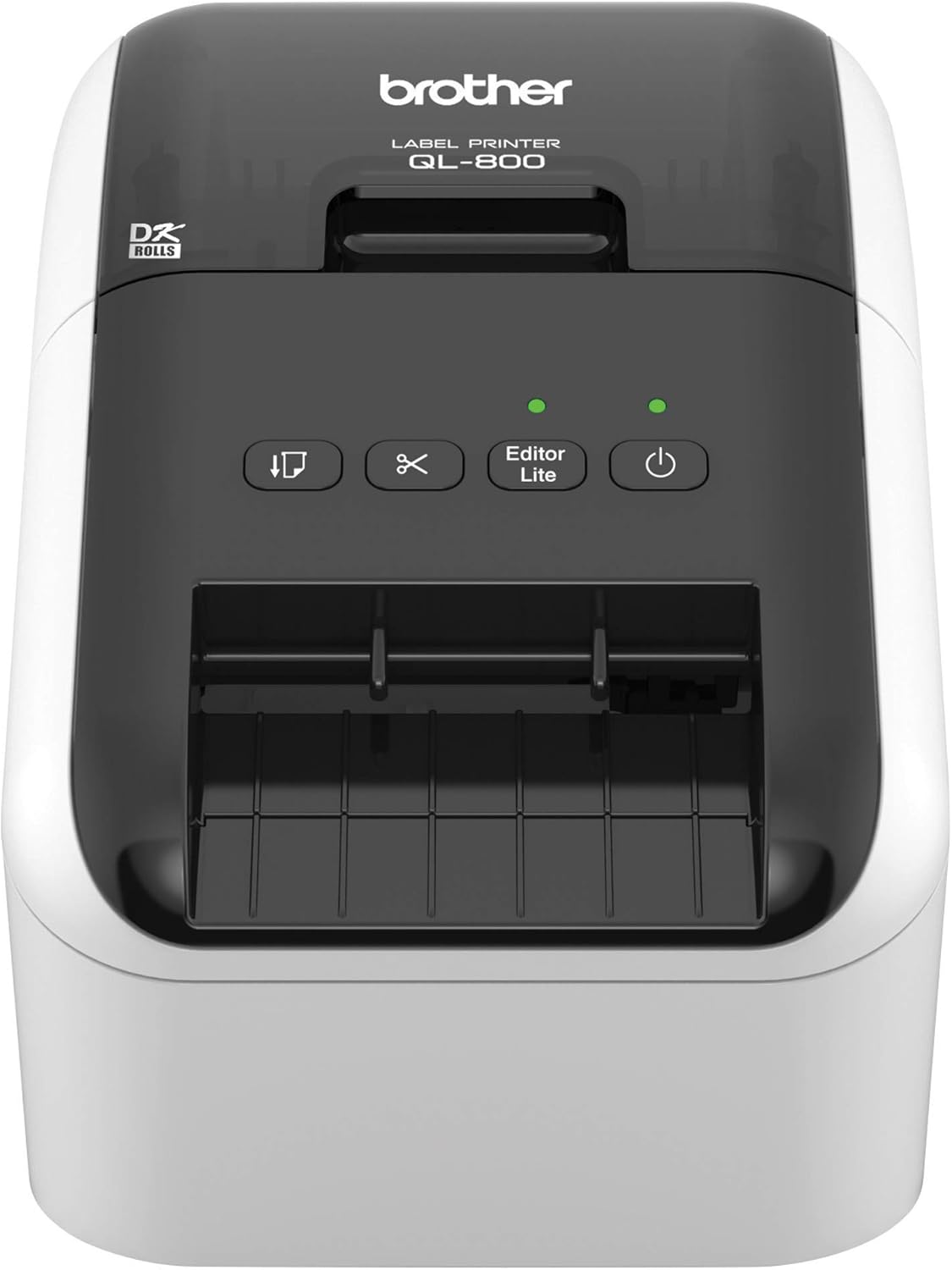
Brother QL-1100 Wide Format, Postage and Barcode Professional Thermal Label Printer, Black : Office Products
- Category: Label Printers
- Store: Brother
Share on:
Description
The Brother QL-1100 Label Printer lets you create and print cost-effective paper labels for packages, file folders, envelopes, postage, shipping and more. Why Buy: - Fast printing up to 69 standard address labels per minute (1) with black text at 300dpi - “Plug & Label” feature supports quick label printing of most basic labels - no software installation required for Windows PCs - Compatibility with label width up to 4” wide is ideal for printing shipping and postage labels for packages - Detects the size of the tape in the machine and automatically adjusts the onscreen template - Automatic cutter allows for printing 1 or multiple labels at a time, helping eliminate wasted label sheets - Ideal for printing shipping postage labels for packages with labels up to 4” wide - Quick and easy printing of product and other barcode labels from A4/Letter size label sheet templates (Windows only) - Added convenience with Brother Genuine DK drop in labeling supplies - Easy to integrate and manage on a network using Brother network management tools and free software development kits. SDKs are available for Windows, iOS and Android systems. - Minimize the time spent waiting for labels with fast printing - up to 69 standard address labels per minute - Utilize features such as the automatic crop function to easily print product and other barcode labels from A4/Letter size label sheet templates (Windows only) - USB Host interface offers additional functionality and can be used with a periphal device such as a scanner - Easily print barcode labels from sheet templates and other documents (Windows only) - Automatically identifies and crops individual labels (including barcodes) from an A4/Letter sized sheet - Prints each label one by one - Print the entire sheet of labels or select a section of labels using the snapshot feature - Great for labels where sheet formats are already generated - Genuine Brother DK labels and tapes are engineered to print high quality labels with your Brother QL Label Printer - For best results, protect your Brother QL Label Printer with Brother Genuine supplies Note: Using non-Genuine Brother supplies may damage your Brother QL Label Printer and may not be covered under warranty (3). 1. Based on using standard address labels, text only, at 300 X 300 dpi. 2. Requires connection to a wireless network. For more details regarding the Brother iPrint & Label app visit the manufacturer's website. 3. For more information, contact Brother customer service or visit the manufacturer's website. 4. Sold separately. The Brother QL-1100 Wide Format Professional Thermal Label Printer addresses the increasing demand for highly reliable, cost-effective business label printers to consistently and quickly print high-quality up to 4-inch labels - perfect for shipping and postage. The Brother QL-1100 delivers 300 dpi resolution and prints up to 69 labels per minute(1) minimizing the time spent waiting for labels. Its built-in automatic heavy-duty cutter is ideal for handling large print jobs and provides a clean, professional edge when using continuous tapes.The Brother QL-1100 includes a USB cable, label creation software and a starter supply of labels so it’s ready to use right out of the box. The QL-1100 is compatible with Windows and Mac and integrates with Microsoft Word, Excel, and Outlook. It also offers a USB host interface for use with peripheral devices including scanners. The Plug & Play feature enables you to create and print labels without the need to install software on your Windows PC, making it simple to use. The easy-to-use, drop-in DK replacement tape rolls make it a breeze to change supplies; there’s no ink or toner to replace – ever. The QL-1100 also detects the size of the tape in the machine and automatically adjusts the onscreen template.The automatic crop function lets on-line sellers easily print product and other barcode labels from A4/Letter size label sheet templates (Windows only). You can print an entire sheet of labels or a section of labels with virtually no waste. Brother network management tools make it easy to integrate and manage the label printer on any network. The free Software Development Kit (SDK) is available for Windows, iOS and Android for custom application development. Brother provides email and phone support to developers and software integrators. The Brother QL-1100 combines fast and easy professional output with the low-maintenance requirements of direct thermal printing.(1) Based on using standard address labels, text only at 300 x 300 dpiAll referenced trademarks and registered trademarks are the property of their respective companies. Android is a trademark of Google Inc. Mac is a registered trademark of Apple Inc. We recommend using genuine Brother DK label supplies for best performance, as they're engineered to print high-quality labels with your Brother QL printer.
Product Overview
We Recommend