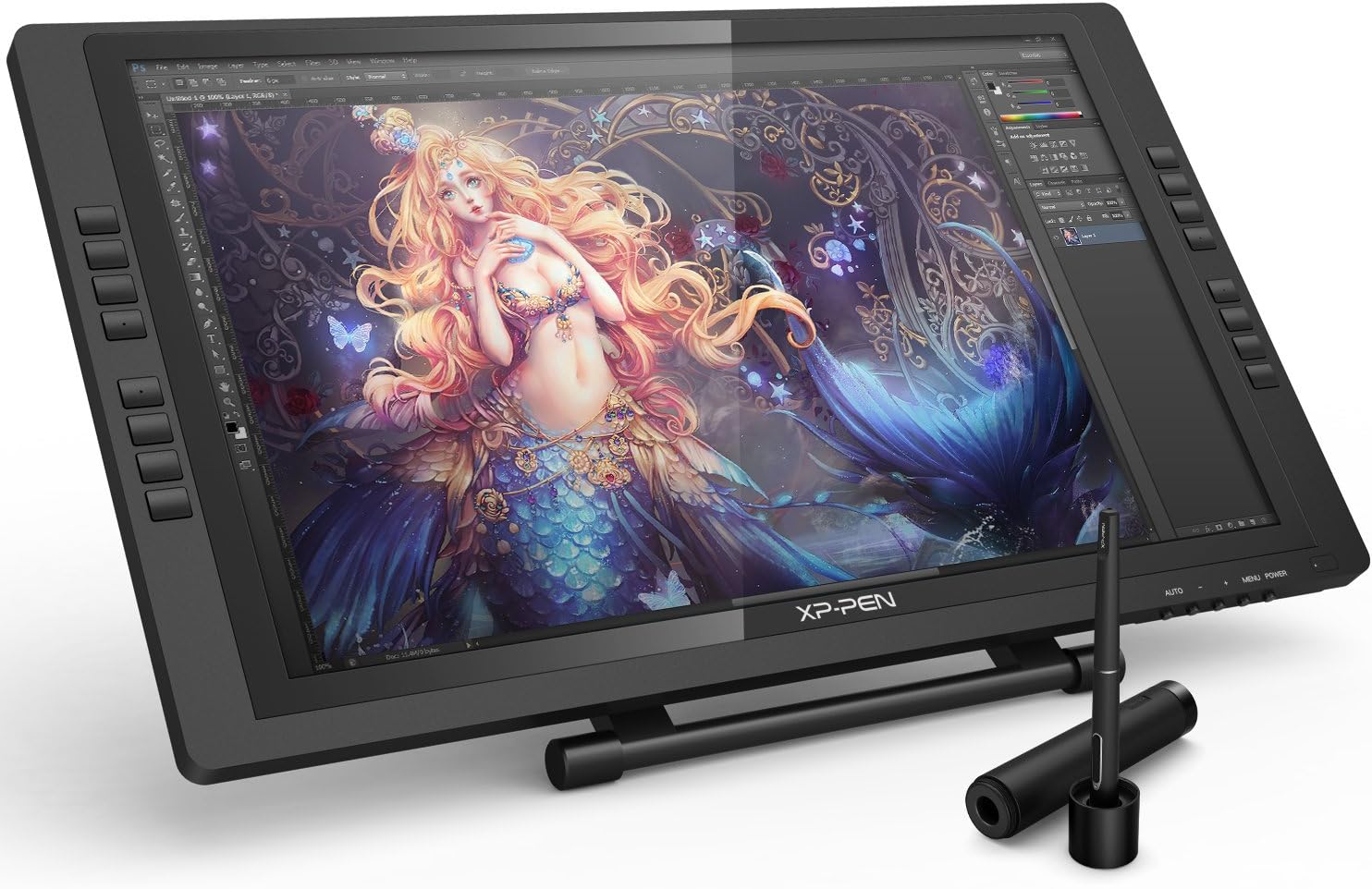

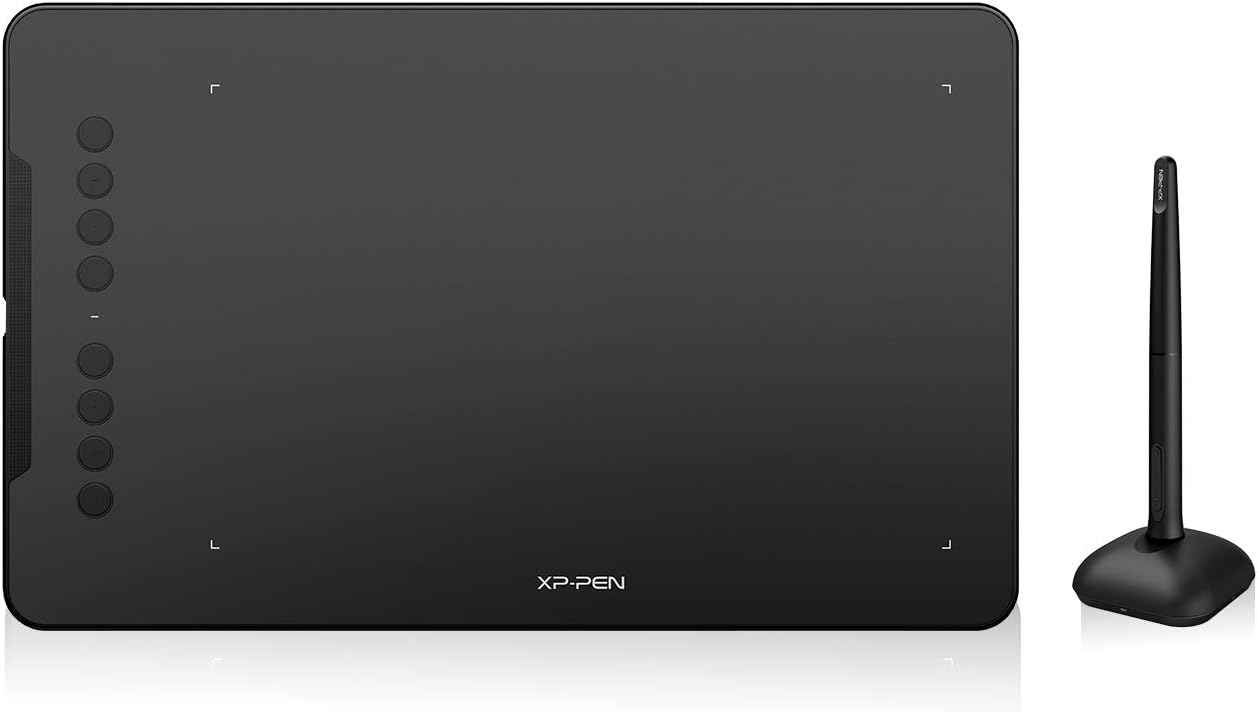


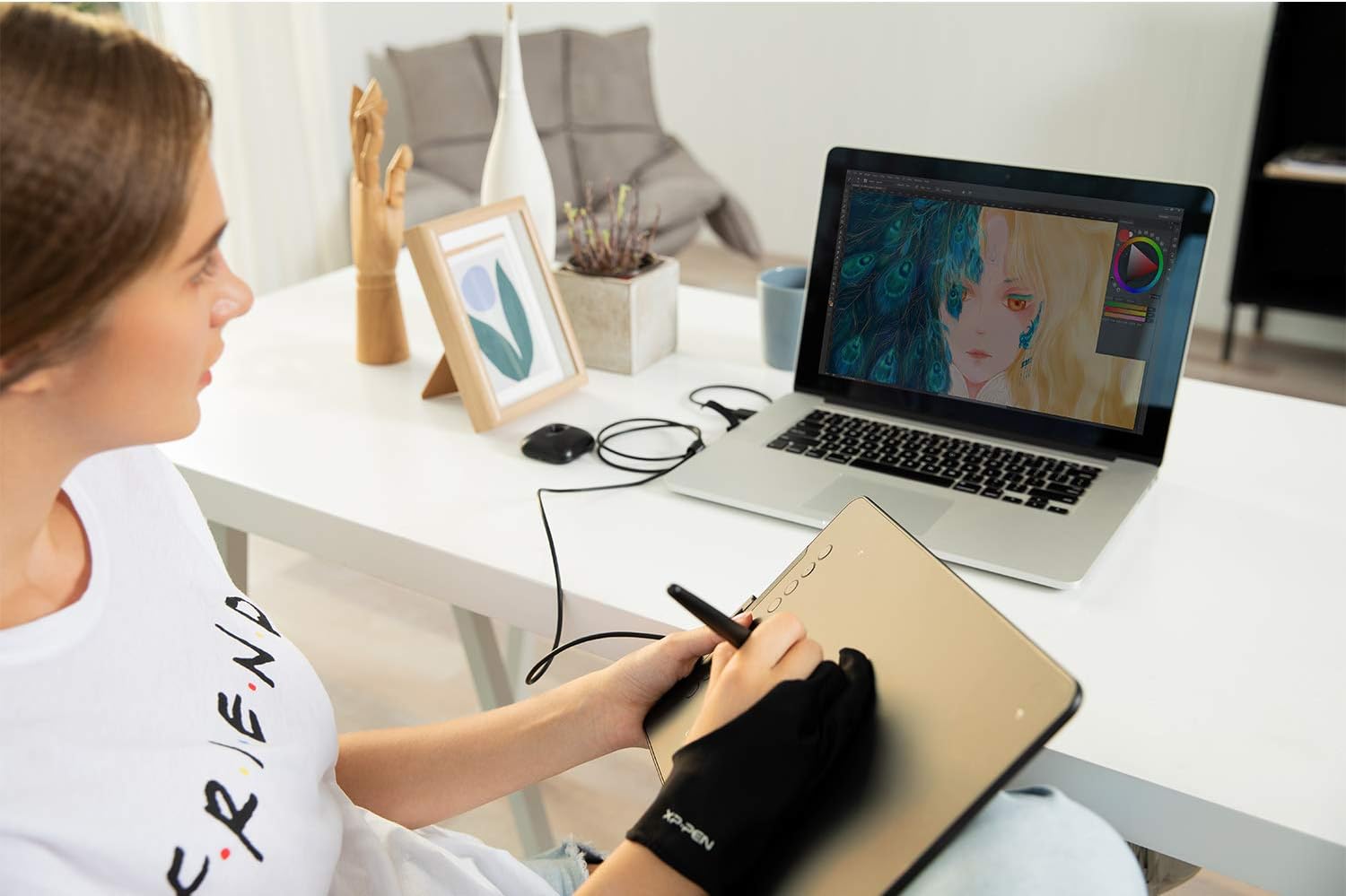
XP-Pen Deco 01 V2 10x6.25 Inch Digital Graphics Drawing Tablet Drawing Pen Tablet with Battery-Free Passive Stylus and 8 Shortcut Keys (8192 Levels Pressure): Computers & Accessories
- Category: Graphics Tablets
- Store: XP-PEN
Share on:
Description
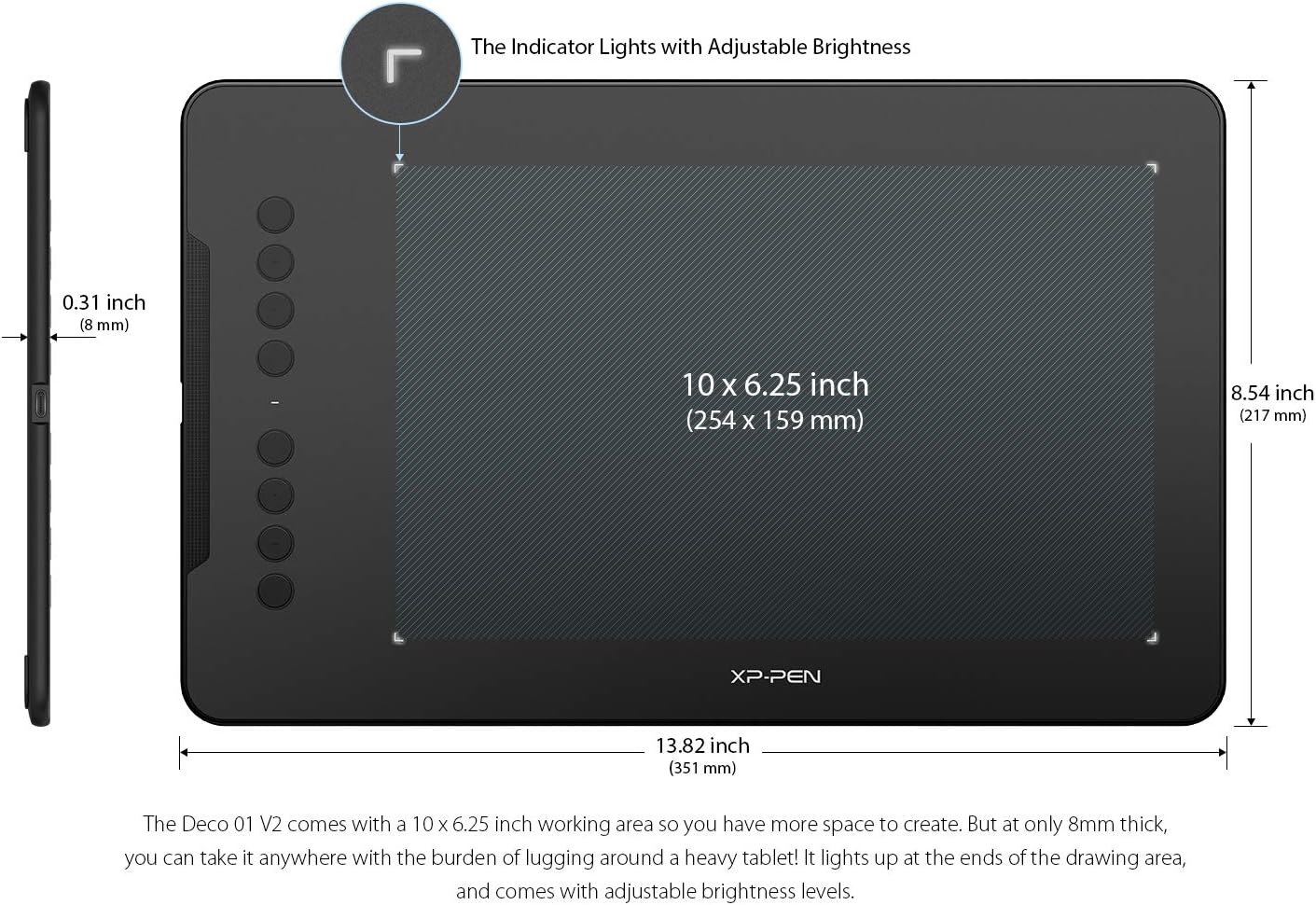
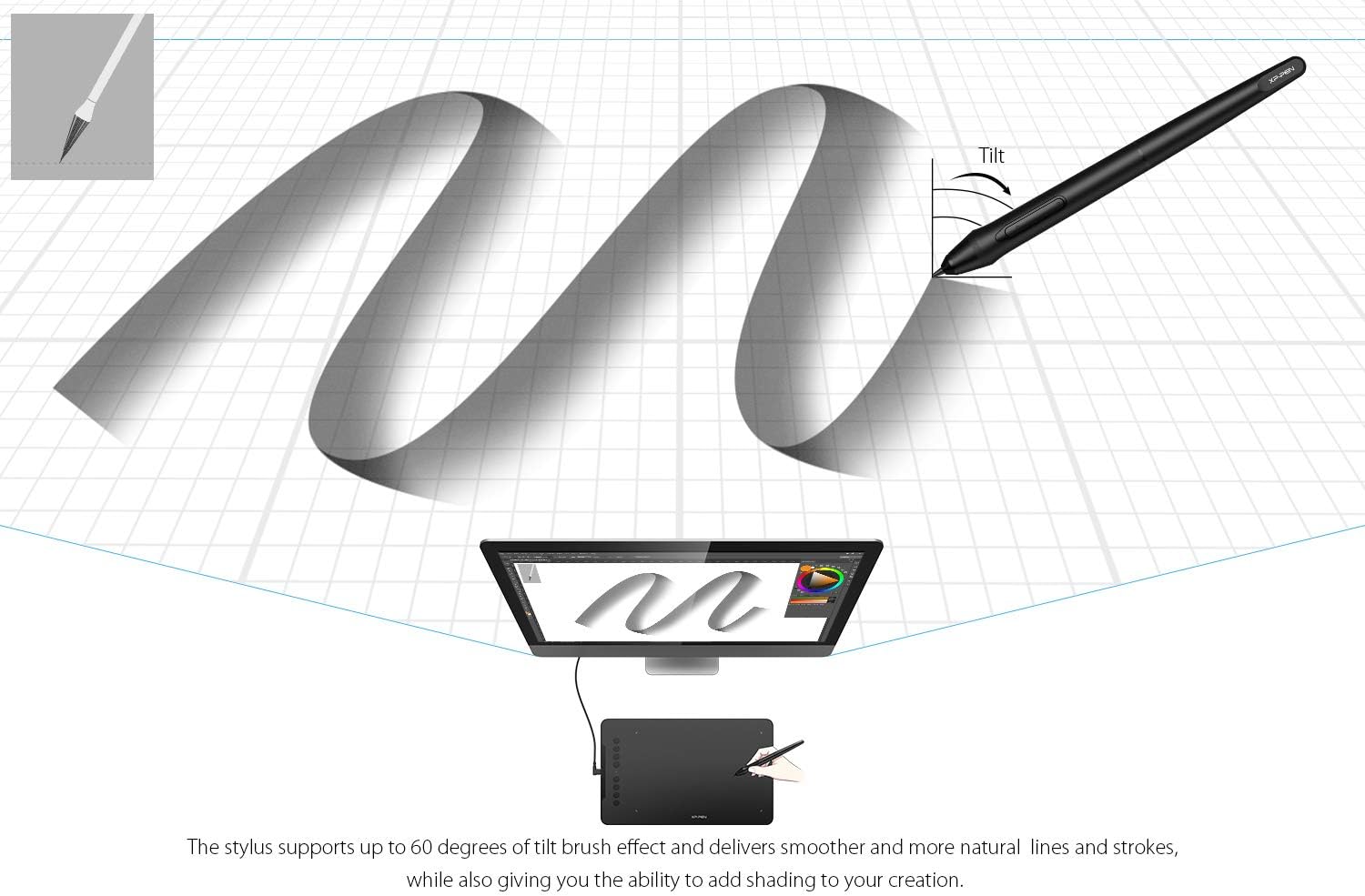
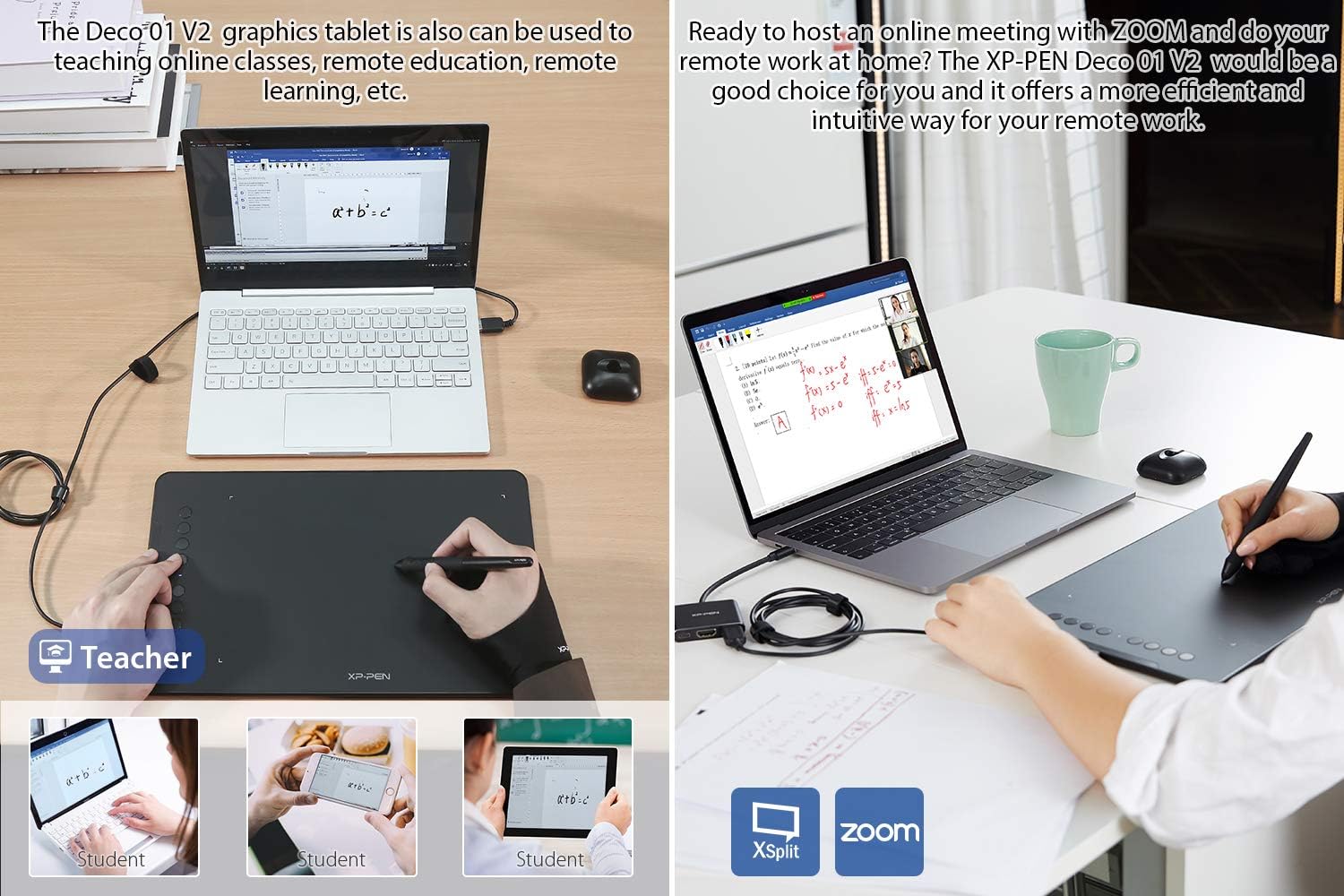
Important Notice: 1. Deco01 V2 is NOT a standalone product!!! This device must be connected to a laptop/computer/Android Devices to work. It is compatible with Windows system 10/8/7(32/64bit), Mac OS X version 10.10 or later. 2. About the Product Surface Electronics products often come with protective covers(plastic layer) to avoid damages to the surface from hand grease, scratches, etc. If there are any air bubbles or light scratches when you first get the tablet, please do not misunderstand it has been used, just need to remove the protective covers(plastic layer) before application. 3. Connection Tips Your computer needs to have a USB Type-A port for the connection. Please confirm the USB Cable completely plug into your computer. If your computer only has Type-c ports, you need an adapter for the connection. Other Tips: After connecting all the cables in the correct places, please wait about 30s~1min to make the USB Hardware driver loaded successfully. 4. Driver Download and Installation Tips Driver Download: Our driver will be regularly updated, so please go to our official web to download the newest driver, and install it on your computer. 4.1 Before Driver Installation: Please Remove Other Brand’s Driver from your computer and reboot before installing the XP-PEN’s driver, or there will driver conflict problems. 4.2 For Windows Users: Please close all drawing programs and run the driver as Administrator when installing the driver. (IMPORTANT) 4.3 For Mac Mojave (10.14), Catalina (10.15) Users: Mac Mojave 10.14 or Above needs to add the "PenTabletSetting" and "PenTabletDriverUX" into the accessibility list first after installed XP-PEN Driver. Details steps please see the FAQ section on the XP-PEN web. Mac Mojave (10.14) or above OS upgrade in the security section, you need to put programs you newly downloaded into accessibility list first to normally use it. 5. XP-PEN Provides Lifetime Technical Support on all Our Drawing Pen Tablets/Displays When you have problems with the use of the Deco01 V2, please checks the Quick Guide, we are always standing by to help! If your order has any hardware problems within one year, we strongly advise you to contact XP-PEN, we will be glad to help you to replace it with a brand-new product (As long as the product is non-human made damaged or non-accidentally damaged). The Deco 01 V2’s expansive tablet is big and brilliant! It comes with a 10 x 6.25 inch working area so you have more space to create and get work done. But at only 8mm thick, you can take it anywhere without the burden of lugging around a heavy tablet! Enjoy a natural drawing experience. Supports up to 60 degrees of tilt brush effect and delivers smoother and more natural lines and strokes, while also giving you the ability to add shading to your creation and offering a more natural writing and drawing experience. The stylus is true-to-life with 8,192 levels of pressure sensitivity, giving it the intelligence to modify, navigate and create with a full pallet of brush and pens. The stylus works just like a real pen, no battery and no charging required! The Deco 01 V2 features eight, round, customizable express keys that fit easily to your fingertips. With its blind spot reduction design, you can find the position of your express keys efficiently and the shortcut keys can be programmed to many different software programs. The XP-Pen Deco 01 V2 supports a rotation of 0, 90, 180, and 270 degrees. Now you can set out to what you want to be! Our drawing tablet applicable to drawing, illustrative, image editing, sketching, handwriting recognition, online education and other usages. Support work with Windows 10/8/7, Mac OS X 10.10 and above, Android 6.0 and above. Also compatible with Photoshop, SAI, Painter, Illustrator, Clip Studio, and more. Compatibility is always being steadily improved through driver updates. Please go to the official website to download the latest driver for your graphic drawing tablet.
Product Overview
We Recommend



![[4 Bonus Items] Simbans PicassoTab 10 Inch Drawing Tablet and Stylus Pen, 2GB, 32GB, Android 9 Pie, Best Gift for Beginner Graphic Artist Boy, Girl, HDMI, USB, GPS, Bluetooth, WiFi - P92: Computers & Accessories](https://images-na.ssl-images-amazon.com/images/I/913q1toVsTL._AC_SL1500_.jpg)