

Sense Energy Monitor with Solar – Track Electricity Usage and Solar Production in Real Time Meets Rigorous ETL/Intertek Safety Standards - -
Share on:
Description
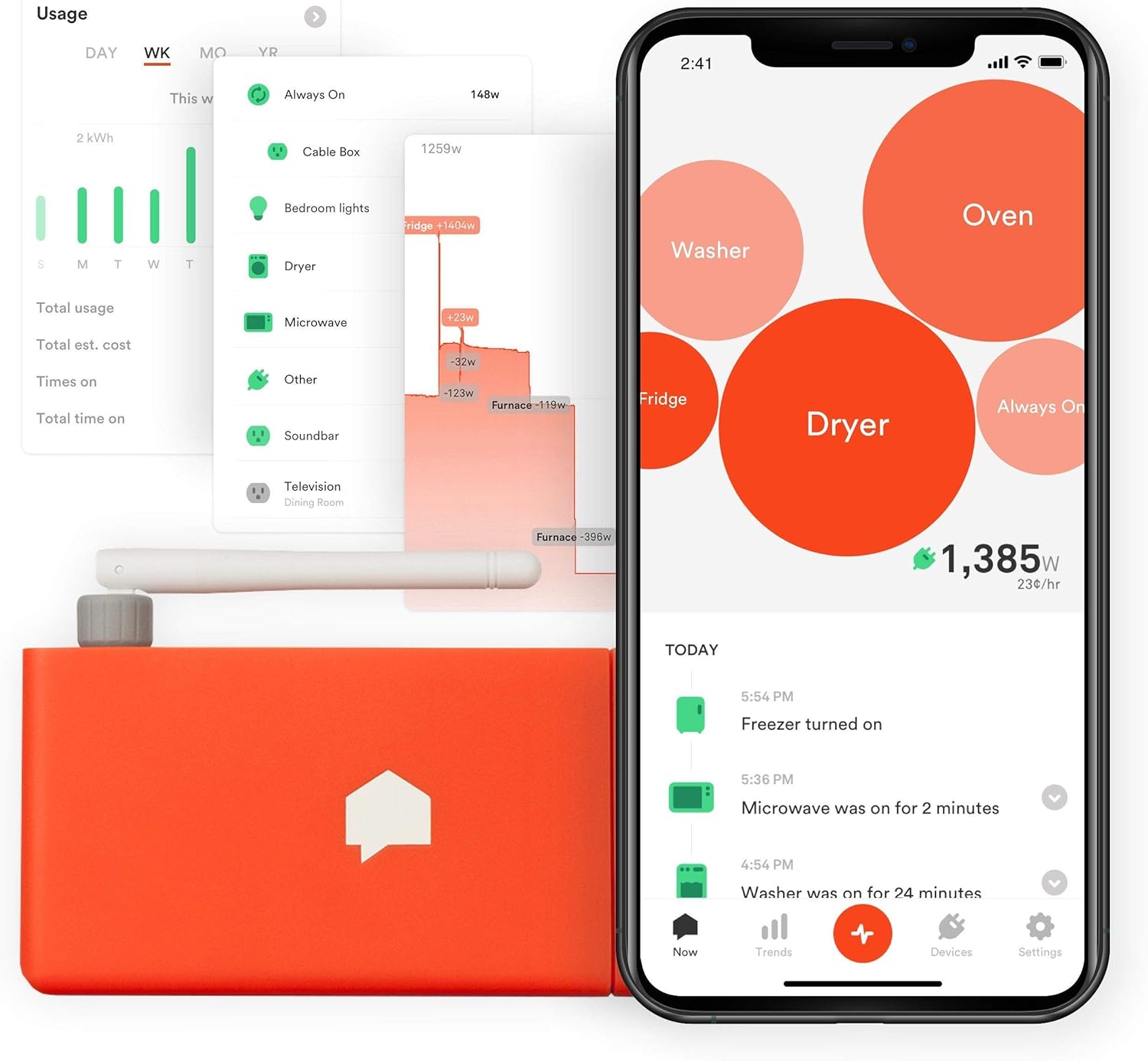
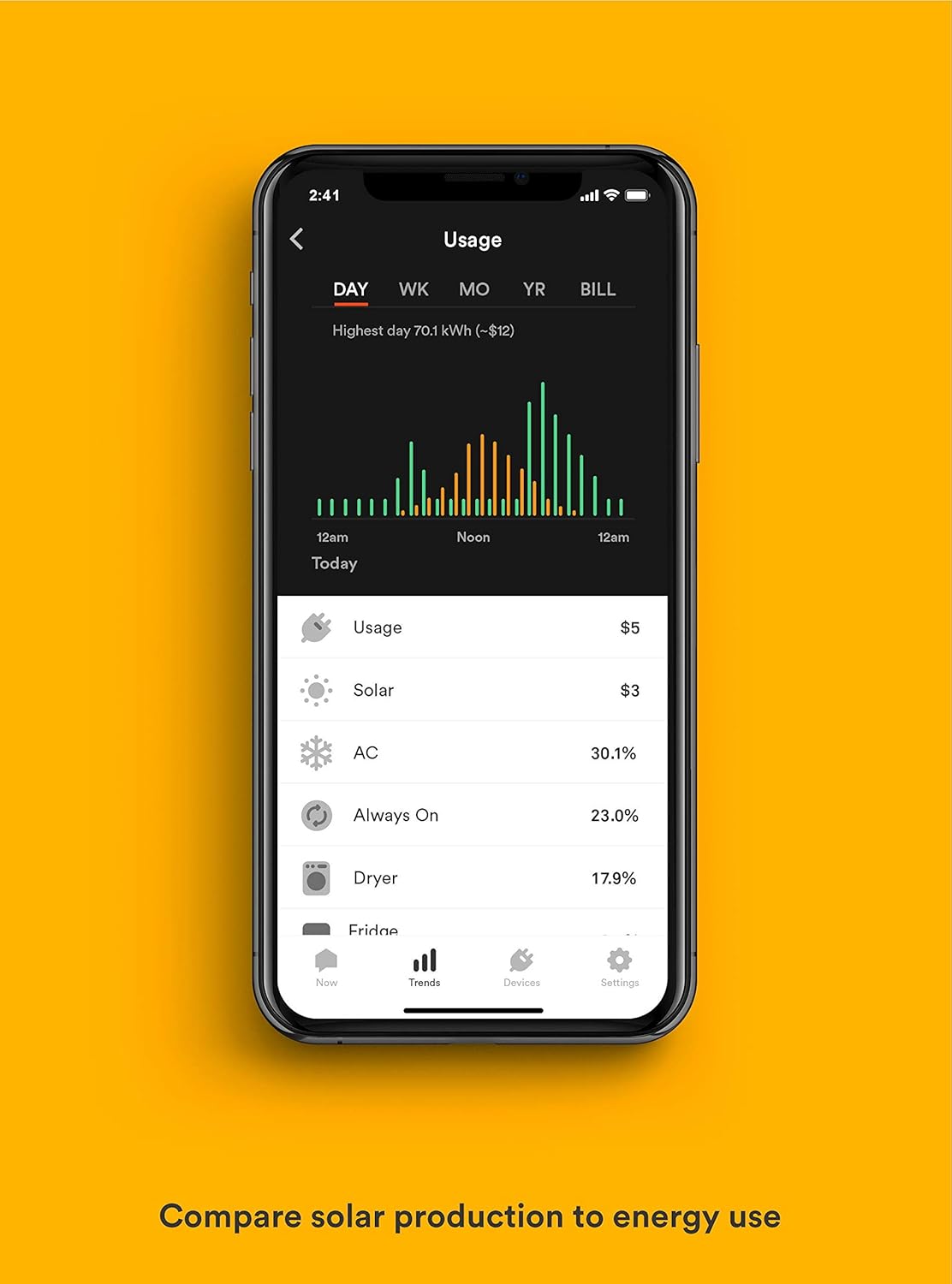
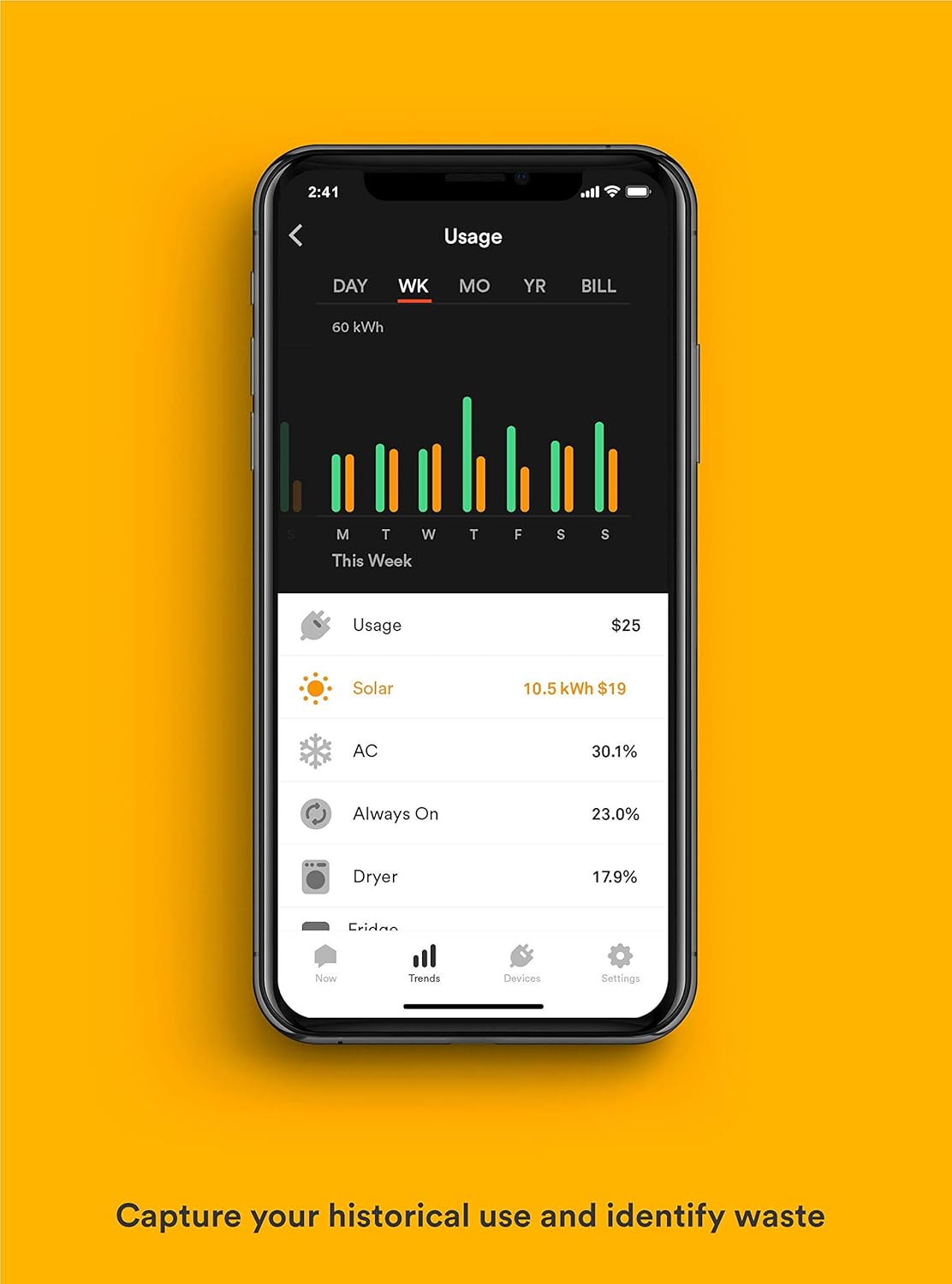
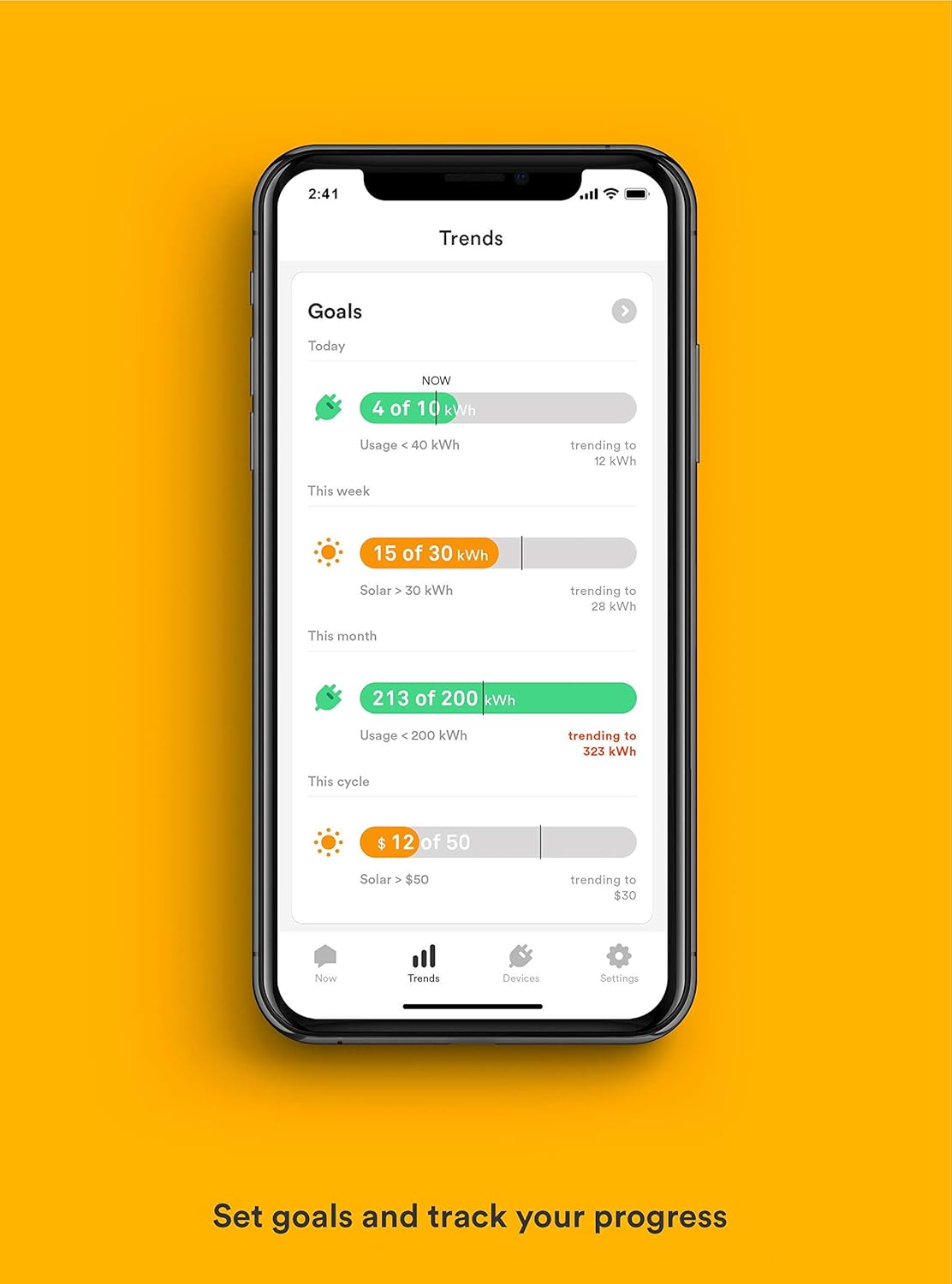
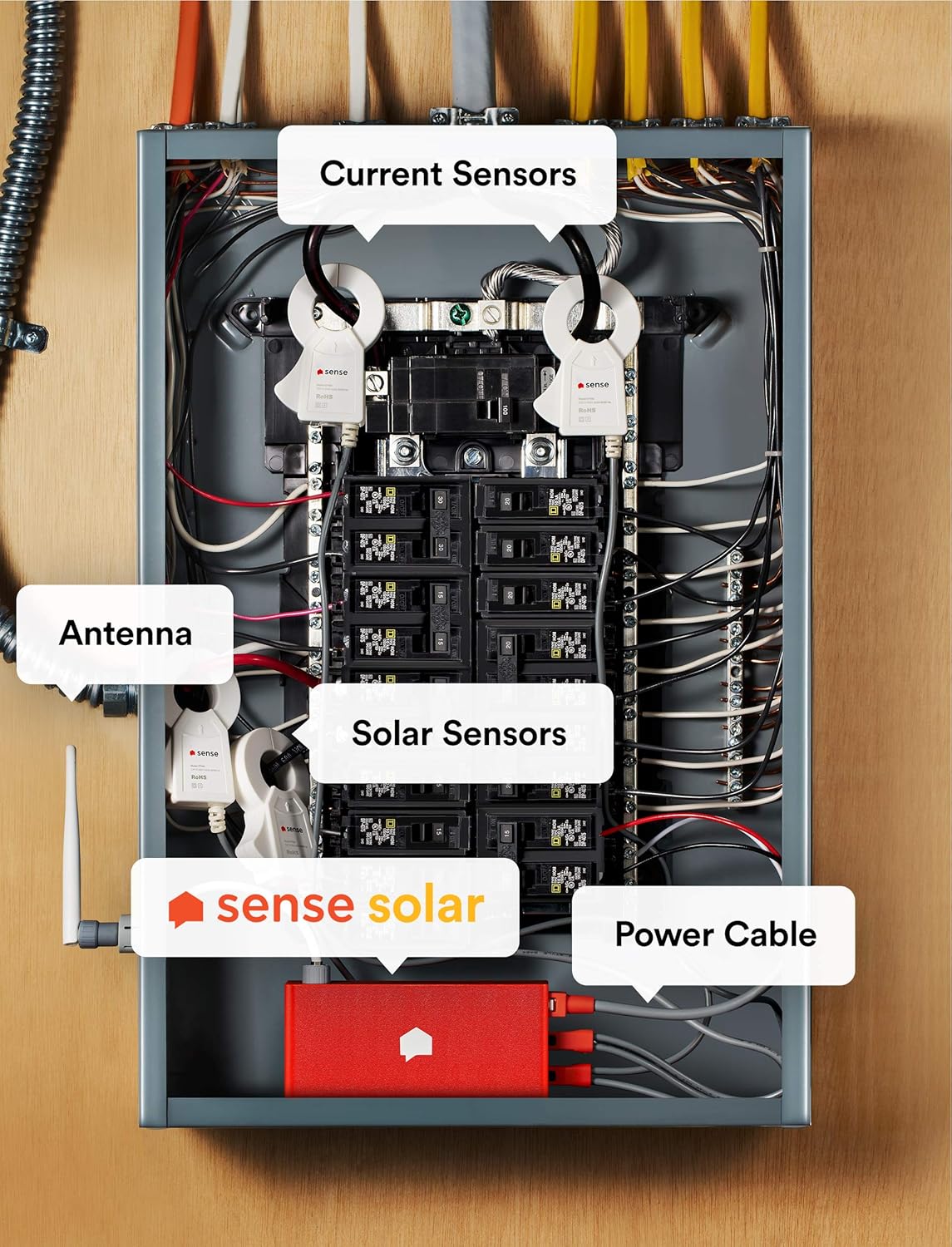
Compare your solar production to energy usage over time right inside our web interface or your iOS/Android device. View historical trends for your solar production, energy usage, and identified devices by the day, week, month, year, or billing cycle. Measure your efficiency in kWh or dollars and cents based on the rate you enter in the Settings screen, or just use the local or national average. Get notified of potential issues with your solar system to ensure that you're achieving maximum output. Identify opportunities to schedule your power use around maximum production hours and maximize your solar savings. Compatibility Notes: Your incoming solar should feed your main electrical panel either through a breaker or a service-side tap. If solar is set up in a sub-panel, the incoming solar feed must be within 46 inches of the main panel. This will allow the current sensor cable to reach and connect to the Sense monitor in the main electrical panel. To have clean solar production readings, there should not be any other live circuits connected to the sub-panel. Sense connects to your home's 2.4 GHz Wi-Fi network. Because electrical panels can introduce a significant amount of interference, strong Wi-Fi signal and upload speeds are needed near the electrical panel. You may consider installing your router or a signal booster close to your electrical panel. How much are we saving with solar? Are you using more power than you're generating? Are you scheduling your EV to charge when your solar outputs the highest? Sense gives you a powerful dashboard to monitor your power use and solar production in real time, with cost calculations built right in. Did I leave the oven on? Get the peace-of-mind that comes from knowing everything's ok at home. Once individual devices are identified by Sense, they'll either be named automatically (if they already exist in the database) or you can assign a name, category, make, and model to contribute to the database yourself. Is my sump pump running? Set custom notifications for when individual devices turn on or off, how long they've been on or off, and get a heads up if something unusual might be happening. Keep tabs on a vacation home or elderly family member to make sure things are safe and secure.
Product Overview
We Recommend
![Autome Wifi Smart Plug – Smart Outlet for Home Automation w/Alexa, Google, IFTTT – App Control Remote from Any Location [1pk] - -](https://images-na.ssl-images-amazon.com/images/I/61HrpWOoIML._AC_SL1500_.jpg)