
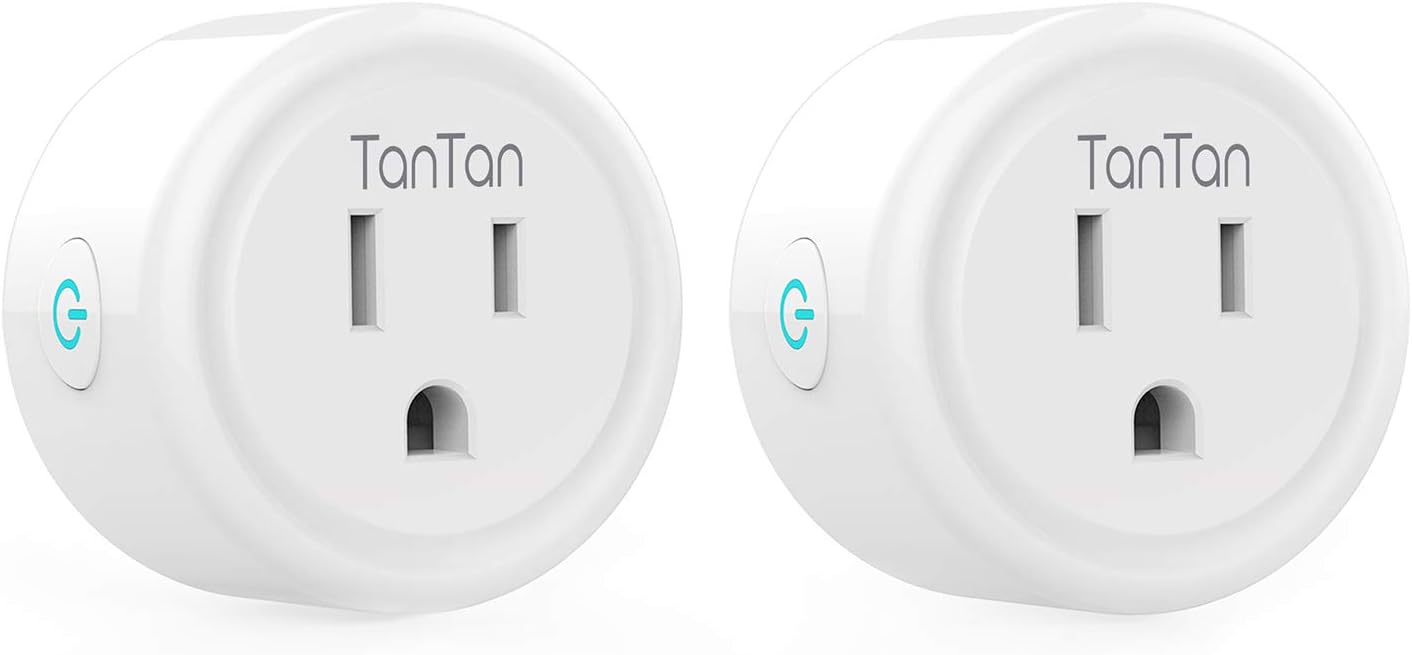
Smart Plug Work with Alexa and Google Home, TanTan WiFi Outlet Mini Socket Remote Control Only Supports 2.4GHz Network, ETL and FCC Listed 2 Packs - -
- Category: Ground Fault Circuit Interrupter Outlets
- Store: Brand: TanTan
Share on:
Description
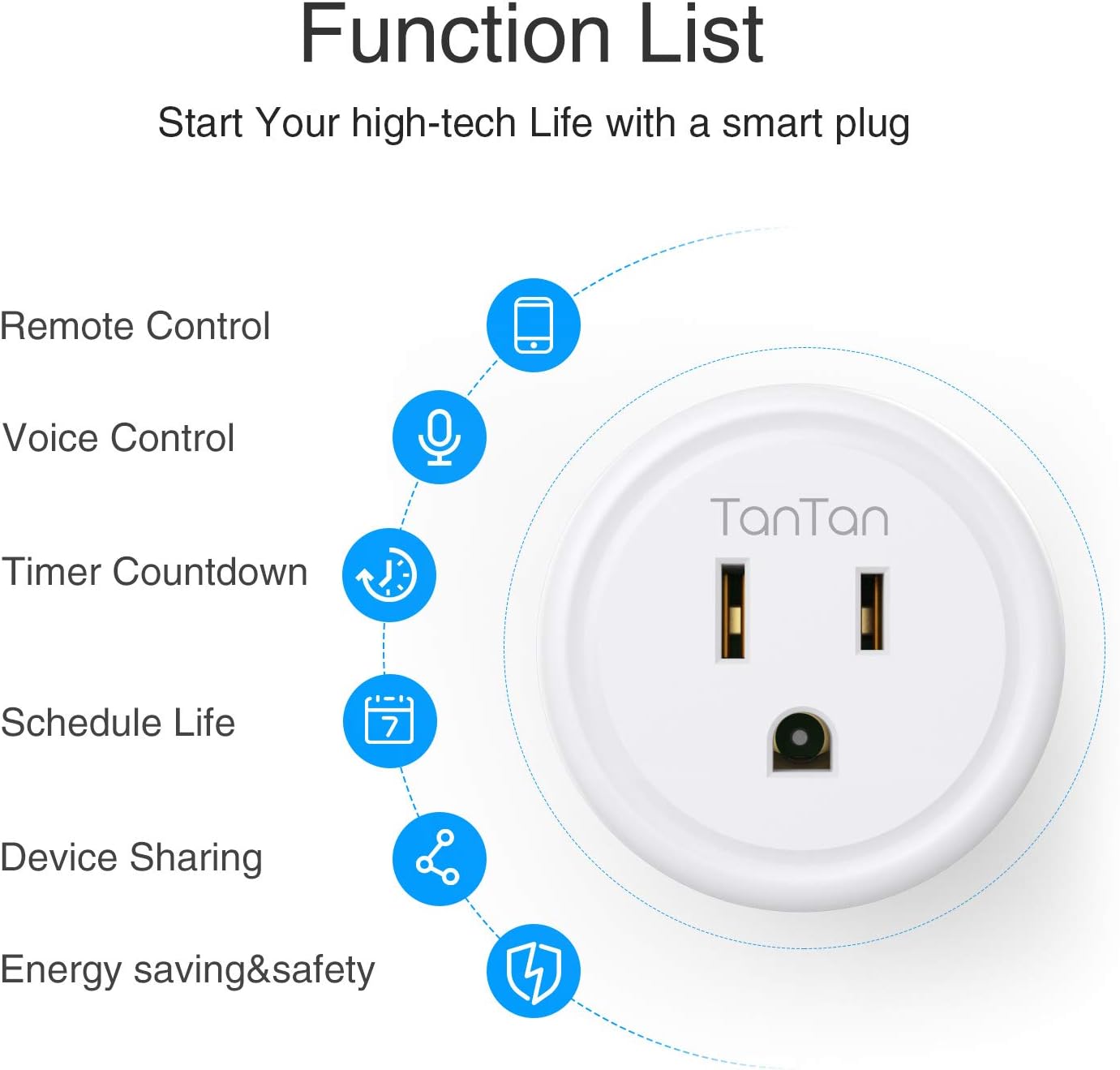
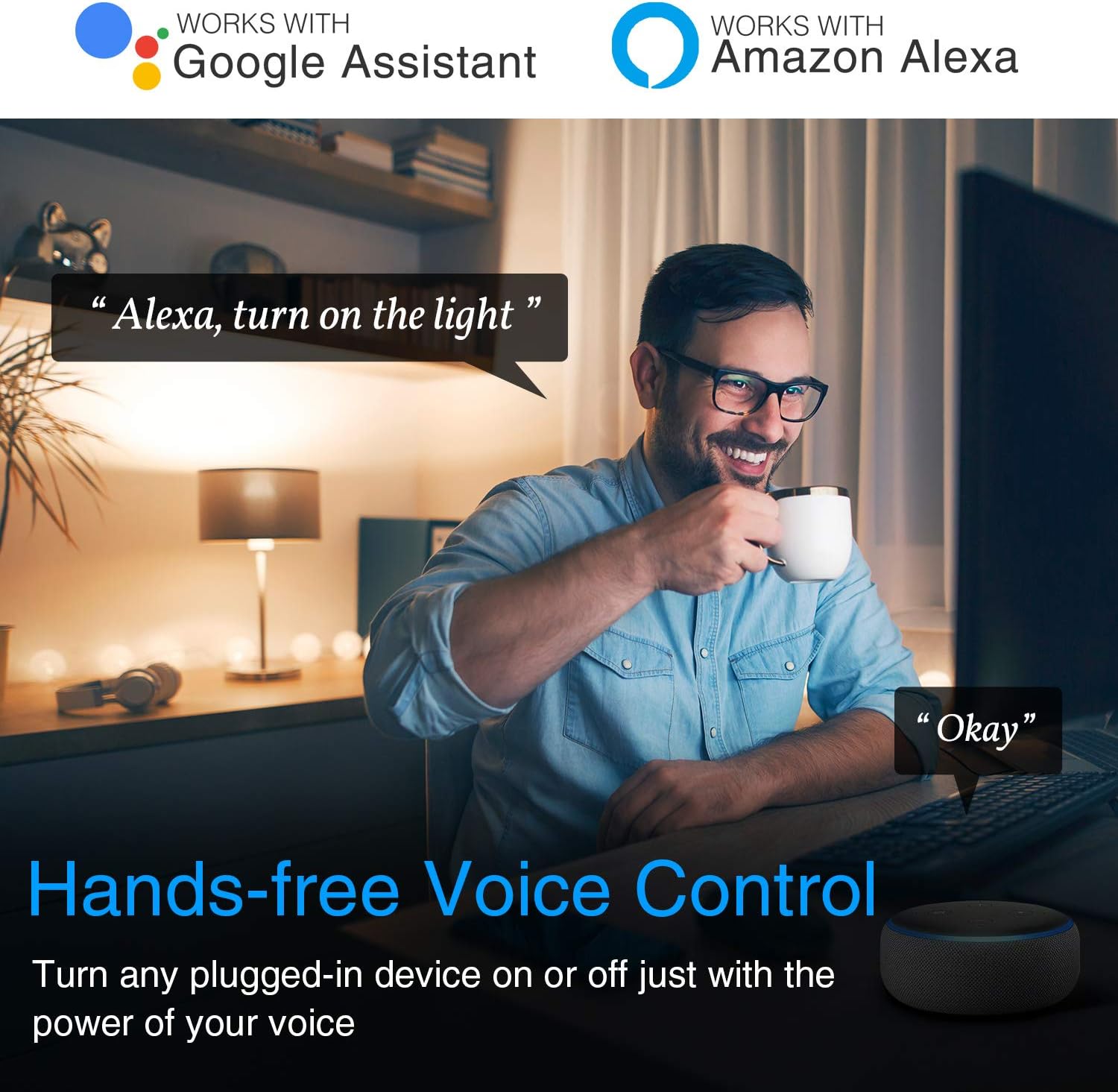
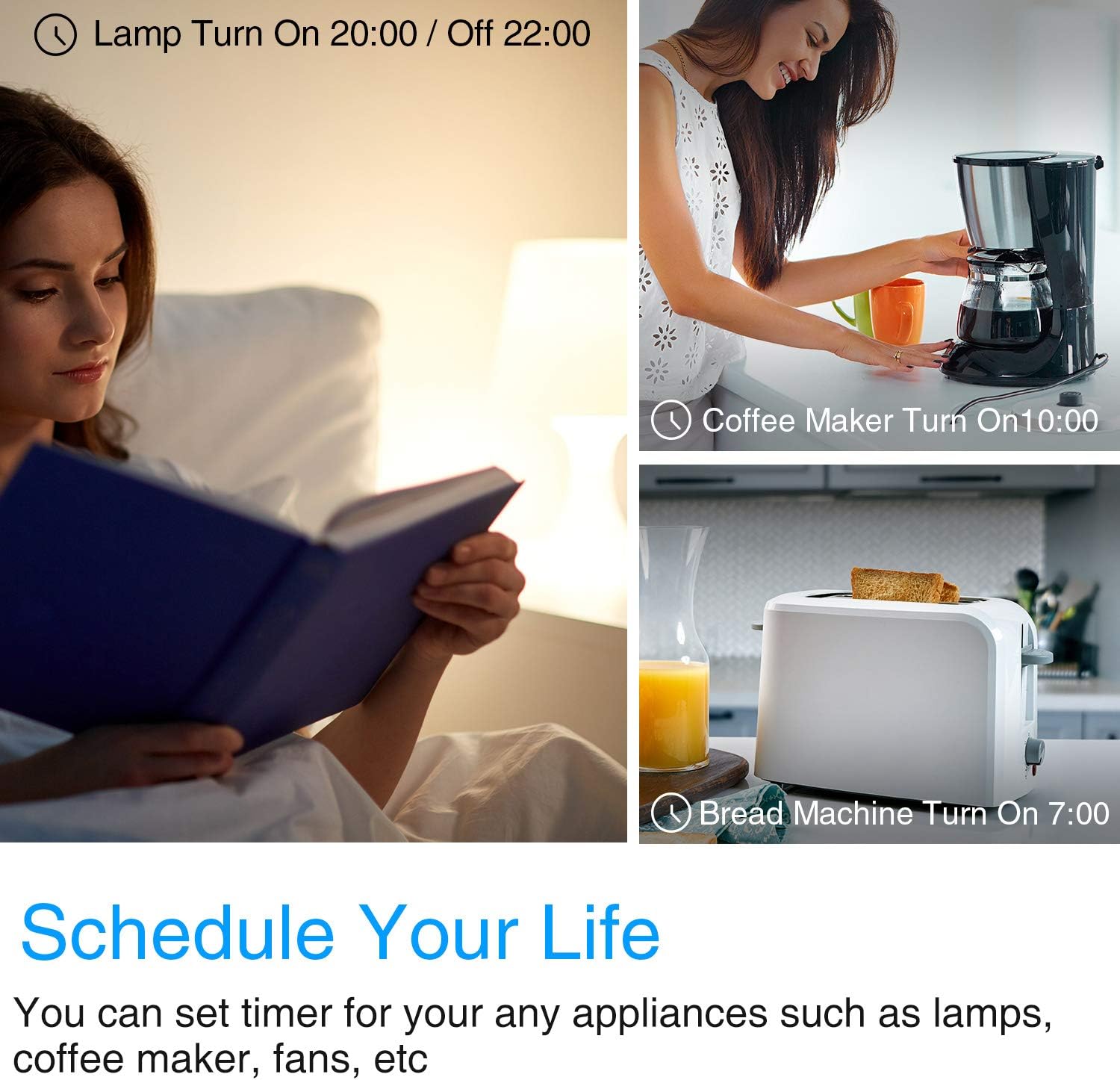
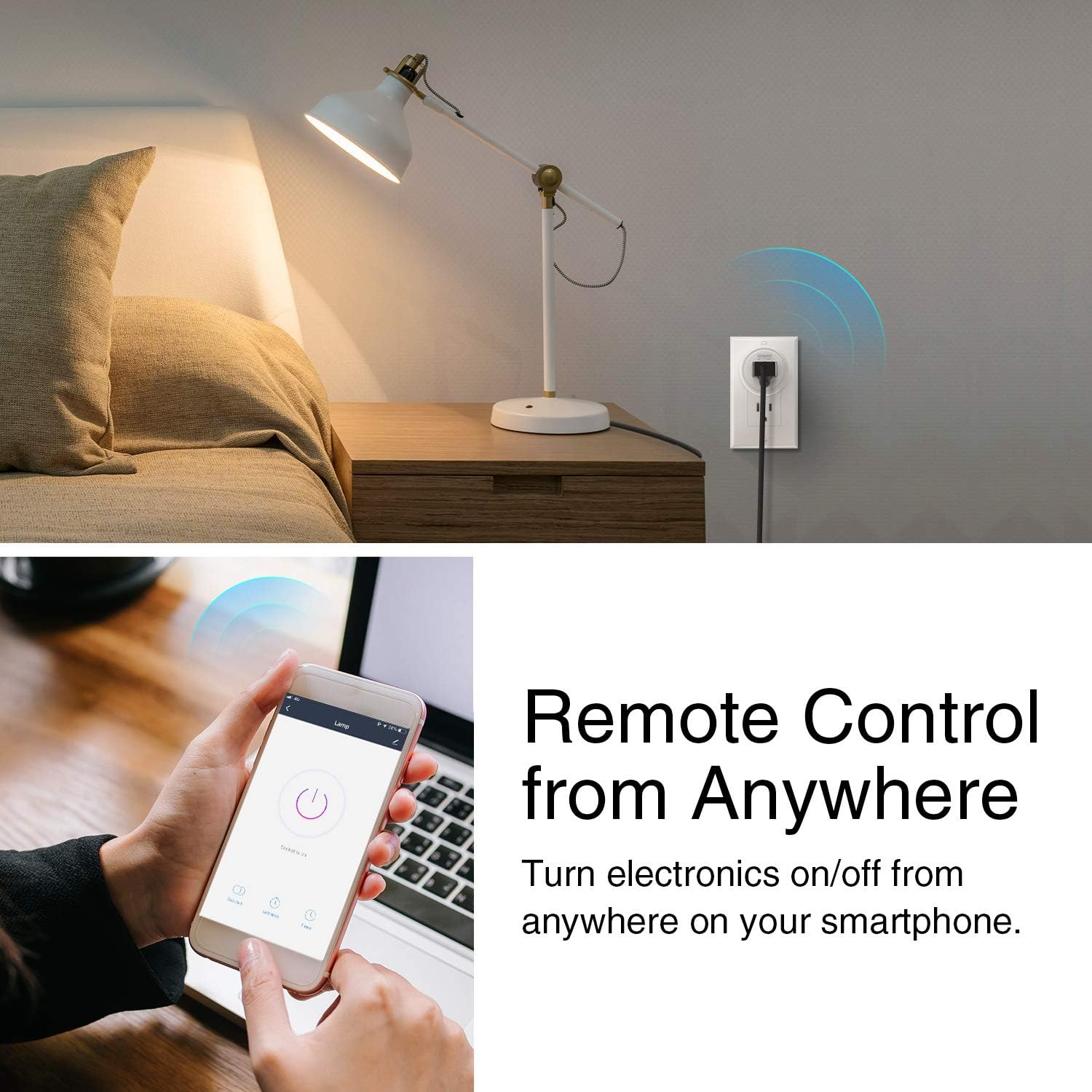
Works with Smart Phone APP Step 1: Download the App(Smart life or Go smart or Gosund) on your phone, and get an account. Step 2: Plug in your wifi outlet. Add smart plug device to the App. Step 3: Choose AP Mode. Long press the on/off button and Confirm indicator slowly blink. Then enter your home Wi-fI password (Only 2.4G) Step 4: Go to your Phone’s settings and join your smart plug’s Wi-Fi network. Return to the app to continue setup. Step 5: Wait to successfully configure then tap “Completed” Enable the skill on Alexa App; Link your app account to skill; Discover the smart plug; Set up with Amazon Alexa Enable the same name of app skill on Alexa App; Link your app account to skill; Discover the smart plug; Manage devices with voice! Note: Please keep in mind that the corresponding app should be set up already before setting up with Alexa or Google. TanTan Wi-Fi mini Socket works with your existing home Wi-Fi (2.4 GHz band) without the need for a separate hub. With the remote access, you are able to check the real-time status of the appliance at anytime and anywhere. Wherever you are, control your connected devices , such as humidifier, electric kettle, Christmas tree, coffee maker, lamp and electric fan and other devices before arriving home or after leaving. You can use the free app to create Timer / Countdown for connected electronics based on your daily and weekly routines. Scheduling also helps reduce your electricity bill by keeping power-hungry devices off when they are not needed. TanTan Smart Wi-Fi Plug can make your family relationships closer and make your life easier and smarter. Some warm tips for you: 1. If the indictor doesn't flashing when you plug in the Gosund smart plug for first connection, please hold a 5-10 seconds press on the button of your smart plug and see if it's start flashing. 2. If the smart device can't be connected to WiFi, please long press ON/OFF button for 5~10 seconds to reset the smart plug or change the easy mode to AP mode which is more compatible. 3. The smart socket only works with 2.4 GHz network. If your router broadcasts both 2.4 and 5GHz, please selected the 2.4 GHz network with the app. If connection still failed, we recommend you call your ISP and had them completely shut off the 5 GHz network on the router. You are free to change the network to 5 GHz again after connecting. 4. Please try to make your smart outlet and router as close as possible when first connection, you can change the place after connecting successfully. 1100 watts110 volts
Product Overview
We Recommend


![[10 Pack] BESTTEN 15 Amp GFCI Outlet, Tamper-Resistant(TR) GFI Receptacle with LED Indicator, Decorative Wallplate Included, ETL Certified, White: Industrial & Scientific](https://images-na.ssl-images-amazon.com/images/I/61qtC9iduNL._SL1500_.jpg)

