


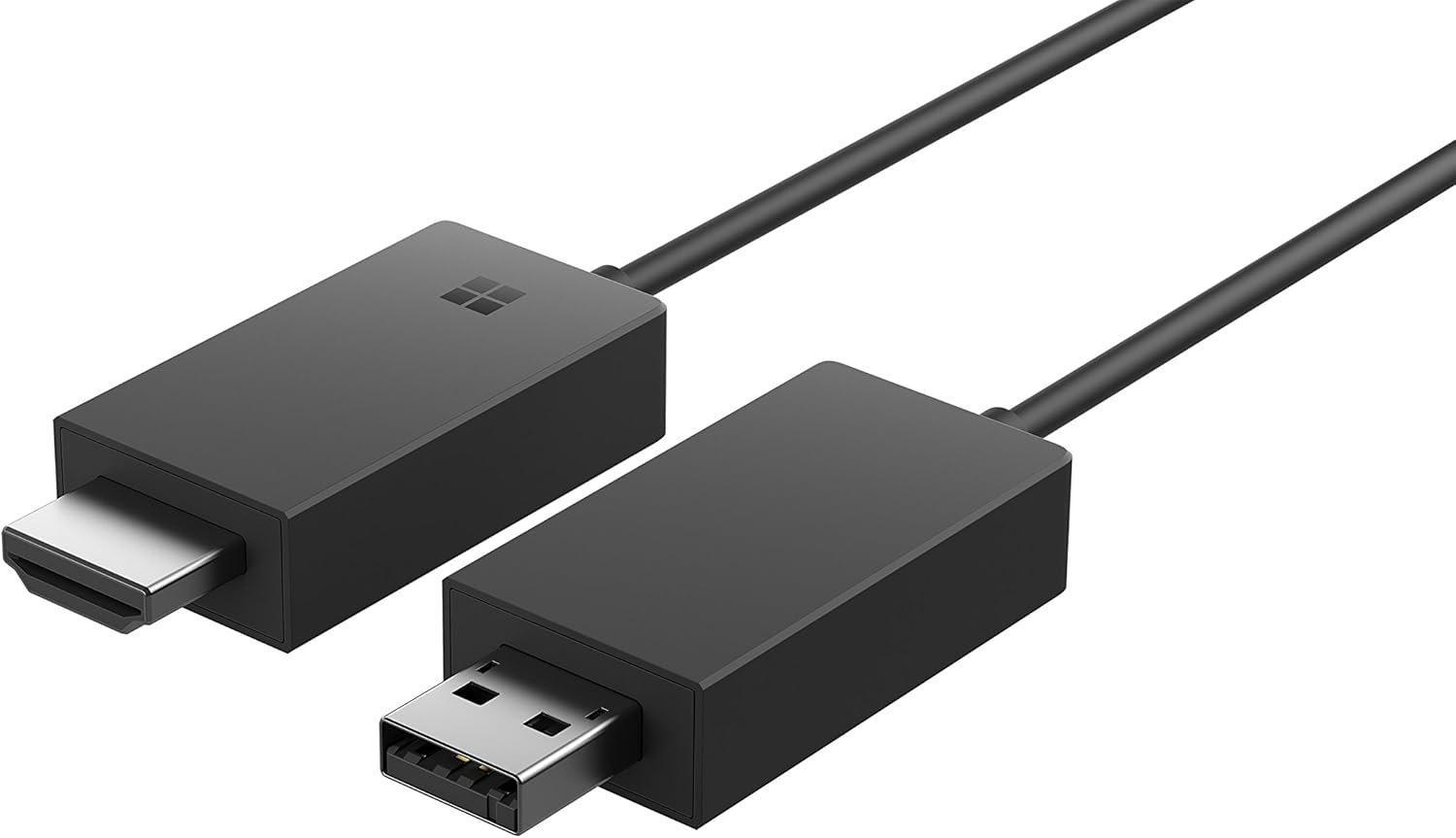


Microsoft P3Q-00001 Wireless Display Adapter: Computers & Accessories
- Category: DVI-HDMI Adapters
- Store: Brand: Microsoft
Share on:
Description
Share what’s on your tablet, laptop, smartphone* or Surface onto an HDTV or monitor with Microsoft Wireless Display Adapter. Stream movies, view personal photos, or display a presentation on a big screen – all wirelessly. Project your ideas and collaborate in real time by plugging the Microsoft Wireless Display Adapter into a conference room projector or monitor. You can even ink in PowerPoint to emphasize a point and make that big screen your collective workspace. Just plug the USB and HDMI from the Wireless Display Adapter into your HDTV or monitor, connect, then mirror or extend your screen and enjoy. The Wireless Display Adapter delivers a reliable connection with up to a 23-foot range. The Wireless Display Adapter uses Wi-Fi CERTIFIED Miracast technology, so you’re not limited to certain apps or content streaming; you can display everything from your device on an HDTV or monitor. *All Miracast enabled Windows 10 and Windows 8 tablets/laptops/phones and Android devices with 4.2 and later. Internet access not required for use. 2 Ensure the latest Windows updates are installed. Miracast enabled Android devices 4.2 and later. Full functionality not available with non HDCP devices. If a device was originally pre-installed with a prior version of Windows (Windows 10, Windows 8), please contact the OEM (original equipment manufacturer) to confirm if it is Miracast enabled. The Wi-Fi CERTIFIED Logo is a certification mark of Wi-Fi Alliance. See it all on your big screen: Share what’s on your tablet, laptop, or smartphone on an HDTV or monitor with Microsoft Wireless Display Adapter. Stream movies, view personal photos, or display a presentation on a big screen – all wirelessly. Modernize your meetings: Project your ideas and collaborate in real time by plugging the Microsoft Wireless Display Adapter into a conference room projector or monitor. You can even ink in PowerPoint to emphasize a point and make that big screen your collective workspace. Wi Fi CERTIFIED Miracast Technology: The Wireless Display Adapter uses Wi Fi CERTIFIED Miracast technology, so you’re not limited to certain apps or content streaming; you can display everything from your device on an HDTV or monitor. Easily Connect: Just plug the USB and HDMI from the Wireless Display Adapter into your HDTV or monitor, connect, then mirror or extend your screen and enjoy. The Wireless Display Adapter delivers a reliable connection with up to a 23 foot range. System requirements:Computer - All Miracast enabled Windows 10 phones, tablets and laptops, including the Surface line up. Internet access not required for use. Note: ensure the latest Windows updates are installed. 1All Miracast enabled Windows 10 phones, tablets and laptops, including the Surface line up. Internet access not required for use.Full functionality not available with non HDCP devices. If a device was originally pre-installed with a prior version of Windows (Windows 8, Win7, Vista or XP) Return must be within 14 days of purchase Return label will not be issued
Product Overview
We Recommend

![J-Tech Digital HDbitT Series 1X2 Wireless HDMI Extender 200' Dual Antenna Supporting Full HD 1080p with HDMI Loop Output IR Passthrough [JTECH-WEX200]: Electronics](https://images-na.ssl-images-amazon.com/images/I/71lSI74drAL._AC_SL1500_.jpg)