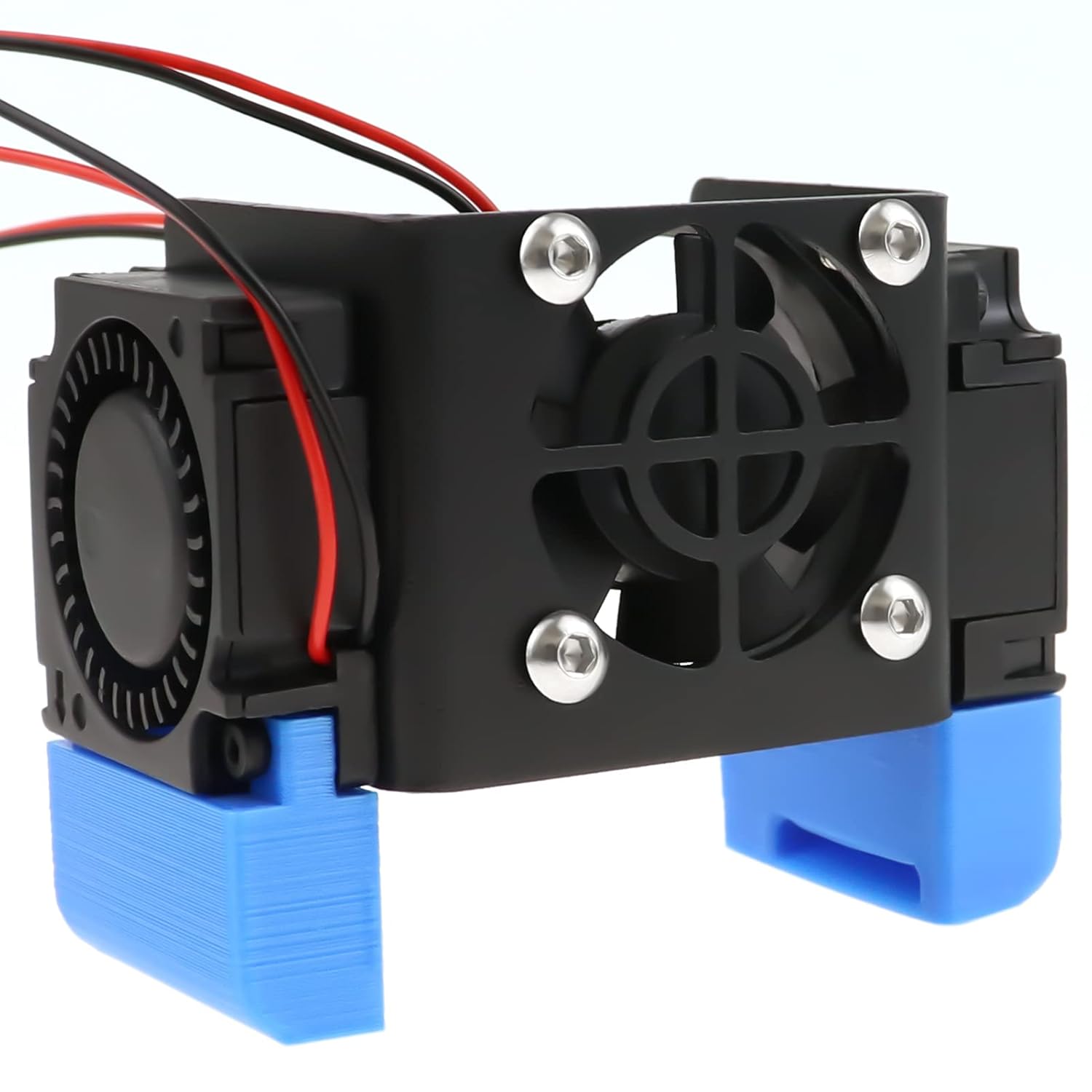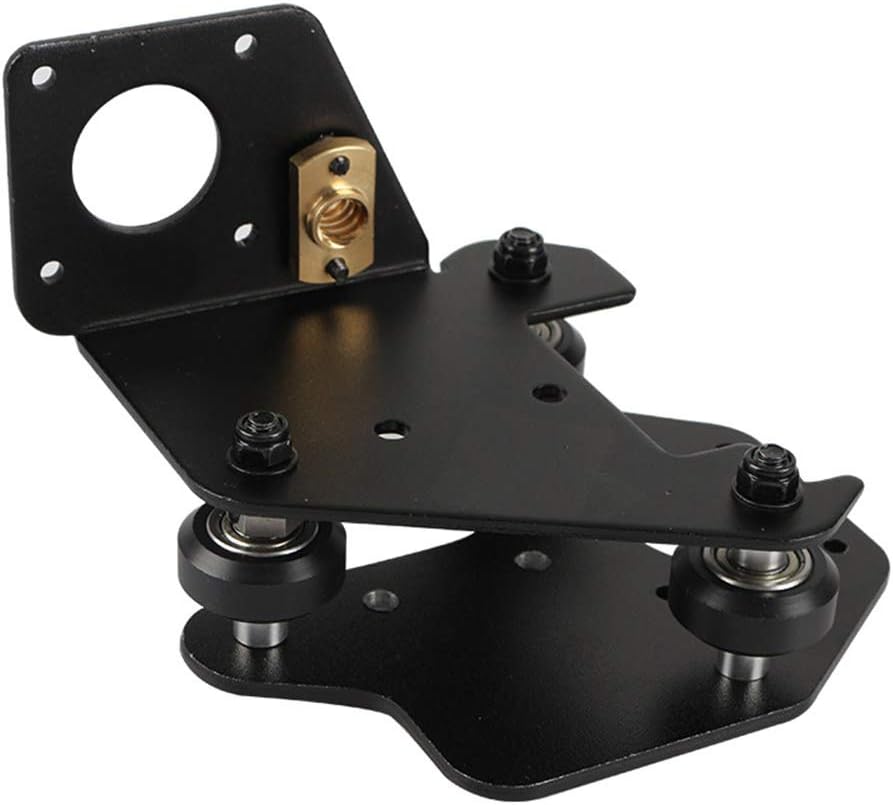



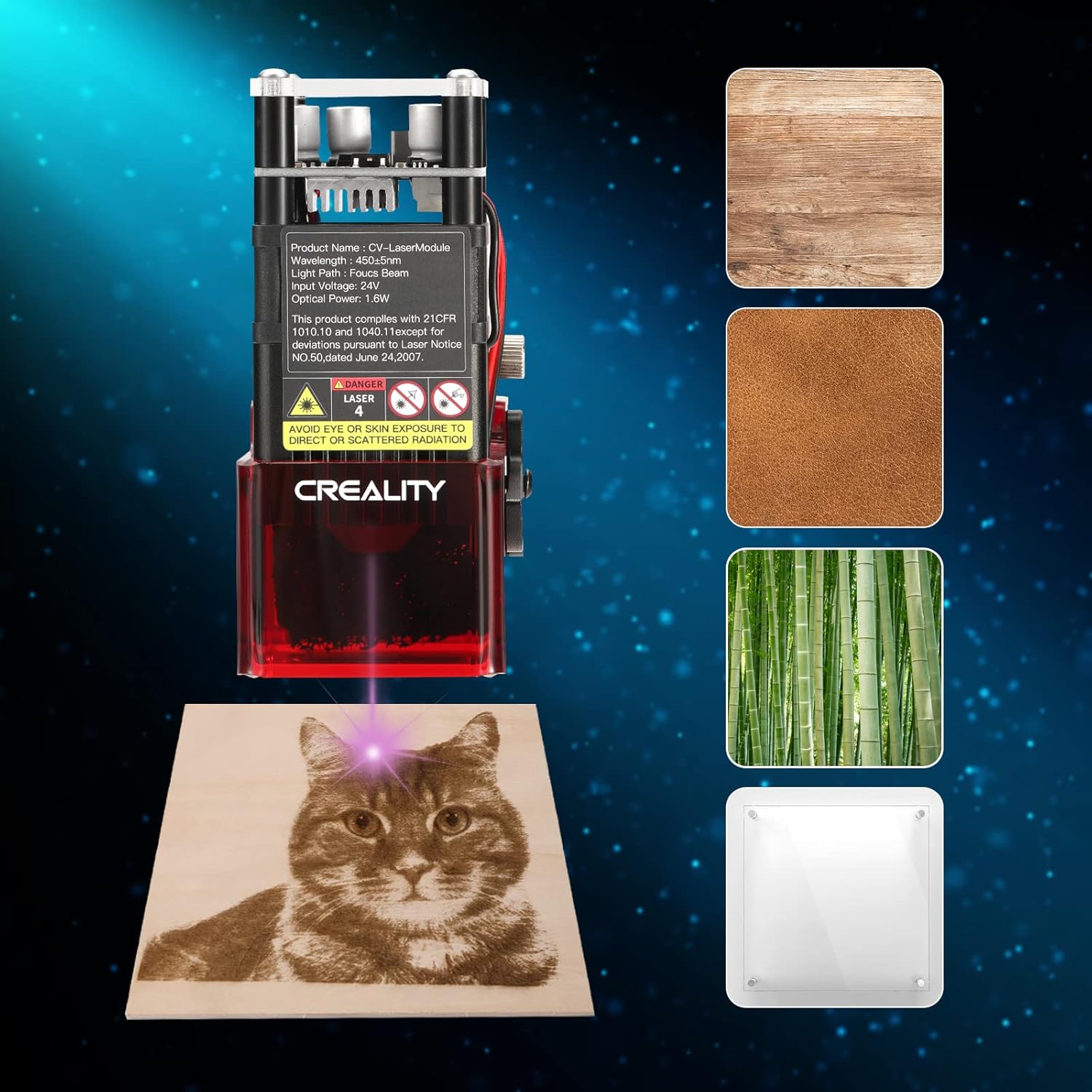

Creality 3D Printer Laser Engraver Module Ender 3 S1 Laser Engraving Attachment 1.6W 24V 450nm Blue-Violet Light, Upgrade Safety Cover and Fixed Focus, for Ender 3 S1, Ender 3 S1 Pro & Ender 3 S1 Plus: Industrial & Scientific
- Category: 3D Printer Accessories
- Store: SainSmart
Share on:
Description
SainSmart has served the maker community for years. As time went on and the maker movement continued to grow so did our product selection that now includes 3D printers, filament, and accessories, we continue to provide quality 3D Printing products with great value and performance to our customers. Install the laser module assembly to the Laser mount on the print head and tighten it with the included cylindrical screw (Clockwise) Wire up and you can start engraving. (Please be noted that it is necessary to distinguish the direction of the interface since the connection port has an anti-reverse connection design) Compatibility Note: This Laser Attachment Kit is suitable for Creality Ender 3 S1, Ender 3 S1 Pro, Ender 3 S1 Plus 3D Printer. Resources Download: (bit.ly/3RvbTvE) - Firmware for Ender-3 S1 & User Manual (bit.ly/3UV5xIK) - Firmware for Ender-3 S1 Pro Ender-3 S1 Plus Firmware comes with laser module support from stock, so you do not need to flash the firmware. Note: Please download the firmware that ends with "LASER". Example: Ender-3 S1 Pro HWv24S1_301_SWV2.0.8.22F4_F401_FDM_LASER Protective eyewear must be worn while using. Always be aware of the beam location. Keep it away from people's eyes and heads. Watch out for reflected beams from glass and shiny surfaces. Unplug the laser head when not in use. The laser beam is controlled by the fan speed of your printer, if you start a regular print job without unplugging it, the laser will be on when fan speed increases. To calculate the overall star rating and percentage breakdown by star, we don’t use a simple average. Instead, our system considers things like how recent a review is and if the reviewer bought the item on Amazon. It also analyzed reviews to verify trustworthiness.
Product Overview
We Recommend