


Anyando Wireless Retro Game Console, Plug and Play Video Game Stick Built in 10000+ Games,9 Classic Emulators, 4K High Definition HDMI Output for TV with Dual 2.4G Wireless Controllers : Video Games
- Category: Plug & Play Video Games
- Store: Anyando
Share on:
Description
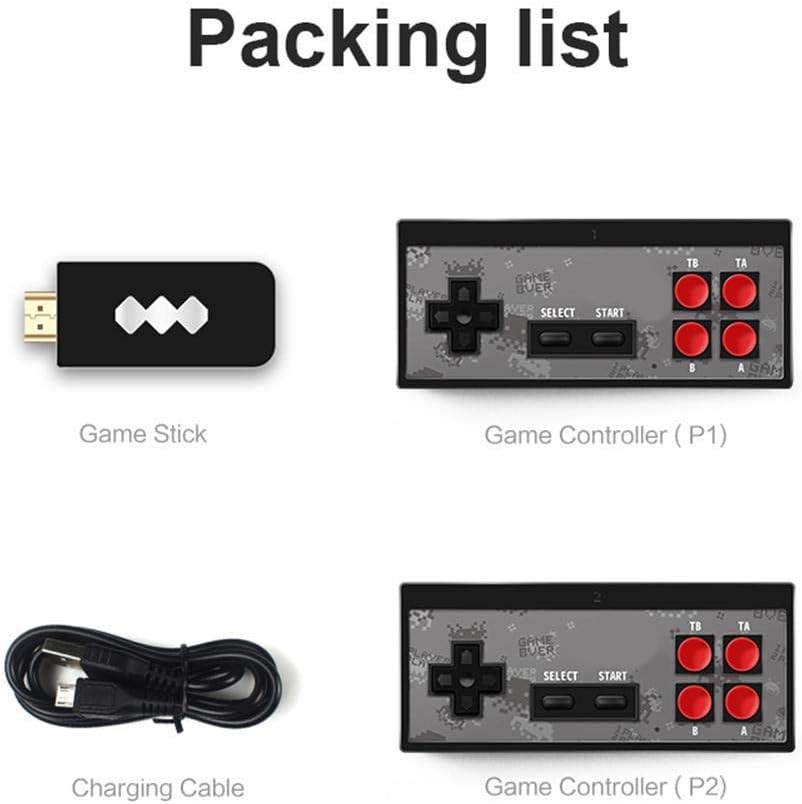
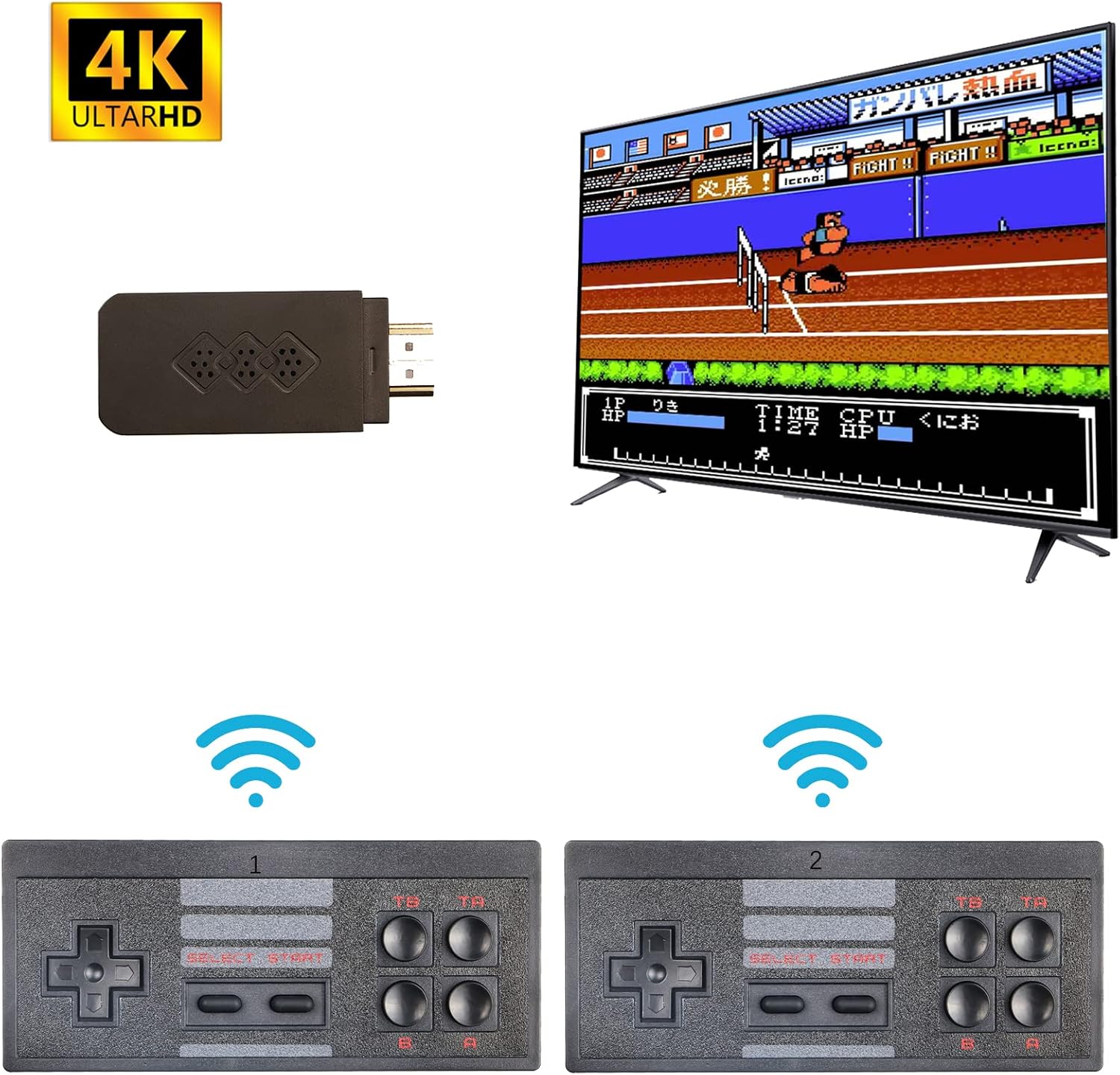
Support for PS1/ATARI/MAME/SFC/FC/GBA/GB/GBC/MD game formats. Play all major games! You deserve it! Low power consumption chip that adds longer battery life. Standard 3 AAA batteries are used inside the game controller. If you notice a delay or lag in the game, charge the game controller or move away from the wireless router. The rocker has a built-in alloy bearing, which can be used for a long time without breaking. The surface of the rocker has uneven non-slip lines to ensure the accuracy of the operation during the game Before connecting the power supply, insert the TF card. This TF card has pre installed 10000 games. Allows you to play 10000 games without any advertising or additional costs. Let you play games without repetition every day. Please use a 5V/1A or higher power adapter to provide power to the game console (such as a cell phone charger). When the retro game console does not work correctly, or game lag occurs, the reason is that the power is not available from the USB port of the TV. Insert the game stick into the TV/Computer HDMI interface, and connect the power supply. Please make sure your devices has an HDMI interface. If some games shows "insert coin", just press "select" button to continue. 1. Press the Direction key to select the game menu and press the START / A key to enter game. 2. Press B in the game list to return to the Home page. Handle press SELECT key to enter Setting List,Language,Key Tone,Search Local File,Restore Default Setting and Exit,System Information,Exit Setting. Holding down the Select and START key at the same time in the game bring up a game menu that allows the user to Pause/Save/Load/Exit the game.
Product Overview
We Recommend