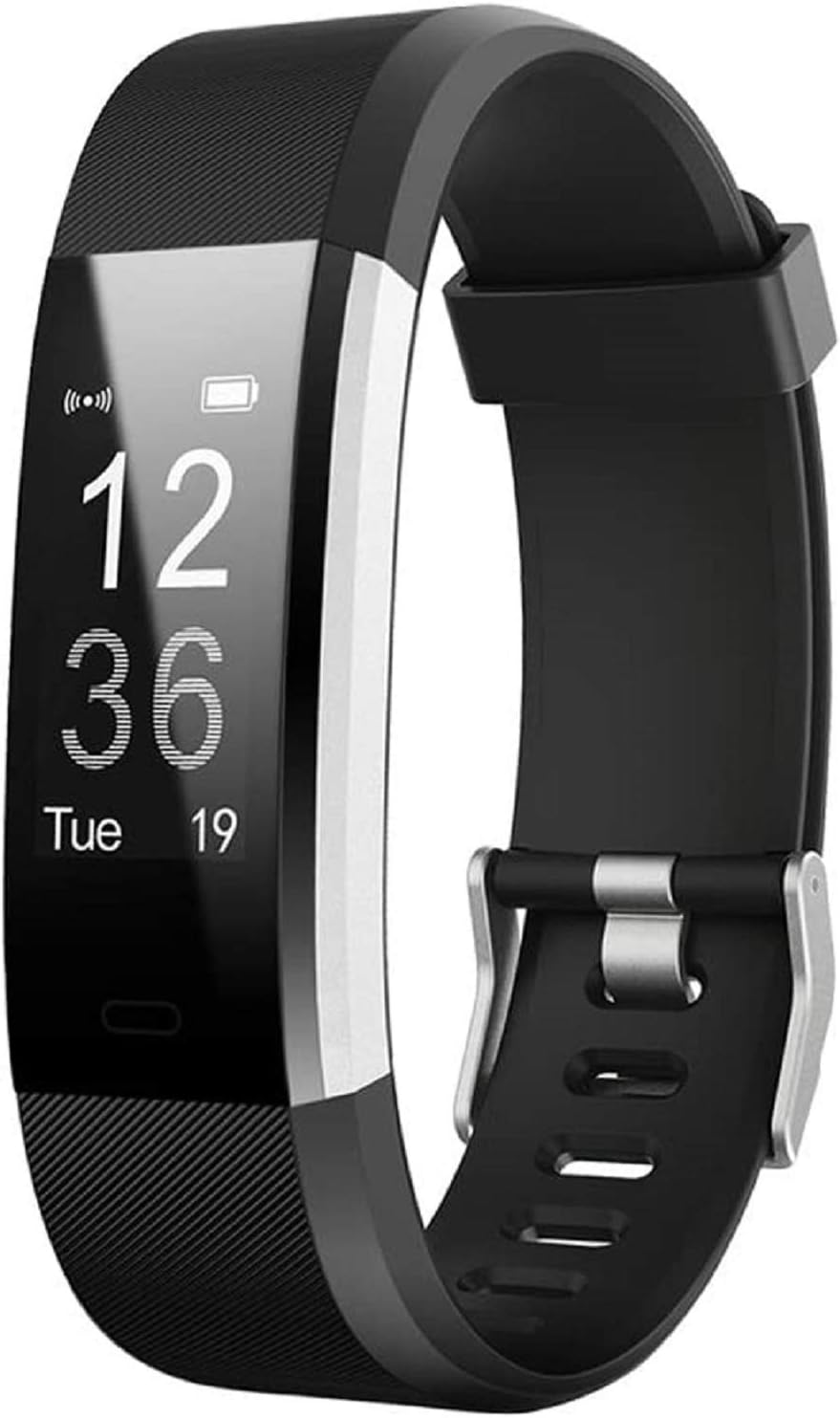



LIVIKEY Fitness Tracker, IP67 Waterproof Fitness Watch with Heart Rate Sleep Monitor, Pedometer, Calorie Counter, 14 Sports Mode Activity Tracker for Women Men : Sports & Outdoors
- Category: Activity & Fitness Trackers
- Store: Brand: LIVIKEY
Share on:
Description
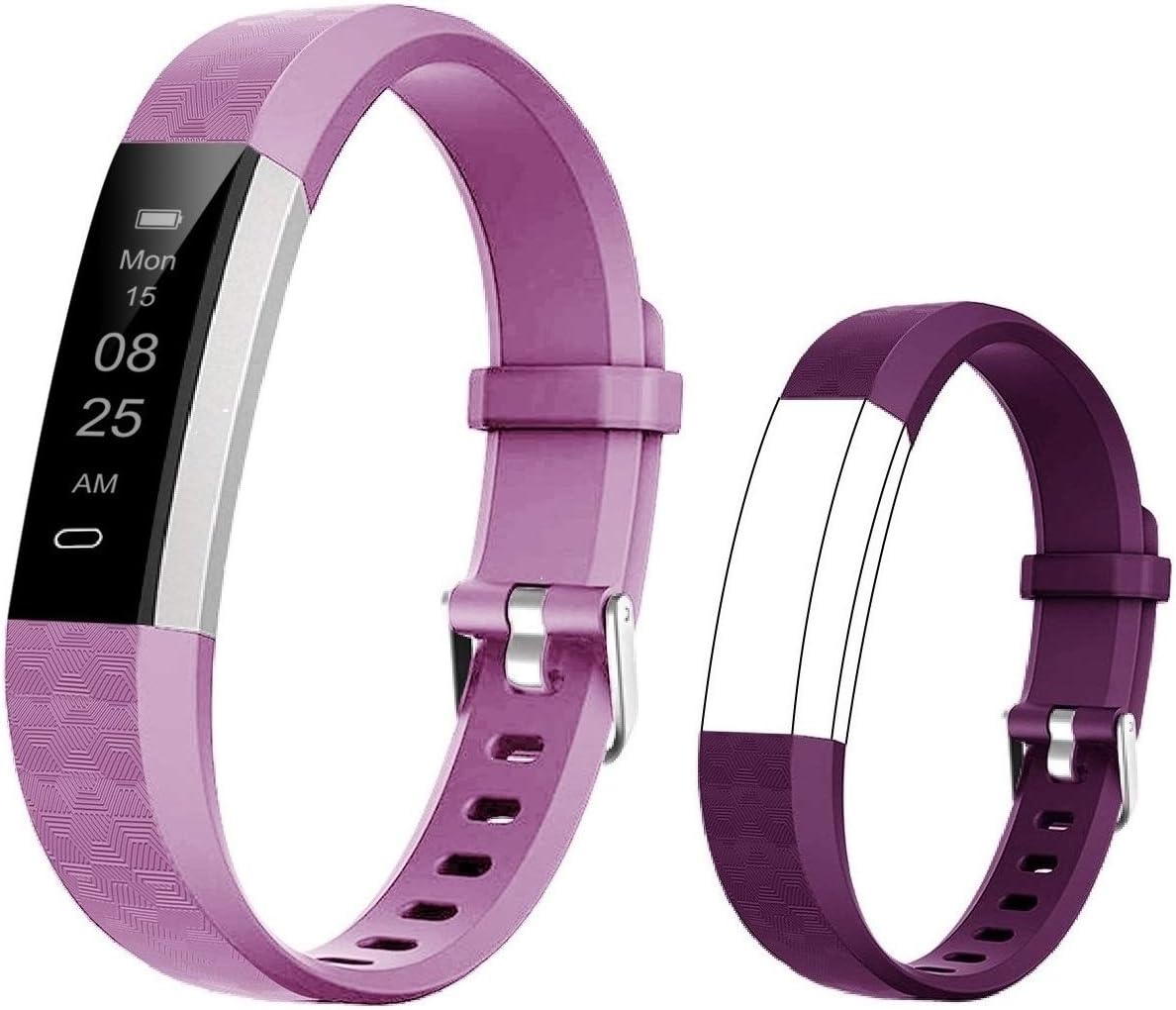
Turn on remote control camera in APP, you can take photos by shaking the hand, which is convenient and brings more fun to you. Activity tracker acts as a personal training helper, easy to operate and can accurately record seconds and hours during exercising. Up to 10 alarms can be set on the tracker. Reminder alarms and alarm timers can remind you to wake up/go to bed/ drink water/make a dating and attend meetings and so on. Our fitness tracker can be used with "VeryFitPro" App, and it requires iOS 7.1 and Android 4.4 or higher, Bluetooth 4.0. (smartphone only, not for PC, iPad or tablet) Our fitness brand has a built-in UBS charger, no charging cable is needed, and it can be charged anytime and anywhere; it can be used for 5-7 days after 2.5 hours of charging. The fitness tracker is suitable for wrist circumference between 5.4 inches and 7.6 inches. It can be adjusted freely, dissembled or replaced, and can be worn by both adults and children. Please confirm the following points before using the fitness watch: (1) Whether the fitness tracker is successfully bound to the APP. (2) Whether Bluetooth is always in the open state. (3) Whether the VeryFitPro APP has been running in the background. (4) Keep geographic location enabled. Tracker step principle: (1) The bracelet has an embedded 3D Sensor that recognizes whether it is walking based on the motion of the user's body and wrist (primary). (2) In order to avoid misjudgment of step counting due to physical or wrist tampering, our bracelet has a minimum threshold. Once the data does not exceed 100-150 steps, the data will be reset to zero. (3) Data reset is normal, you can continuously walk more than 300 steps to compare the accuracy of the bracelet pedometer. Deviation within +/-5% is normal. Notes: 1. Please charge your tracker for at least 10 minutes to have it activated before initial use. 2. The tracker can only pair with one Bluetooth device at a time. When pairing, please ensure there are no other Bluetooth devices nearby. 3. "Walk Mode", "Run Mode" and "Bike Mode" are displayed on the tracker screen by default. You can customize 3 different sports modes from among 14 sports modes in the App to display on the tracker's screen ("Device" page → "More" → "Activity display"). Pairing operation: (1) Open the VeryFitPro App on your smartphone and go to the "Device" page, tap "Pair device" to let your smartphone start searching for devices. (2) In the list of found devices that appear on your phone, tap "Pair device" to connect the tracker to your smartphone. (If your phone failed to find the device, please tap the touch key to wake the tracker and search the tracker on your phone again.)
Product Overview
We Recommend