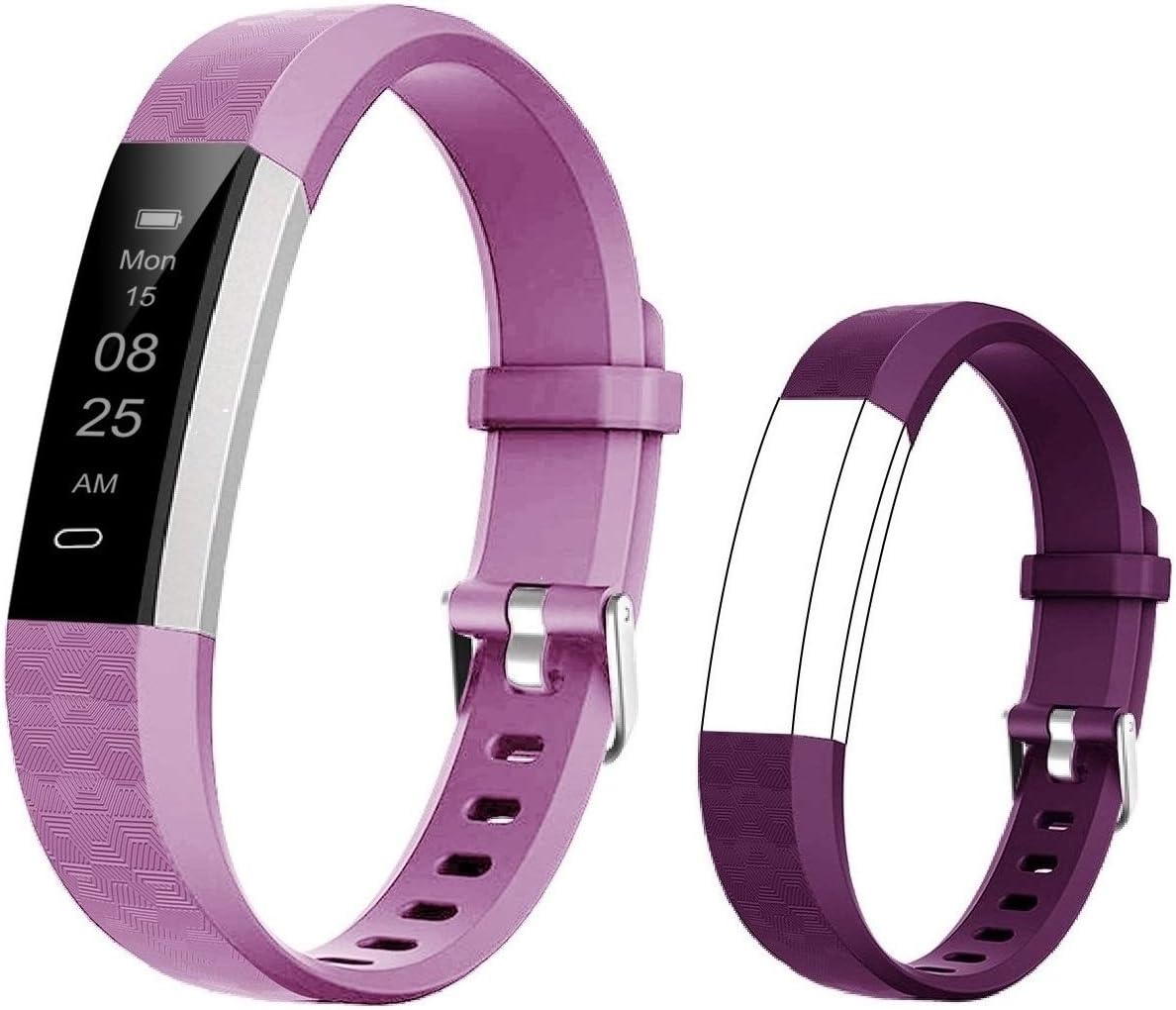




GRV Fitness Tracker Non Bluetooth Fitness Watch No App No Phone Required Waterproof Pedometer Watch with Steps Calories Counter Sleep Tracker for Men Women Kids Parents (Black) : Sports & Outdoors
- Category: Activity & Fitness Trackers
- Store: GRV
Share on:
Description
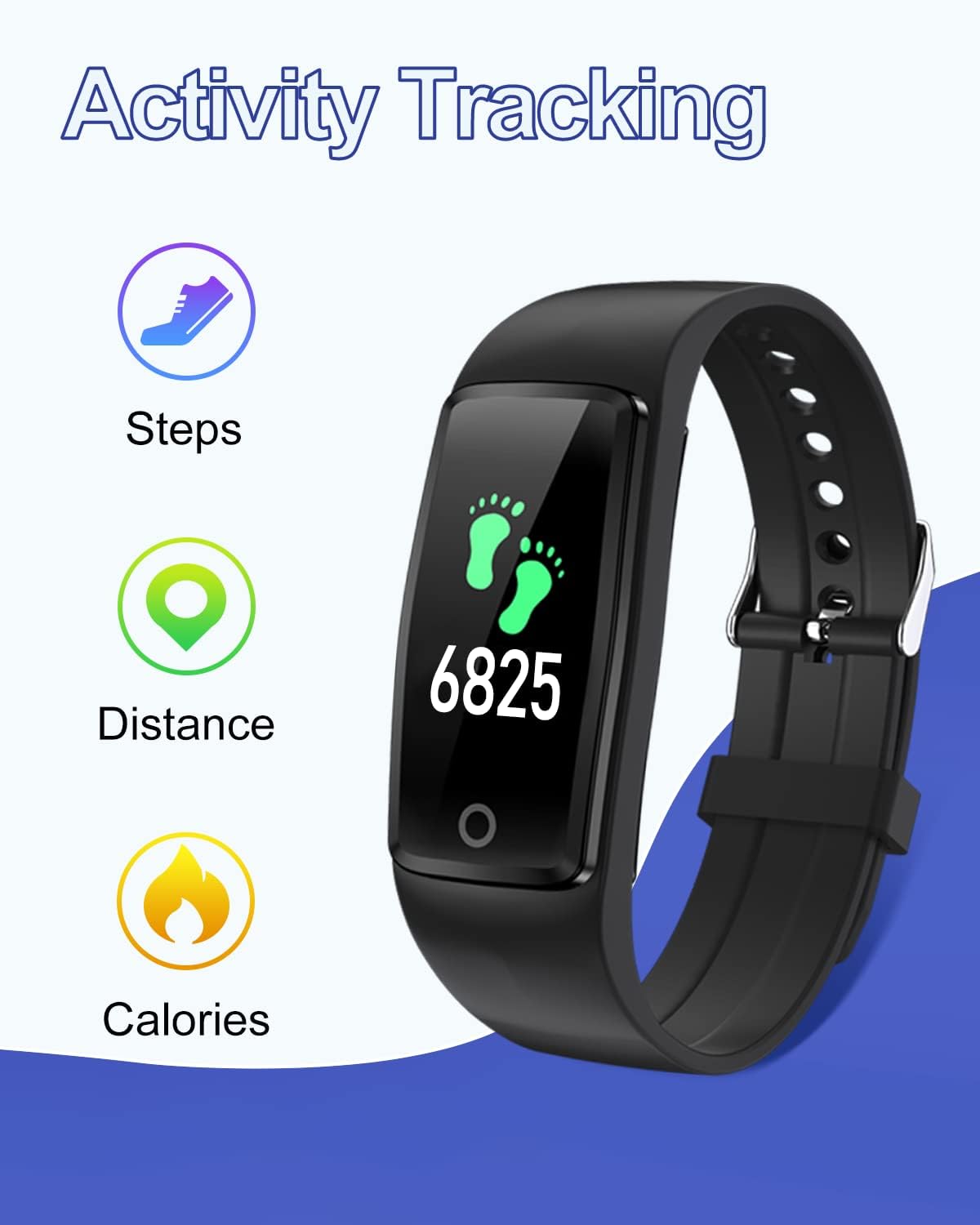
The fitness tracker can track your all-day steps, calories burned and distance. With it, you will become more active and walk more steps everyday. It will be an important everyday health reference. It is essential for us to keep a regular work and rest schedule. This tracker can record your sleep time. This function can help know better about your body and make reasonable adjustment on your sleep. Really friendly for the elderly and kids without smart phone, even motivates them to keep motivated and walk more. The weight is about 18g, which is very comfortable to wear this fitness tracker. With IP67 water-resistance, this fitness tracker can be worn while swimming, washing your hand and will not damaged by the sweat. (Note: Not suitable for diving, taking a shower, or sauna.) Please set the date, time, gender, age and so on in the watch first. Tap the circle touch button once to cycle through the menu and change options in the settings. Press and hold the touch button (3 seconds) to go to next screen or save the settings. (Note: If you miss the correct number, you need to add the number to the max. Then begin again.) This fitness tracker can be used for up to 5-7 days and standby for 30 days after fully charged. It will help you get rid of the annoyance brought on by charging everyday. But it doesn't come with the charger. You need take out the watch from the wristband, then you will find the USB metal pin, just plug it into the USB port to charge. FAQ: Q1: How to set the time? A1: Please try the following ways: a. Please turn on the watch then tap the touch button to cycle through the menu and find the "Setting" icon. b. You need press and hold the button for 3 seconds to enter the settings. The fisrt icon (calendar) is about setting the date and time. Please long press the button to set the time. c. The first setting unit is the year. You can short press to add the number. (If you miss the correct number in any of the settings, you need to add the number to the max. The program will then take you back to the minimum number and you can begin again.) Once you have entered the correct number, please press and hold the button to saving the setting. Q2: How to charge the watch? A2: This watch is not come with the charging cable. Here are the ways to charge it: 1. Take out the watch from band; 2. Put the metal pins into USB port then it will charge. Q3: What to do if the steps on the watch is not accurate? A3: This watch has a built-in 3D sensor, which is very sensitive. So it will correctly register your steps when you swing your arm. If you still think this watch cannot count your steps accurately, we suggest that you can wear it tightly and test it several times. Q4. Will my personal information on the watch always be saved? A4: No, if the watch is out of battery, all the setting information will be cleared. So we strongly suggest that charge the watch in time when the watch is low battery. Or you can make a habit of recharging regularly.
Product Overview
We Recommend