




Midea M7 (LDS) Robot Vacuum Cleaner, 4000Pa Strong Suction Power Vacuum Cleaner with Mopping Function, Self-Charging Vacuum Cleaner, Route Planning, for Animal Hair/ Floors/ Carpets, 5200mAh, Black : Everything Else
- Category: Robotic Vacuums
- Store: Midea
Share on:
Description
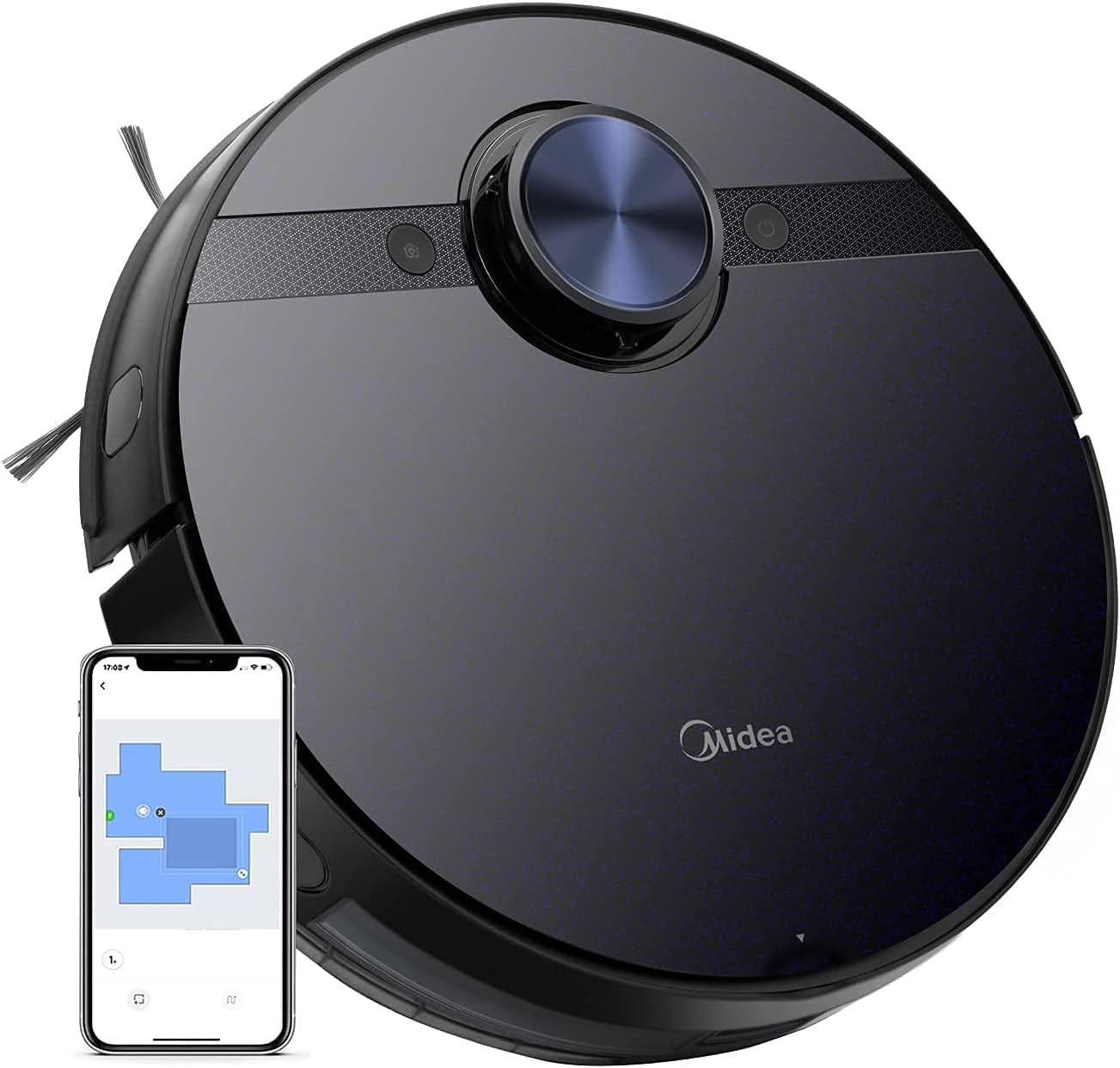
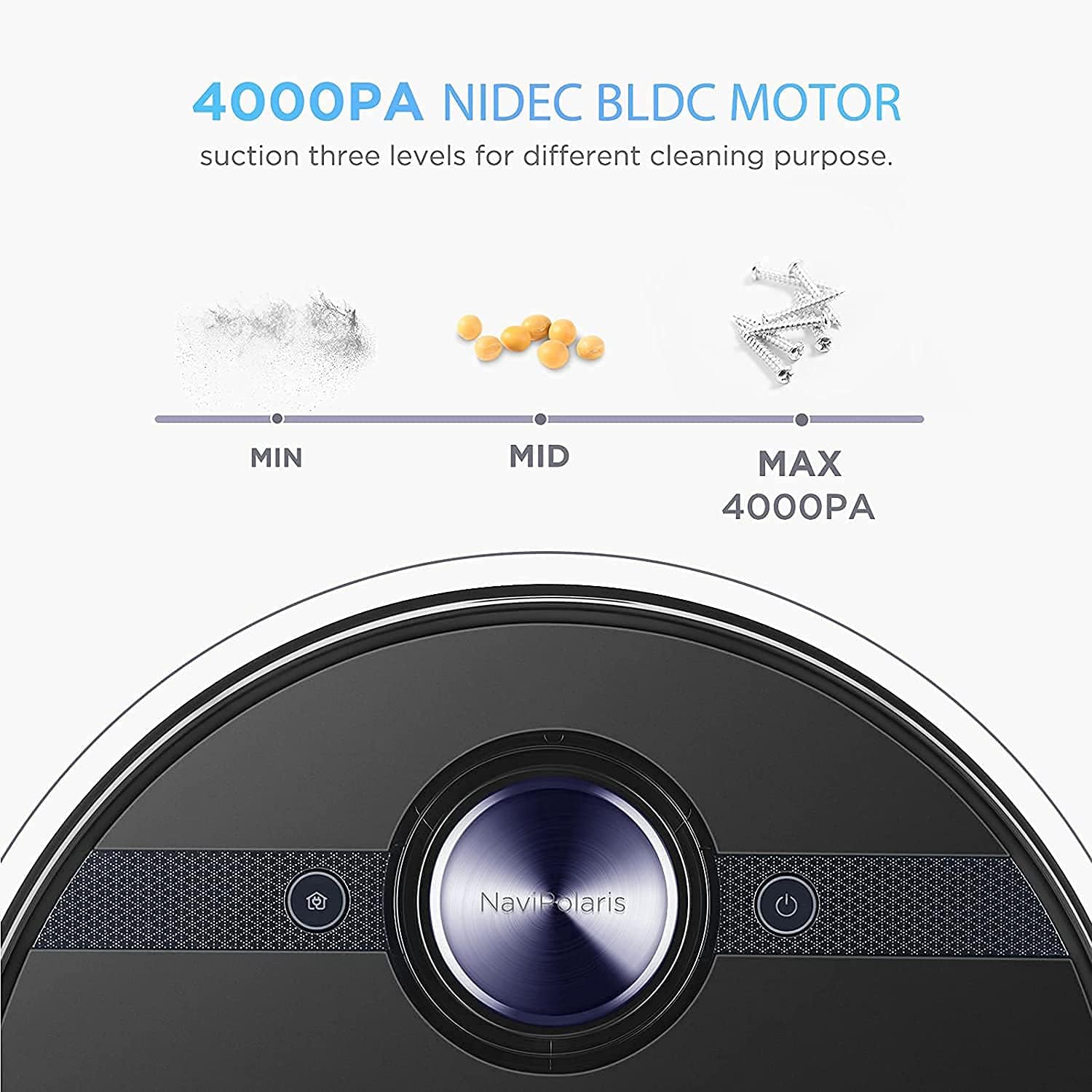
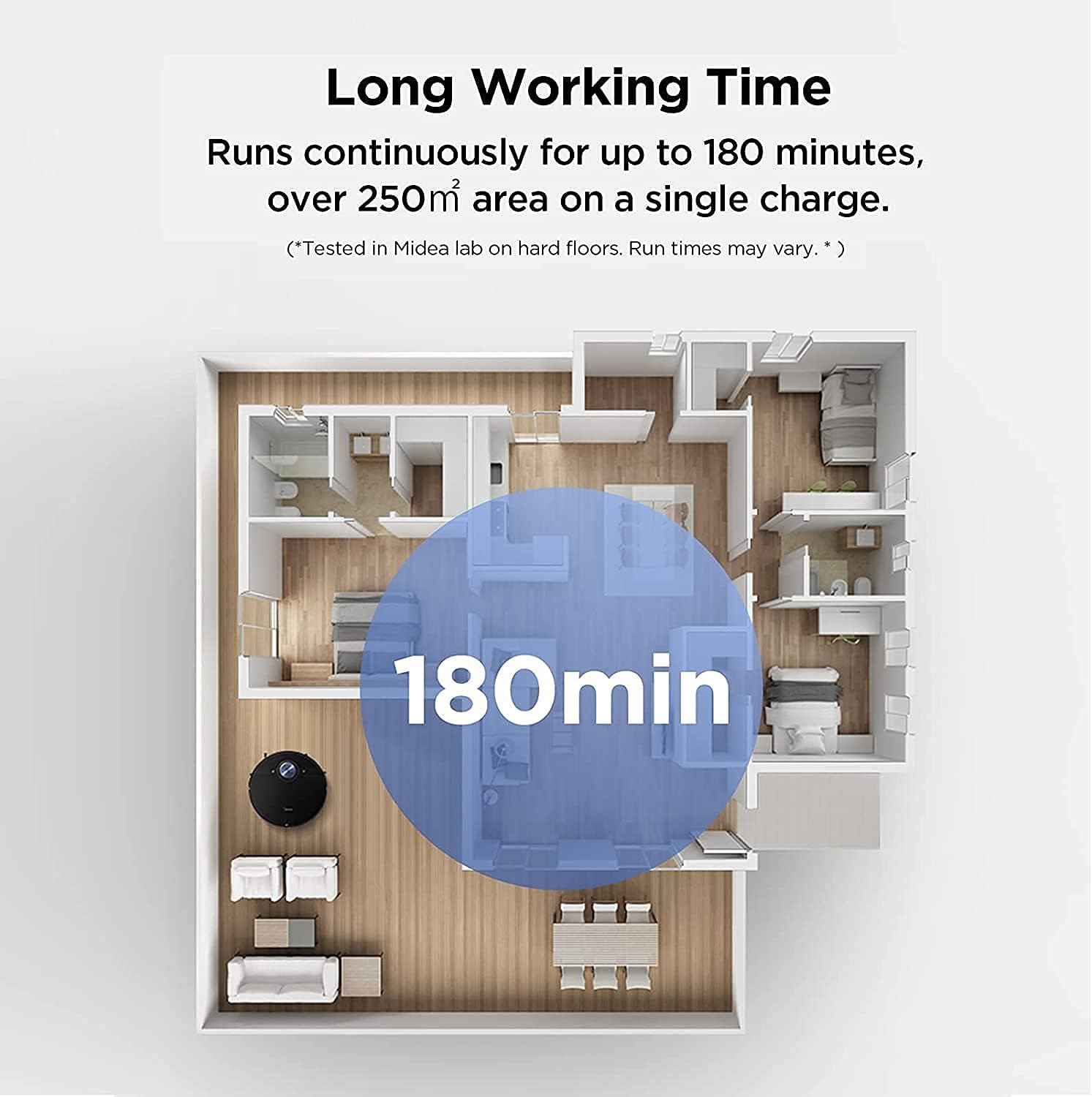
Press dust cup release button to remove dust cup from robot. Press dustbin release button to empty into a trash bin. HEPA filter is on the side of dust cup. Please keep HEPA and sponge totally dry before using. Have dust cup inserted back to robot. Connect the APP to view the real-time map and select the mode you need to achieve the appointment cleaning. The M7 can automatically save different maps (up to 3). When the robot starts working, it can automatically recognize where it is and plan the most efficient cleaning route. Even if you are not at home, you can control the robot remotely through the Midea Smart Life APP. You can set the schedule for cleaning your home through the map in the APP. Let M7 robot vacuum cleaner deep clean your home. Keep your rooms clean intelligently and efficiently. Midea M7 will automatically return to the charging base when the robot's battery is low. After charging, M7 Pro robot vacuum cleaner and mop will automatically return to avoid missed sweeps. During and after cleaning and discharging, it will automatically return to the charging base for charging. Built-in 5200 mAh rechargeable lithium battery with a life span of 2.5 hours can satisfy 250 square meters of household cleaning. When the battery is low, it will automatically charge and then continue cleaning. Without the support of large suction power, the cleverest sweeper has nowhere to play. Imported NIDEC high-power brushless motor, 2000 revolutions per minute, 4000 Pa large suction power, and can automatically adjust the suction power according to the size of the dirt.
Product Overview
We Recommend