





1Mii Bluetooth 5.0 Transmitter Receiver for TV, 2-in-1 Wireless Aux Adapter 3.5mm Jack, AptX Low Latency Dual Link, Bluetooth Transmitter for TV/PC, Bluetooth Receiver for Speaker/Home Stereo/Car : Electronics
- Category: Bluetooth Transmitters
- Store: 1mii
Share on:
Description
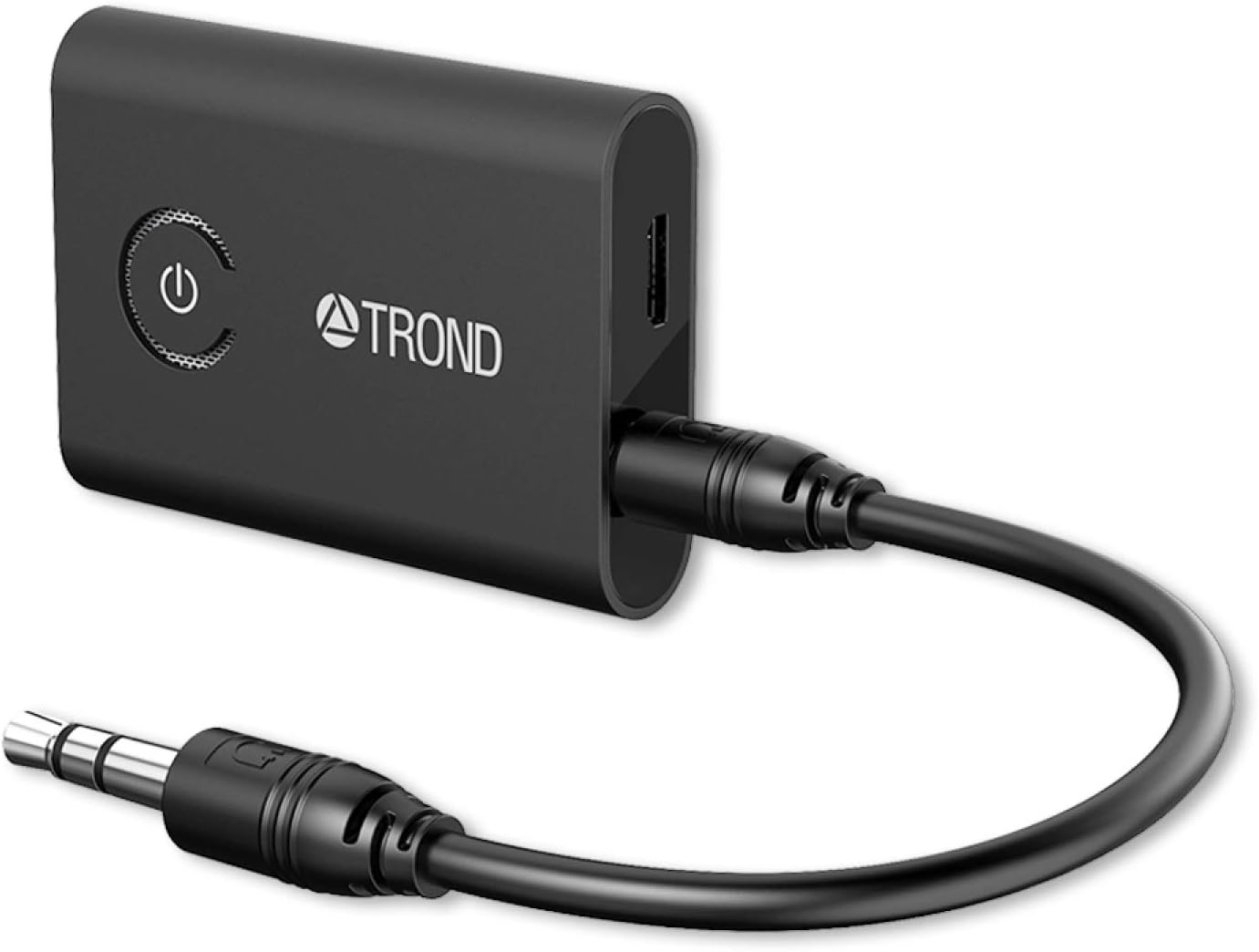
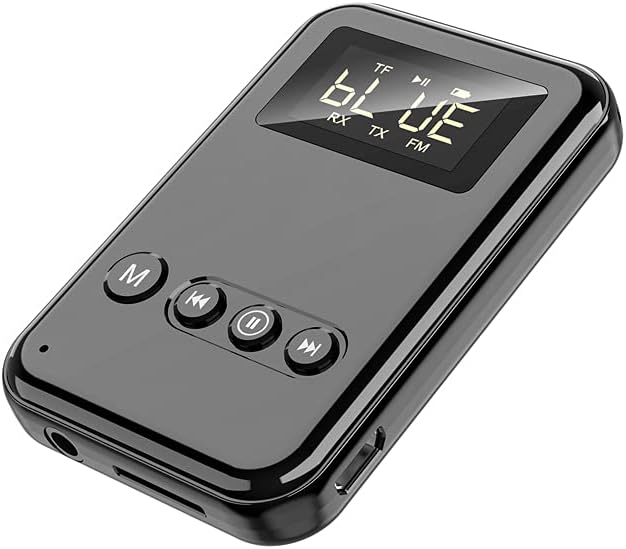
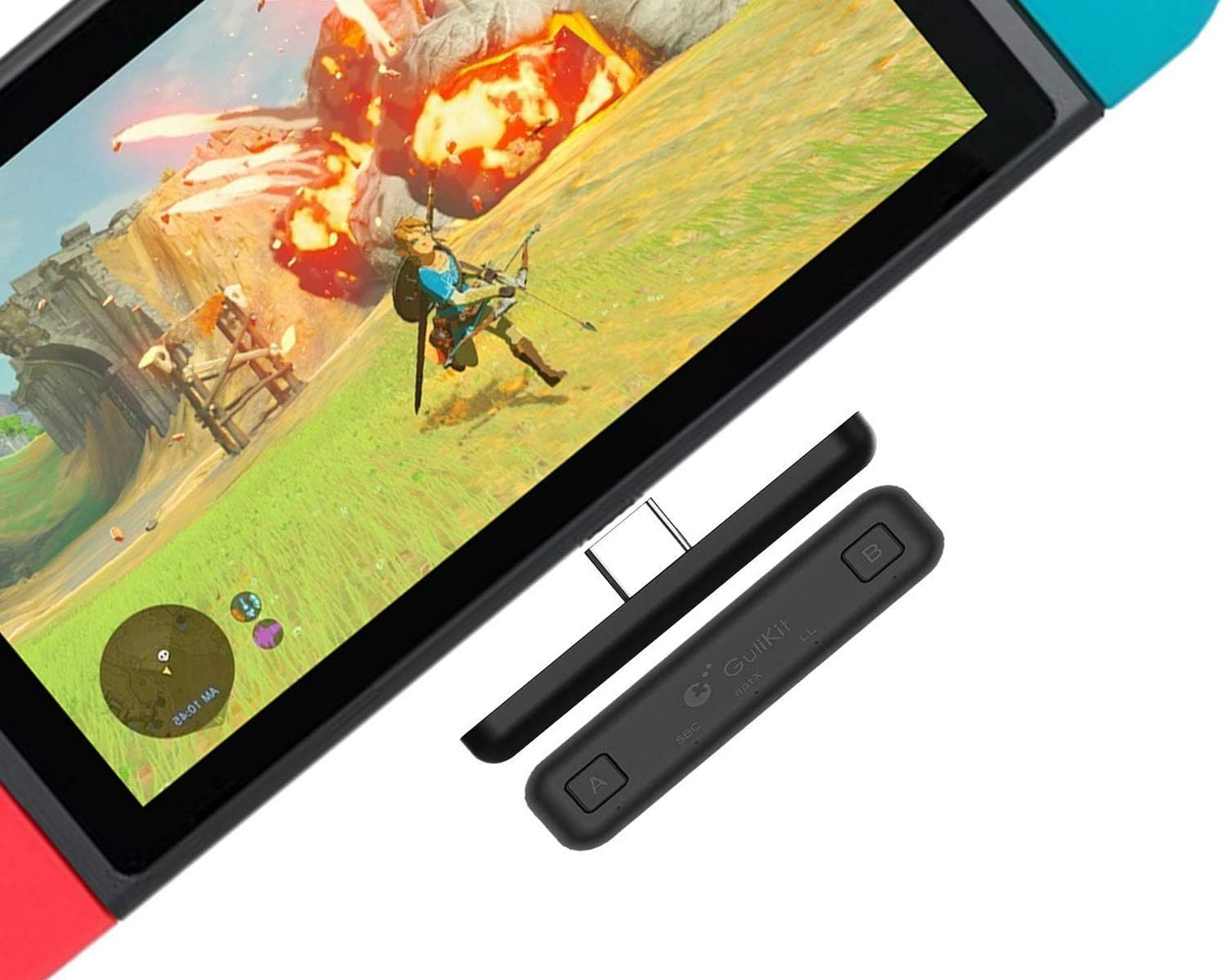
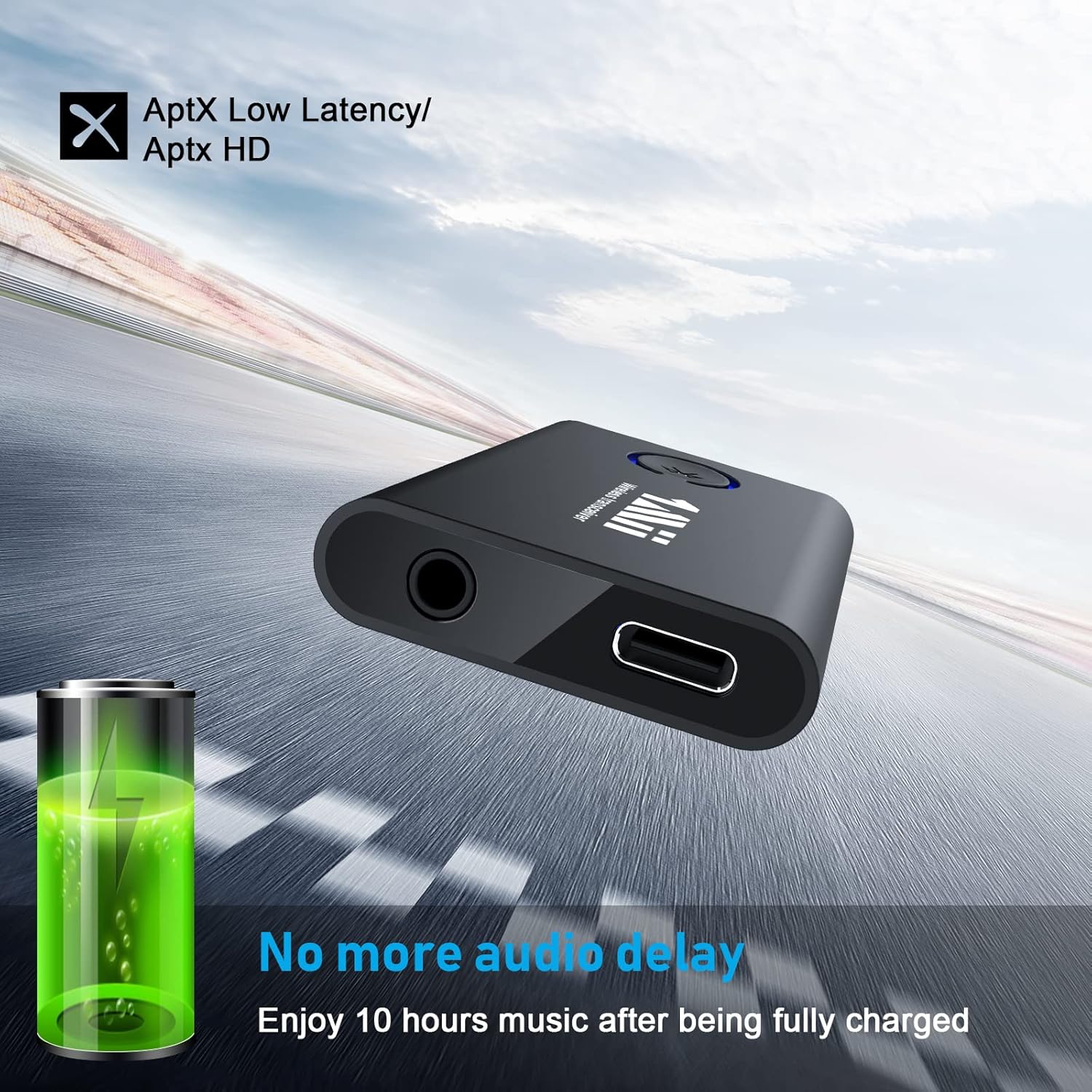
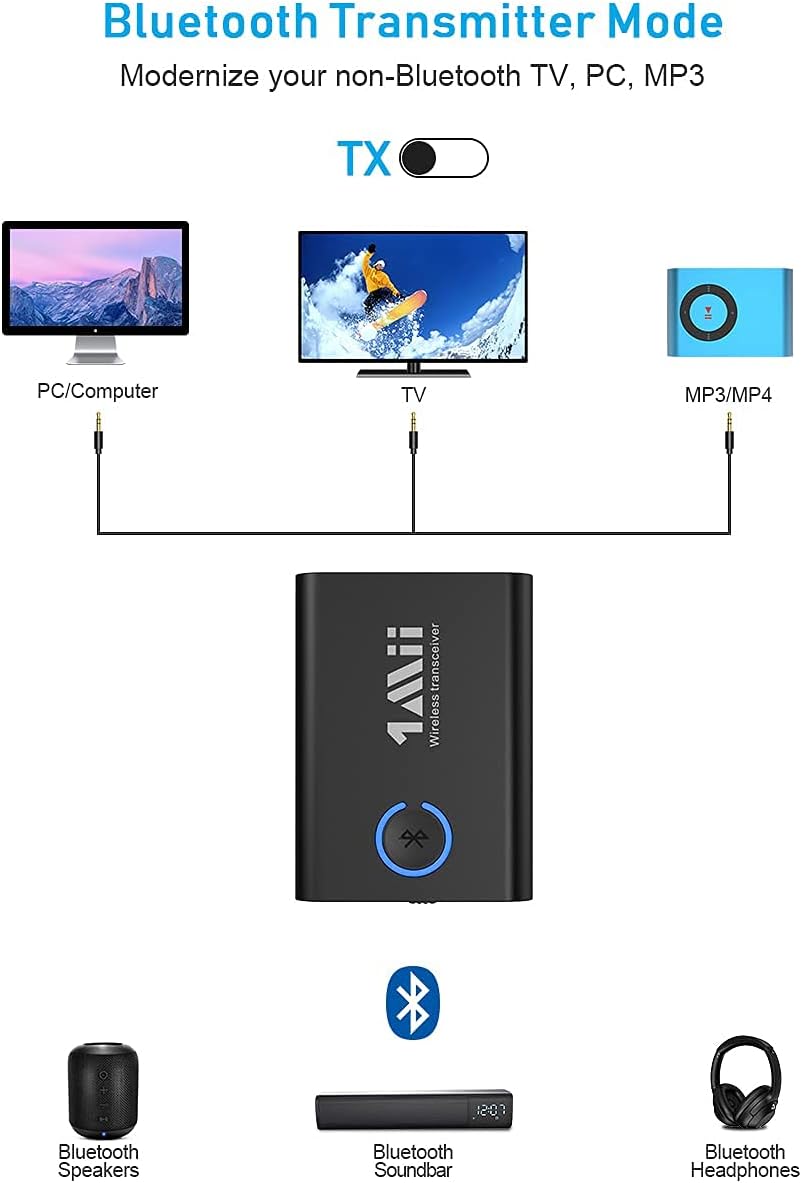
Use as a Bluetooth transmitter to Bluetooth-enable your non-Bluetooth TV, PC, MP3/MP4, then stream high quality stereo sound to your home stereo system, Bluetooth headphones or speakers. Simply connect this Bluetooth receiver to your wired speakers, headphones or car stereo via 3.5mm aux cable. Pair it with your cellphone or tablet to enjoy wireless music with CD-like sound. Can be used in the car only in RX mode, not in TX mode. 1Mii Bluetooth 5.0 aux adapter support pairing with TWO headphones or speakers simultaneously. You can share the wireless content with your lover and enjoy double happiness. Adopt Bluetooth 5.0 technology, Ensure a more stable connection and a stronger signal transmission. The range up to 32 to 50ft without obstacles. Come with AptX Low Latency technology, this Bluetooth transmitter receiver 2-in-1 with virtually no delay to deliver stereo sound in perfect synchronization. Note: It requires that your Bluetooth headphone/speaker Does support aptX Low Latency or you may experience a 70-220ms delay. Seamlessly stream music from your phone/tablet to wired headphone/speaker. Freely listen to stereo sound with no delay. AptX low latency technology enhance richer sound experience. Safely charging the Bluetooth transmitter receiver while playing. Built-in battery deliver 10 hours of using in transmitter mode and up to 12 hours in receiver mode. Enjoy your favorite wireless content all the time. Instant setup, plug and play. Connect this transceiver to your device with 3.5mm audio cable and enjoy CD-like sound. Support SBC, aptX, aptX low latency audio codec. Note: This Bluetooth audio adapter does not support voice calls or voice assistant functions. Small design and lightweight. Saving space and portable. Small body but with powerful performance. All 1Mii Bluetooth transmitter receiver are covered by our 30 days No-Hassle Replacement! How to pair with two headphones? Pair with the first headset: 1. Confirm if your headset is in pairing mode, and turn off other device's Bluetooth. 2. Dial the button from ML301 to TX, press the MF button until the light blinks blue and red. 3. When the two are paired, the light turns blue. Pair with the second headset: 1. Activate Bluetooth on the second headset 2. Press the MF button of ML301 until the light blinks blue and red. 3. When paired with the second headphone, the light turns purple. If you are having difficulty pairing, please restart your headphones, and restart the ML301, try again.
Product Overview
We Recommend