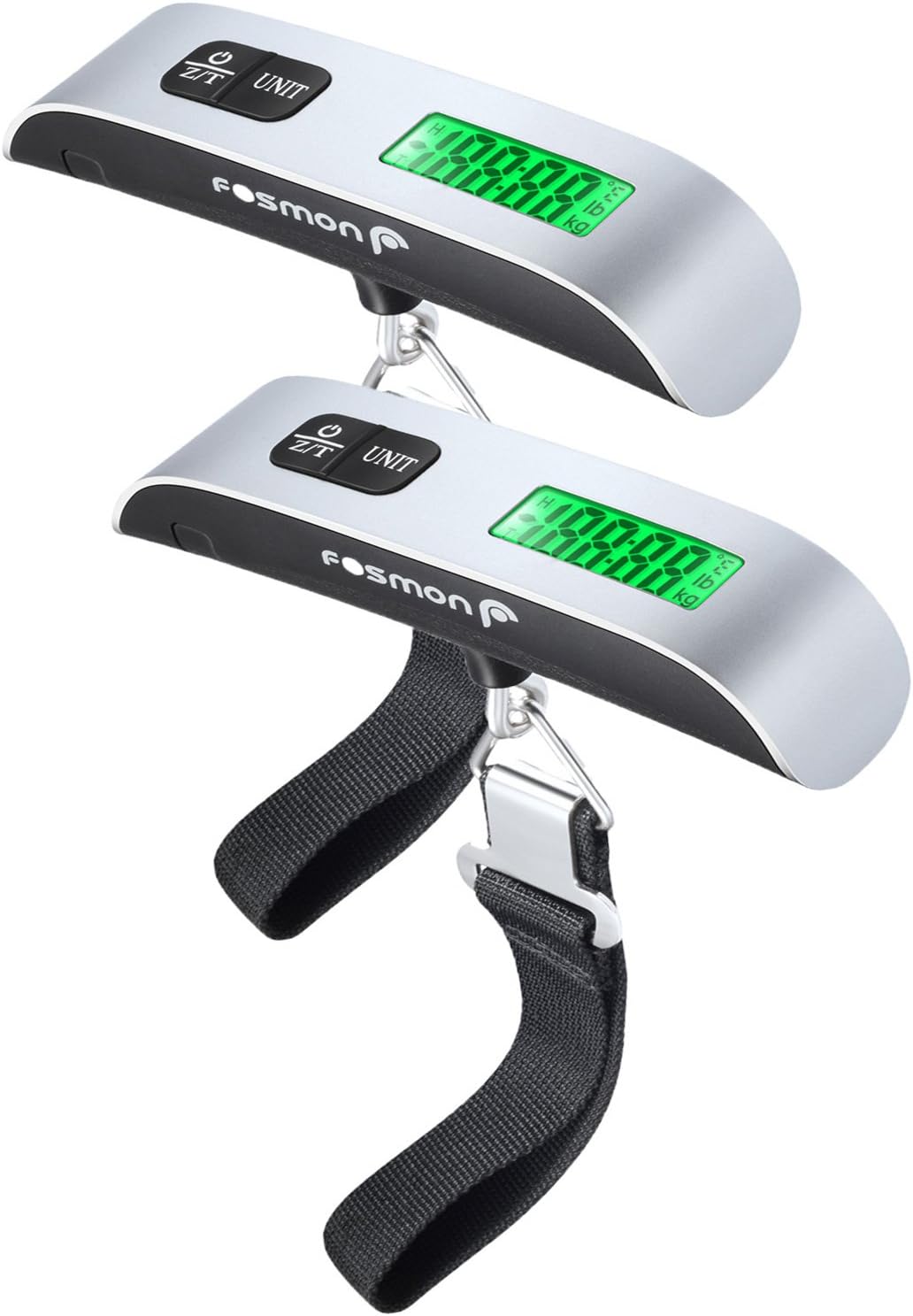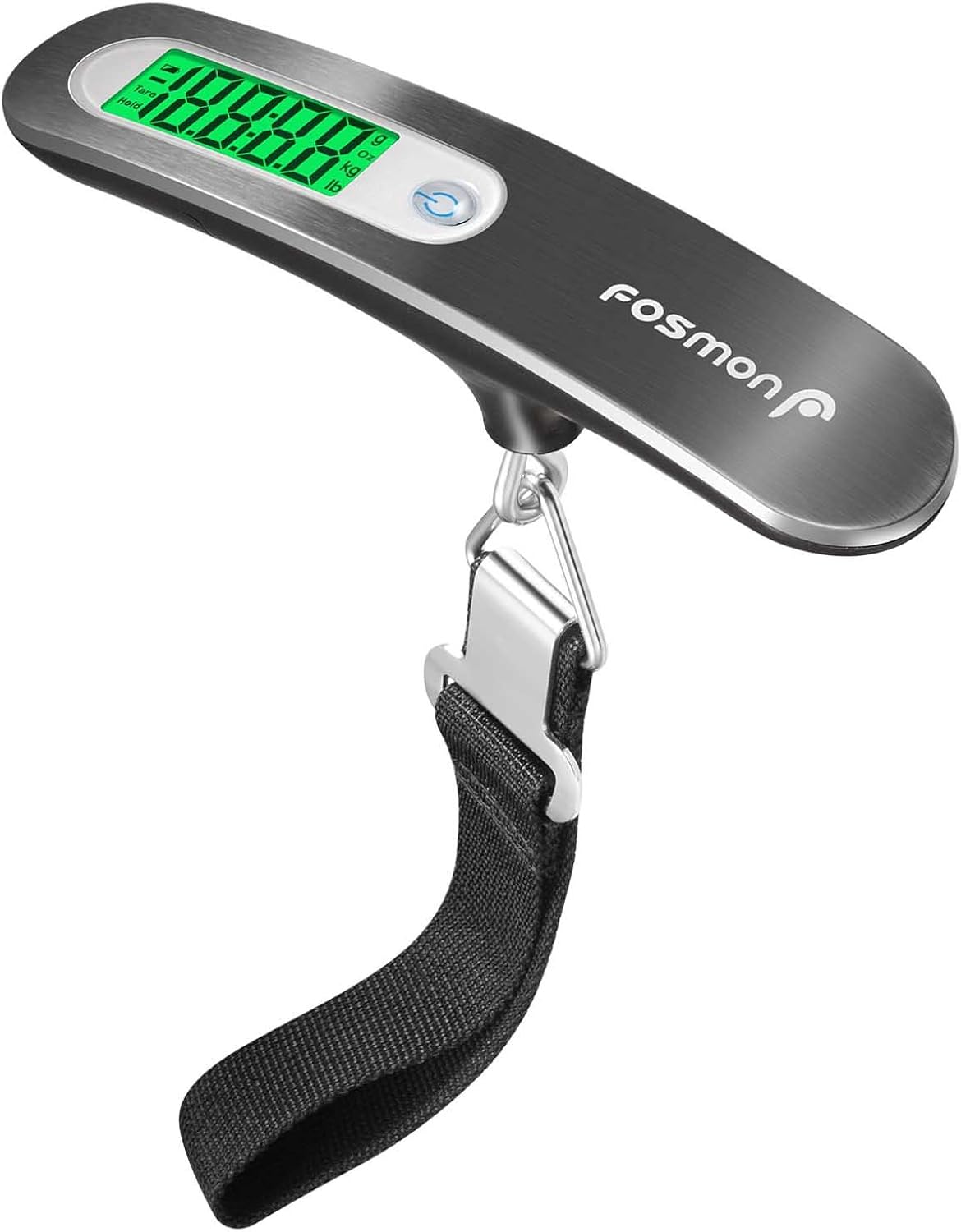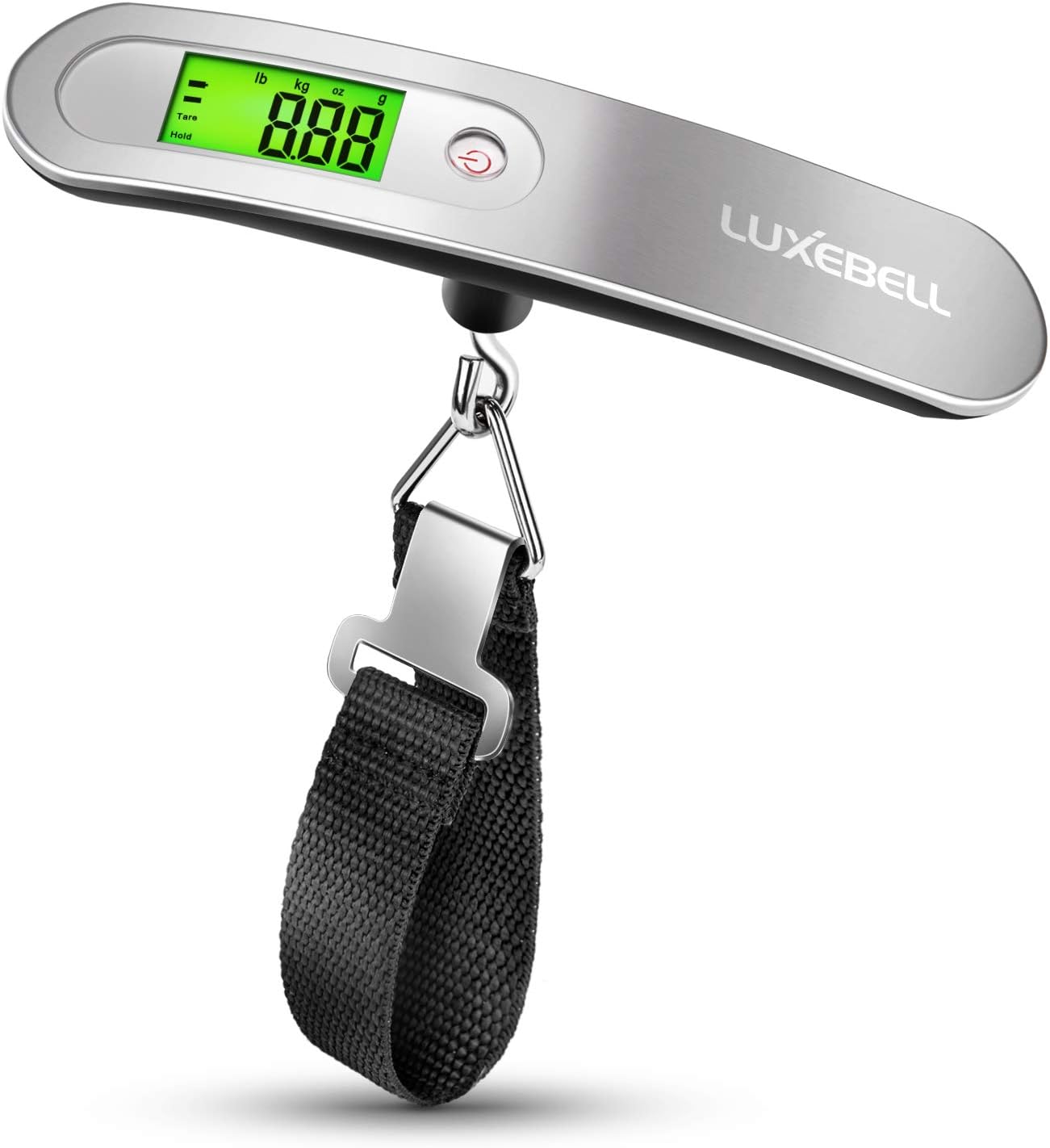



Generic Luggage Scale, Digital Portable Handheld Suitcase Weigher for with Horizontal Bubble , Built-in Tape Measure,110 Pounds, Battery Included : Clothing, Shoes & Jewelry
- Category: Luggage Scales
- Store: Brand: Generic
Share on:
Description
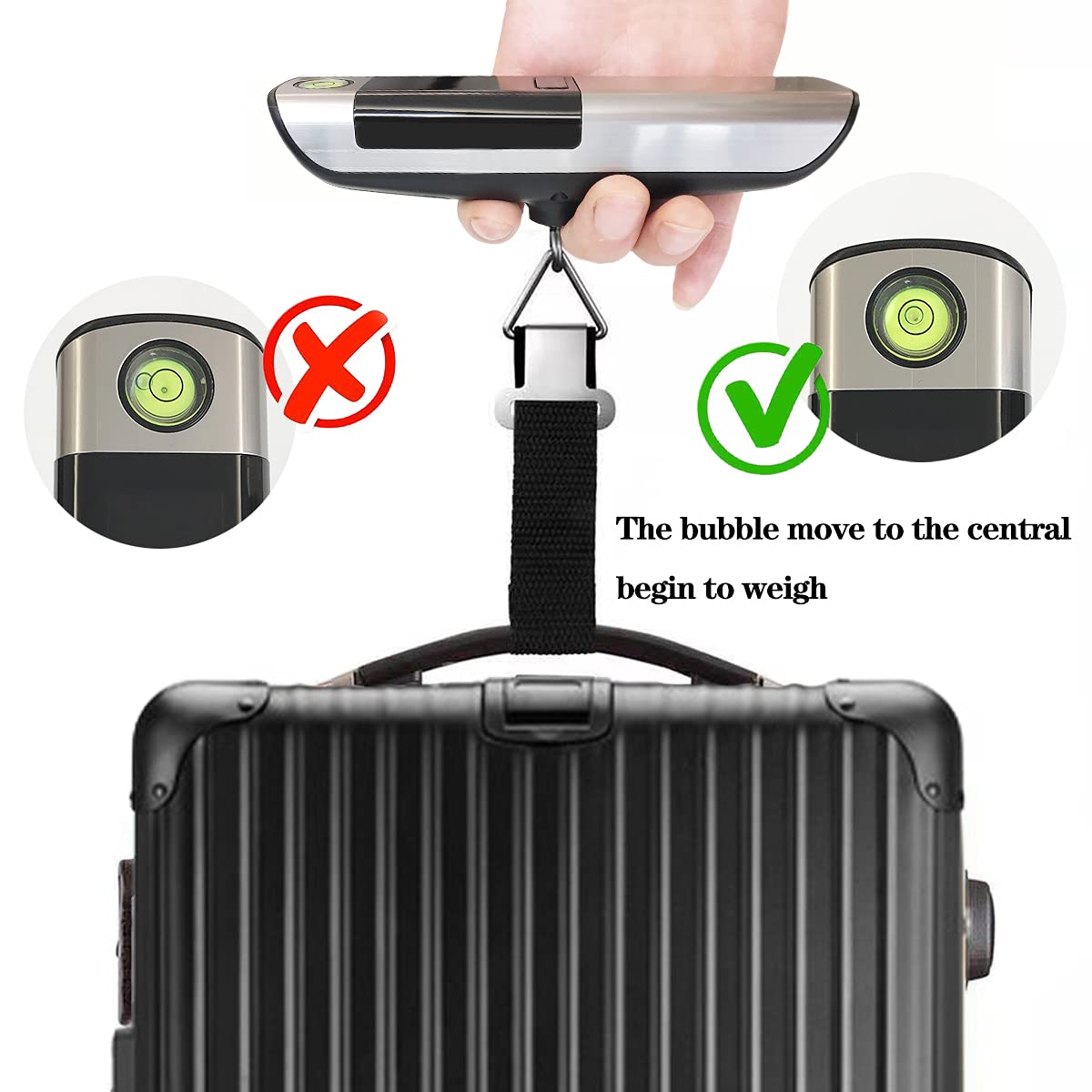
See more product details Thank you for choosing our LUGGAGE SCALE In order to use this weight scale conveniently and correctly, please read the user instructions carefully before use. Instructions for Battery Use Directly pull out the insulation sheet before the scale is turned on. If you need to replace the battery, please notice the place of anode and cathode when put in the batteries. Power On/Power Off Press the only button to power on after pulling out the insulation sheet. The button contains for functions, i.e., power on, power off, tared, reset. 1. Power On: Short press the button for 3 seconds to enter the working mode. 2. Reset: In the state of HOLD, short press the button to reset data. 3. Tared: Short press the button to remove the tare weight after holding the data during weighing. 4.Power Off: Short press the button to power off when 0.00 is displayed. Unit switch 1.After putting on battery and turning on the device, the default unit of reading is KG. 2.The unit can be switched when turning on the device. Press power button when the device is off, when the screen turns on, press power button again to switch among KG/LB/OZ; after selecting the unit, it will automatically shift to service mode. NOTICE 1.Please keep the scale in the horizontal state when weighing, otherwise the accuracy of weighing will be affected. 2.Weighing capacity of the scale is 50KG/110LB. Do not exceed weighing capacity, otherwise the scale may be damaged. When the screen displays “Err”, it is already overweight. 3.Do not hit or press the scale to avoid damage. 4.Do not use chemical cleaners to clean the scale. 5.When the screen display “Lo”, the battery power is low and the battery needs to be replaced. If you do not use the scale for a long time, remove the battery.
Product Overview
We Recommend