



NORWII N95 Green Light Pointer, 330 FT Long Control Range Designed for Large Occasion, Rechargeable Wireless Presenter Remote Presentation USB PowerPoint PPT Clicker for Mac, Laptop, Computer : Office Products
- Category: Presentation Remotes
- Store: Brand: Norwii
Share on:
Description
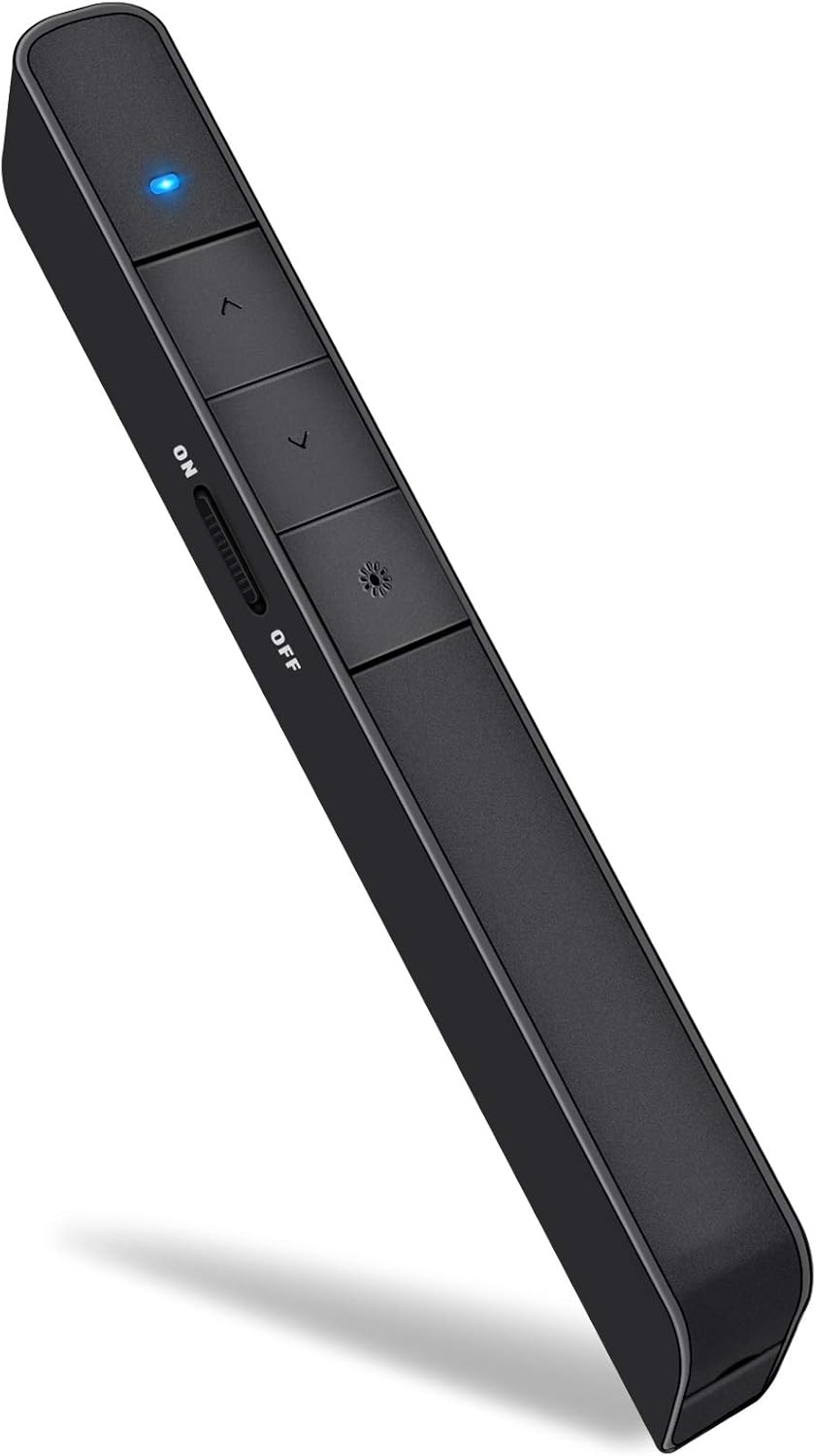
A raised bump on the key offers a clear signal to help you perceive the key orientation without thinking. Long press the Tab Key to switch windows from current presentation page to different websites. Press "+ "or "-" to adjust the multimedia volume according to your location and surroundings of place. Click the Tab Key to choose the hyperlink, then double click Tab Key to open hyperlink. Long press the Tab Key to switch windows from current presentation page to different websites. Some functionalities might not operate the same on every application. If this happens, press and hold the "∧" and "∨" keys 1-3 second at the same time. This allows the presenter to switch to one of 3 modes. 1. The Page Up and Page Down 2.The Up and Down 3.The right and left.
Product Overview
We Recommend