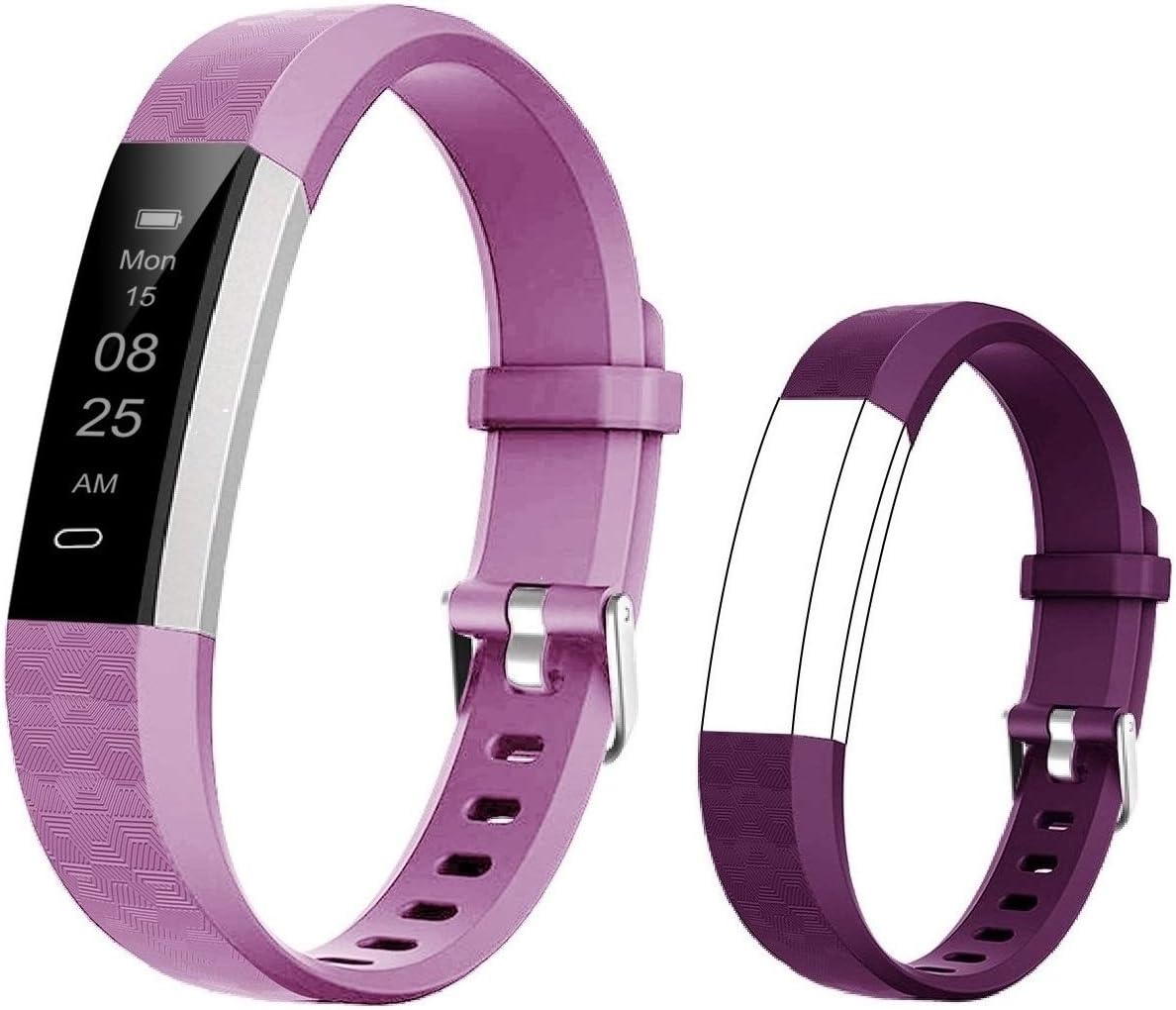

YAMAY Fitness Tracker 2021 Version, Watches for Women Men with Customized Watch Face Touch Screen Alexa Built-in, Blood Oxygen & Heart Rate Monitor Sleep Tracker IP68 Swimming Waterproof (Pink) : Sports & Outdoors
- Category: Activity & Fitness Trackers
- Store: YAMAY
Share on:
Description
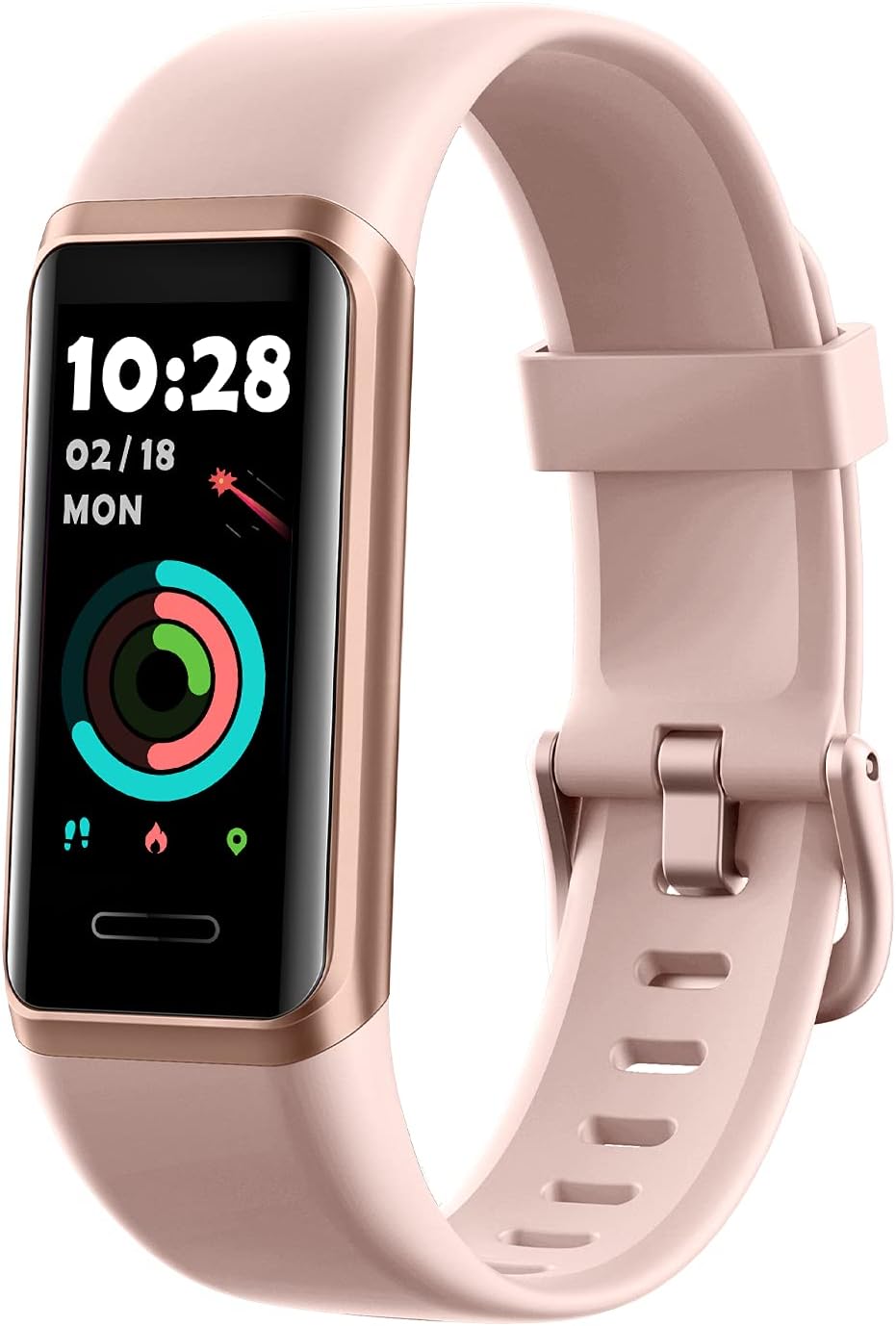
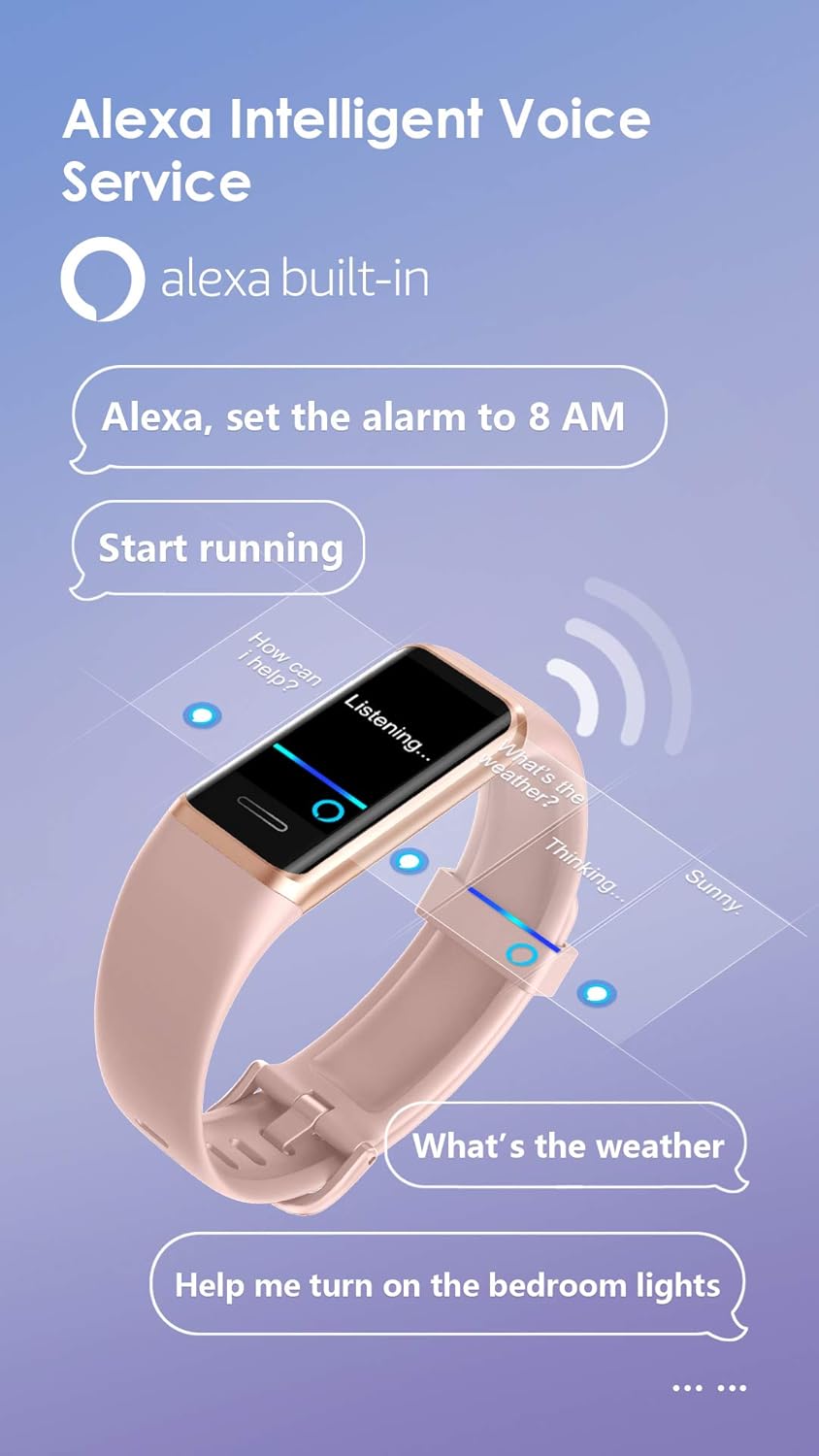
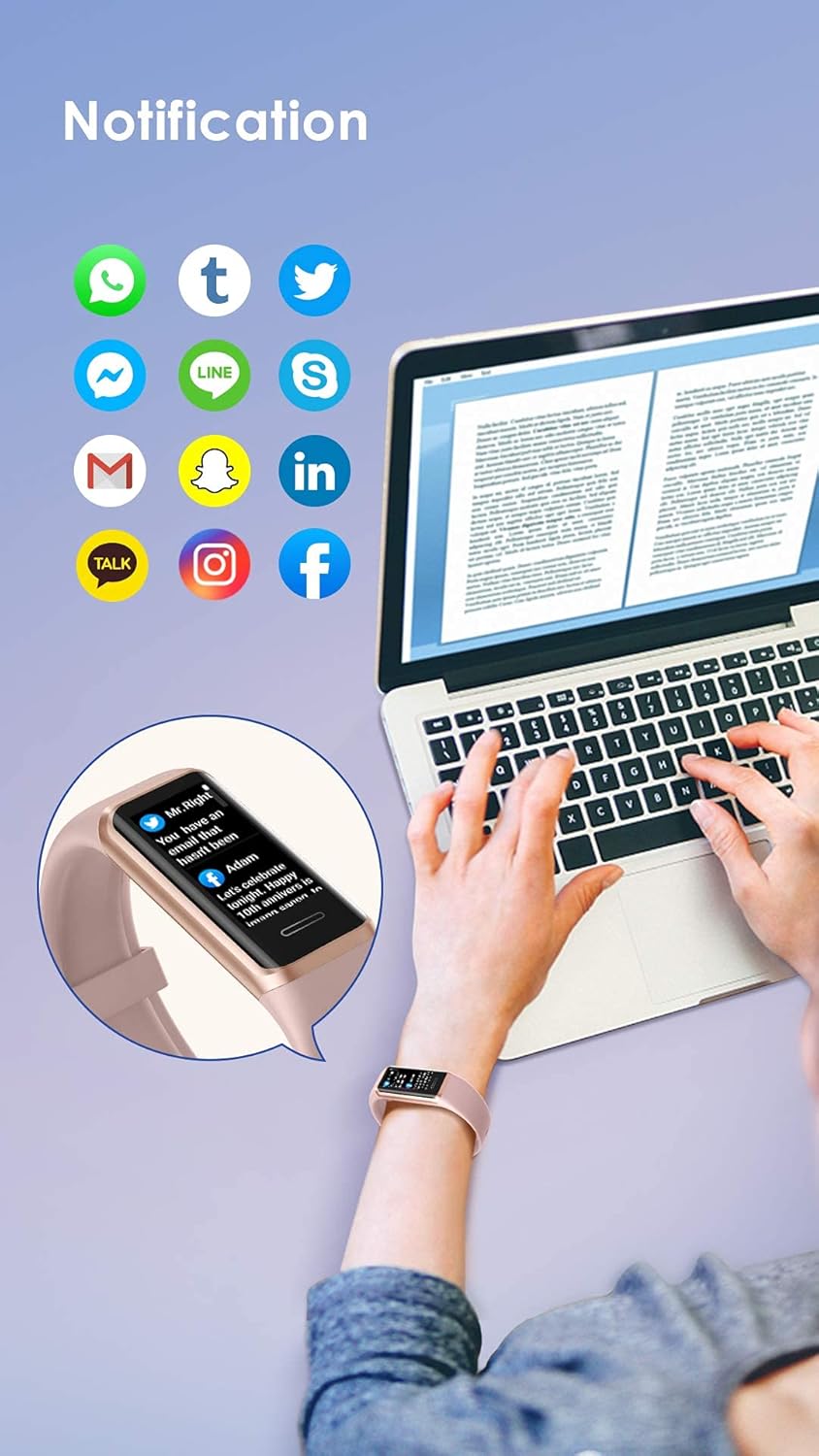
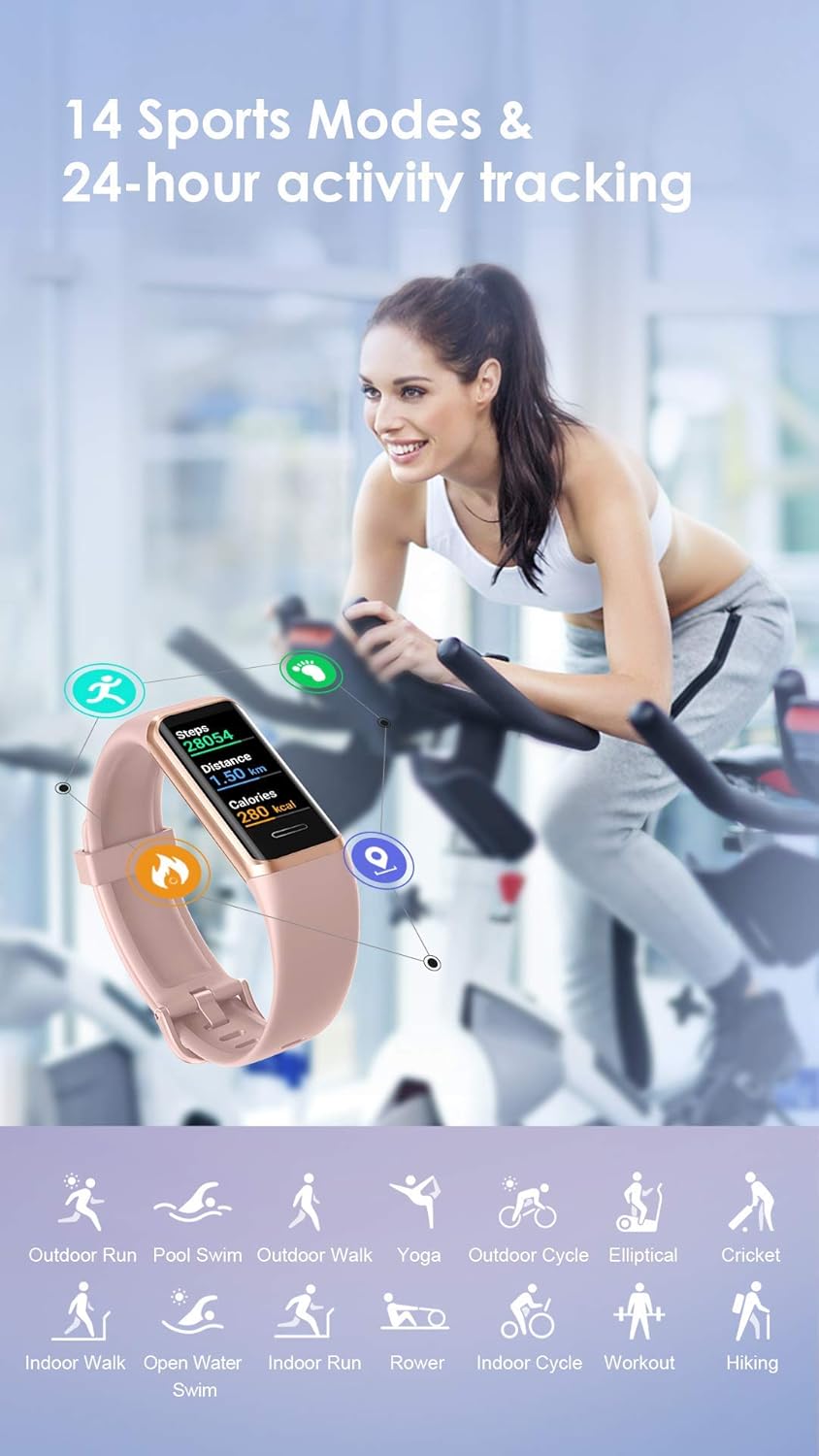
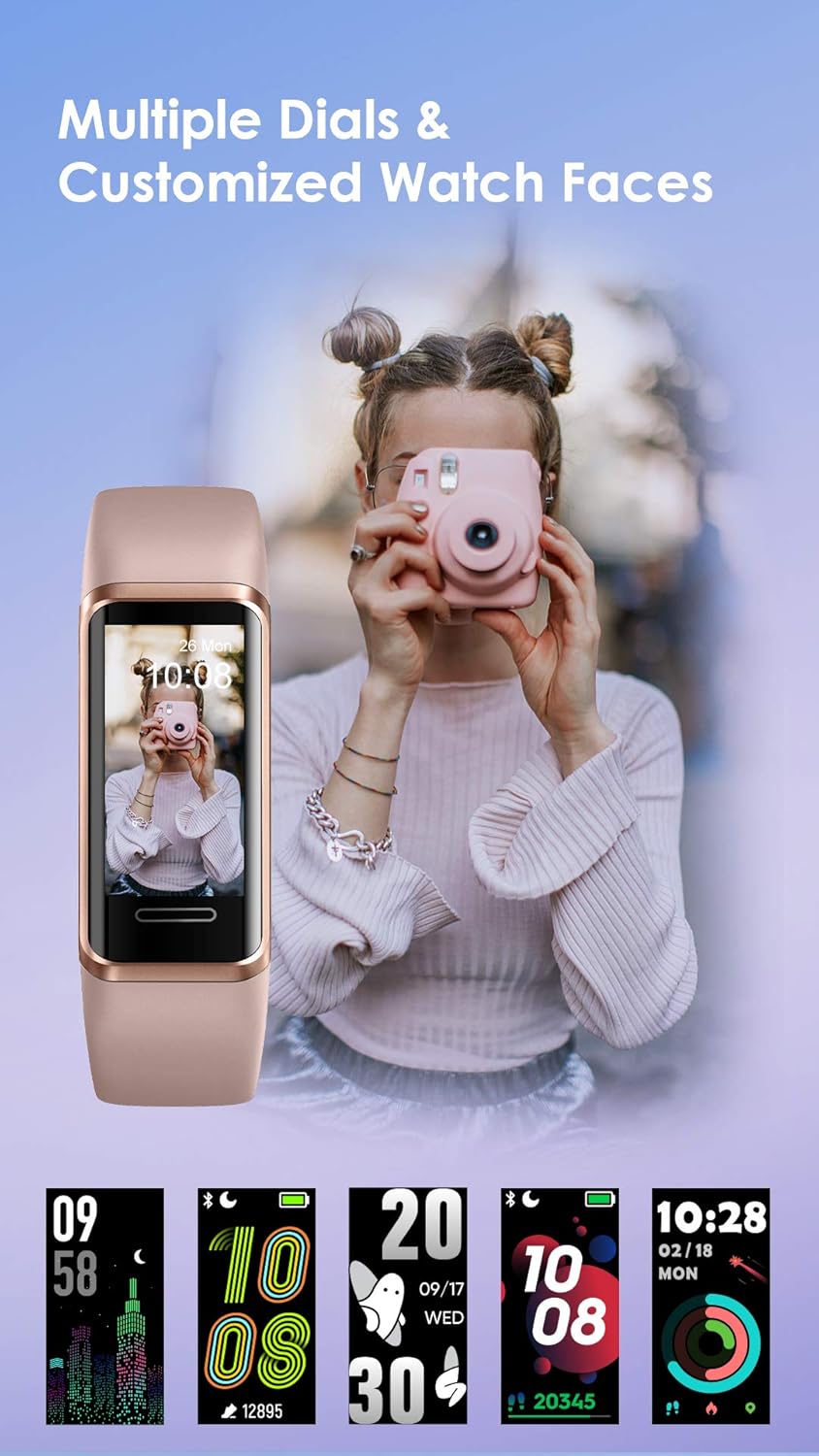
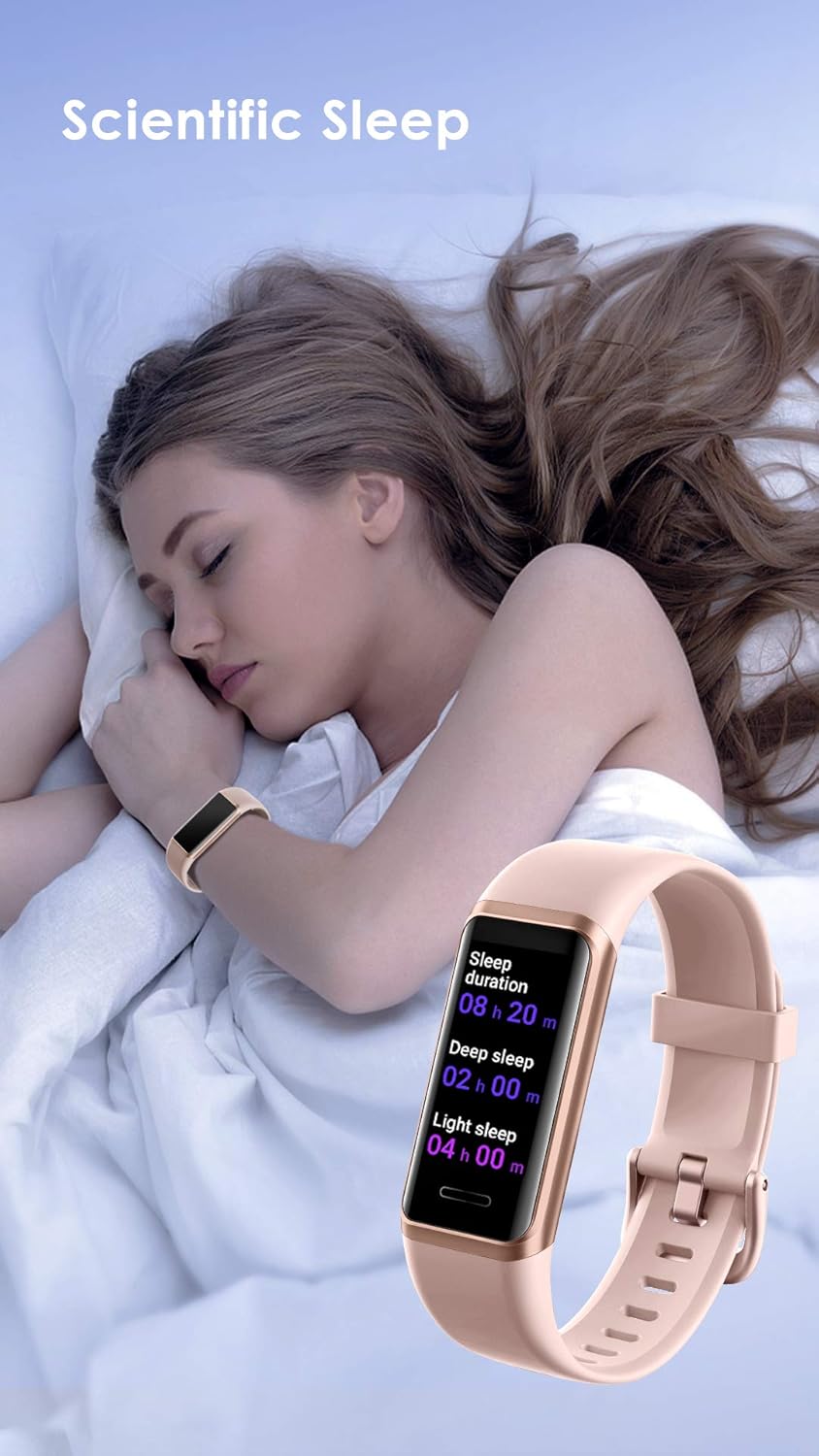
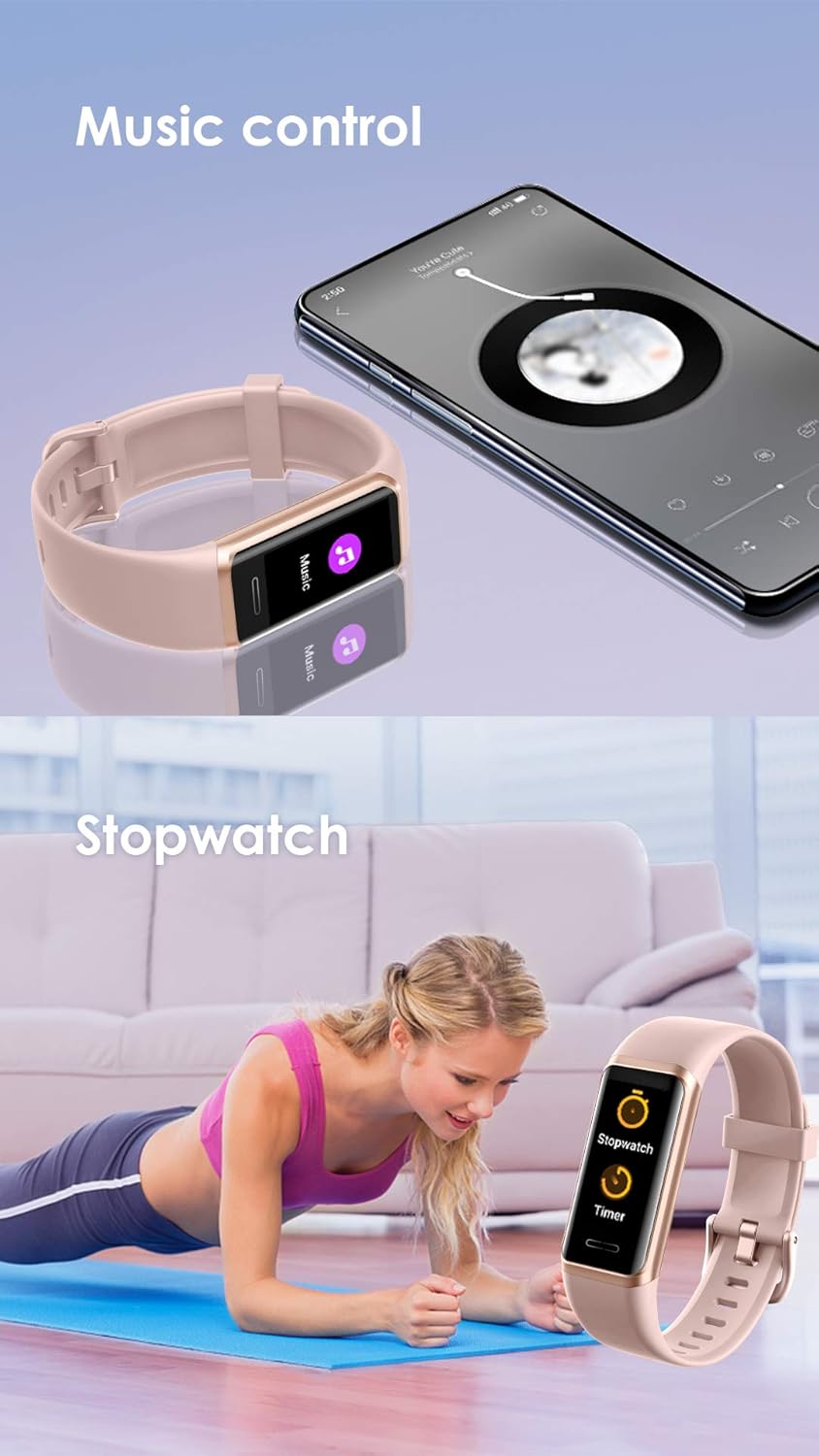
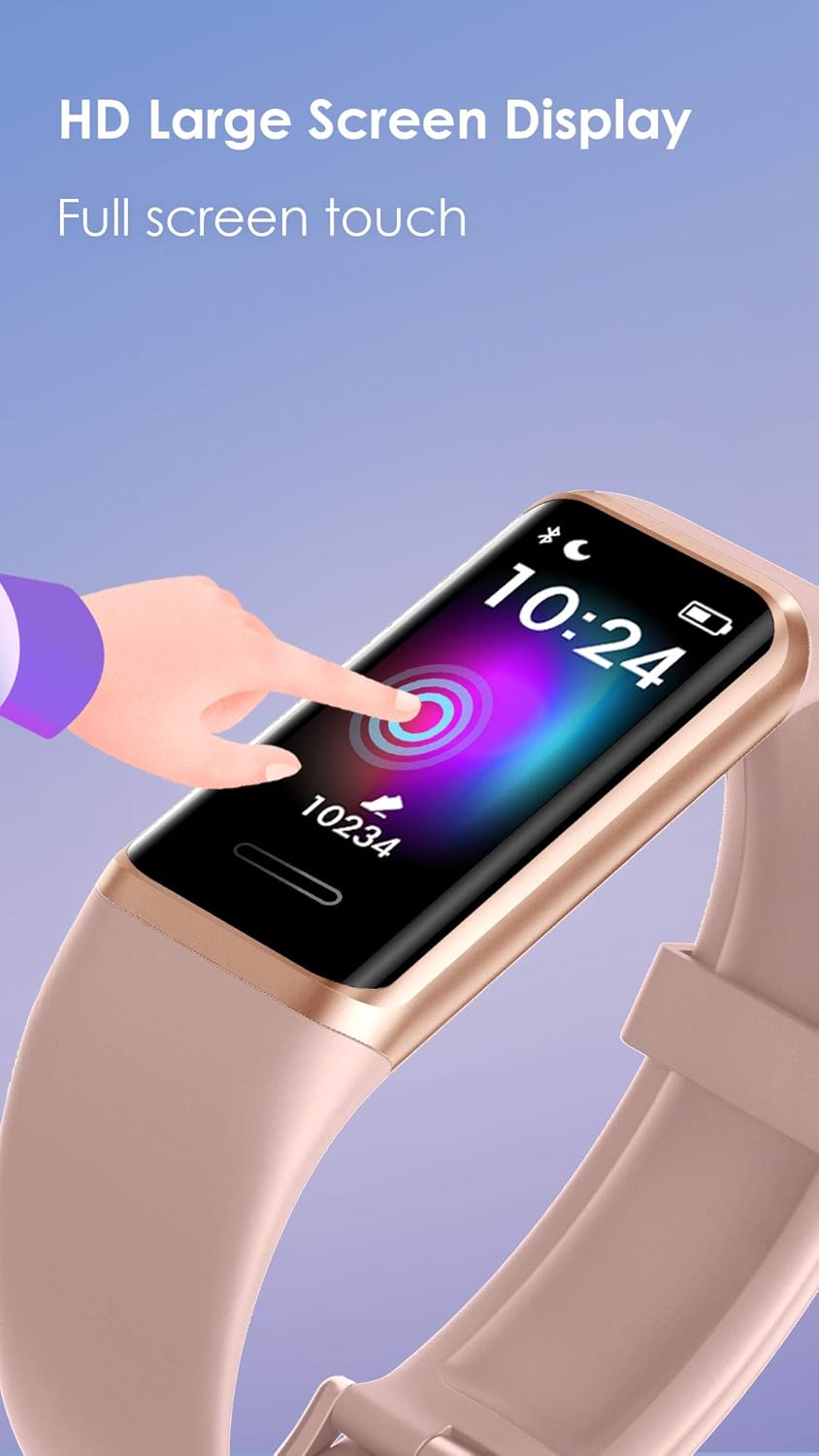
The 1.05” Full-touch HD screen provides bigger and clearer viewing experience, which can be seen clearly even when you are exercising outdoors in the sun. Comparing to other traditional fitness trackers, GT Band adds a brand new feature that the watch face can be personalized. A variety of watch faces are available for you to choose from the VeryFit app(Update weekly). You can also choose your picture as the watch face, such as your selfie or photo of your kid, family, pet ,etc. Just talk to Amazon Alexa in your fitness watch, you can easily ask questions, set time reminders and alarms, create shopping lists, check the weather, control your smart home devices and more.(*Note: Please link your Amazon account to the VeryFit app first to activate the Alexa function of tracker.) With the built-in Blood Oxygen(SpO2) monitor, you can use this tracker watch to measure your blood oxygen level anytime to understand your physical state, especially during intellectual or physical work for a long time, high-intensity workouts, or in high-altitude and low-oxygen environments. With IP68 waterproof standard, GT Band activity tracker supports up to 14 exercises modes such as running, cycling, swimming, hiking, etc. It can record the duration, speed, heart rate changes, calories burned, and other data during your workouts. When connected to your smartphones' GPS, you will be able to view all your workout routes and distance travelled during exercise through our app. (It has no built-in GPS) View your real-time heart rate data via this fitness tracker directly, and sync it with Veryfit app to intuitively check the heart rate graph including rest/average/max/min heart rate data. Allowing you to know your health better. Up to 10 alarm clocks can help you easily set reminders for everyday tasks such as waking up, appointments and more. You can also receive and read SMS messages and SNS notifications straight to your fitness tracker--Including 22 SNS applications such as Facebook, Whatsapp, Twitter, Instagram,Messenger, Linkedin, and more.(*Note: Can't reply messages or make calls from it.) Just sync it to VeryFit app once you get up, the tracker will show you the sleep quality(Deep sleep, Shallow sleep, Awake) and duration. Or view a comprehensive analysis graph of your sleep quality data in the app, it interprets the sleep characteristics at each stage and analyze sleep quality, to help you adjust your sleep habits.(*Note: only record the sleep lasting more than 3 hrs) This tracker supports stress monitoring to help you know your personal stress level: Relaxed(1-29 points) Normal(30-59 points) Medium(60-79 points) High(80-99 points) It also provides breathing training to help you adjust the breath frequency and balance your stress levels, so that you can instantly know when you need to rest and relax. Easily control your music straight from your fitness tracker, you can skip/play/pause tracks or adjusting the volume +/-, without taking your phone out of your pocket frequently and enjoy every minute when on the go.(Please enable the music control function in VeryFit app first) Charging Tips Weather Notification IP68 Swimming Waterproof More Practical Tools Model Number: GT BAND ●●●●●●● [FAQ] ●●●●●●● Q: How To Connect It To Your Phone? (How To Set Up?) The official app of GT Band is 'VeryFit'. Please scan the QR code on the watch or user manual to install the app. Then open the app to scan the QR code on watch again to connect. (Don't connect it through your phone's Bluetooth pairing list directly.) This app is compatible with iOS 9.0 or above & Android 4.4 or above smartphones.(Not for iPads, PCs or Tablets, Samsung J3) *If disconnection occurs, you just need to swipe down the homepage of VeryFit app to reconnect. Q: How To Activate The Weather & Music Control Function Of Tracker? Please make sure the watch is connected with 'VeryFit' app successfully-->Open the app and click the 'Device' below-->Tap the GT Band icon-->'Device Settings'-->Switch on the 'Music Control' or 'Weather' option.(*Note: The weather will not be updated if disconnection occurs.) Q: How To Exit/Stop The Sports Mode? You just need to long press the touch key for 3-5 seconds-->Click the red stop key-->Then tick the “√” to stop the exercise. Q: How To Check My Sleep Data? Please sync the watch to 'VeryFit' app when you wake up, then the detailed sleep data will show on the tracker. You can also view a comprehensive analysis graph of your sleep quality data in the app.(The GT Band will only record the sleep lasting more than 3 hrs.) Q: How To Extend The Battery Life? Please make sure the tracker is connected with VeryFit app successfully-->Click the "Device" below-->Tap "GT Band" icon-->Click "Health Monitoring" and choose "HR Monitoring"--> Switch on the "Automatic measurement" instead of "Real-time monitoring".(The real-time monitoring tracks your heart rate once per second, but automatic measurement tracks your heart rate every 5 mins, so the battery will lasted longer) And please also make sure you have fully charged the watch in the correct way: 1. Pull out the strap which is below the touch key, you will see the built-in USB plug with metal pins. Insert the metal pins into any USB port/Wall charger. 2. After a gentle vibration, a battery icon will be shown on the screen once it is being charged successfully. Otherwise it will have no response. *Note: If the watch does not vibrate, please turn it over to the opposite to charge again.(Ensure that the metal strips align with the USB strips.) Q: How To Switch 12 hr/24 hr Mode? And How To Switch The Measure(Mi/Km)/Temperature Unit(°F/°C)? Please make sure the watch is connected with 'VeryFit' app successfully-->Open the app and click 'My' below-->Click "Setting'-->Change the time mode/unit. Q: How To Turn On The Watch Again After You Turn It Off From The Settings? You just need to plug it into any USB port/Wall charger to charge it to turn it on again.(Refer to the question #1) Q: How To Set Up Alexa? 1) Go to the "Device" page in the “VeryFit” app. Then tap "GT Band" icon → "Amazon Alexa". 2) Log in to your Amazon accoun. Then click “Continue” → Tick "Close" to return to your device settings in the VeryFit app. 3) Swipe right of the tracker to go to Alexa voice control. Or press and hold the home button to start talking to Alexa. 4) To change the language Alexa recognizes or disconnect your Amazon account, tap "amazon alexa" in the device information page in the app. "Note: The VeryFit app must be allowed to keep running in the background on your phone. And please also make sure the app is connected to WiFi or can access Cellular Data. Otherwise you may experience a delay in Alexa's response time, or Alexa may not be able to recognize your voice command. *Notice: 1) Saying “Alexa” will not activate the voice assistant on your tracker--You must open Alexa voice control by clicking the Alexa icon of tracker or press and hold the home button to open it. 2) Not all skills work with the tracker, as they must be able to display feedback as text on the tracker’s screen. This tracker doesn’t have a speaker, so you won’t hear Alexa respond. Tips: If there is any problem when using the product, please check the user guide below or feel free to contact the seller to get professional technical support and life-time after-sales service.(Go to Your Order, find the order ID in the list, and click 'Contact with us')
Product Overview
We Recommend