
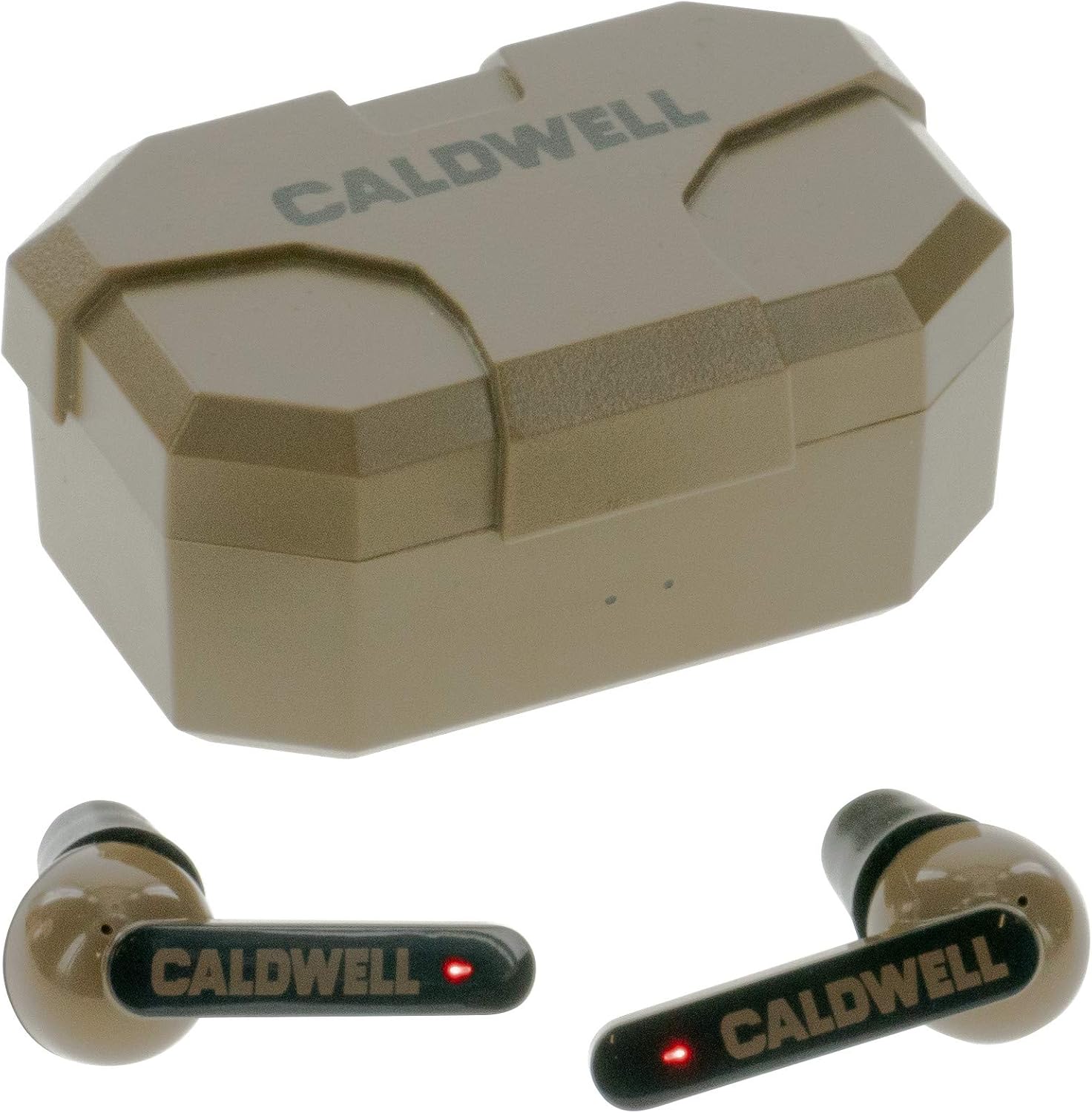
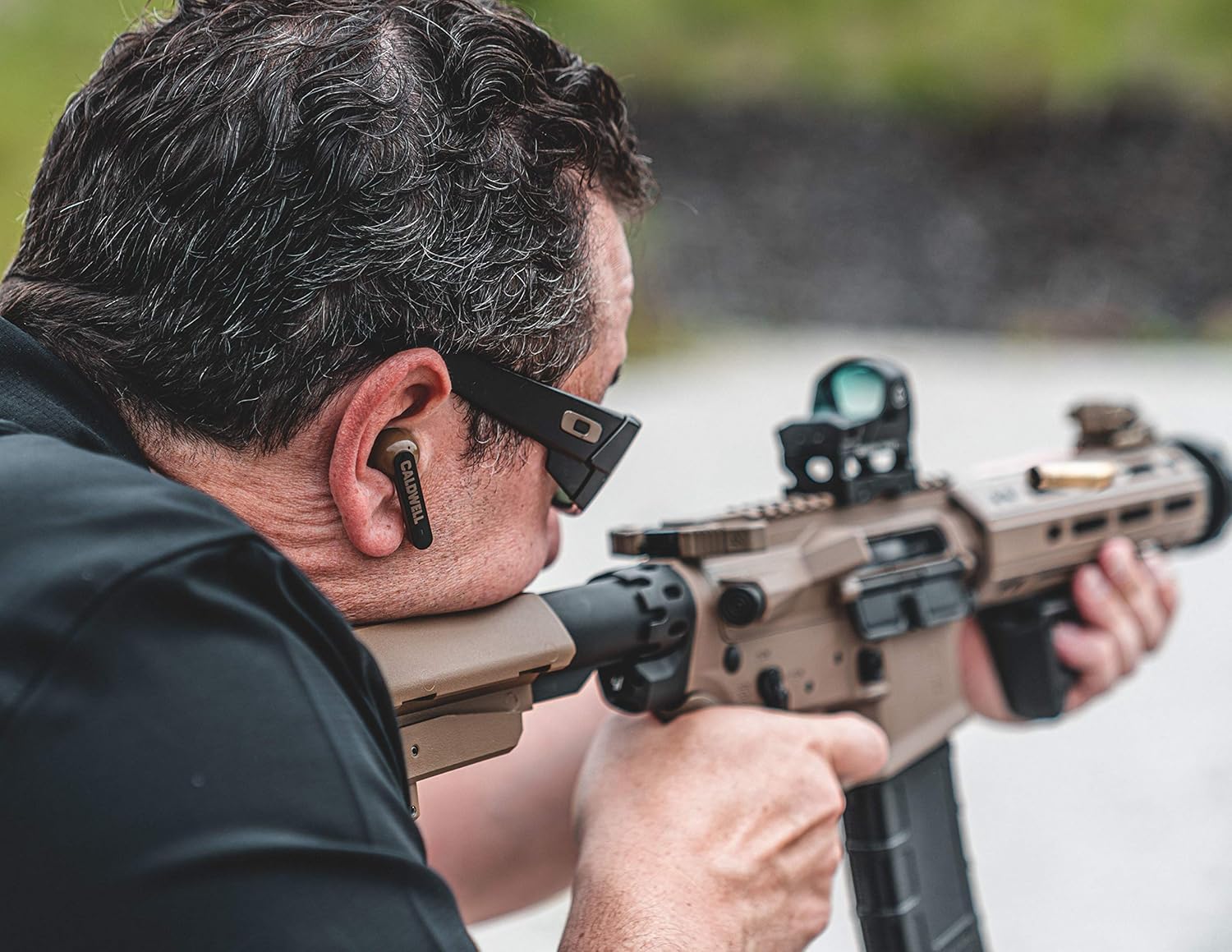
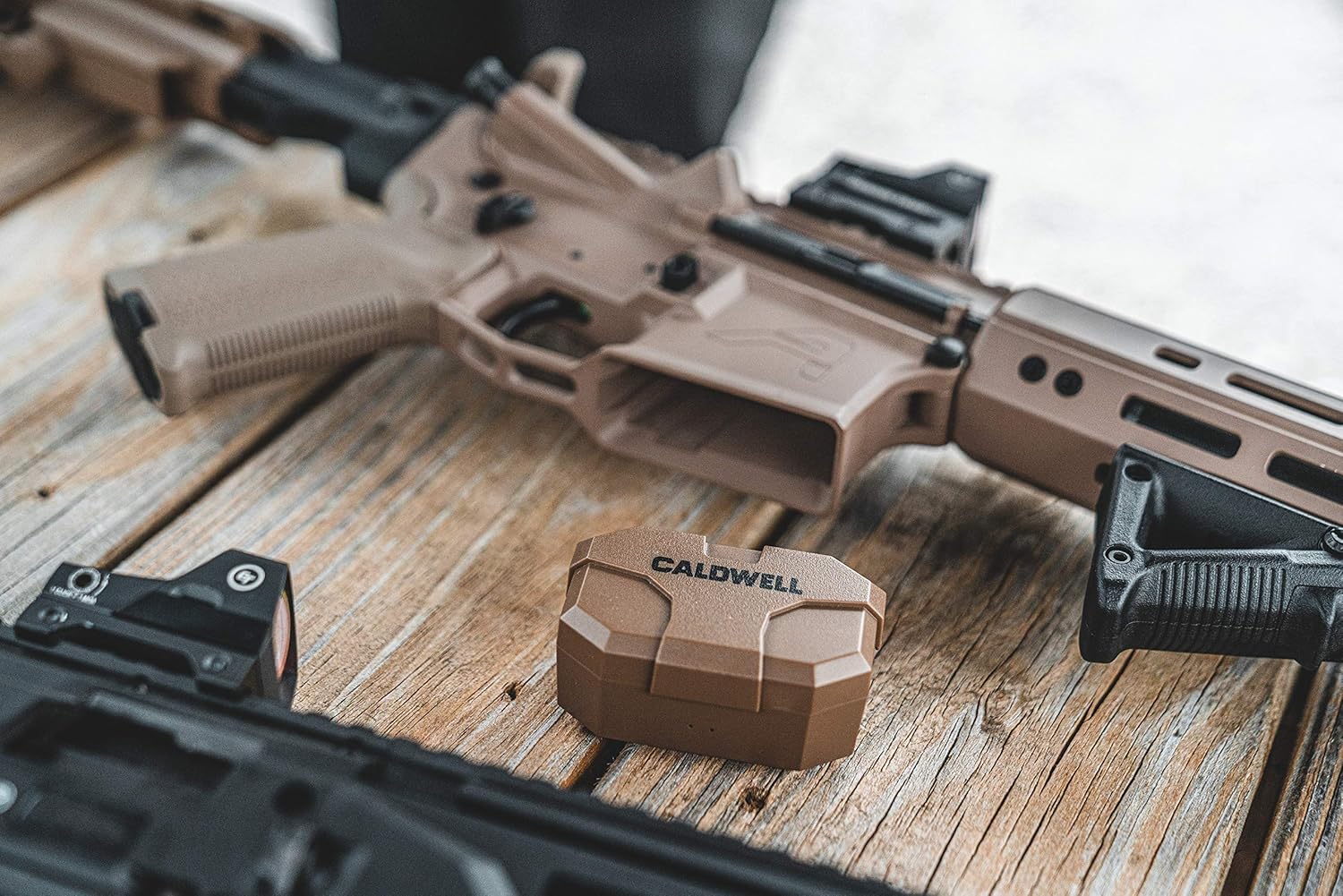
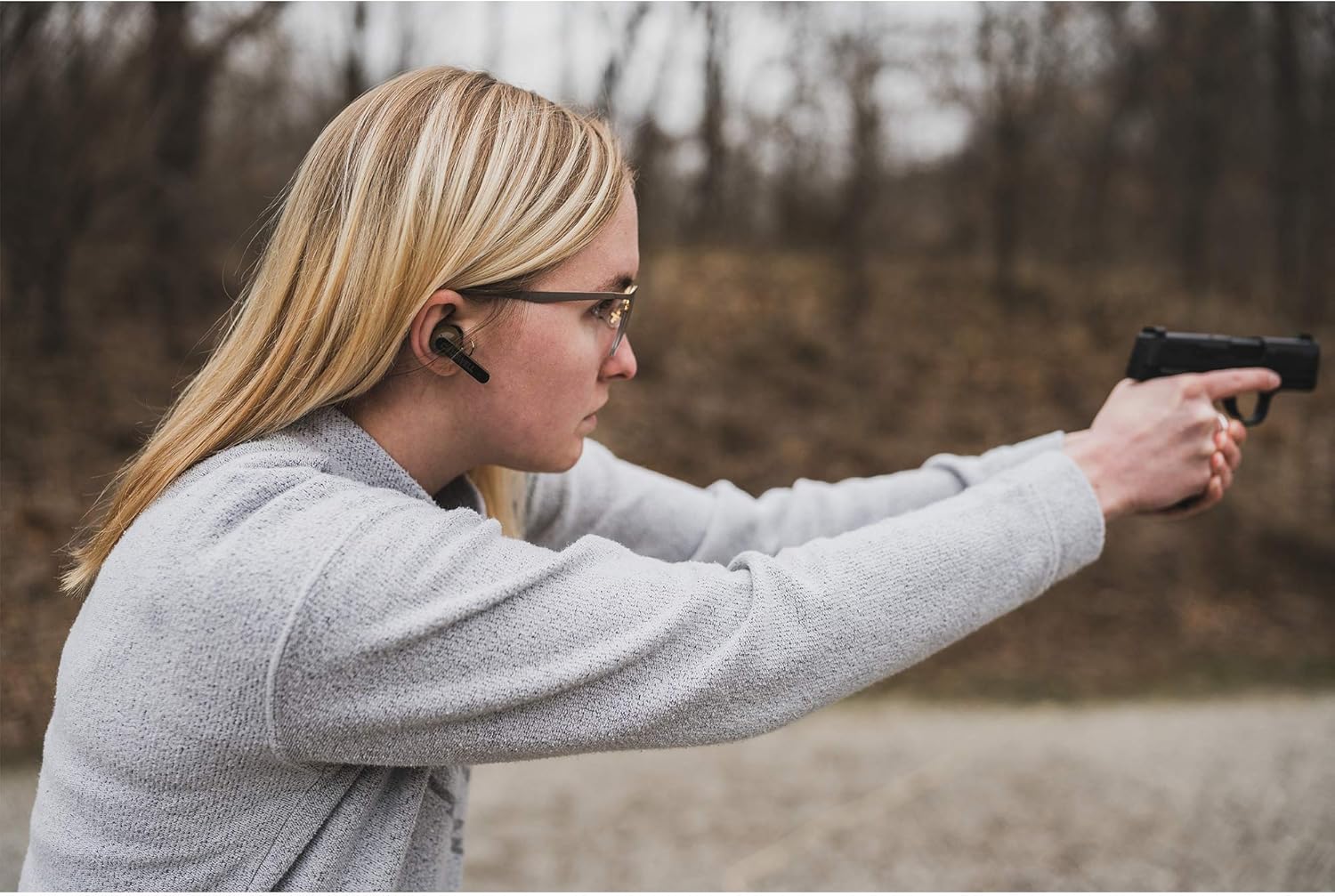
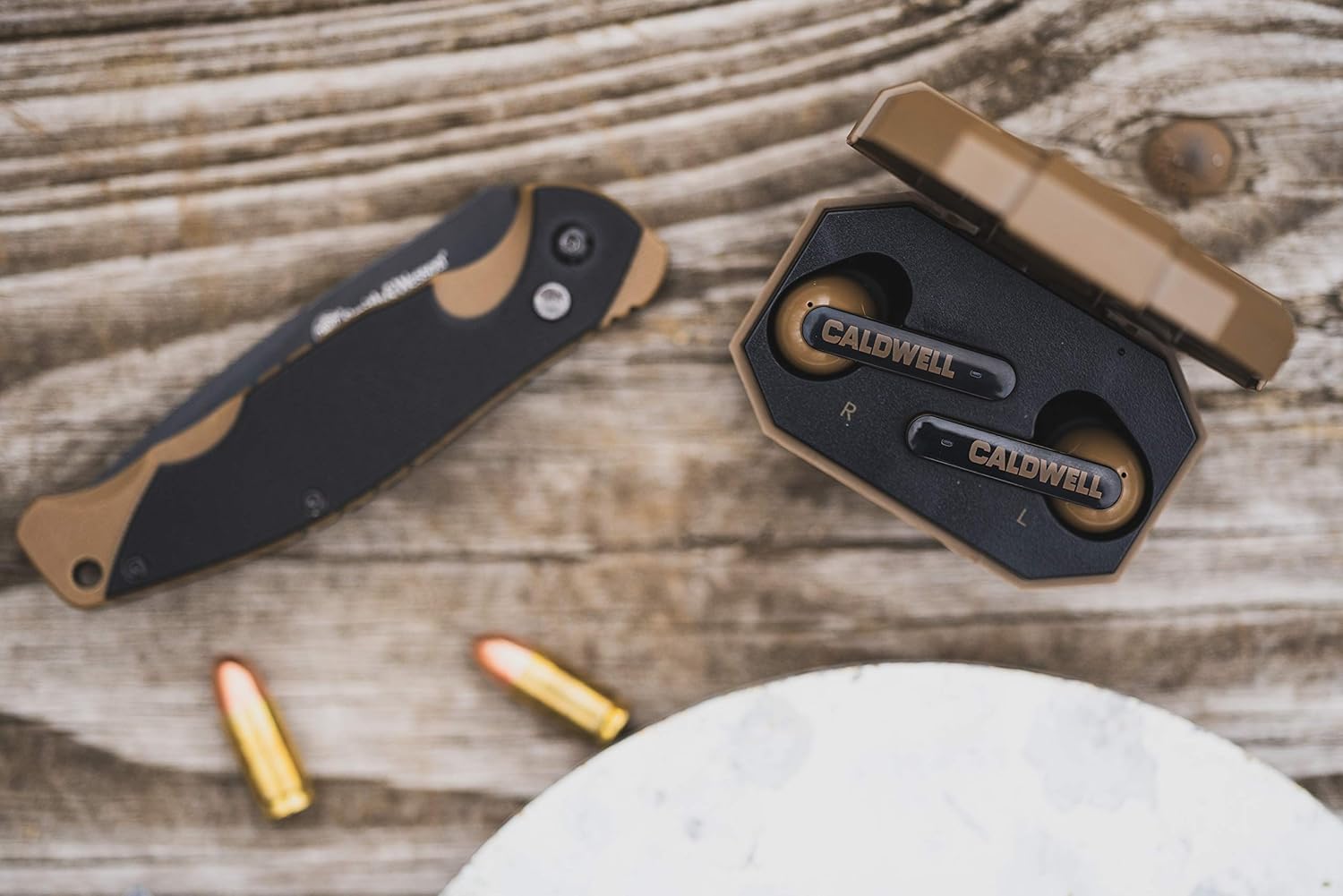
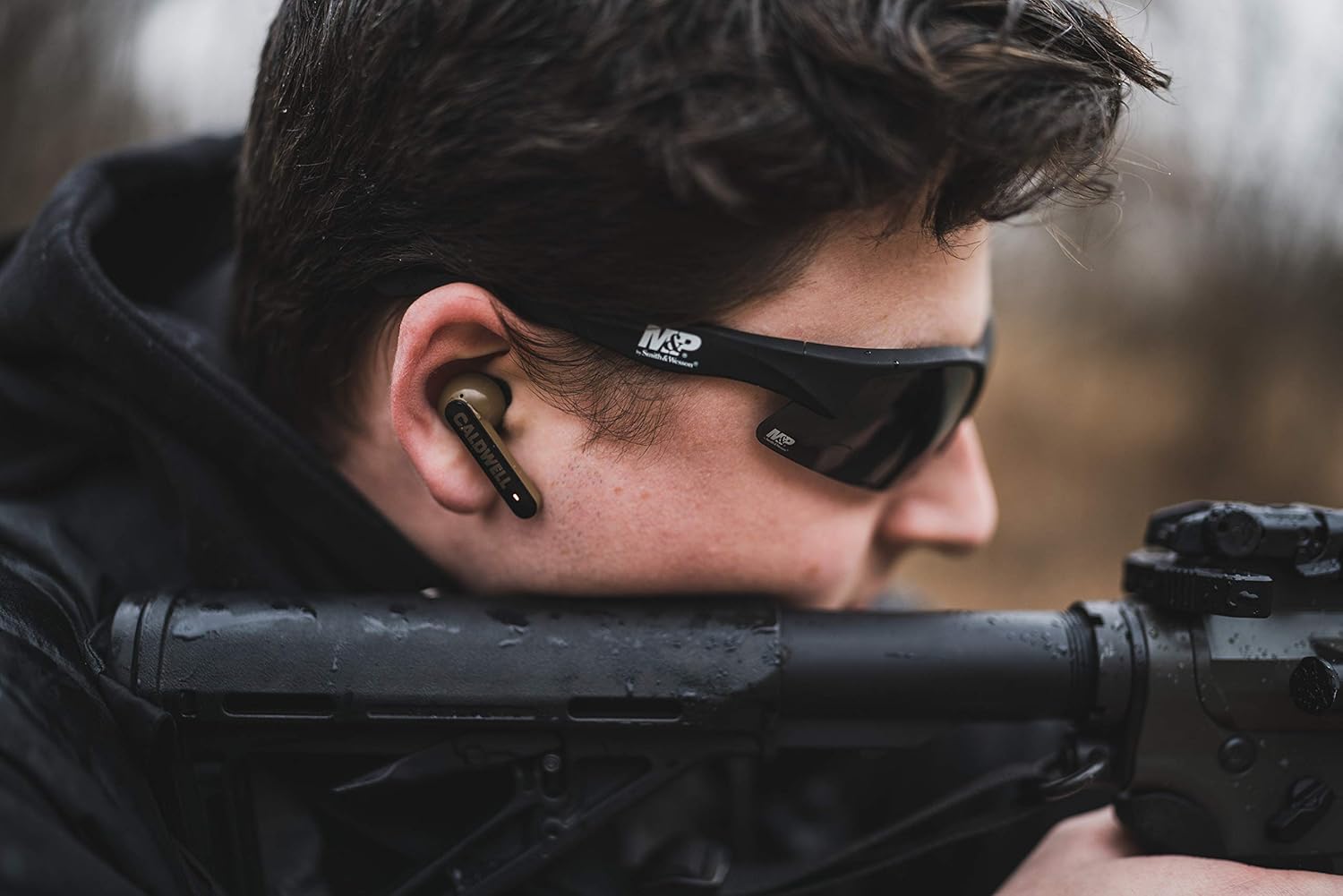

Caldwell E-Max Shadows FDE 23 NRR - Electronic Hearing Protection with Bluetooth Connectivity for Shooting, Hunting, and Range: Sports & Outdoors
Share on:
Description
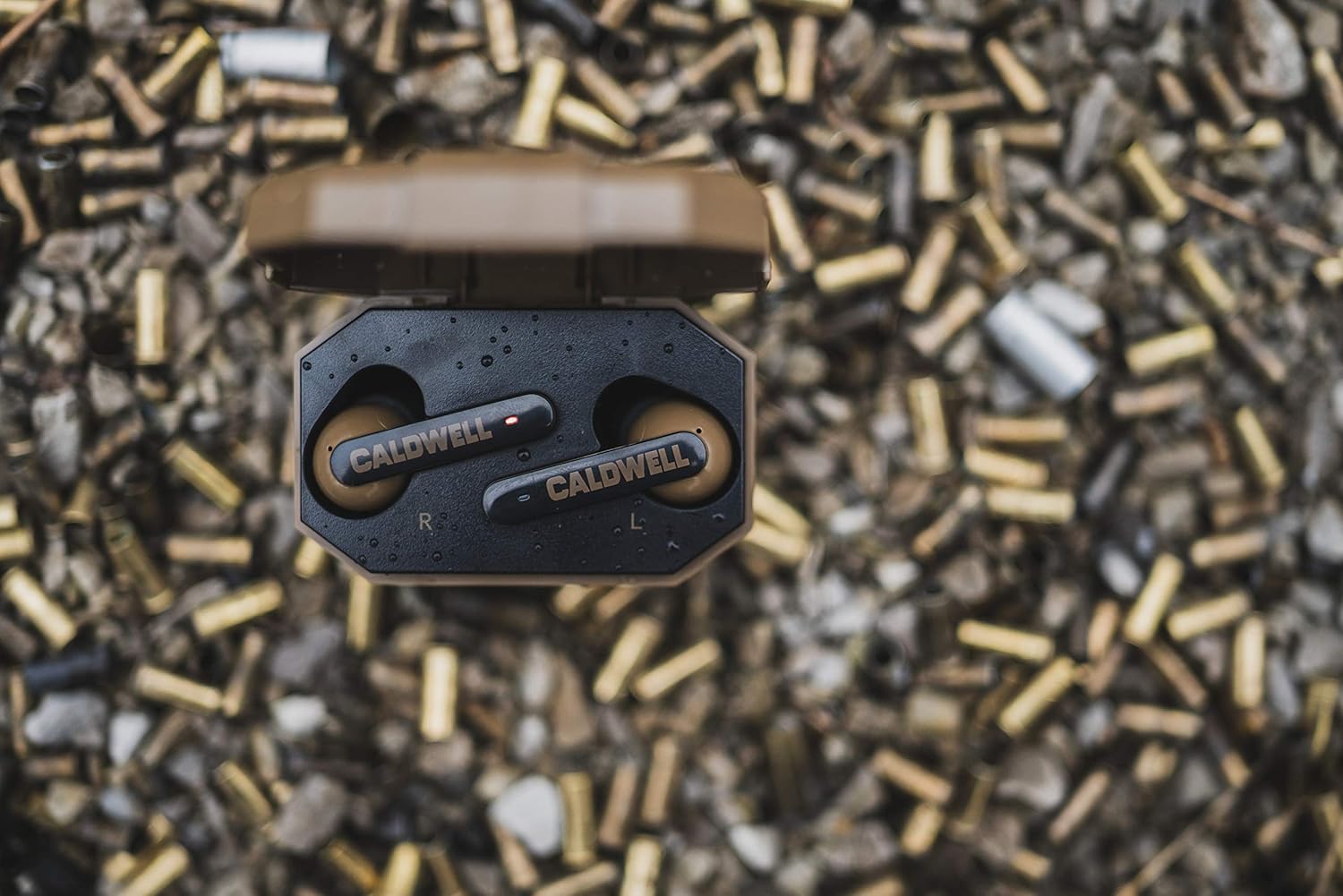
Adjust audio output with convenient volume controls. Pair your Caldwell E-Max Shadows to enjoy music and protect your hearing. Tune in to your favorite music or podcast while on the range. For videos, please visit the FAQ page on Caldwell's Amazon brand store. Adjusting Volume - Slide your finger up/down on either earplug to adjust sound levels. Charging - LEDs will glow solid red while charging and turn green once fully charged. Factory Reset - Go to Bluetooth settings on your mobile device and locate SHADOWS in the device list. Select "ignore" or "cancel pairing." Pick up both earplugs and touch both panels for 8 seconds or until the LEDs glow red for 2 seconds to power off. Continue touching both bars for 10 seconds or until the LEDs blink red and green 3 times. Touch either bar for 5 seconds to enter pairing mode. Pairing - Place earplugs in the charging case to activate. Remove from the case to begin pairing. Search for SHADOWS in the Bluetooth settings on your mobile device and select "connect." Switching Device - Turn off Bluetooth on your mobile device to disconnect your Shadows and enter pairing mode. On your second device, search for SHADOWS and select "connect."
Product Overview
We Recommend