
1080P HDMI Wireless Display Receive, MiraScreen G2M 2.4G Wireless WiFi Display Dongle Support DLNA Airplay Miracast Phone Tablet PC to HD Displays: Computers & Accessories
- Category: Streaming Media Players
- Store: MiraScreen
Share on:
Description
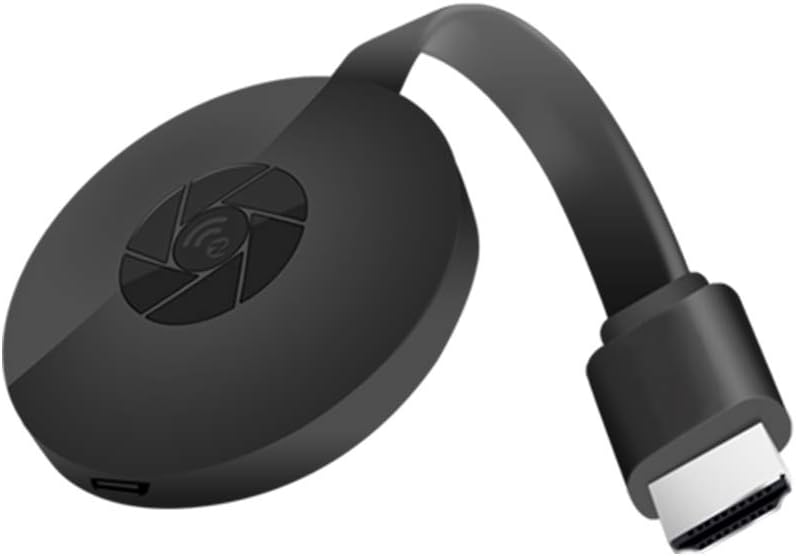
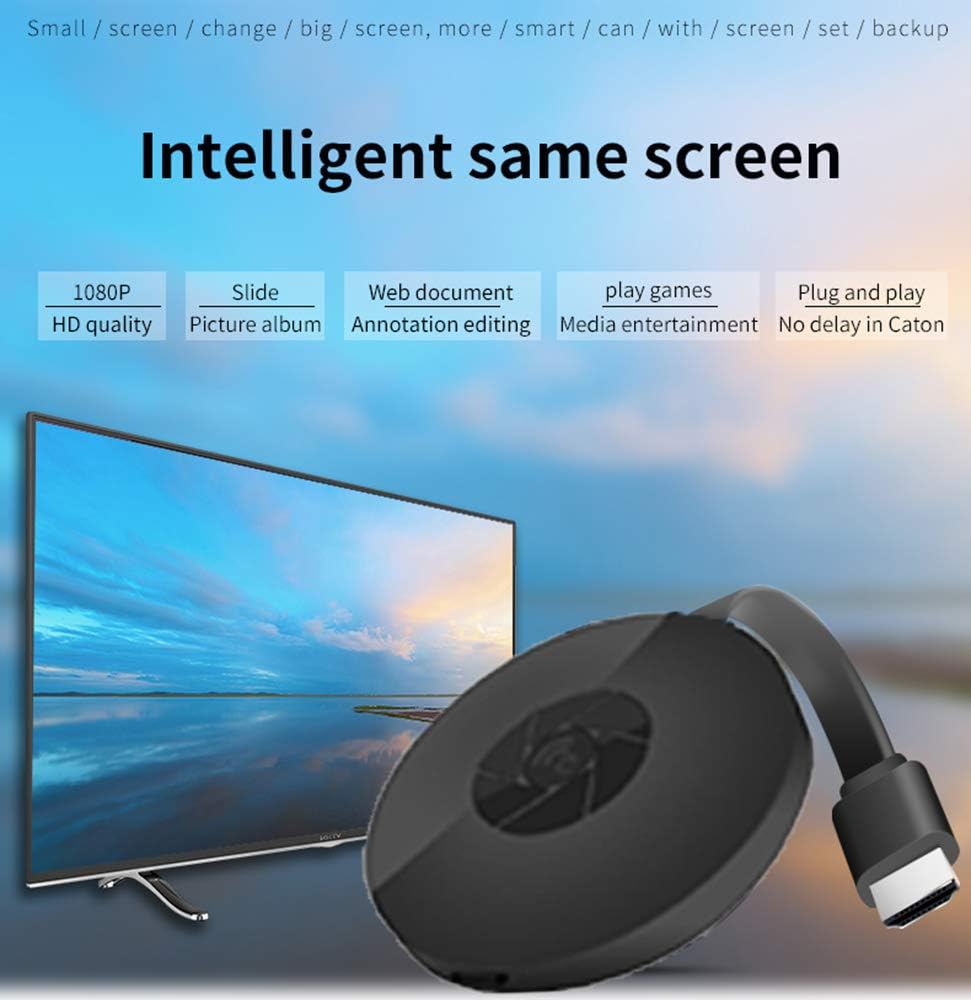
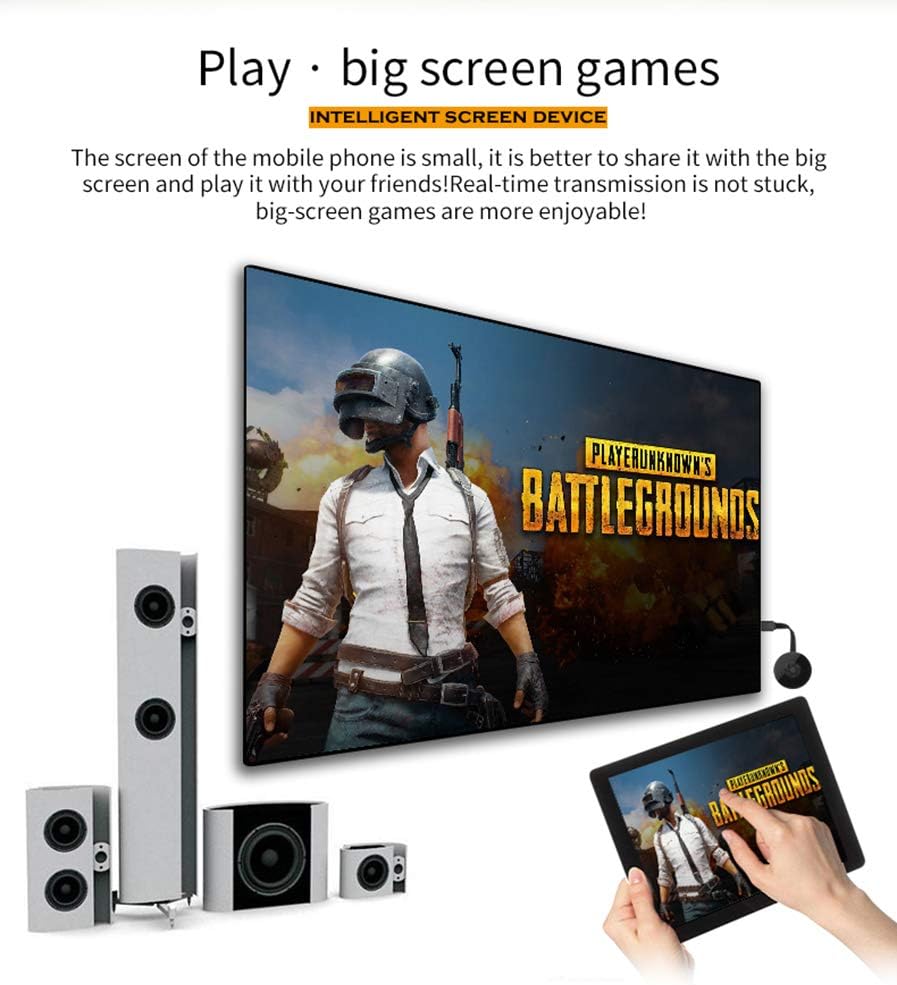
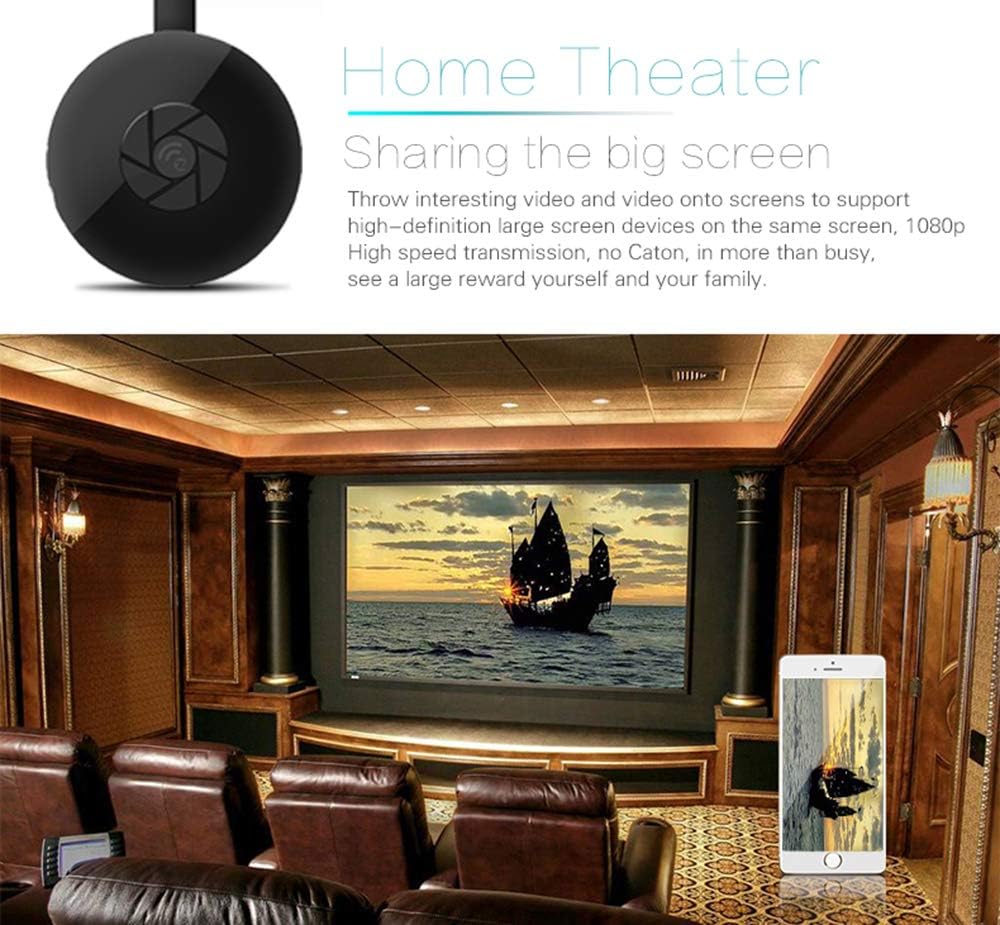
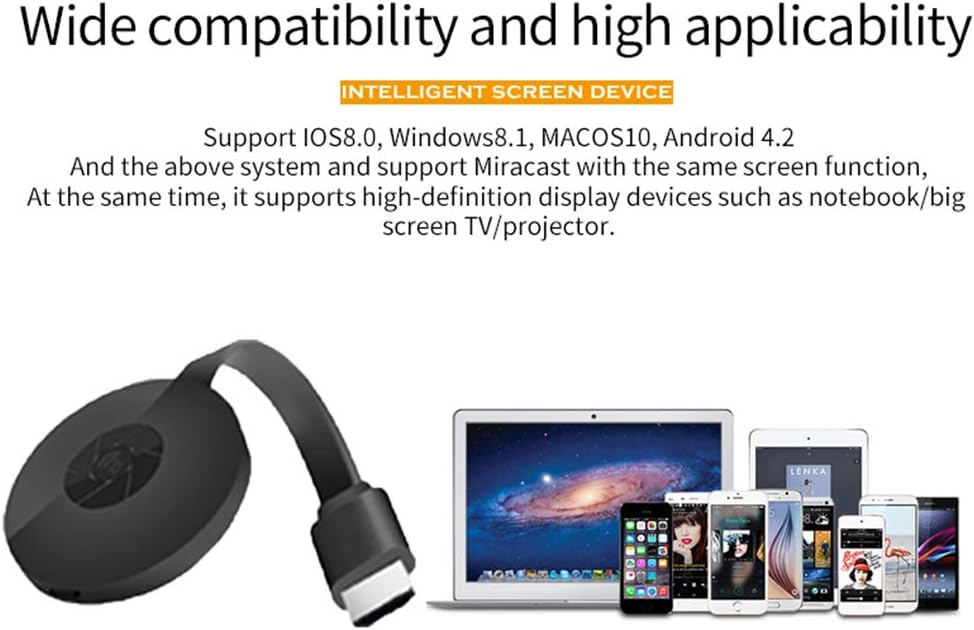
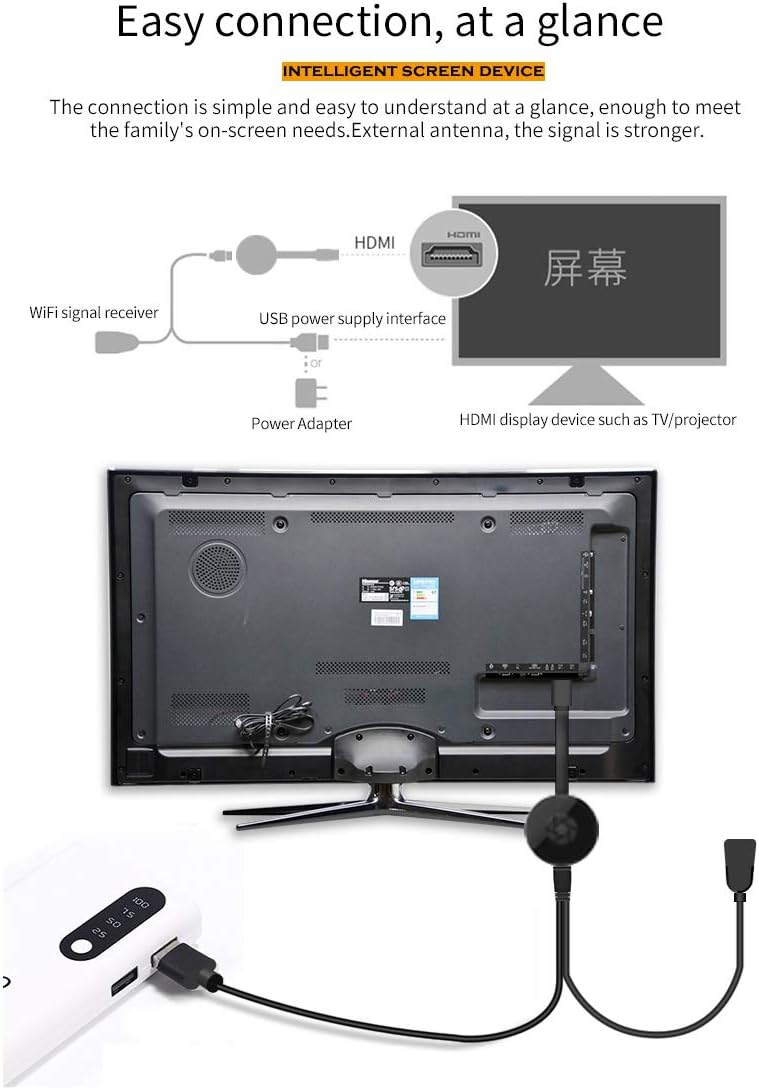
Brand: MiraScreen Model: G2M Chip: 8268C Output: HDMI Resolution: 1080P Mode: Airplay DLNA and Miracast Power: 5V 2A MiraScreen G2M could cast from your devices to hdmi displays and support 1080P resolution You can play mobile games on big screen, no lag and delay, fast and stable You can watch movies with your family, just like home theater MiraScreen G2M Dongle works with Android 4.2,+ iOS 8.0+, MacOS 10.0+ and Windows 8.1+ devices, but not works with Netflix, Amazon Video, Hulu .etc 1. Wait for MiraScreen main screen after power on 2. Connect your Phone with MiraScreen via Wi-Fi. Launch browser (192.168.203.1) on your Phone to setup Internet for MiraScreen (connect MiraScreen to your Home WiFi Router) 3. Connect you Phone to Home WiFi Router. Swipe up on your Phone and tap on AirPlay Mirroring, then select MiraScreen as target 4. Your Phone/Pad screen will be shown on your TV through MiraScreen 1. Wait for MiraScreen main screen after power on 2. Turn on your Android menu, and then enable Miracast 3. Select MiraScreen as target and wait for connection 4. Your Android screen will be shown on your TV, reconnect if necessary
Product Overview
We Recommend


![MINIX Android 9.0 Pie Media Hub 4K Ultra HD HDR10+4GB DDR4/32GB eMMC HDMI 4K @ 60Hz 3 x USB 3.0 USB-C [data only] GLAN AC Wi-Fi TF Card (NEO U22-XJ): Computers & Accessories](https://images-na.ssl-images-amazon.com/images/I/61ZEBZO4BsL._AC_SL1500_.jpg)