


Bluetooth 5.0 Transmitter Receiver for TV to Wireless Headphone/Speaker APTX Low Latency Home Stereo System LED Wireless Audio Adapter Pair 2 Headphones AUX/RCA/Optical/Coaxial Audio Input : Electronics
- Category: Bluetooth Transmitters
- Store: XTRAL
Share on:
Description
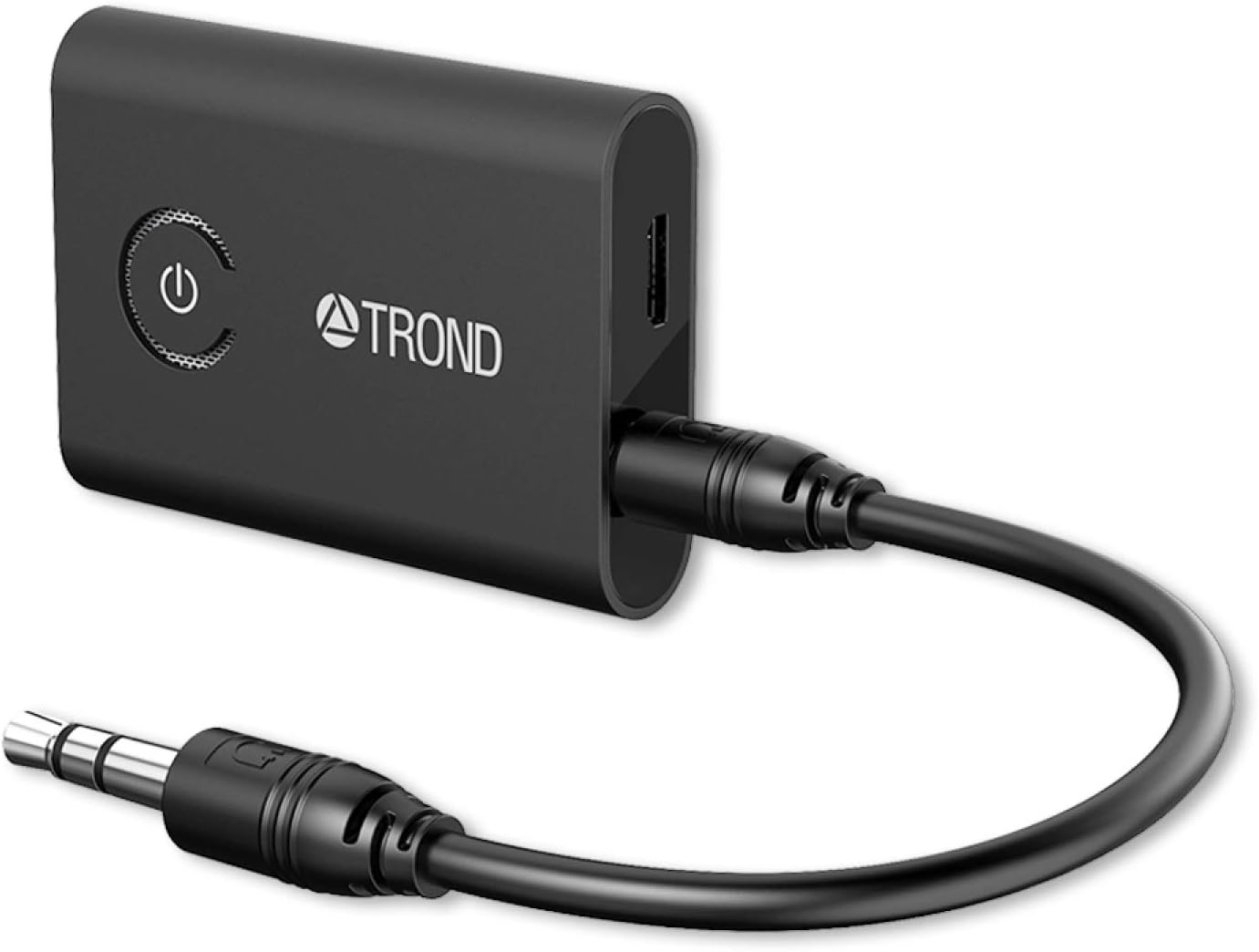
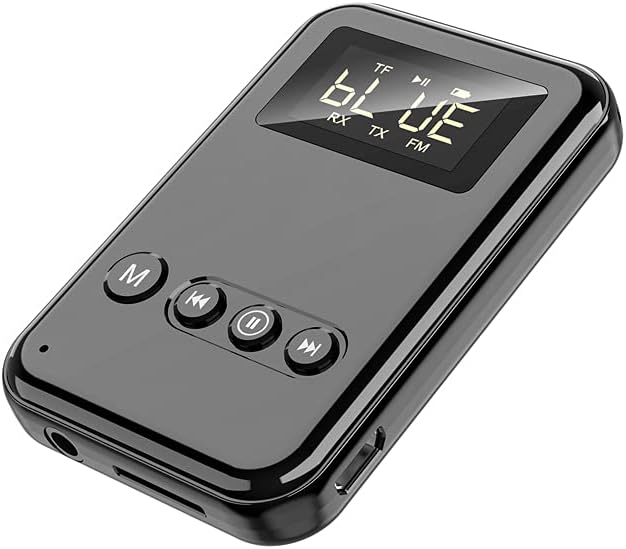
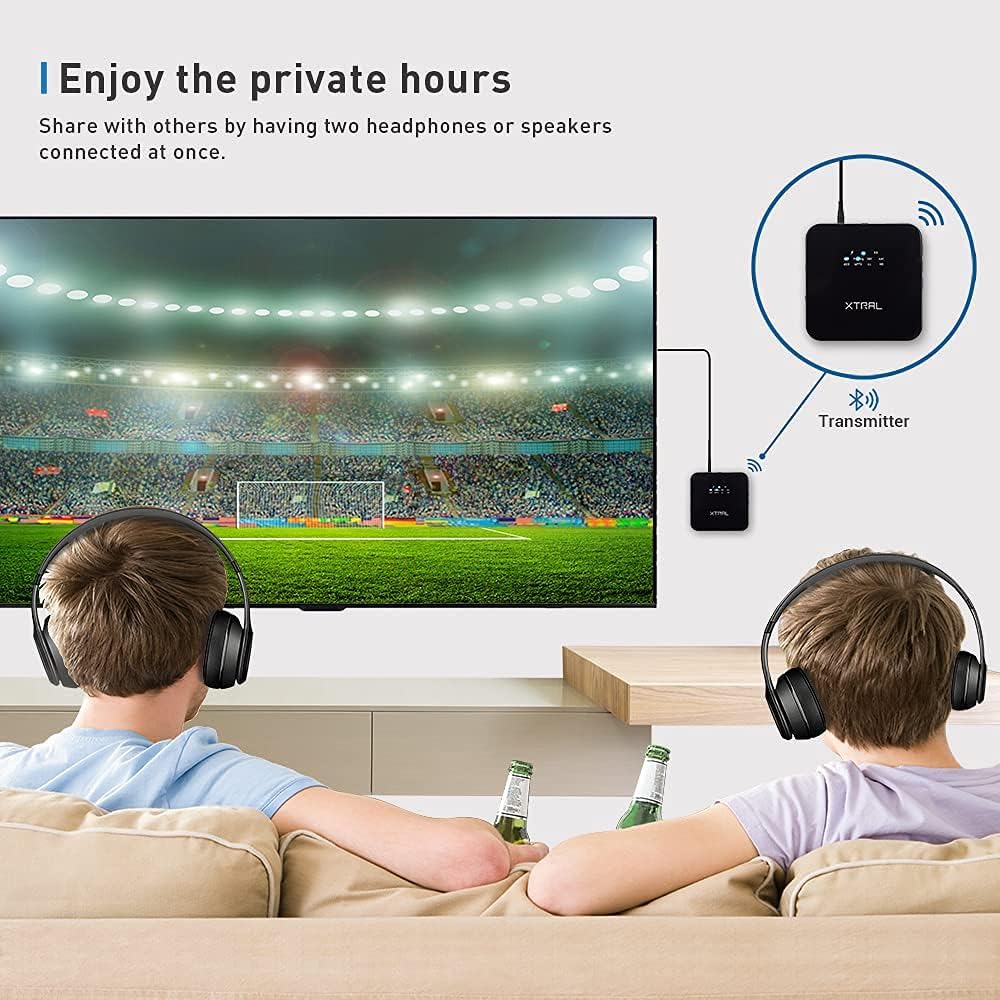
This Bluetooth aux transmitter has a 3.5 mm port which able to connect to classic wired headphone, turn it work as the Bluetooth headphone. You can play the music via your smartphone or tablet to your headphone. No matter your phone is a type-C or Lightning connector, it won't be a problem anymore. An Optical Digital Cable be included in the package, XTRAL-B23 receiver has the SPDIF IN/OUT Port, supports the standard square-shaped port from your old SONY/Philips TV if it doesn't have bluetooth. When the Bluetooth receiver in RX mode, you can connect it with your non-Bluetooth Speaker via AUX audio cable or optical audio cable. Then connect the receiver with Bluetooth enabled devices like a smart phone. Via Bluetooth. Therefore, non-Bluetooth speaker can receive audio signals via Bluetooth Full control sound track Wider coverage area 20 hours entertainment only need 3 hours charging Compatible with SONY/Beats/Air Pods B23 Bluetooth Adapter x1+ User Manual x1 3.5mm Audio Cable x1 Optical Digital Cable x1 3.5mm Female to RCA male cable x1 Micro-B charging cable x1 FAQ B23 will not automatically re-pair to my devices after turning on it. I am having trouble pairing and connecting to my devices after turning on it. Follow the previous instructions in the “Clear Pairing History” section to clean the pairing list and reconnect. B23 transmitter will not power on. Plug B23 receiver into a charger and see if the LED indicator turns red. Please recharge it until the LED indicator turns off to make sure the adapter has enough battery power. After connecting with my Bluetooth device, I cannot hear any music from my sound system. Please check the following: 1.Your sound system is connected to the adapter via the audio cable or optical digital cable. 2.Make sure the audio port of the B23 and the audio output setting on your TV are matching. In TX mode, the audio output mode on your TV would be digital audio if it is connected to the B23 adapter through the SPDIF port. 3.Make sure the music volume is at an audible level on both your Bluetooth device and sound system. 4.Some devices require manually selecting the music output mode.
Product Overview
We Recommend