

CZUR Aura X-P Portable Document Scanner & Travel-Friendly Book Scanner with Built-in Battery Compatible with Both Windows & macOS: Electronics
- Category: Document Scanners
- Store: CZUR
Share on:
Description
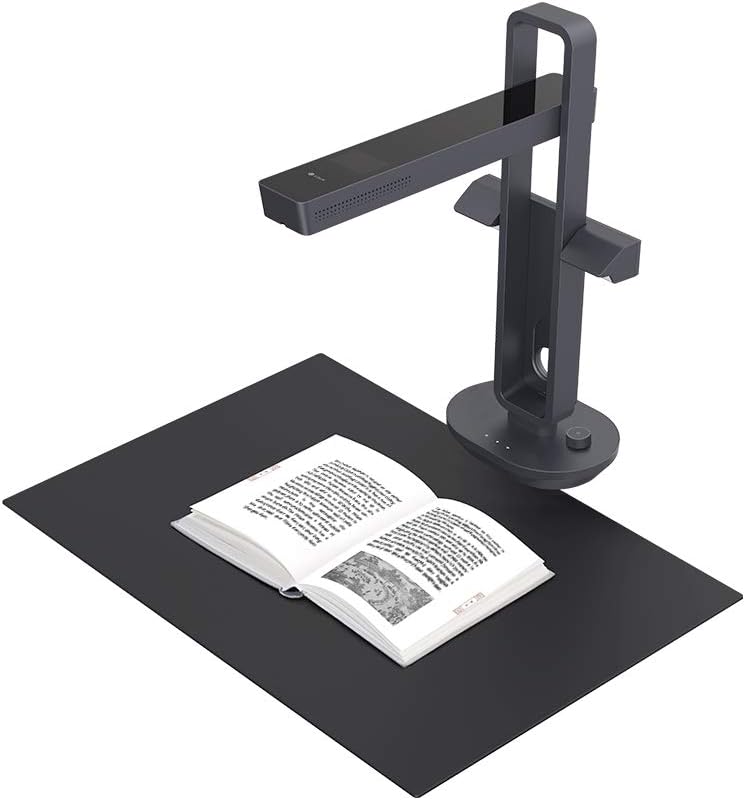
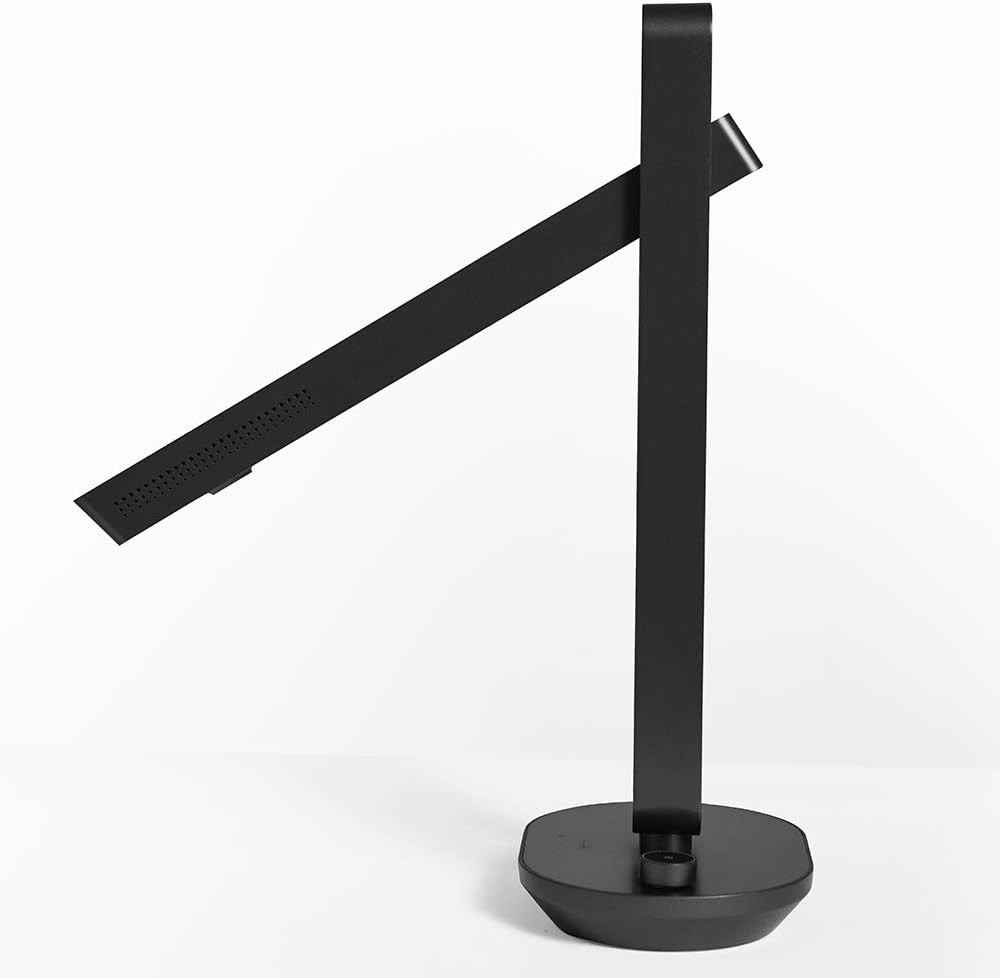
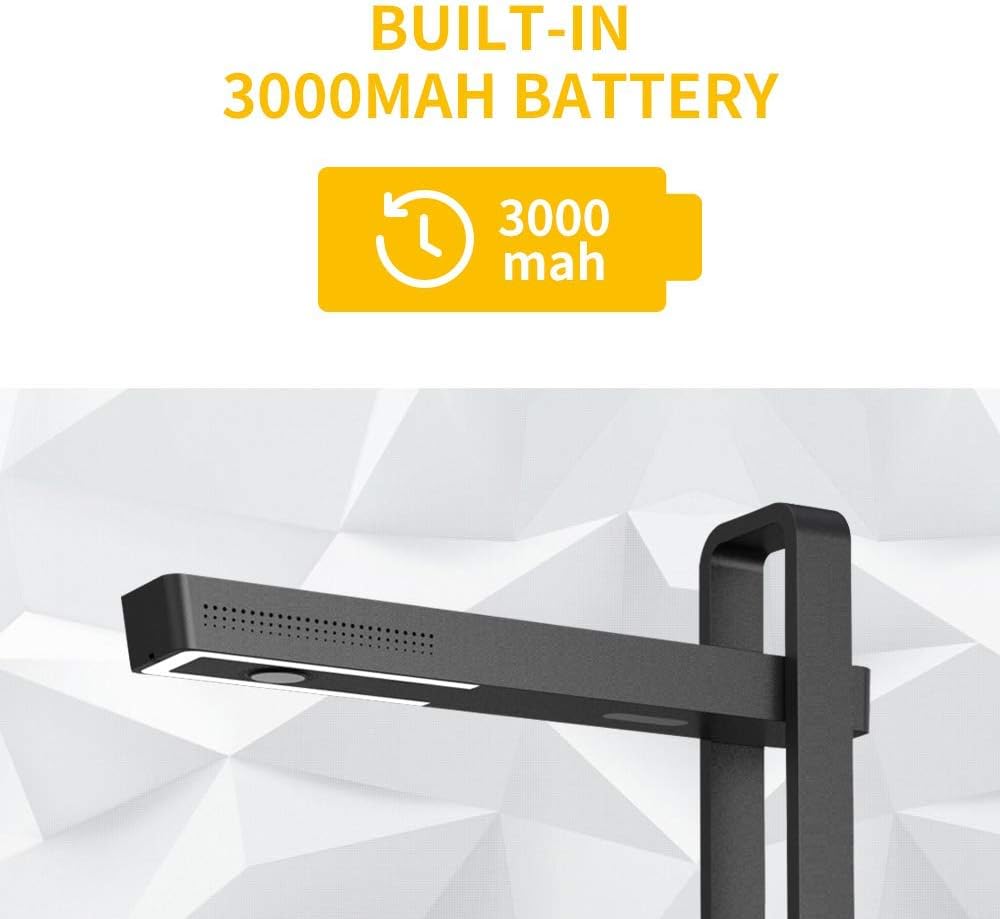
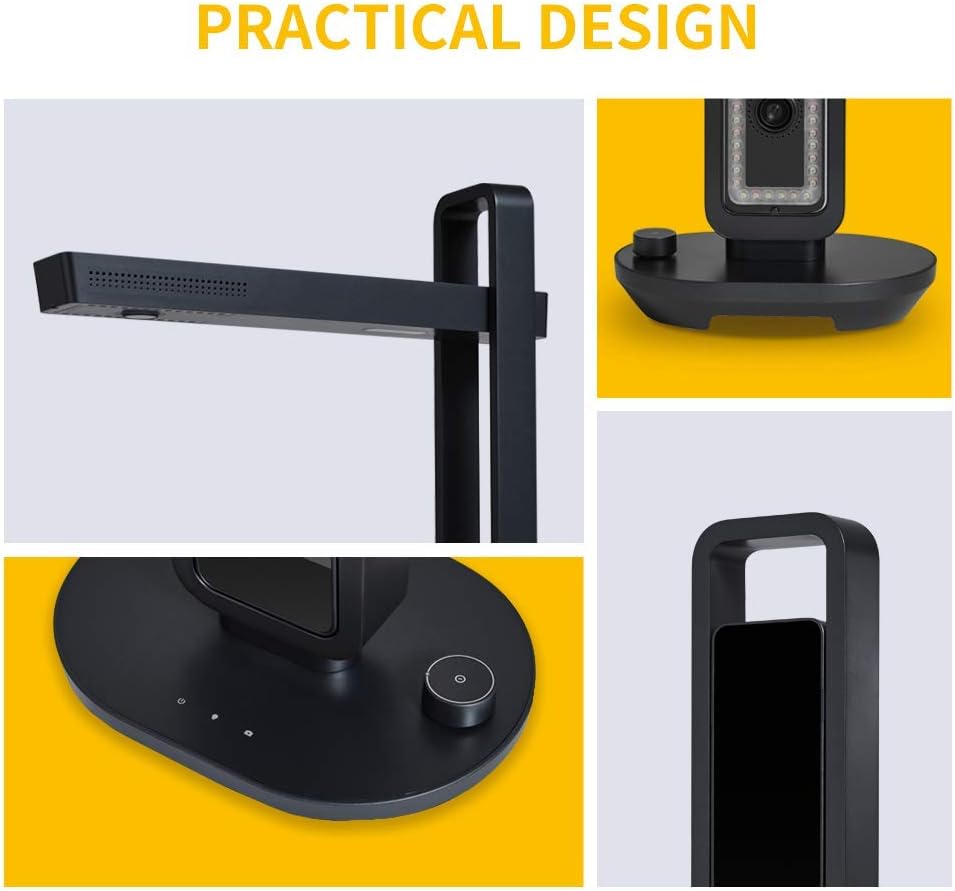
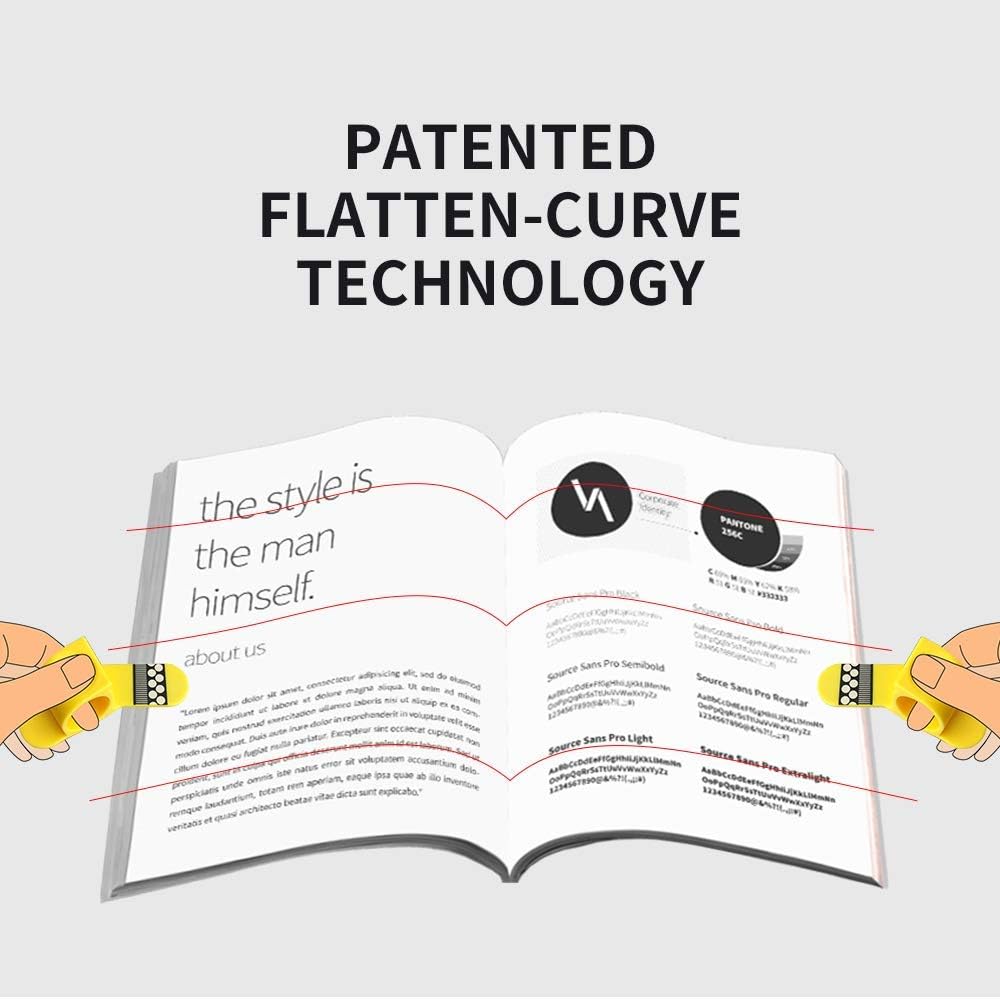
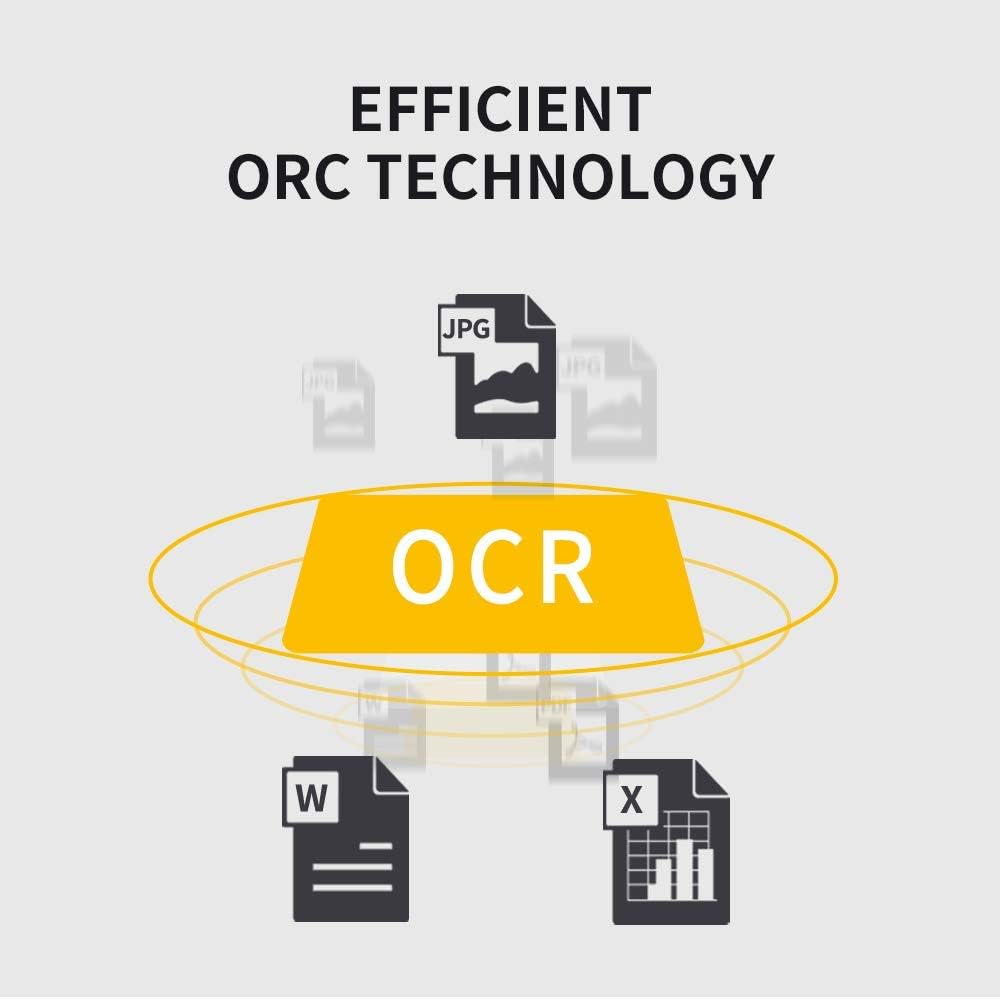
CZUR AURA X-P is designed for Travel & Home users. With 3000mh built-in battery and fordable design, you can bring it to any place you need and won't be limed by plugs and wires. Introducing an advanced version of Aura, the Aura X-P powered by AI technology with built-in battery and updated software, giving better using experience and high mobility. CZUR’s Proprietary “Book Curve Flattening” technology utilizes three precise laser lines for incredible scanning accuracy and image clarity. This gives the Aura X-P the ability to scan and exactly replicate the individual flat pages of curved books. AI technology incorporated in the software makes scanning and image processing smarter and simpler. Auto Color Optimization | Combine All Images into One PDF | Adjust Contrast and Color Tone | Reduce Image Noise. Many Other Professional Photo Editing Features Compatible with Zoom,enables a user to instantly share screen. Allows you to annotate, highlight, scroll or click on the screen, enabling you to demonstrate the items on display. Widely used by individuals, students and working professionals for online teaching&meeting. Screen sharing solutions is a way to stay connected. Handy tools like Snapshot, Video Recording, and many more can be supported. 1. Open CZUR software → Click “Scan”. Make sure your device can run normally as you could see the screen with things that you are going to share or view. 2. Open Zoom and Joined or started a meeting. 3. Selecting Integrated Camera instead of CZUR’s Camera on Start Video module. 4. Click “Share Screen” on Zoom and select “CZUR Aura” screen for sharing. Zoom’s annotation tools allow you to type text and make draws, shapes and lines, and stamp or spotlight. Drag the sharing material by your mouse if you want to move it. Also use mouse wheel to zoom in. 1.Go to CZUR website by simply Google ’CZUR’ 2.Click ’Download Software’ located at right top corner. 3. Select the model for your device. 4. Move your mouse to the red square to select Windows or Mac, then click Download Button for your area. For example, ’North America’ version for downloading. Side Light Foot Pedal Up to A3 Size OCR Function
Product Overview
We Recommend