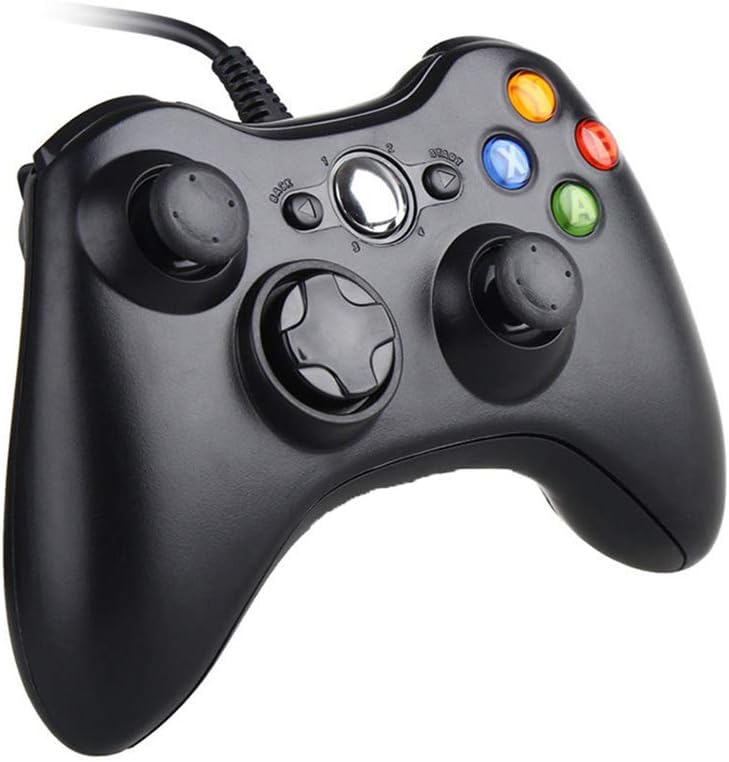
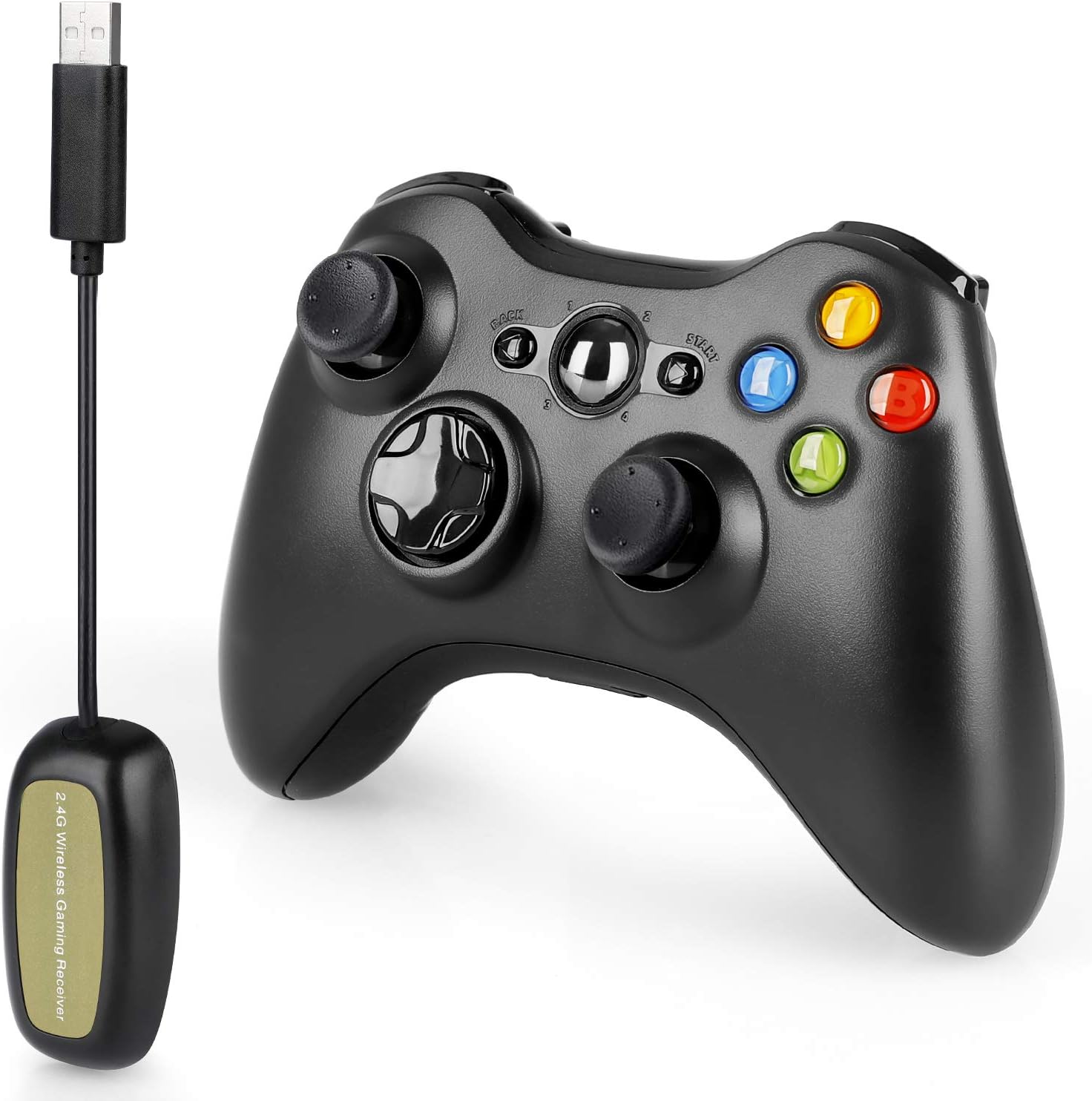
Wireless Controller for Xbox 360, Vinklan 2.4G Wireless Remote Controller Gamepad for Xbox 360 & Slim Windows 7/8/10 (red) : Video Games
- Category: Gamepads & Standard Controllers
- Store: Brand: Vinklan
Share on:
Description
Install 2AA batteries or battery pack in the back of the gamepad. Power on the gamepad and X 360 console both simultaneously; press the navigation button in the centre of the gamepad till it is powered on. Press and hold the code pair button on front of the gamepad for 3s, the four LEDs around the navigation button will be blinking quickly in searching status. Press the code pair button on X 360 console simultaneously, the four LEDs of the console will be blinking quickly. After the codes are matched between the gamepad and the X 360 console, then the first LED would be solid bright on the gamepad and console respectively. If four controllers are connected, then the four LEDs would be solid bright in proper order. 1) Power on gamepad and console at the same time: Press and hold the navigation button of the gamepad till the gamepad is powered on. 2) Power on the gamepad only: Press the “START” button on the gamepad. 3) Power on console only: Press the power button on the console. 4) Power off gamepad and console at the same time: Press and hold the navigation button of the gamepad for 3s then select to power off the console on the screen. 5) Power off gamepad only: Press and hold the navigation button of the gamepad for 3s then select to power off the gamepad on the screen. 1) When gamepad battery voltage is over 3.6V, the indicator of the gamepad stays solid bright. 2) When gamepad battery voltage is between 3.3-3.6V, the indicator of the gamepad would blink quickly at 2.5Hz frequency. 3) When gamepad battery voltage is lower than 3.3V, the gamepad is in sleeping state. 1) Battery should be fully charged before using it for the first time. 2) During battery charging or battery using, the battery temperature might go up, it is normal. 3) If a gamepad is not used for long time, please take battery out from the gamepad and keep the battery in proper place. 4) New batteries or batteries which haven’t been used for long time, they perhaps need to be fully charged for 3-5 circles for recovering full power. 5) During charging, don’t touch the charging cable or battery terminals by using your fingers to avoid static electricity injure or damage. Approximate 6 hours is required for fully charging gamepad by connecting to console through a USB charging cable.
Product Overview
We Recommend