


Audio Transmitter Receiver TV Computer Speaker Car Adapter 3.5mm Bluetooth 5.0 2-in-1 for Home Sound System/TV/PC/Tablet Headphone General (Black) (Large) : Electronics
- Category: Bluetooth Transmitters
- Store: Brand: Leonnnnn
Share on:
Description
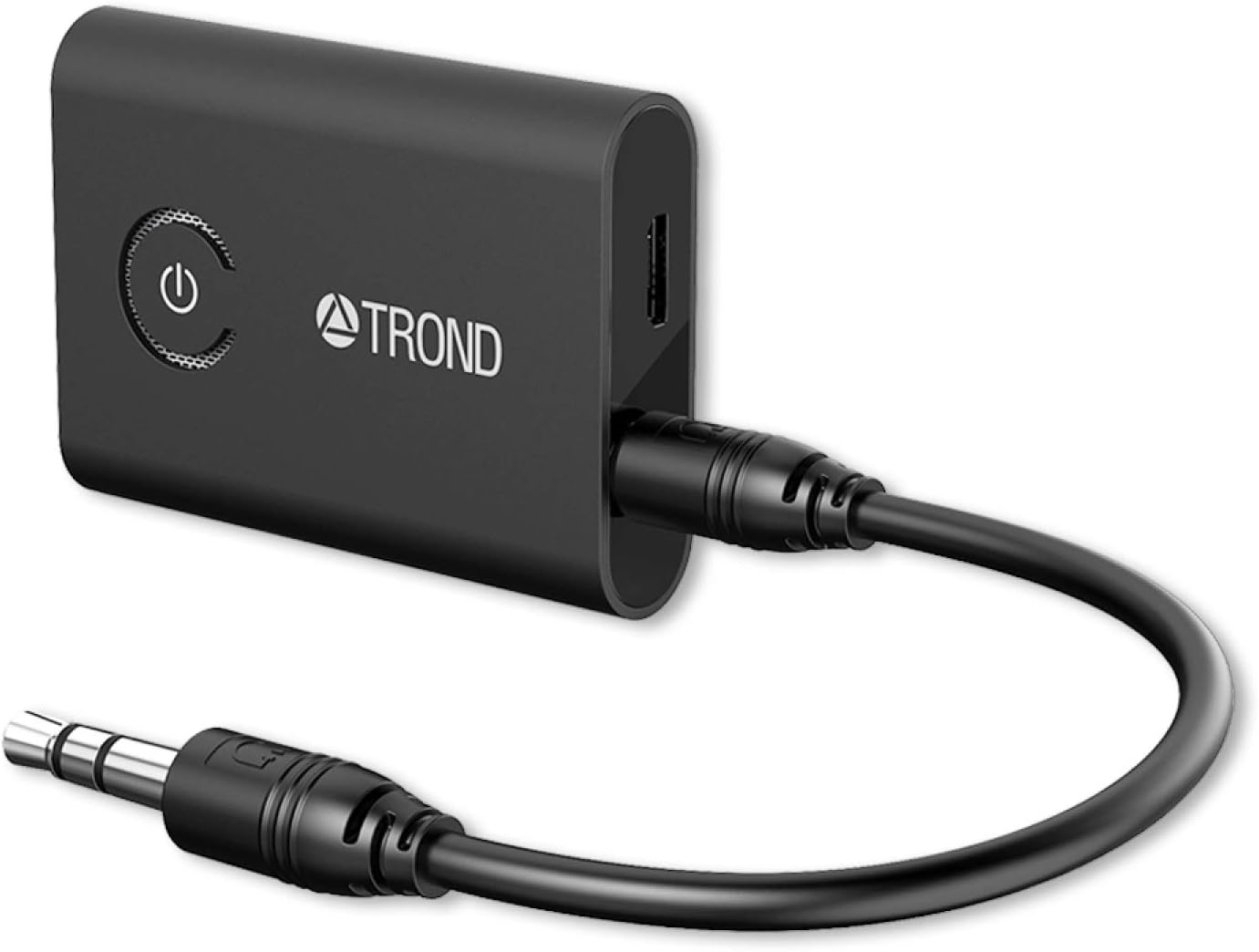
Switch mode: (1) RX: Receive mode, indicator: blue LED (2) TX: Transmit mode, indicator light: red LED RX mode: Pairing name: KN321, find KN321 in the Bluetooth settings of the phone to pair. The blue light flashes twice a second during the pairing process, and the blue light flashes once every three seconds after the pairing is successful. how to use: (1) Plug one end of the audio cable into the audio input of the speaker and the other end into the audio of the KN321. (2)confirm that it is in RX mode (blue light flash). Find the pairing name in the Bluetooth settings of the phone: KN321 click to pair. TX mode: TX mode will automatically search for other Bluetooth receiving devices (such as Bluetooth headset, Bluetooth speaker, Bluetooth receiver, etc.), The red light flashes twice a second during the pairing process, and the red light flashes once every three seconds after the pairing is successful. How to use: (1)Plug one end of the audio cable into the audio output of the devices and the other end into the audio of the KN321. (2)Confirm that it is in TX mode (red light flash). The KN321 will automatically search for Bluetooth headset or Bluetooth speaker pairing.
Product Overview
We Recommend