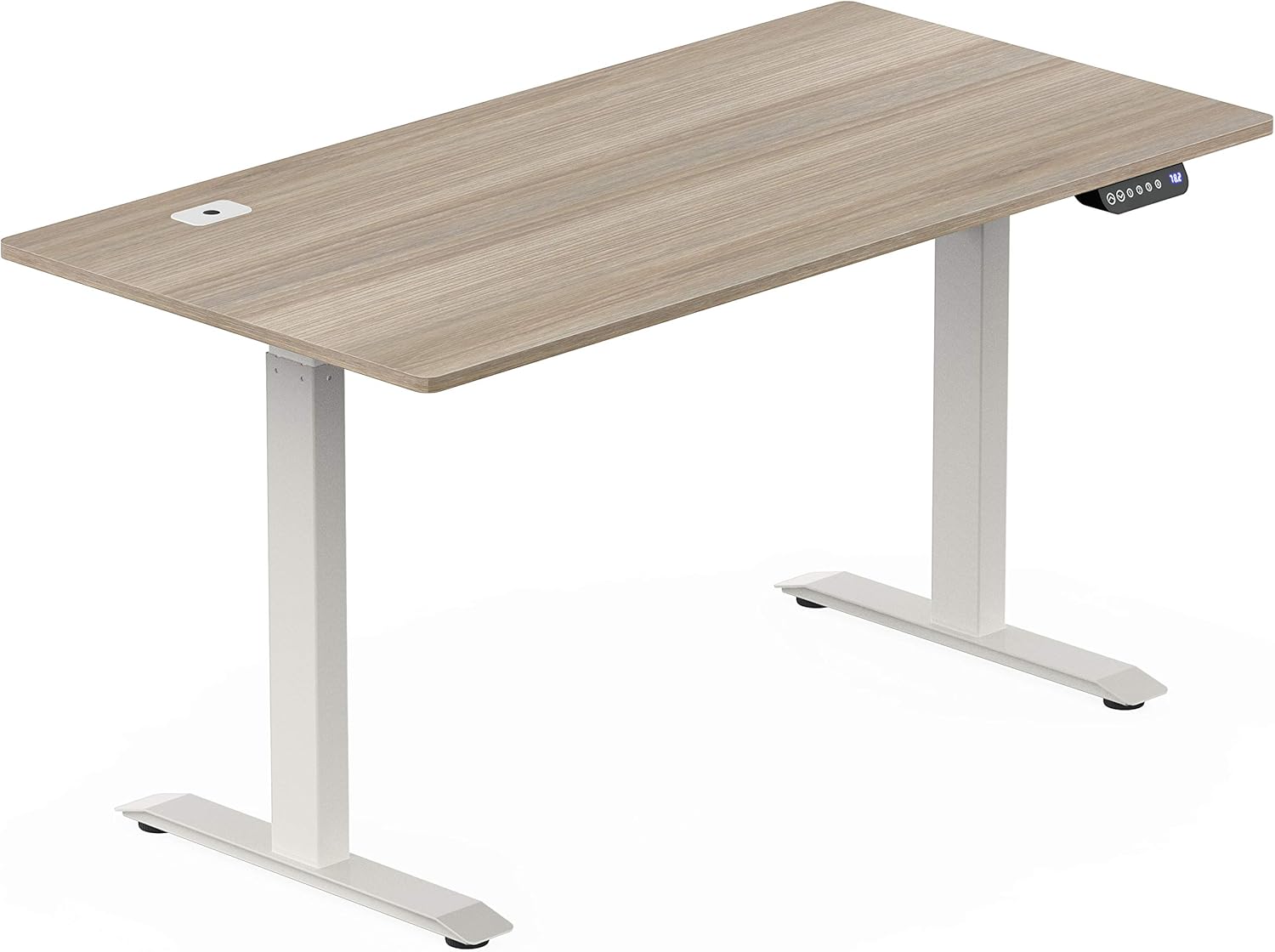

SHW 55-Inch Large Electric Height Adjustable Standing Desk, 55 x 28 Inches, Black : Musical Instruments
- Category: Home Office Desks
- Store: SHW
Share on:
Description
Step 1. Press and hold the “Up + Down” Keys for a few seconds. Step 2. The LED Display will start to flash “000” and the table will slowly lower at the same time. After the table reaches the lowest height setting, the controller will beep twice. The Initialization Process is now completed. UP Key: Press and hold the UP key to raise the desk. DOWN Key: Press and hold the DOWN key to lower the desk To save the current height setting: Press and hold BOTH the M key and any Number key (1, 2, 3, 4) together until the LED flashes twice.
Product Overview
We Recommend