Check Writer III+ for Windows : Office Products
- Category: Check Writers
- Store: Brand: Michel Bujardet
Share on:
Description
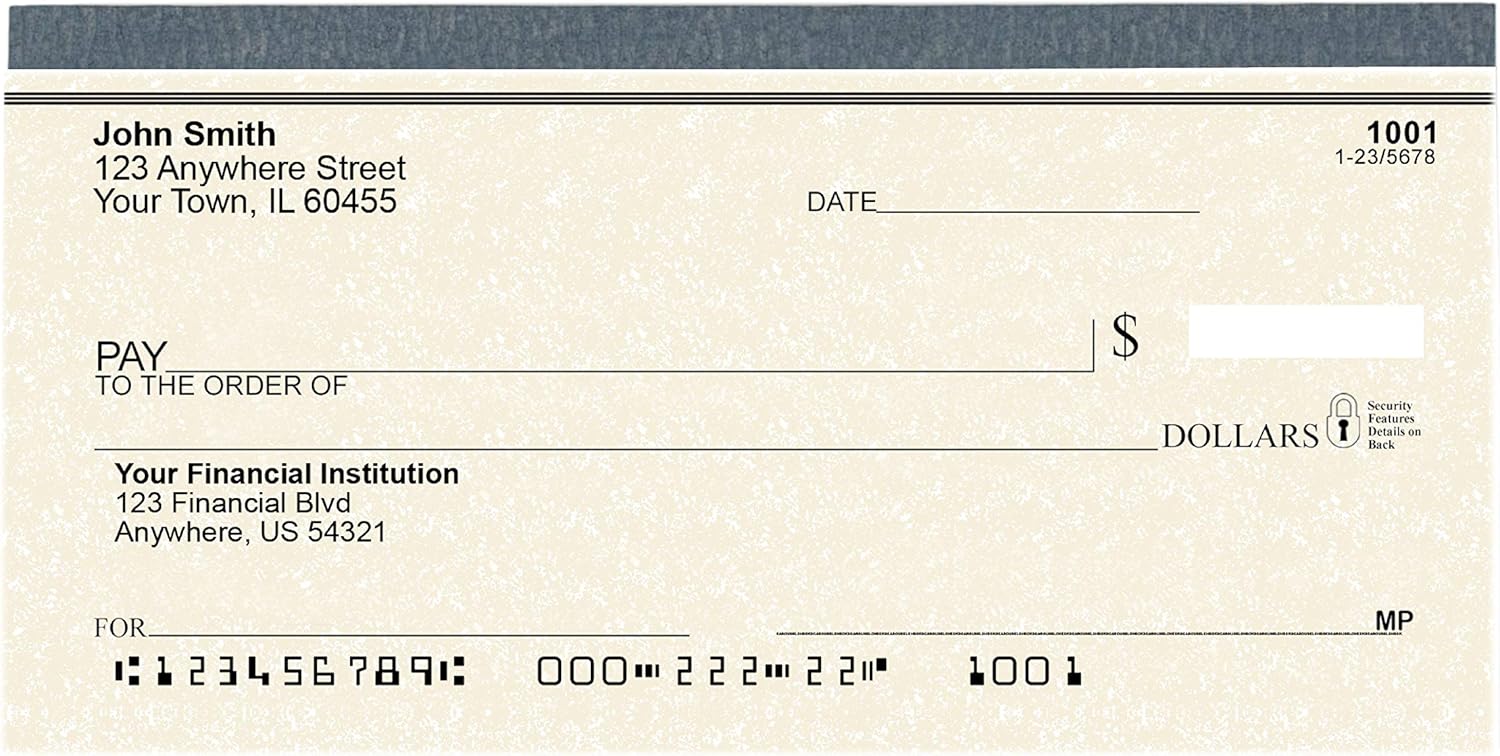
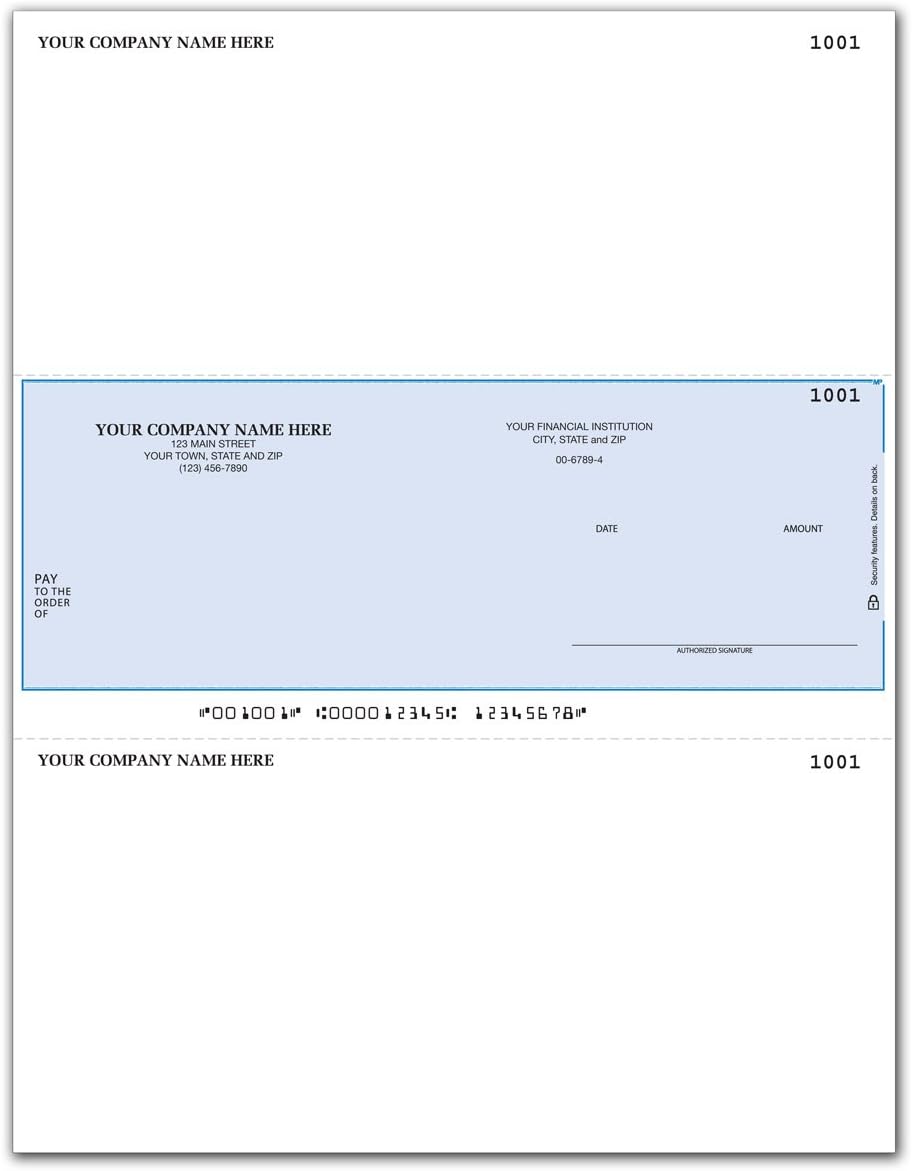
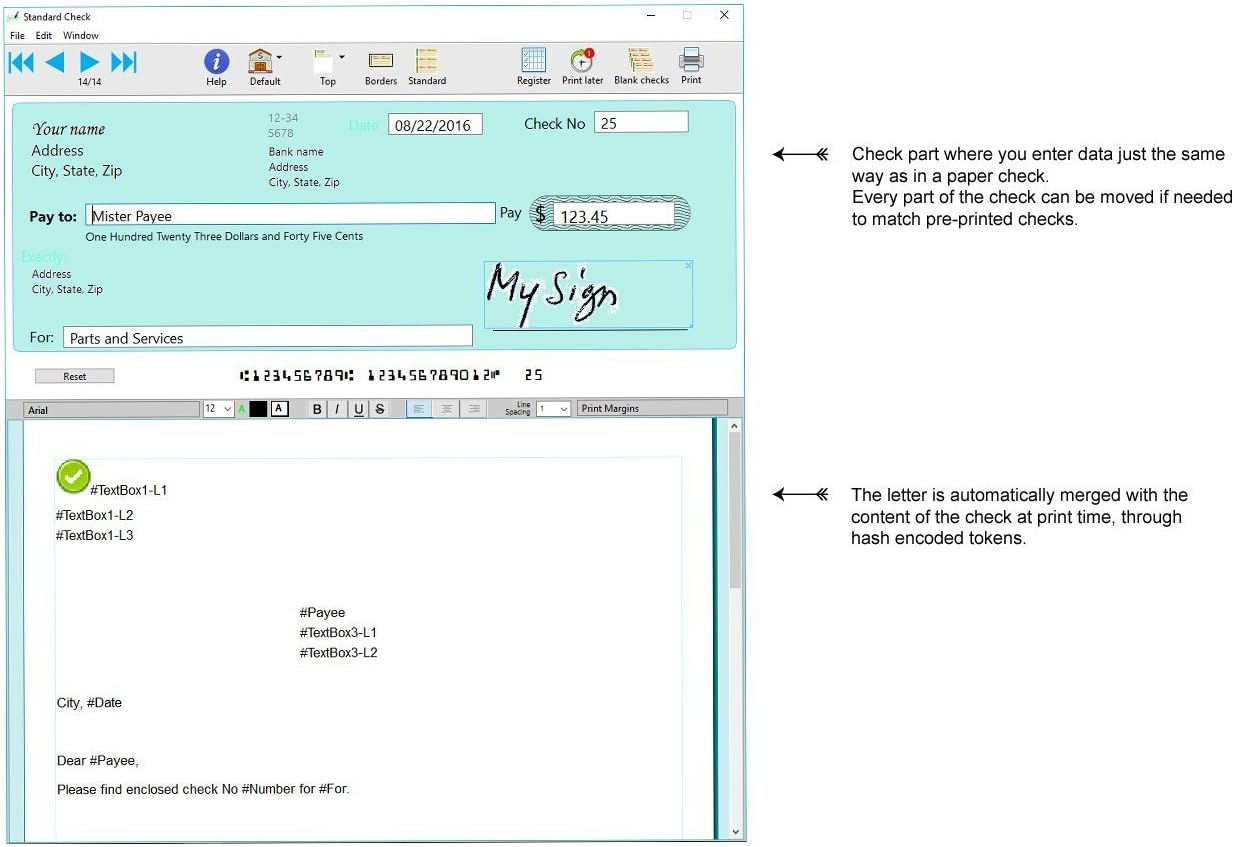
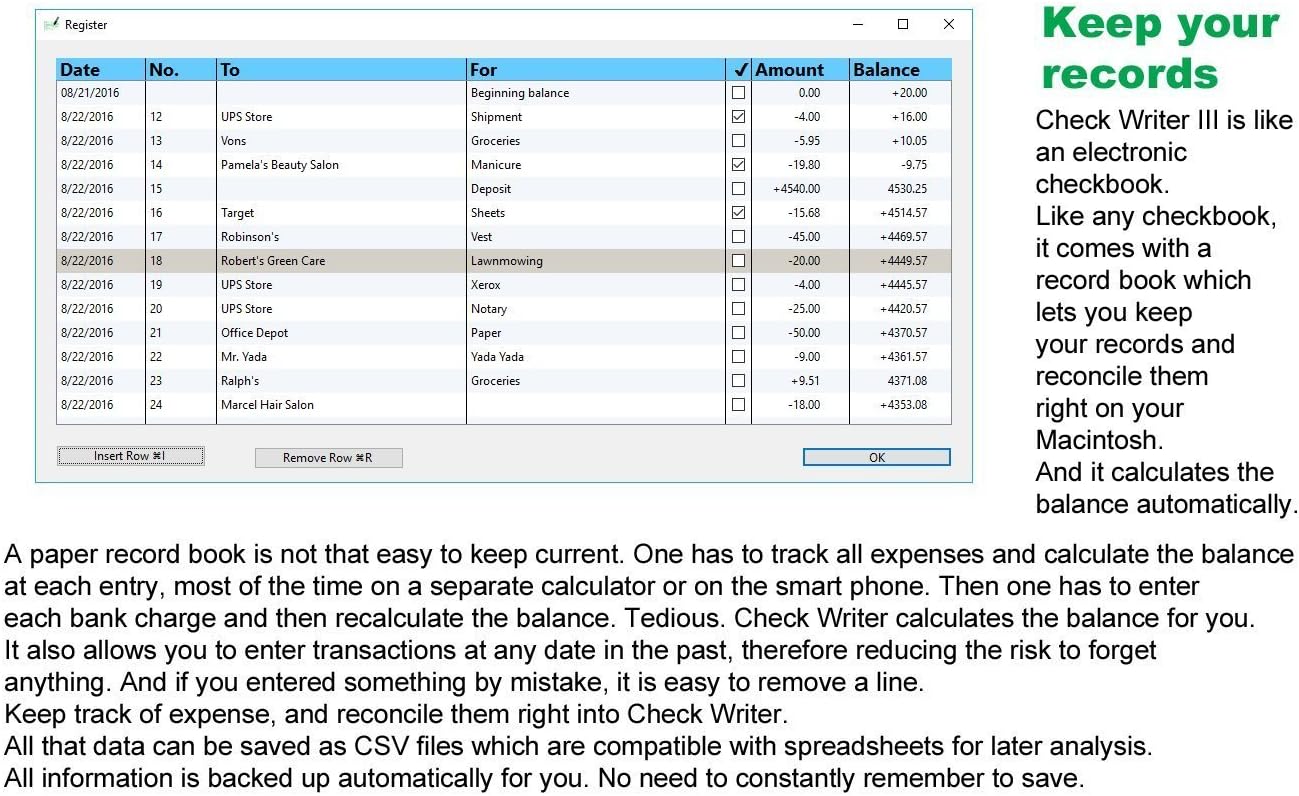
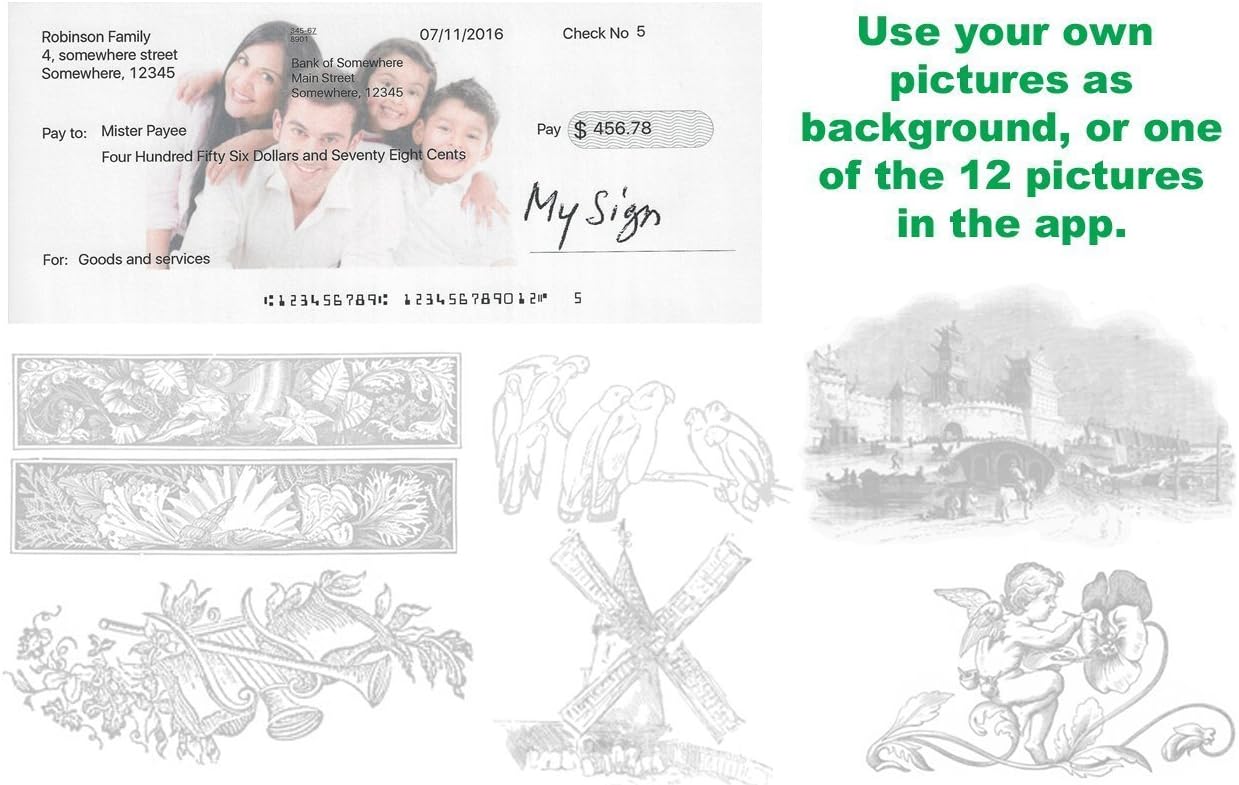
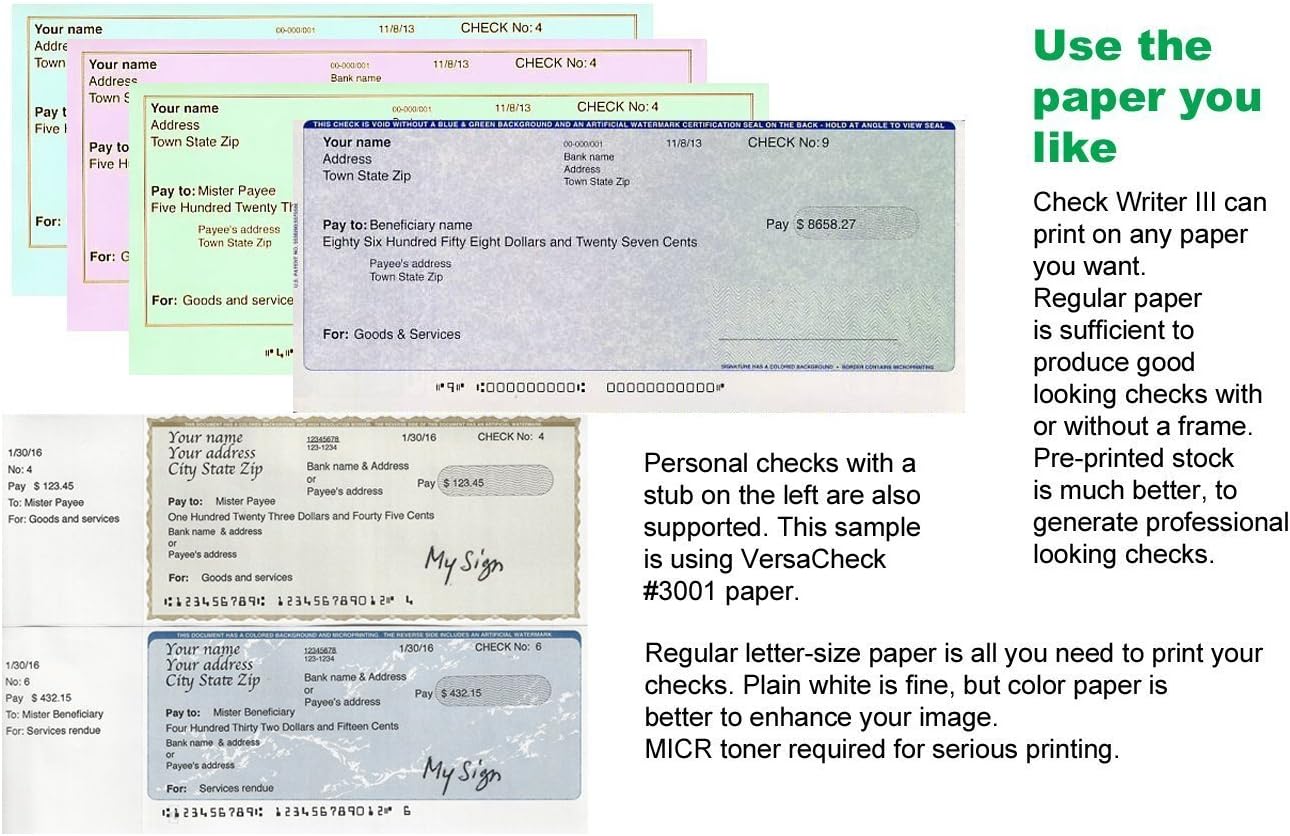
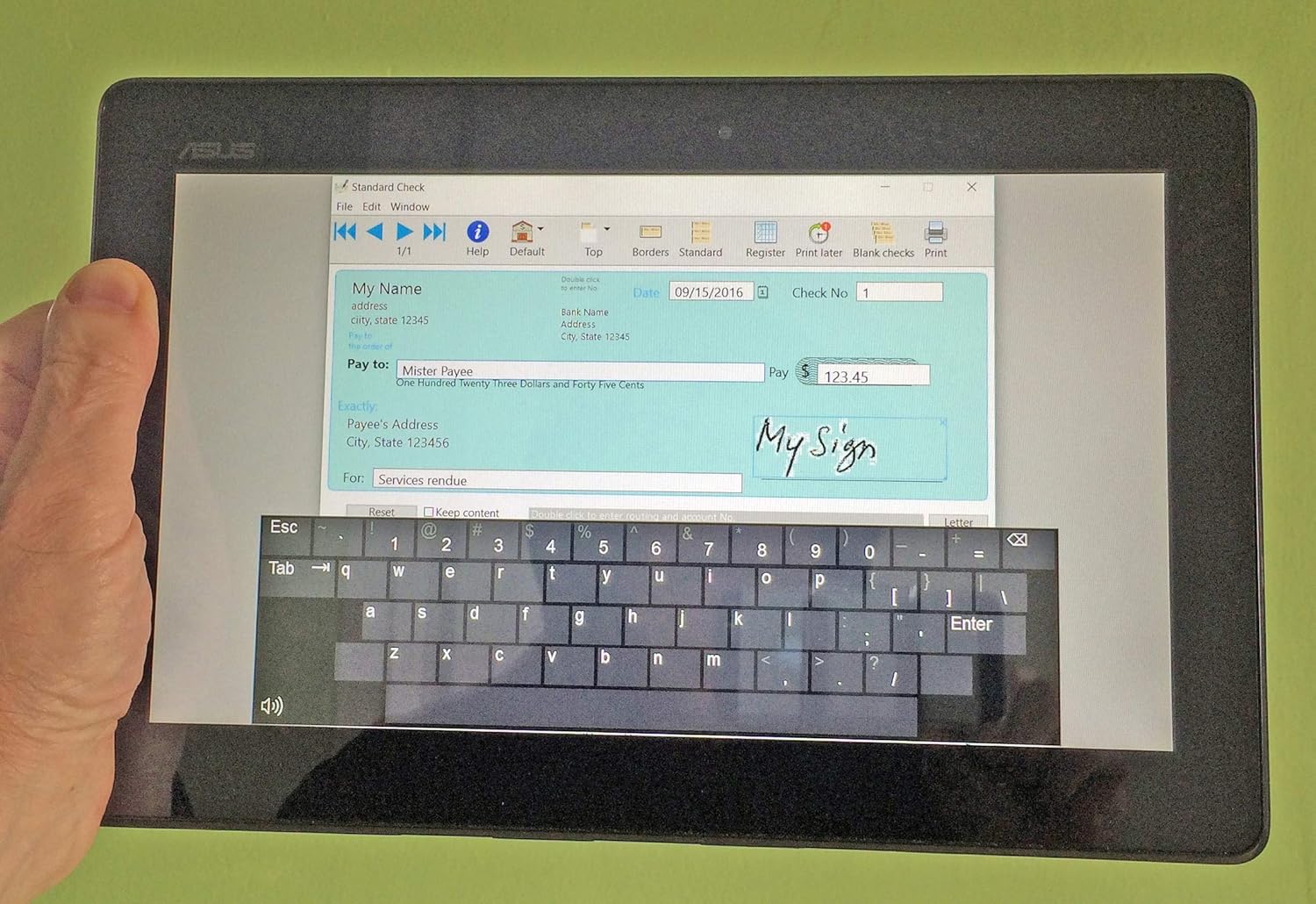
Check Writer III+ is an easy to use program that lets you write and print checks directly from your desk, together with their accompanying letter. Simply enter the name of the payee (made order to), the numeric amount, and voila! The spelled out amount is automatically generated. No need to write out complicated sentences. Each check is printed with at the bottom special MICR characters which will be used by banks for processing. So now your printed check can be used the same way as a pre-printed check. Transactions are recorded the same way you would with a physical checkbook, in a registry which keeps a record of all checks, and calculate your balance automatically. Like a real records booklet, you will also be able to enter deposits and other transactions from your statement, such as direct deposits, ATM withdrawal, debit cards and other items, to keep current. You will also be able to reconcile transactions with your statements, to constantly have at hand your current balance. Most interaction with the program is done right on the opening screen, pretty much the same way you would proceed with a paper checkbook : Every element of the check can be moved just the same way as the picture box. You can also change the font for mentions, would that be "Pay to", the spelled out amount, or "For". Right click and select "Change font". A window appears (see right) when you can select any font. If you use pre-printed checks that already have mentions such as "Pay to" or check number, you can suppress their printing. Right click on the element and select "Do not print". The element will turn blue and will not be printed. Notice "Exactly" and "Date" appear light green as they are used only for printing blank checks. But you can suppress their printing as well if your check stock has these elements already printed. Preferences You can very precisely set top and left margin, as well as the height of checks, to accommodate different kind of pre-printed forms.
Product Overview
We Recommend