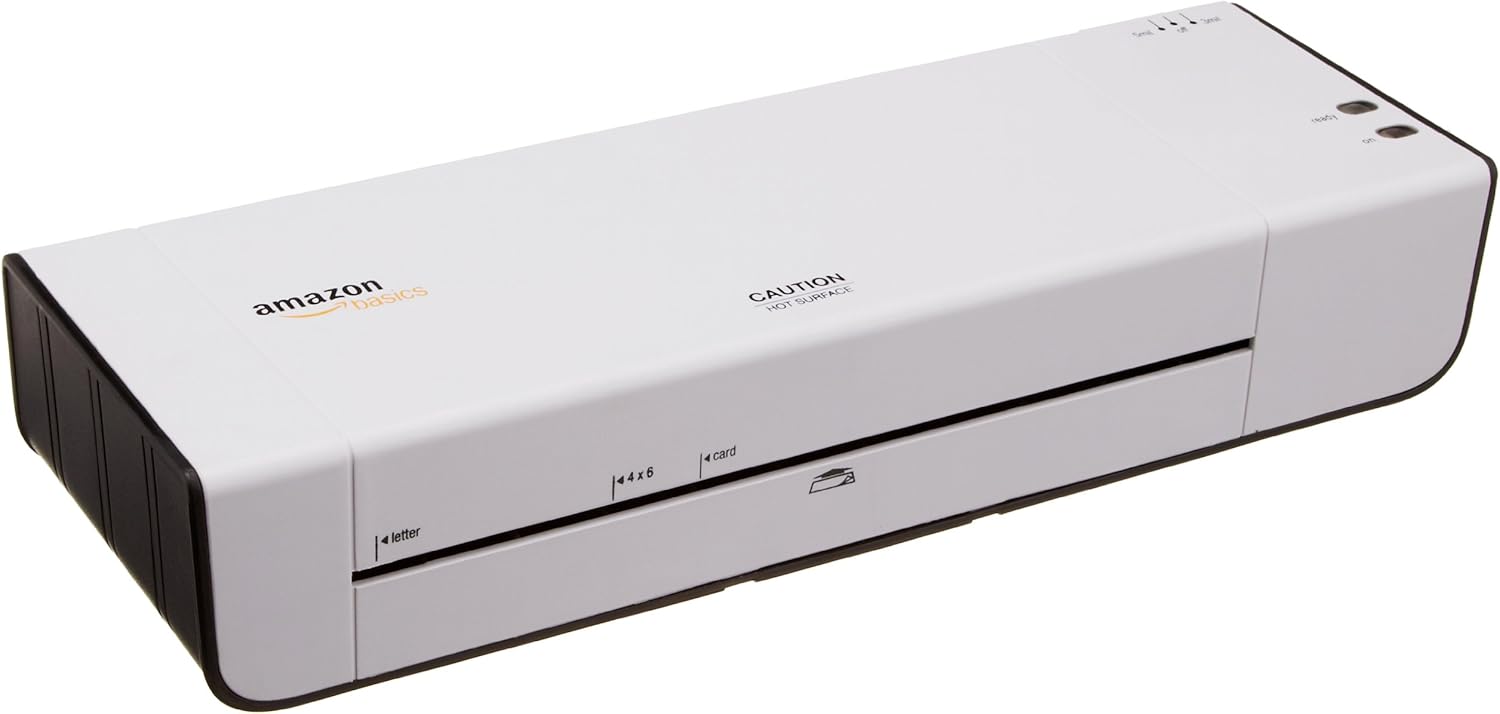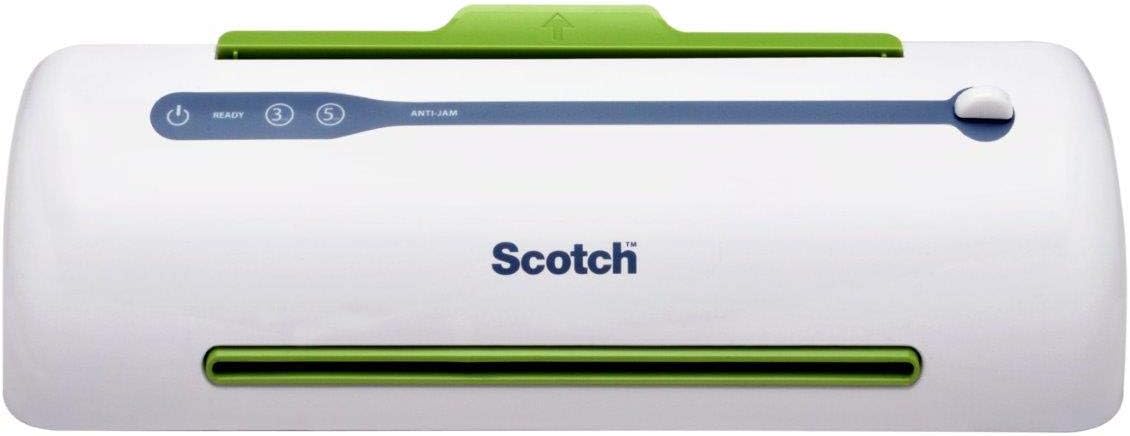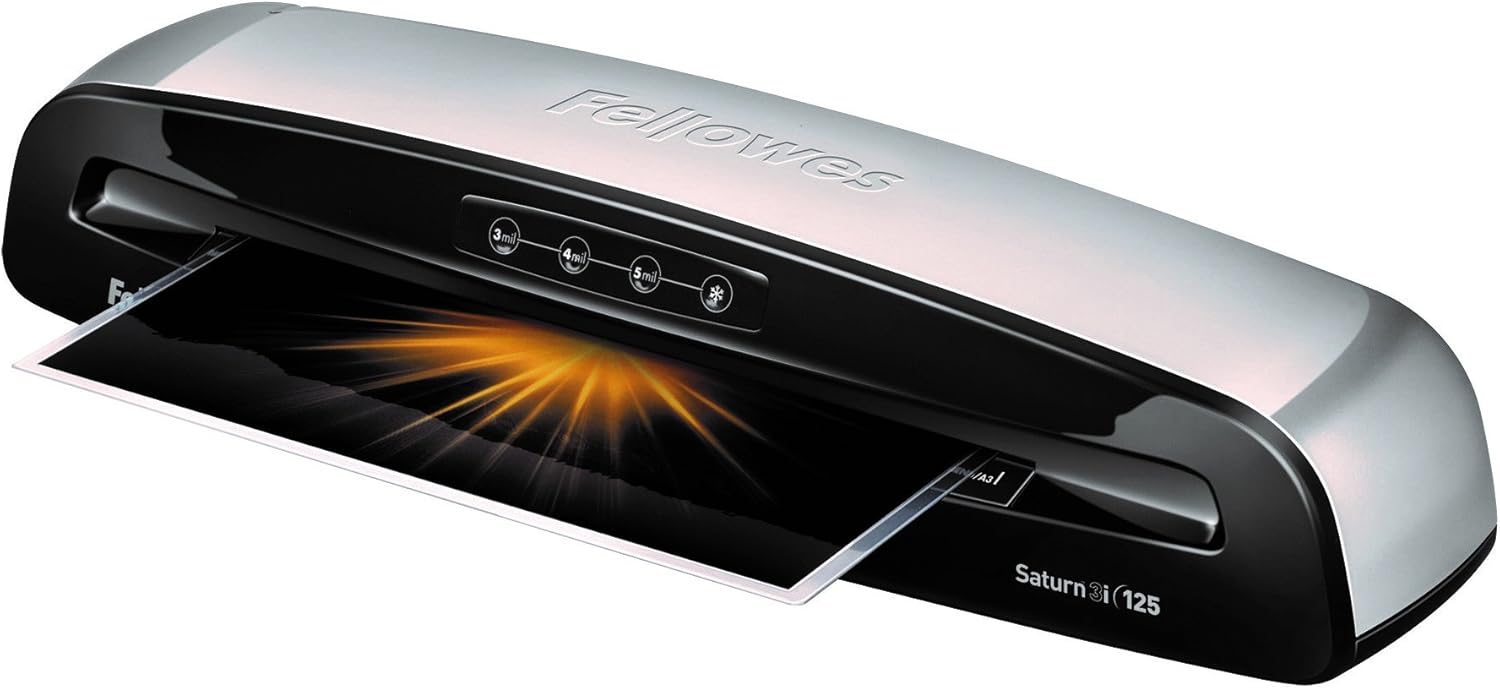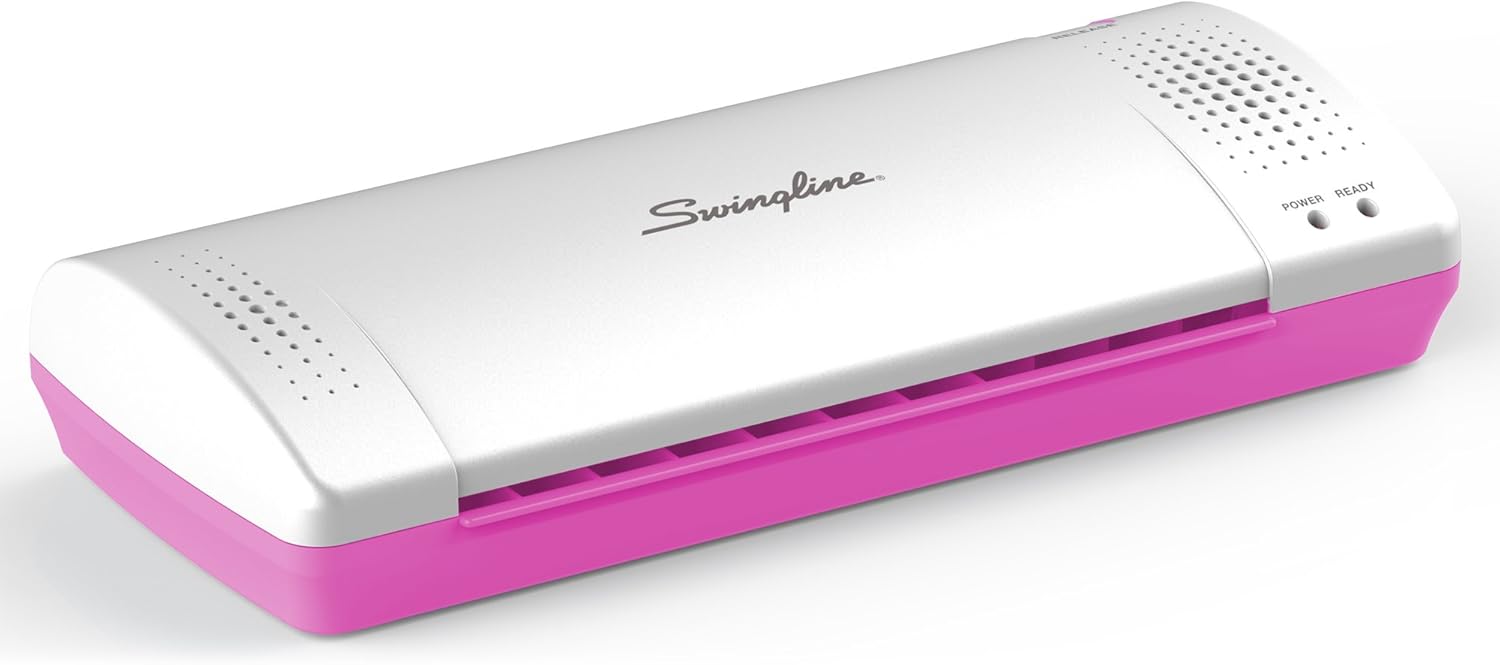

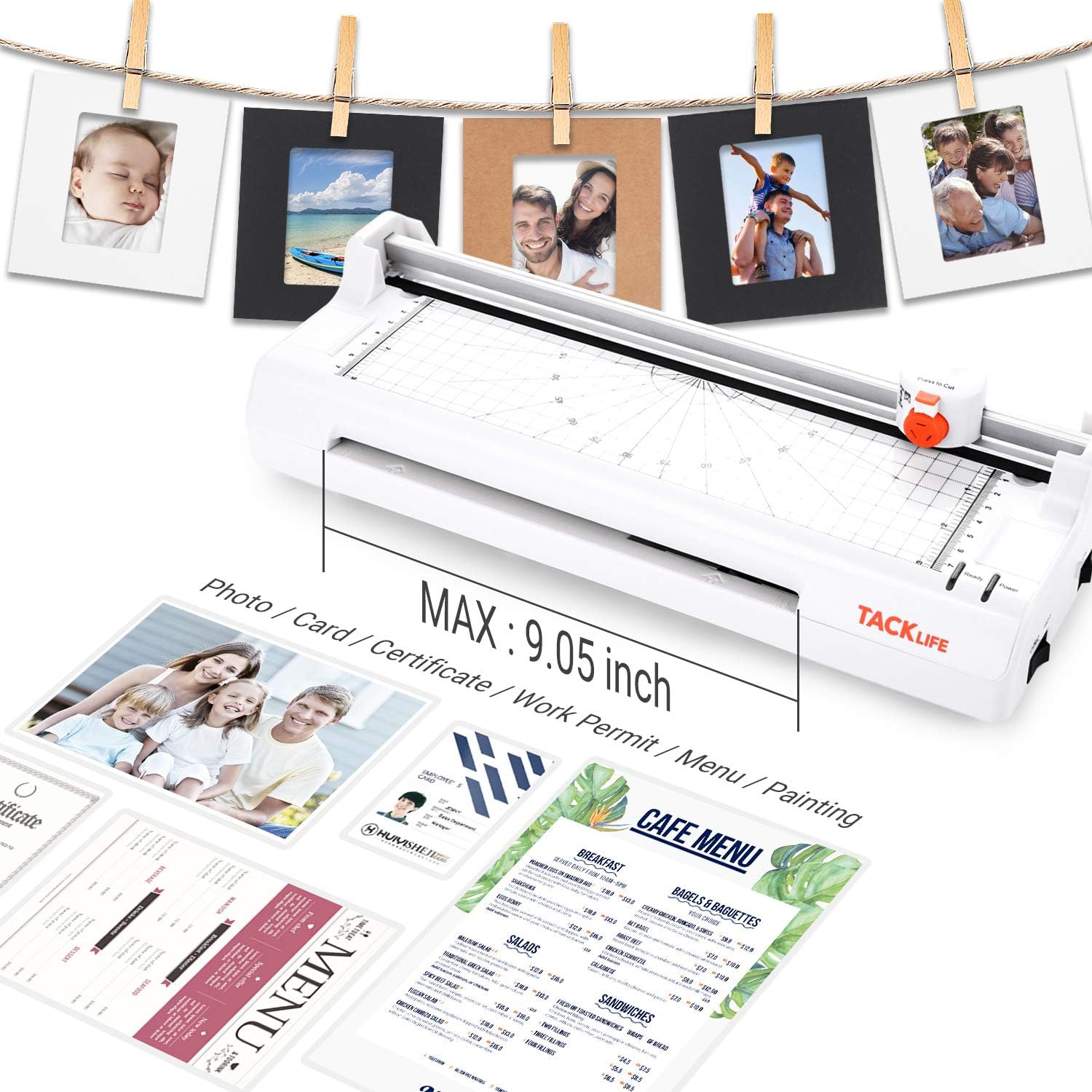

Laminator, A4 Thermal Laminating Machine with 2 Roller Systems, 5 in 1 with Corner Rounder, 20 Pouches, Photo Frames Set, Paper Trimmmer - MTL02 : Office Products
- Category: Laminators
- Store: TACKLIFE
Share on:
Description
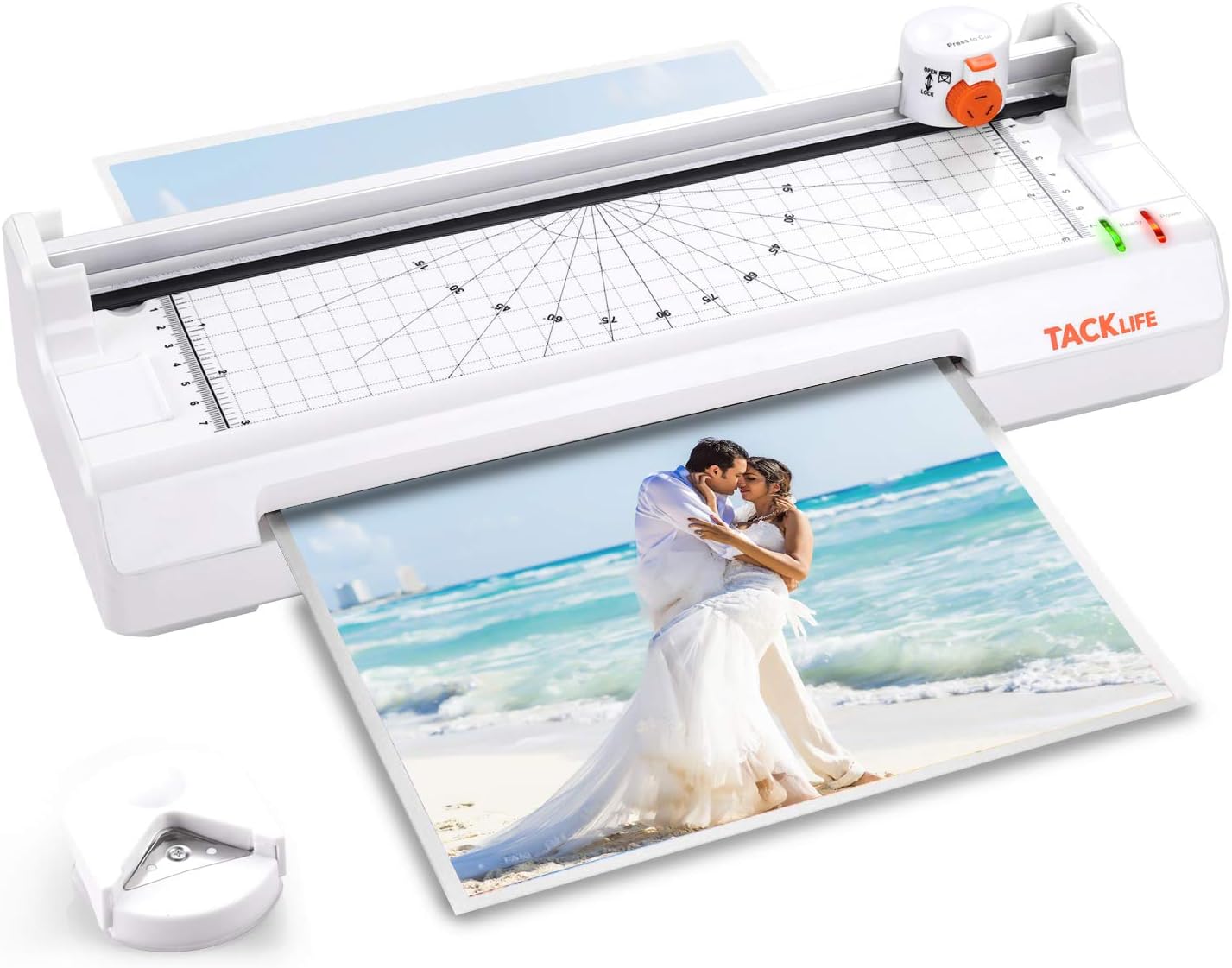
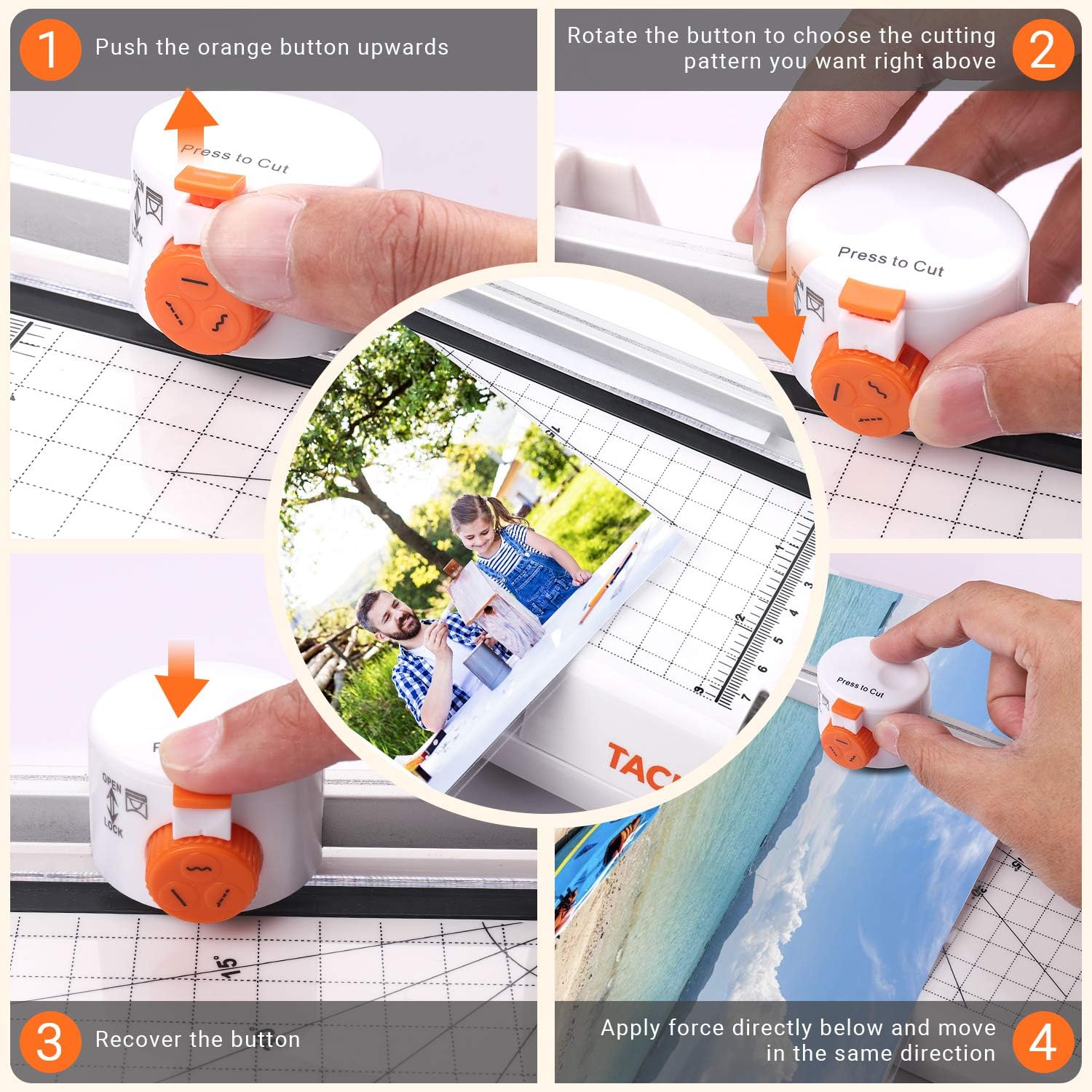
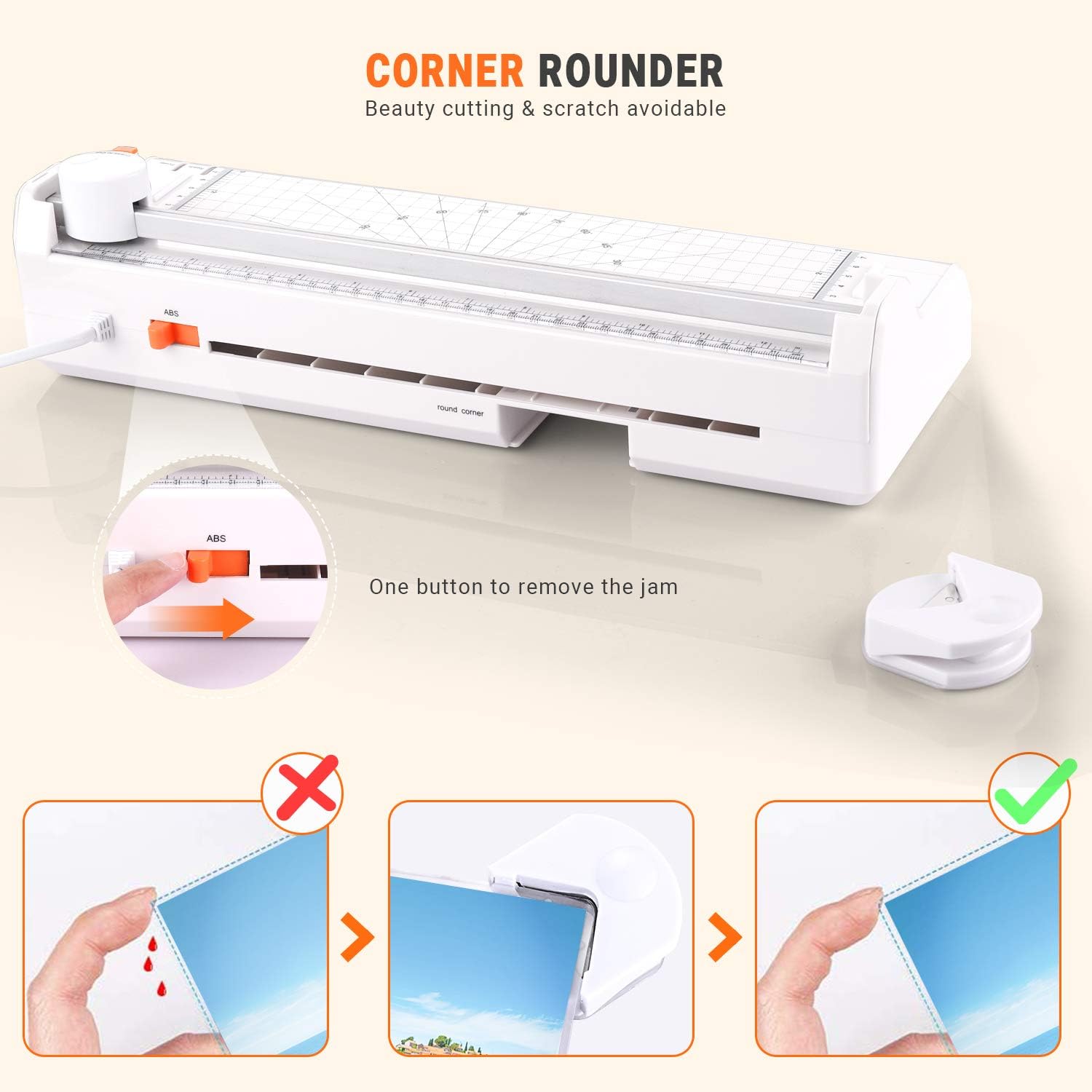
The ABS button can make great effort in removing the paper jam and protect your paper from damage, slide the button from the original side to another can slowly and evenly withdraw the paper in jam, then no damage occurred to both the paper and the laminator. Set with one 3-in-1 trimmer, you can smoothly change the paper edges in straight, perforated or waved lines after lamination, with the scale square ruler to define any pattern you like. Be aware that trimmer cutting should apply force directly below and move in the same direction but not slide left and right repeatedly, this will do severe damage to the blade and effect the normal use of trimmer cutting. The corner rounder is protective enough to remove sharp corners in your paper from being scratch and bleeding. Insert the paper corner needed to be shaped into the corner rounder, then press the corner rounder slightly hard to hear a click and check the soft corner.
Product Overview
We Recommend