

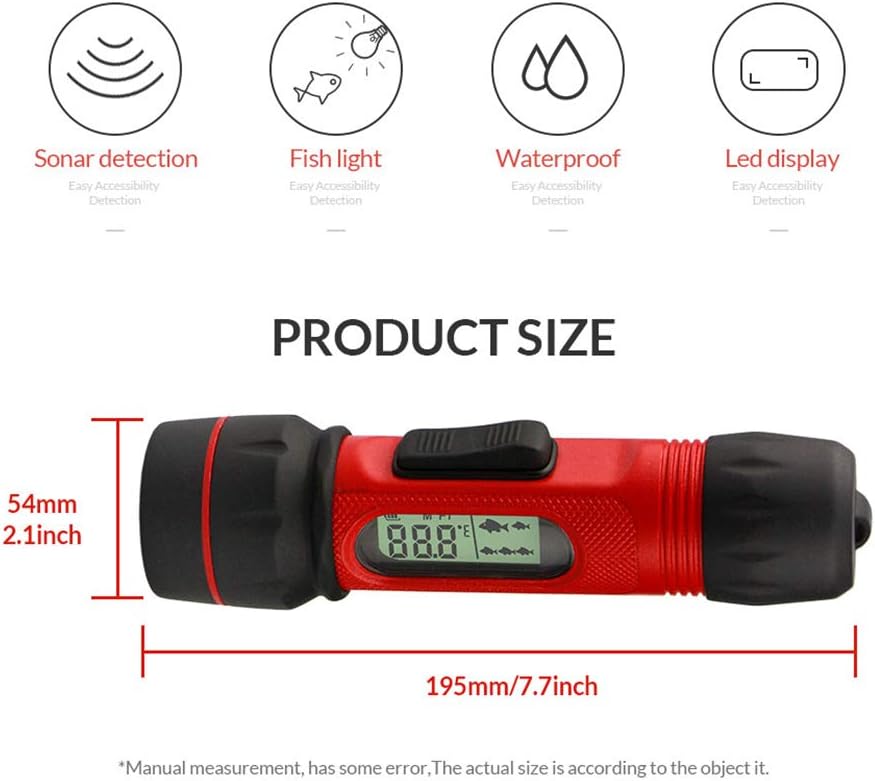

RICANK Depth Finder with Temperature, Portable Ice Fish Finder Contour Readout Handheld Fishfinder Depth Readout 2.5ft(0.8m) to 300ft (90 m) LCD Display Fish for Ice Lake Sea Boat Kayak River Fishing: GPS & Navigation
- Category: Fish Finders & Depth Finders
- Store: RICANK
Share on:
Description
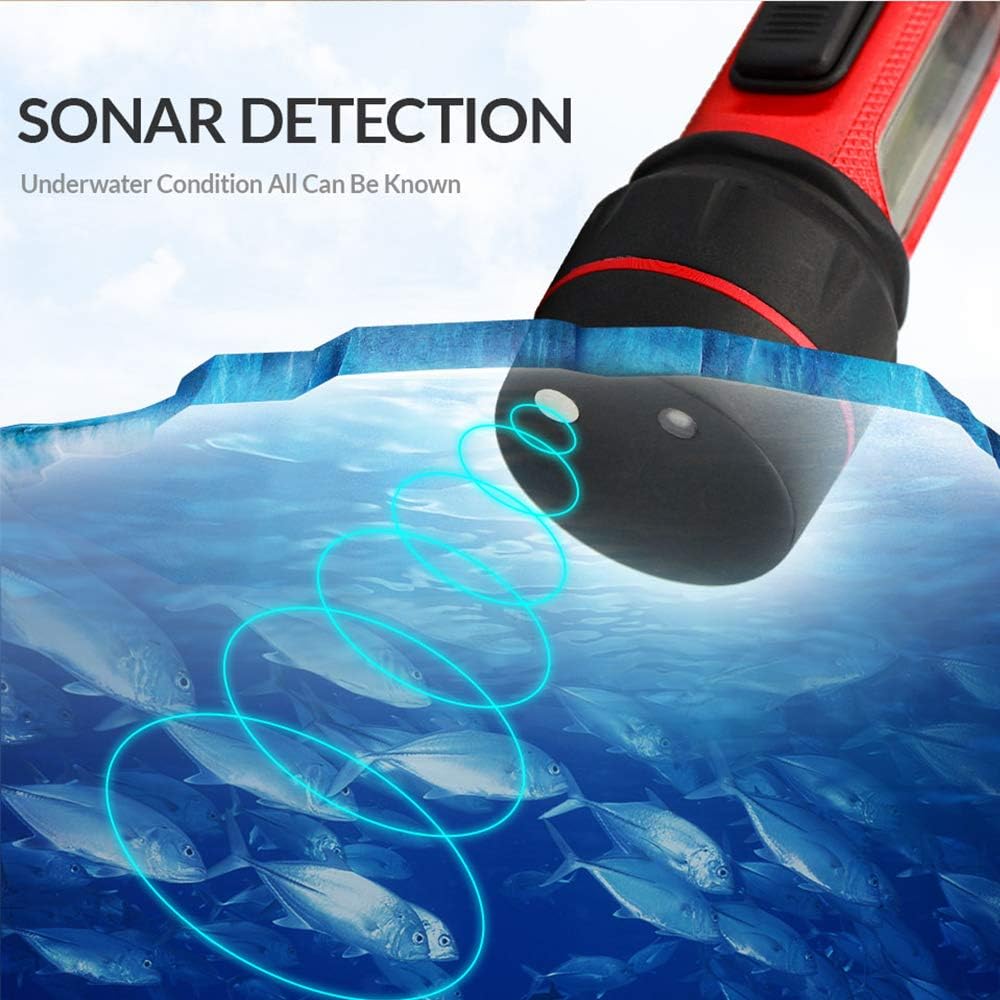
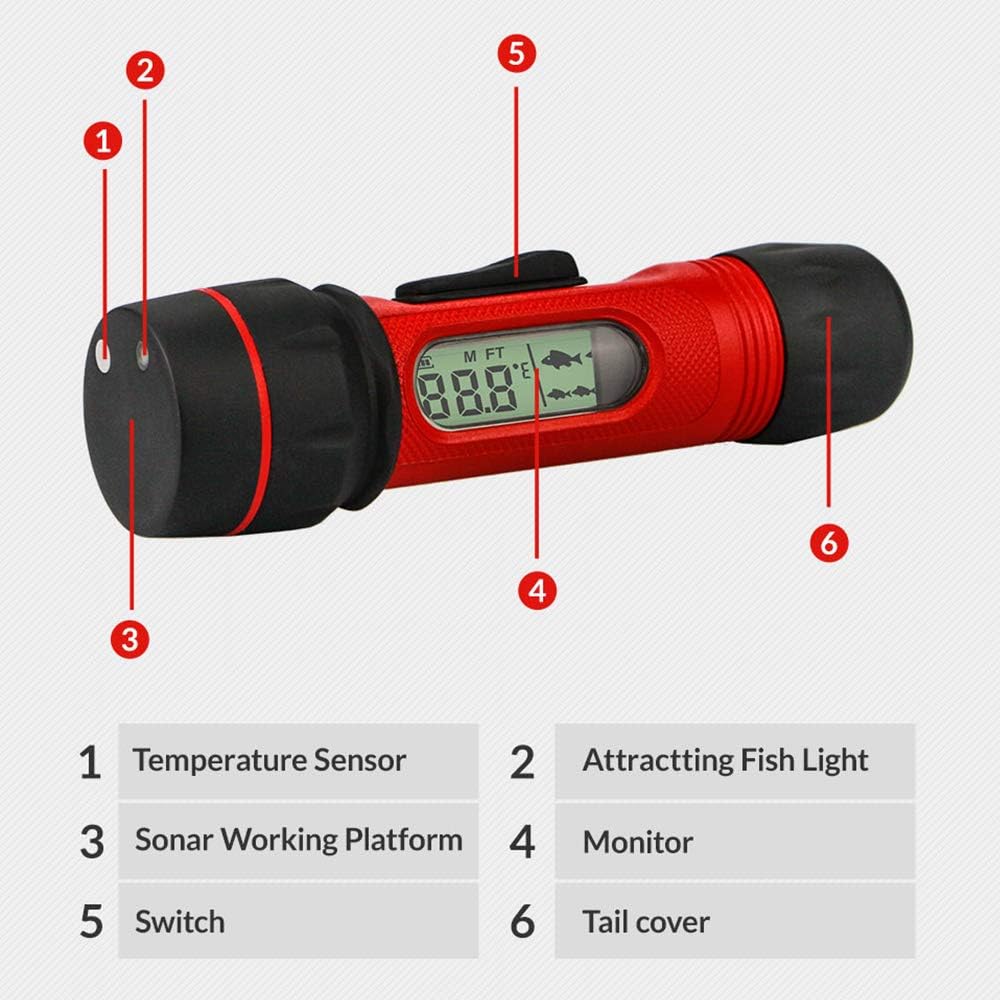
1.Clear the snow and expose the ice. 2.Put a small amount of liquid water on the ice and put the sonar sensors on the water . 3.Start the depth detection function. 4.Place the product vertically above the water to get the correct depth reading. 5.After getting the correct reading, move the product around in a scanning manner (similar to using a flashlight). Obtain depth readings while side - scanning sonar. Signal must point to a solid surface within 300 feet (90 meters) to work normally. You need to aim the device at the bottom of the range. 1. Put the sonar sensor side into the water.Use your hand to position the product vertically on the water, otherwise reading will be inaccurate. 2. Turn the toggle switch on the fish finder. 3. Display current depth. •when the fish finder is in depth mode, the depth data will be updated four times per second at a depth of 2.5 to 300 feet (0.8 to 90 meters). •If the probe can't get an accurate depth reading, or off the water, "- - -" will show up. 4.If the correct reading is not obtained, the device will automatically shut down after 30 seconds. 1. Turn the unit on by sliding the switch towards the battery compartment and releasing. 2. Slide the switch towards the battery compartment and hold for 5 seconds. 3. The current units of measure will blink, release the switch 4. Pull and release the switch to change between the settings (FT/ F M/C) 5. No action for 10 seconds, save the last setting (depth or temperature) and exit the unit setting.
Product Overview
We Recommend