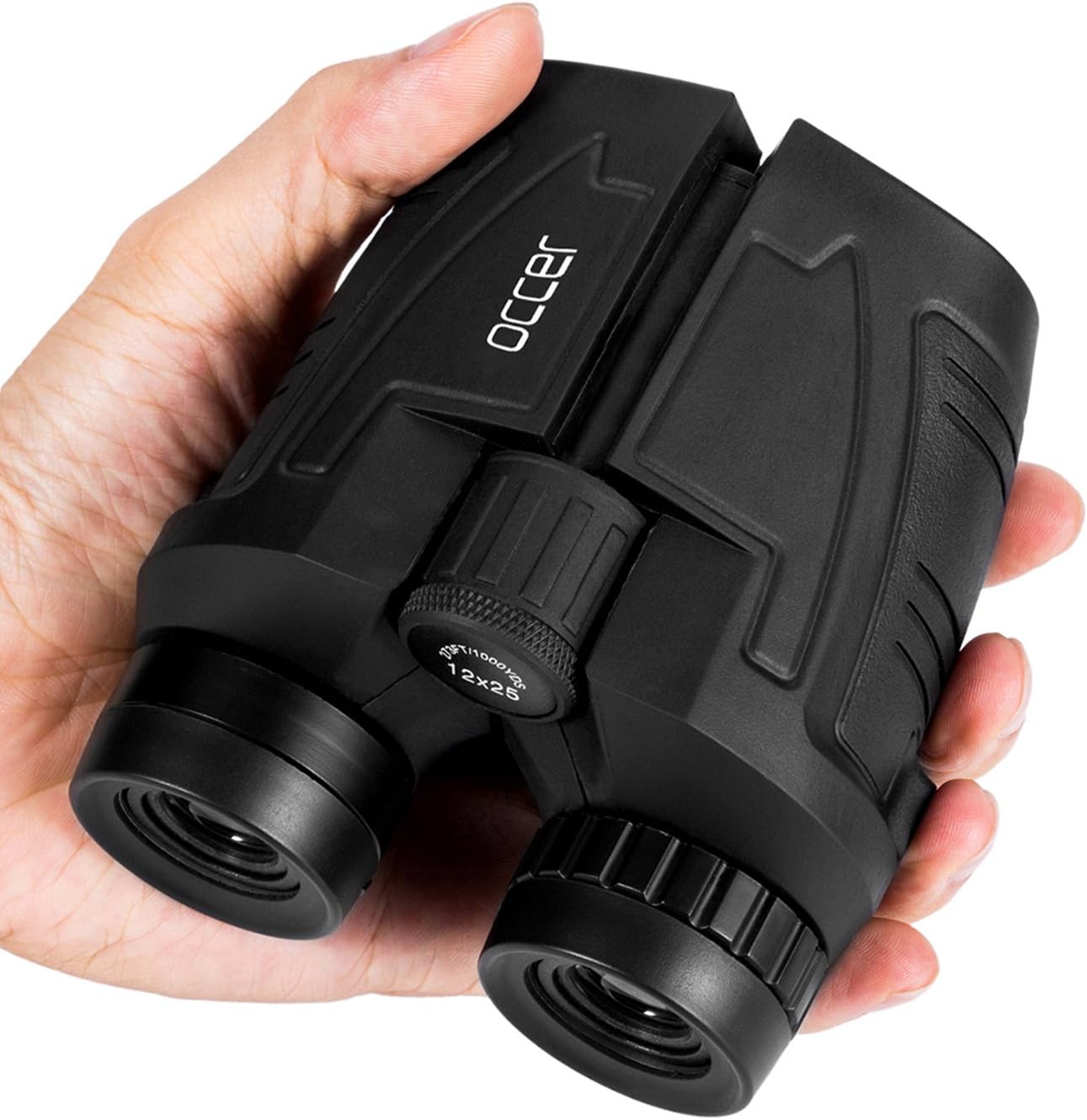

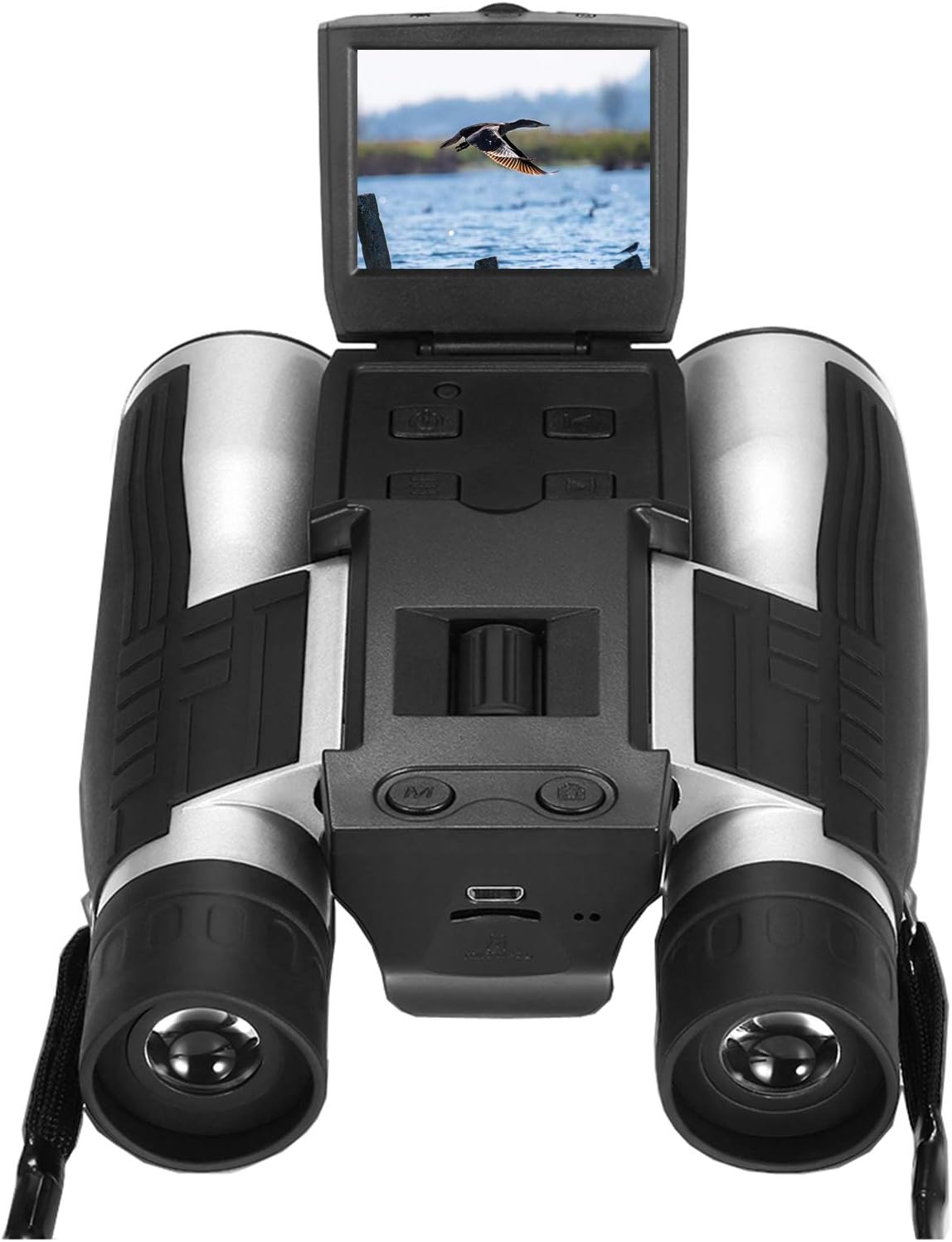
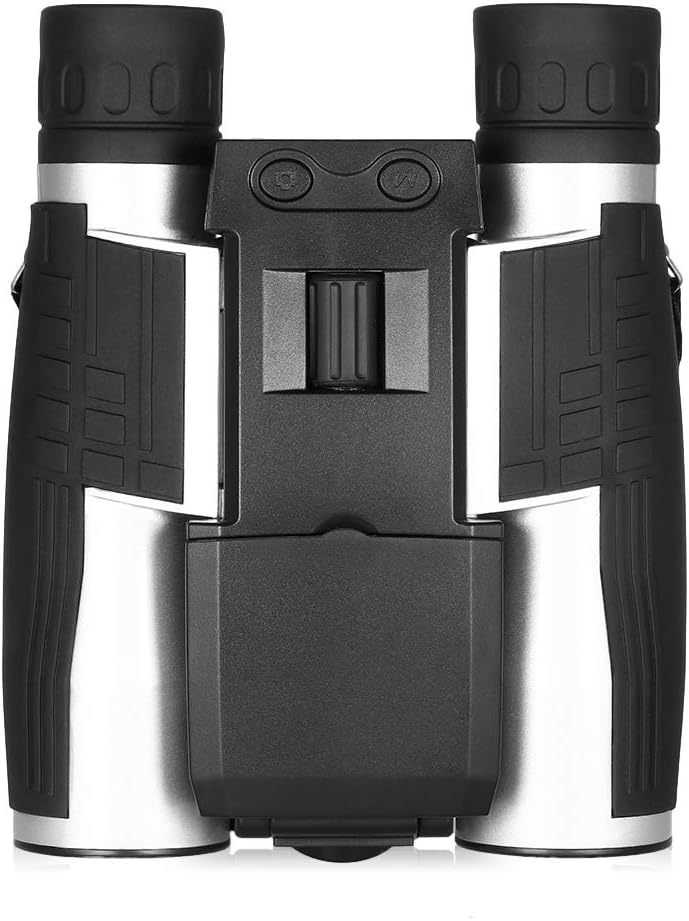
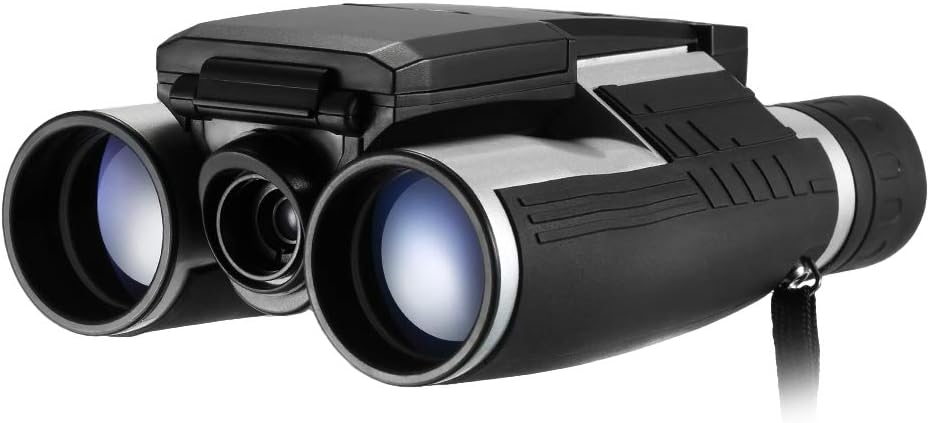
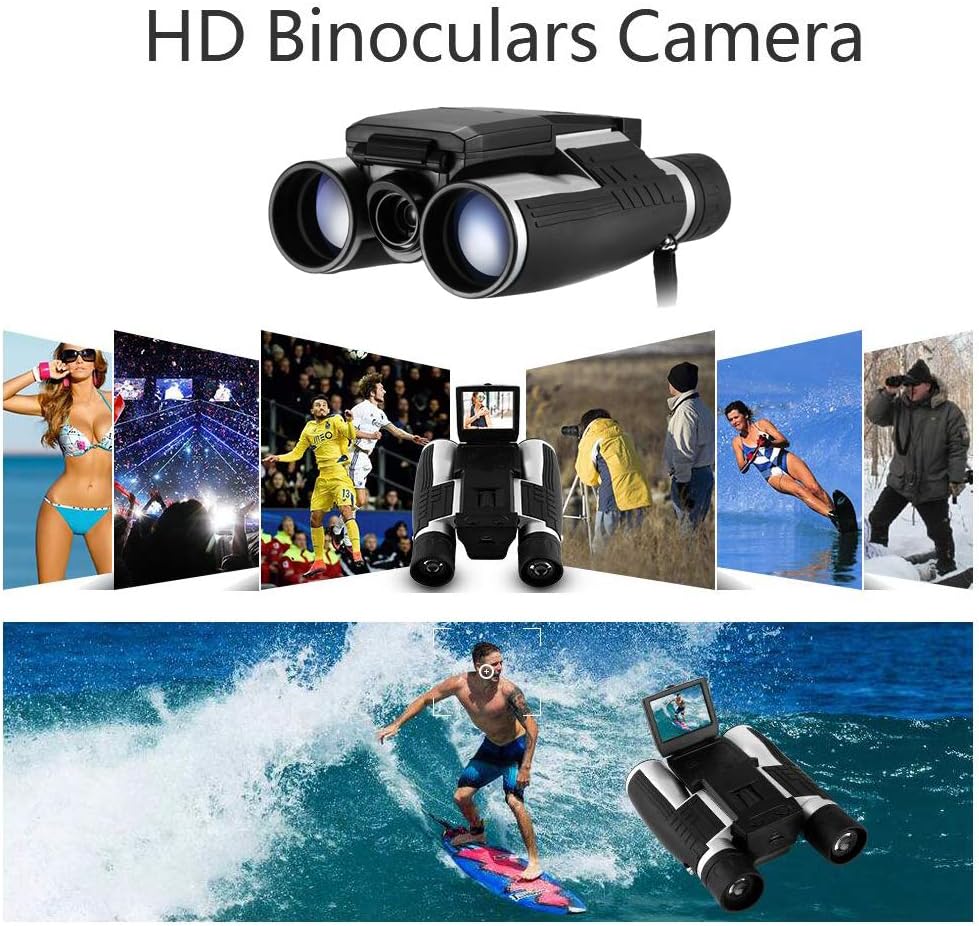
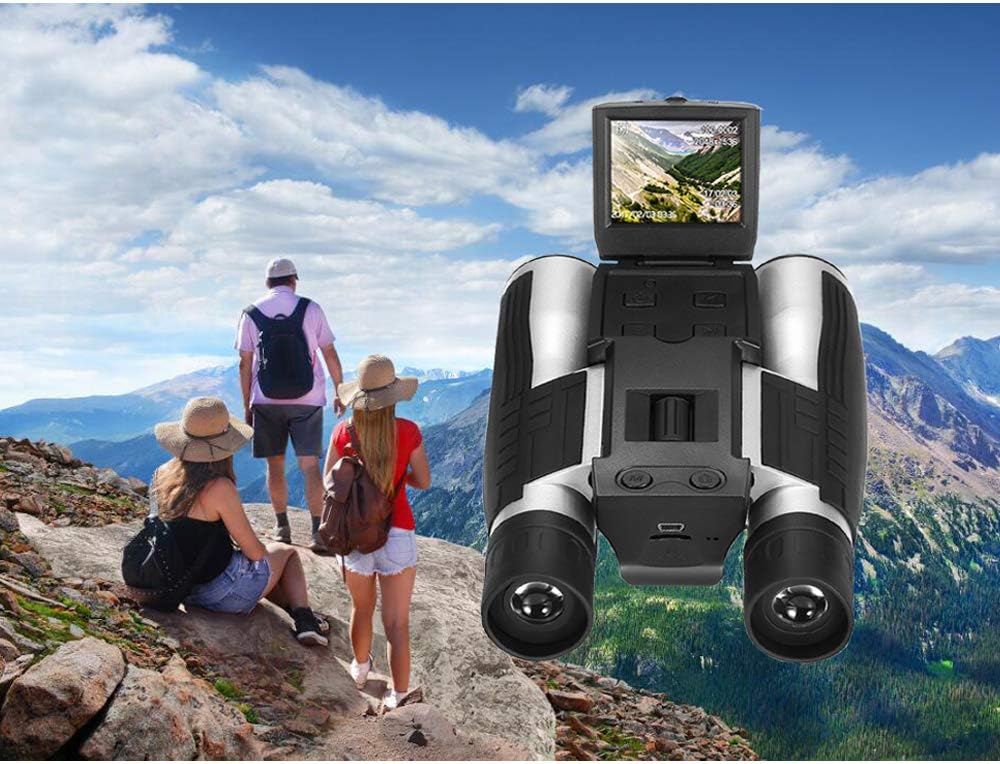
Digital Camera Binoculars, Eoncore 2” LCD Display Binoculars for Adults 12x32 5MP Video Photo Recorder for Bird Watching Hunting Sports Games 16GB TF Card : Camera & Photo
- Category: Binoculars
- Store: Eoncore
Share on:
Description
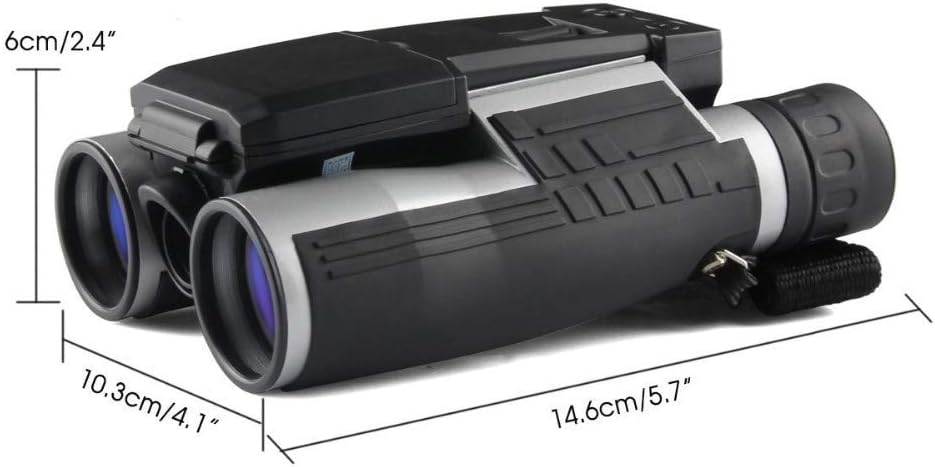
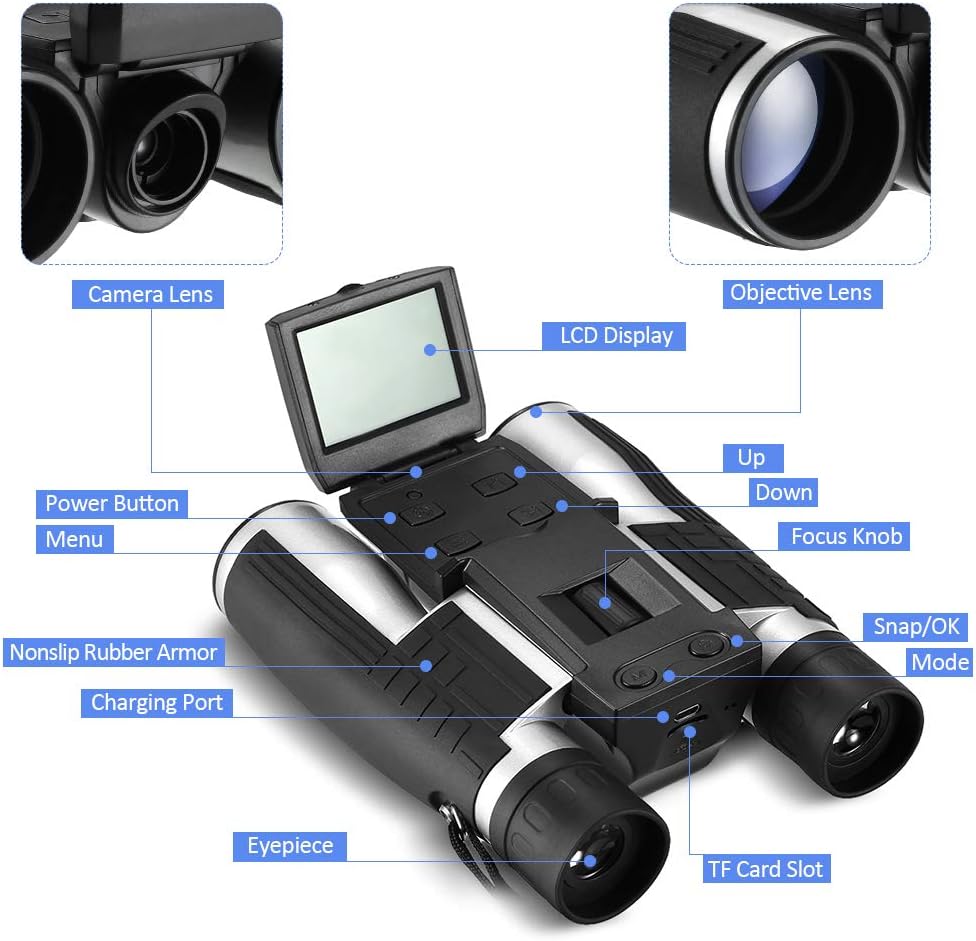
Specification: Magnification: 12X 1000 meters of vision: 96m Exit pupil diameter: 3.8mm Distance of exit pupil: 8mm Minimum focusing distance: 8m LCD screen: 2.0" LTPS 4:3 Photo format: JPEG Video format: AVI Recording format: supported Anti-shake: Yes Photography method: single shoot, 2s timing, 5s timing, 10s timingMaterial: ABS Lens Focal Distance: 8m Focusing Range: 8mm Optical Zoom: 4X Digital Zoom: 4X Shooting Effective Pixels: 5.0MP File Format: JPEG/AVI Image Resolution: 5M, 3M, 1.3M Video Resolution: 1440 x 1080px, 1280 x 720px Video Frame Rate: 30 , 60 Storage Max. Capacity: 32GB(Including 16GB Card) Note: Please use the TF Card up to Class 4, or it does not support Video function.Display Screen Type: TFT Screen Size: 2.0inch Screen Resolution: 1080P Battery Build-in Ll-ion battery Dimensions : 5.75 inx4.06inx2.17in Weight: 0.97LB Package Included: 1 x Digital Binoculars Camera 1 x USB charging cable 1 x Cleaning cloth 1 x User Manual 1 x 16GB TF Card How to Use The Binoculars? 1. Eyepieces Distance Adjustment Rotate the two lens cones A and B inward or outward until you see a single circle through the lenses. Make sure you adjust this setting before use. 2. Focusing Please close your right eye, focus on a distant object, then adjust the Center Focus Knob A until the image is clear. Close your left eye and adjust the right lens until you can see a clear image. 3. Taking PictureWhen you take a picture while looking through the eyepiece, the picture would be shifted slightly upwards, so adjust it appropriately before you taking a picture4. Downloading Photos and VideosTurn off the binoculars first, connect it with your PC. Select Storage to download the photos and videos
Product Overview
We Recommend