


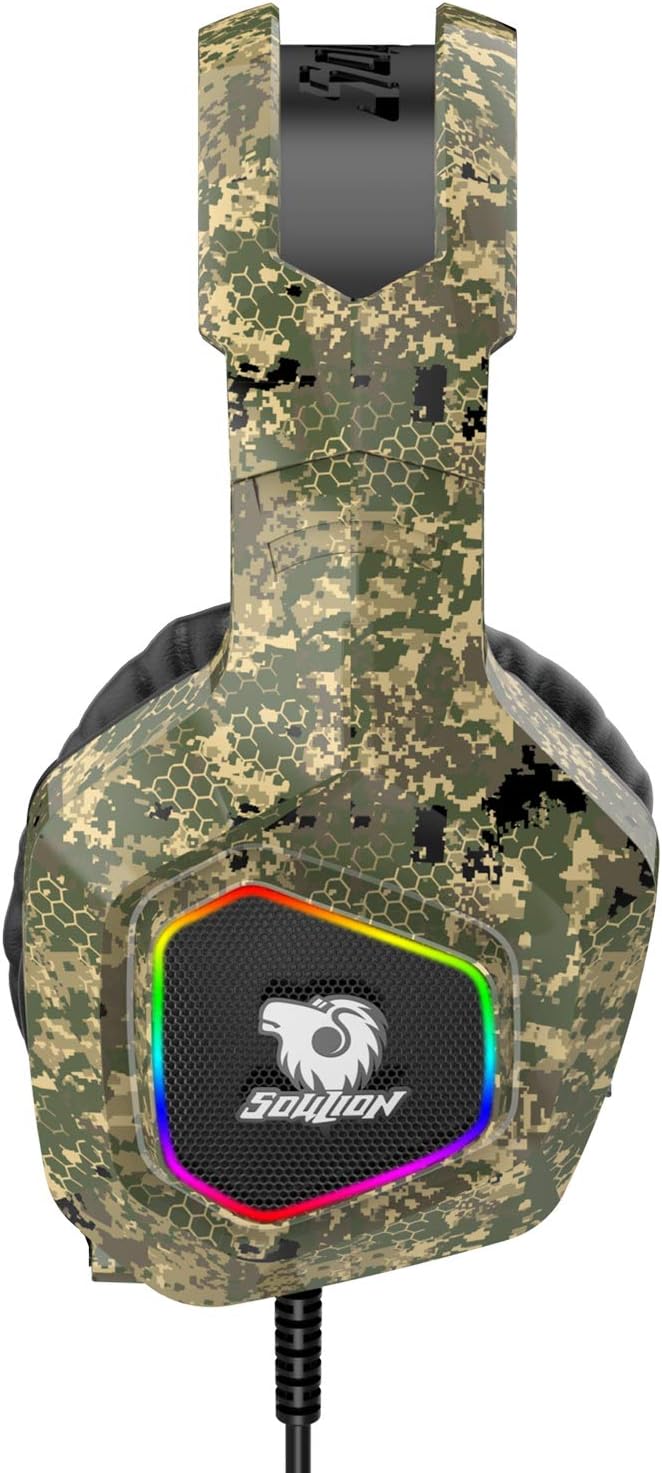
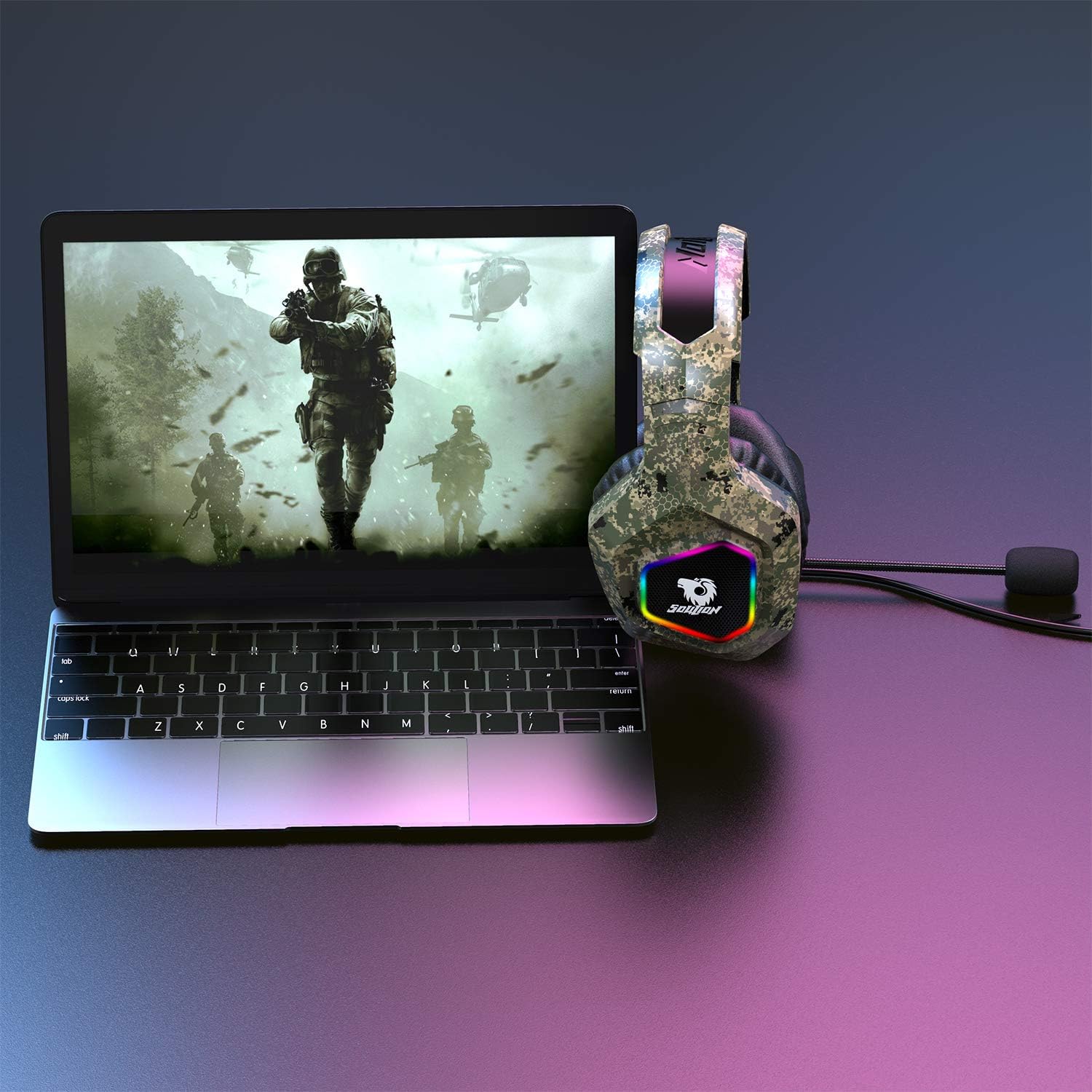
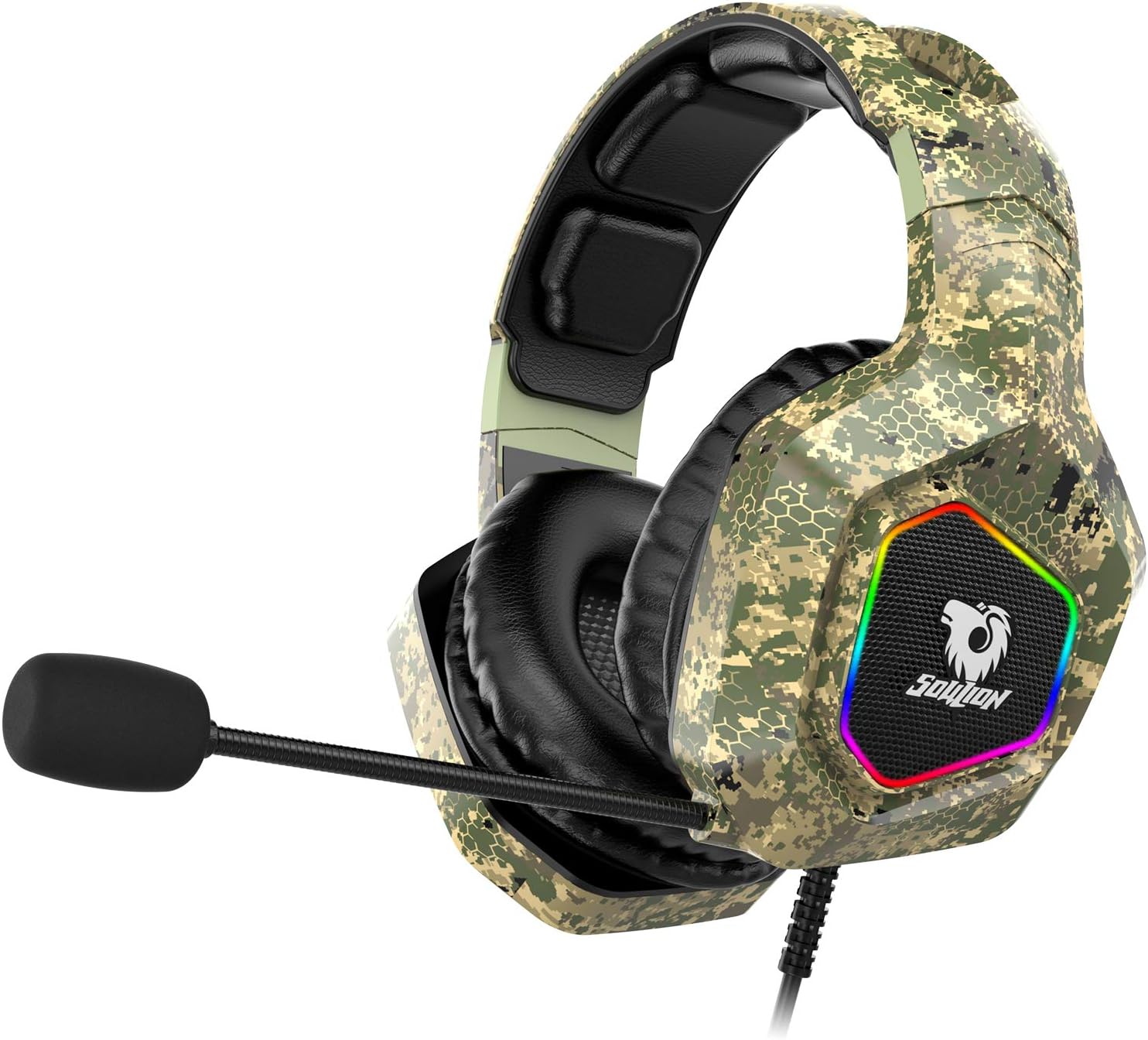
Soulion Tracer 25 Gaming Headset for PS4 Xbox One PC, Stereo Surround Sound Gaming Headphones with Noise Cancelling Microphone, RGB Lights for Computer Laptop NS Mobile: Home Audio & Theater
- Category: Headsets
- Store: Brand: SOULION
Share on:
Description
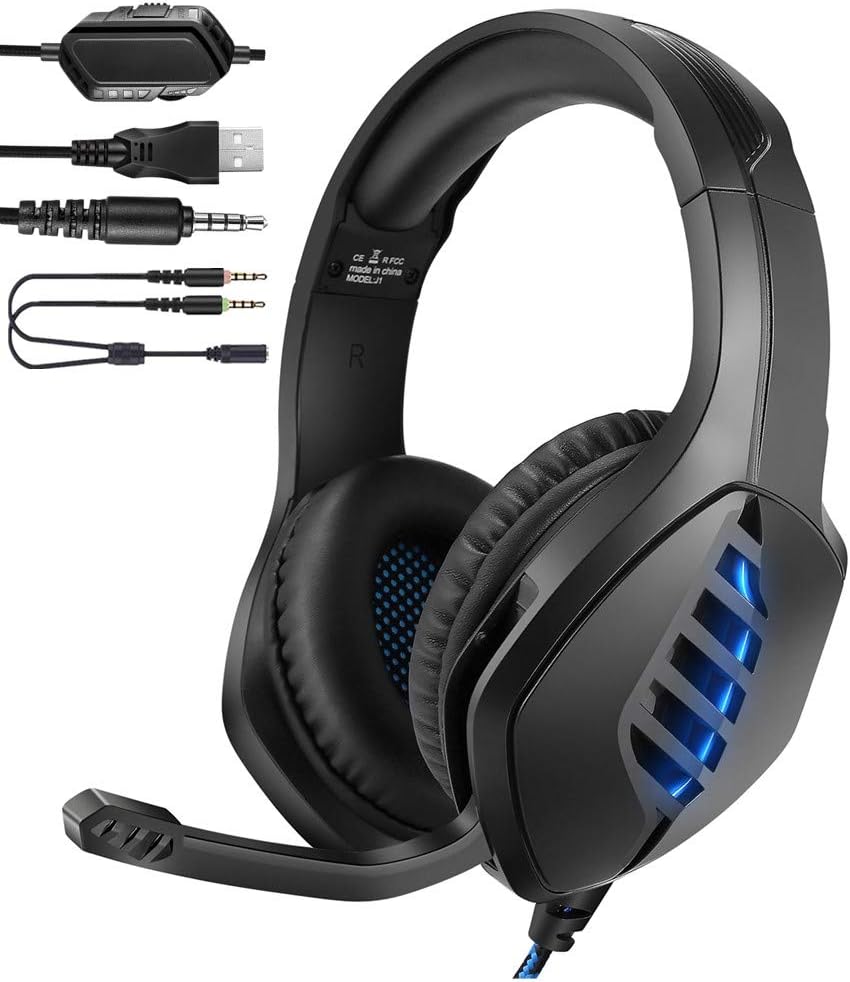
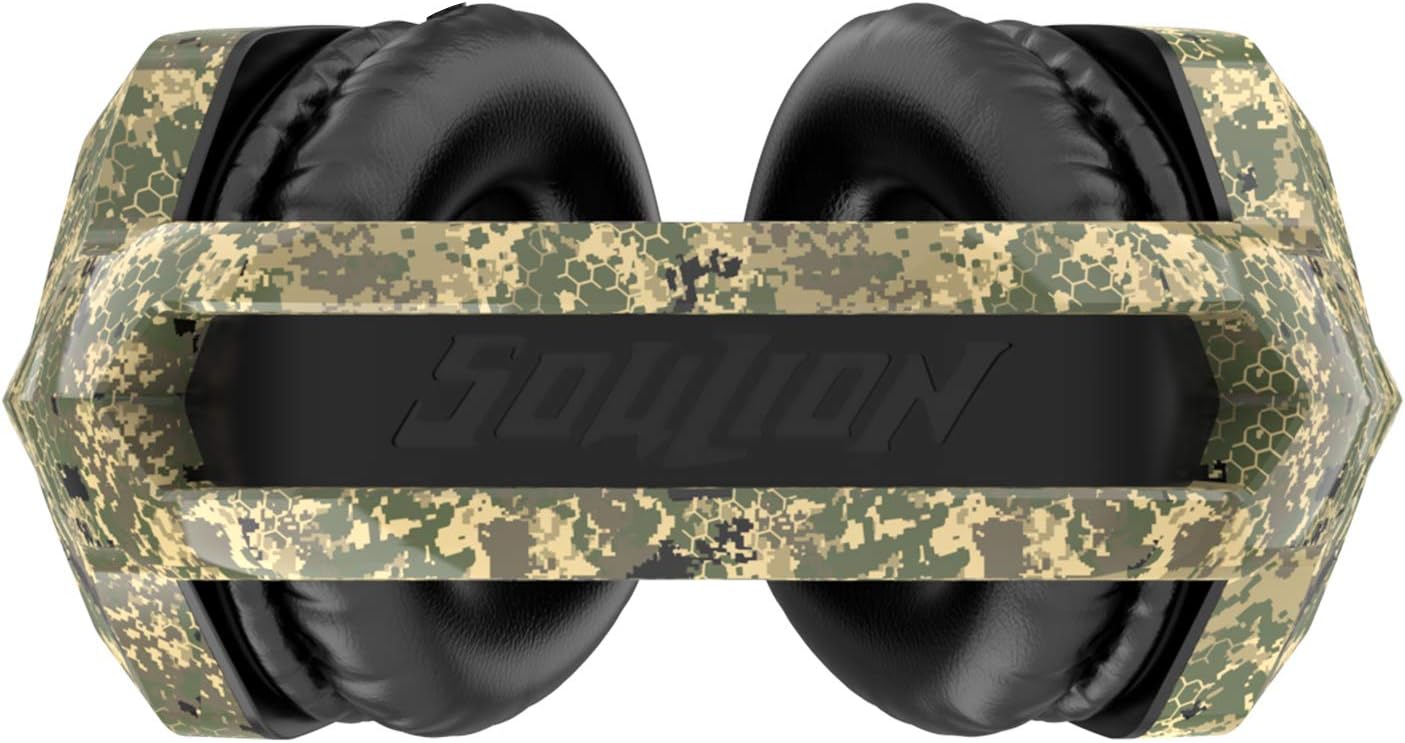
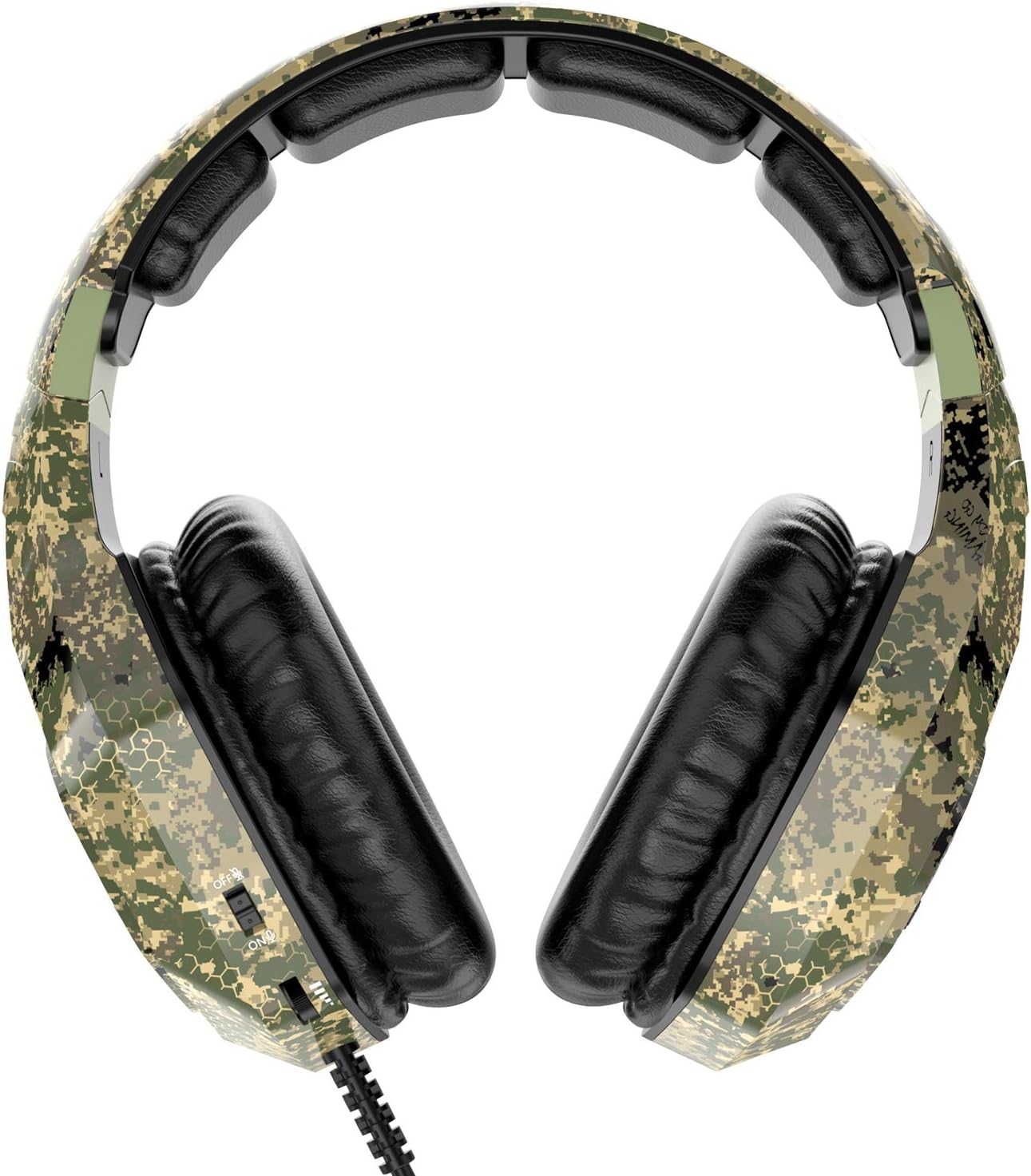
Fulfillment by Amazon (FBA) is a service we offer sellers that lets them store their products in Amazon's fulfillment centers, and we directly pack, ship, and provide customer service for these products. Something we hope you'll especially enjoy: FBA items qualify for FREE Shipping and Amazon Prime.If you're a seller, Fulfillment by Amazon can help you grow your business. Learn more about the program. Noise-canceling Mic The noise-cancelling microphone clears out noise, the adjustable design makes a liberty while playing games. Stereo Surround Sound The headphones deliver crisp and powerful sound. It helps you catch your enemy before they find you. You can also hear the footstep and gunshot very clear while gaming. Soft & Comfortable Wearing Breathable memory-protein cushion inside & soft leather foam outside. Keep noise and provide comfortable wearing. Multiple Platform Compatibility Support PS4, PS4 Pro, Xbox One S/X, Nintendo Switch, PC, Mac, laptops, tablets, mobile and more devices with standard 3.5mm phone jack. On-Ear Controls Easy to control the mic with a mute button and adjust the volume on the ear cup. Cool RGB Lights 7 colors RGB lights create a more attractive atmosphere while playing games. Soulion----Just Play, Have Fun!Tracer 25---- A “Plug & Play” gaming headset adopts noise cancelling microphone, RGB LED lights, camouflage appearance and compatible with most devices with 3.5mm jack such as Xbox one, PS4, PC, Computer, NS, Laptop, Tablet. A professional headphone for gaming experience.SPECIFICATIONSImpedance: 16 ± 15%ΩSensitivity: 114dB±3dbFrequency Range: 20hz-20khzPick-up Pattern: omni-directionalLED working voltage: DC5V± 5%Cable Length:7ft/2.1mHeadset jack:USB+3.5mm How to make it work? [PC] Plug 1-to-2 3.5mm splitter cable into the input and microphone input separately of your desktop. (USB plug for RGB LED Lights) [PS4] 1. Insert 3.5mm plug cable into the controller. 2. Long press ps4 button and go to system setting. 3. Go to ‘PERIPHERAL MACHINE’, ‘ADJUST SOUND AND DEVICES, Change ‘Output to the headphones’ to ‘All Sound’. [Xbox one] The gaming headset can be used directly if your xbox one controller has 3.5mm interface. Otherwise, ‘MS ADAPTER’ will be needed.(Not included) [NS] The gaming headset can be used directly on the 3.5mm jack of NS.Q&A:-Why the microphone does not work? -1. Check that the Mic Mute Switch on the controls is not set to “Mute”. -2. If no one can hear you when playing on console, try connecting the headset to a phone and making a call. If the phone call is successful, refer to section of the guide covering setup.-How do i turn off the RGB Lights? -The USB plug supports the RGB Lights, Just plug off the USB connection.
Product Overview
We Recommend