Petforu True Blue Mini Ultradrive Pack 813 Games for Sega Genesis /Mega Drive Mini: Video Games
- Category: Accessories
- Store: Brand: Petforu
Share on:
Description
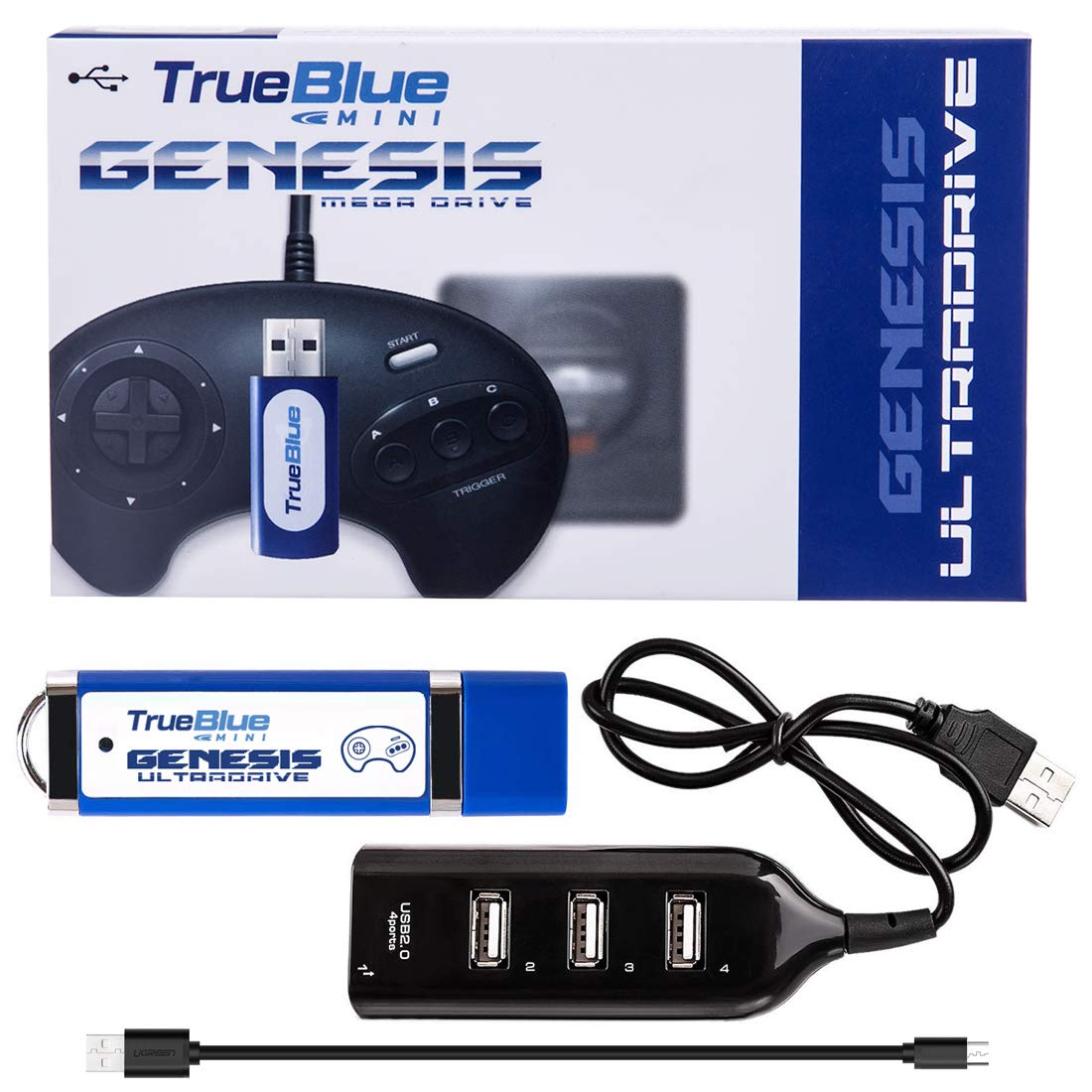
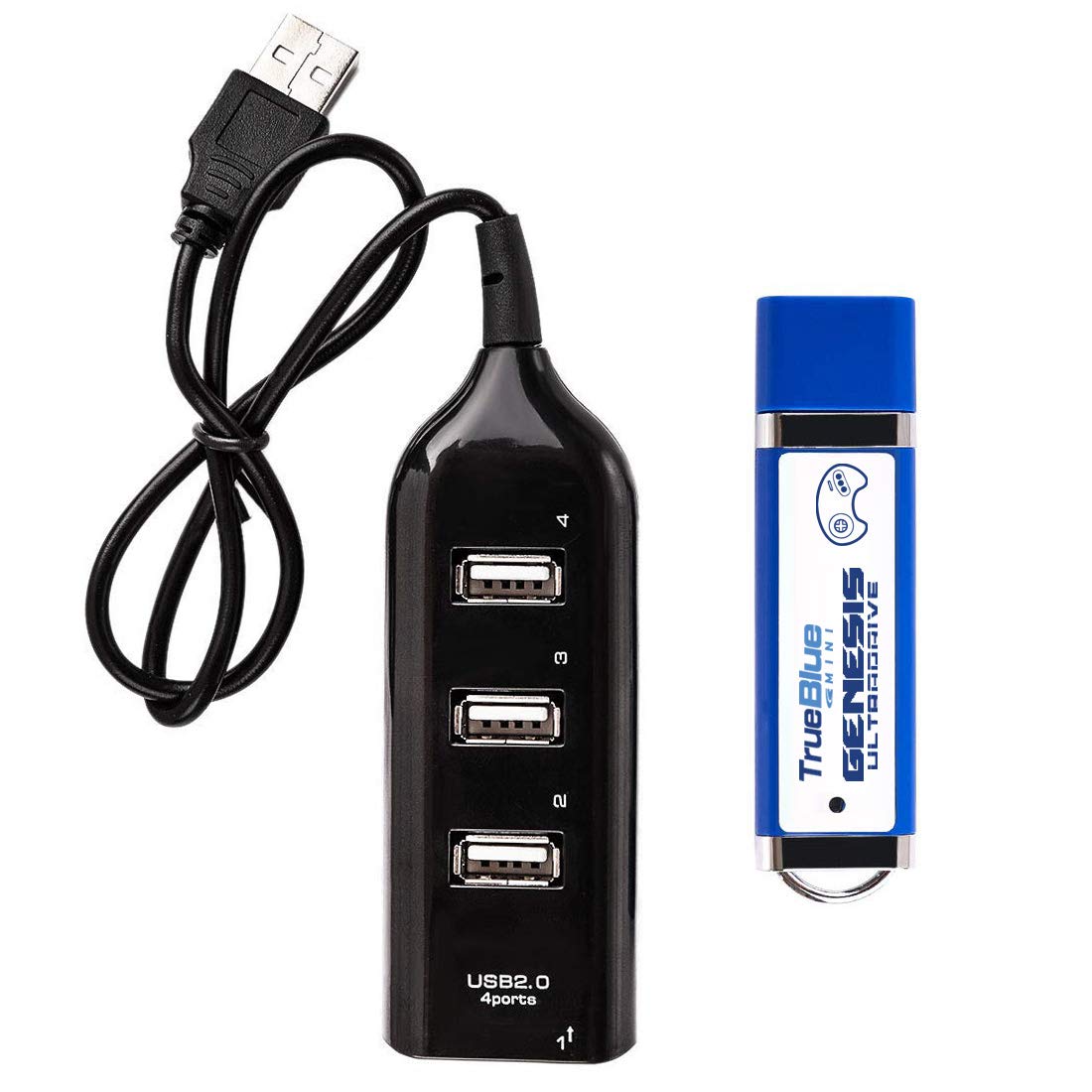
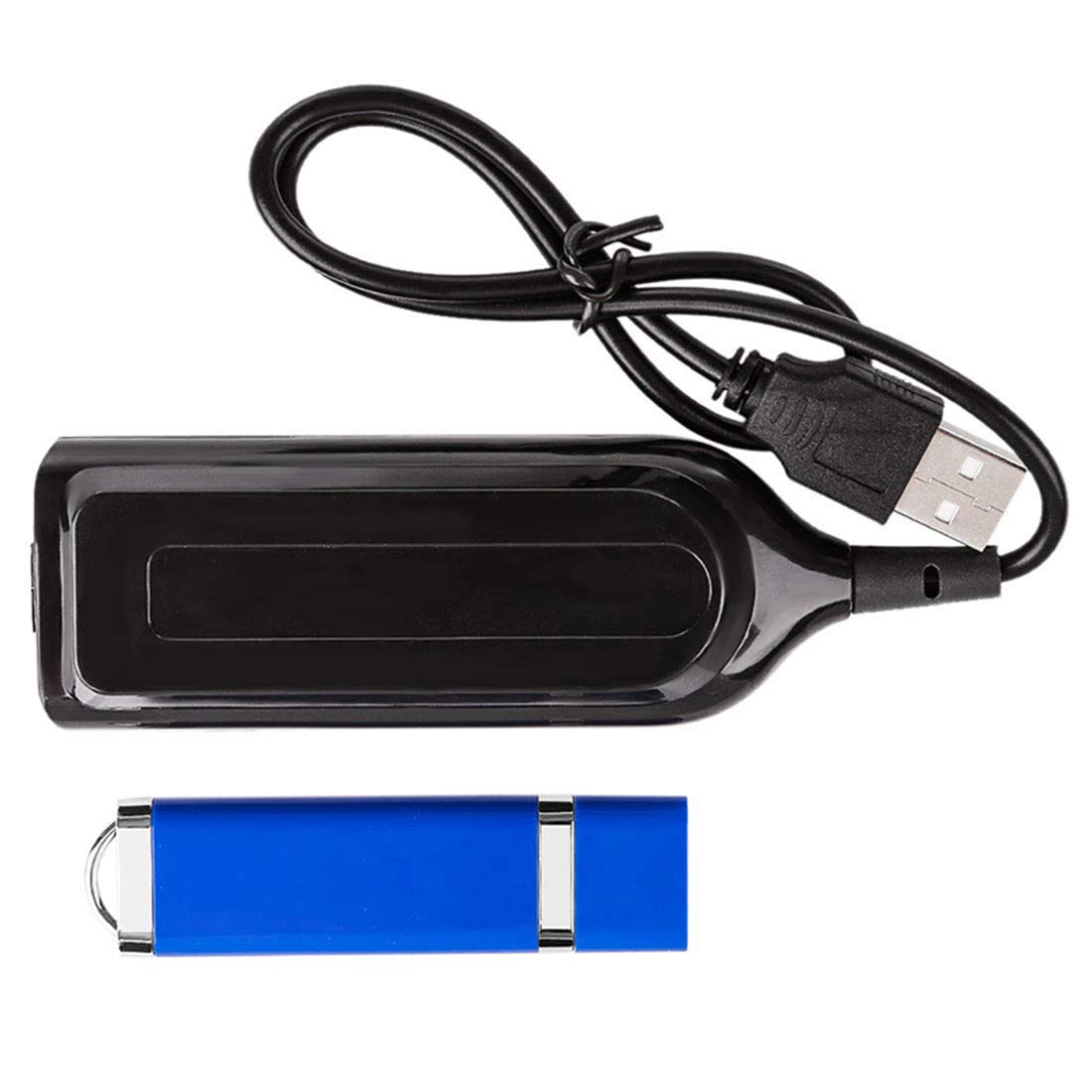
Package Content: .1 x Ultradrive Pack USB Stick .1 x USB Hub .1 x USB Cable (Random Black /White) OPERATING INSTRUCTIONS: How to use True Blue Mini Perform the One-Time-Install process on each console you want to use True Blue with. Plug True Blue Mini USB device into the left USB port on the front of the console. Plug the Hub into the right USB port on the front of the console. Plug the Control Pads into the Hub. Special buttons for use on the game select menu: Press C to return to root game menu. Hold Left or Up and press C to go to the previous game menu page. Hold Right or Down and press C to go to the next game menu page. Press B to change the theme between Genesis and Mega Drive.
Product Overview
We Recommend