


MoKo Smart Plug WiFi Outlet Socket, Compatible with Alexa/Google Home, Comfortable Convex Button, Voice/Remote Control, Timer Plug, 10A, No Hub, Only Supports 2.4GHz Network, White: Electronics
Share on:
Description
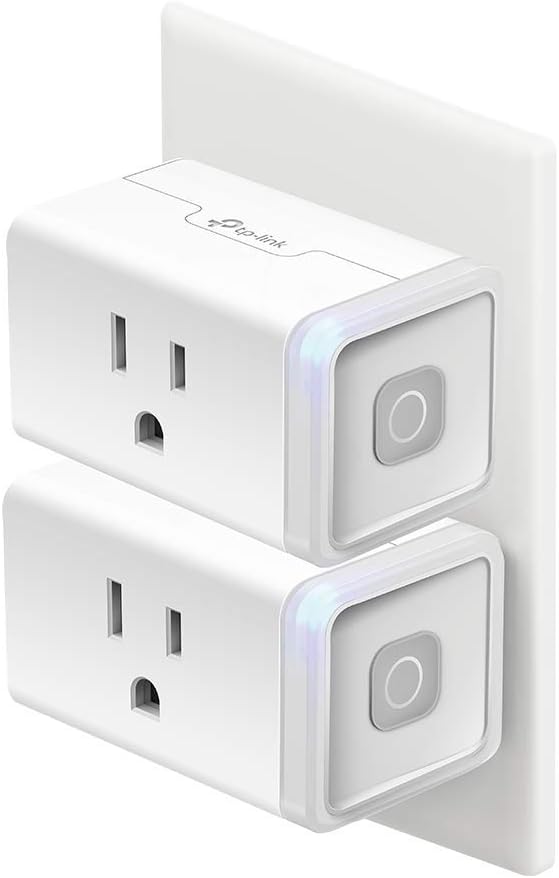
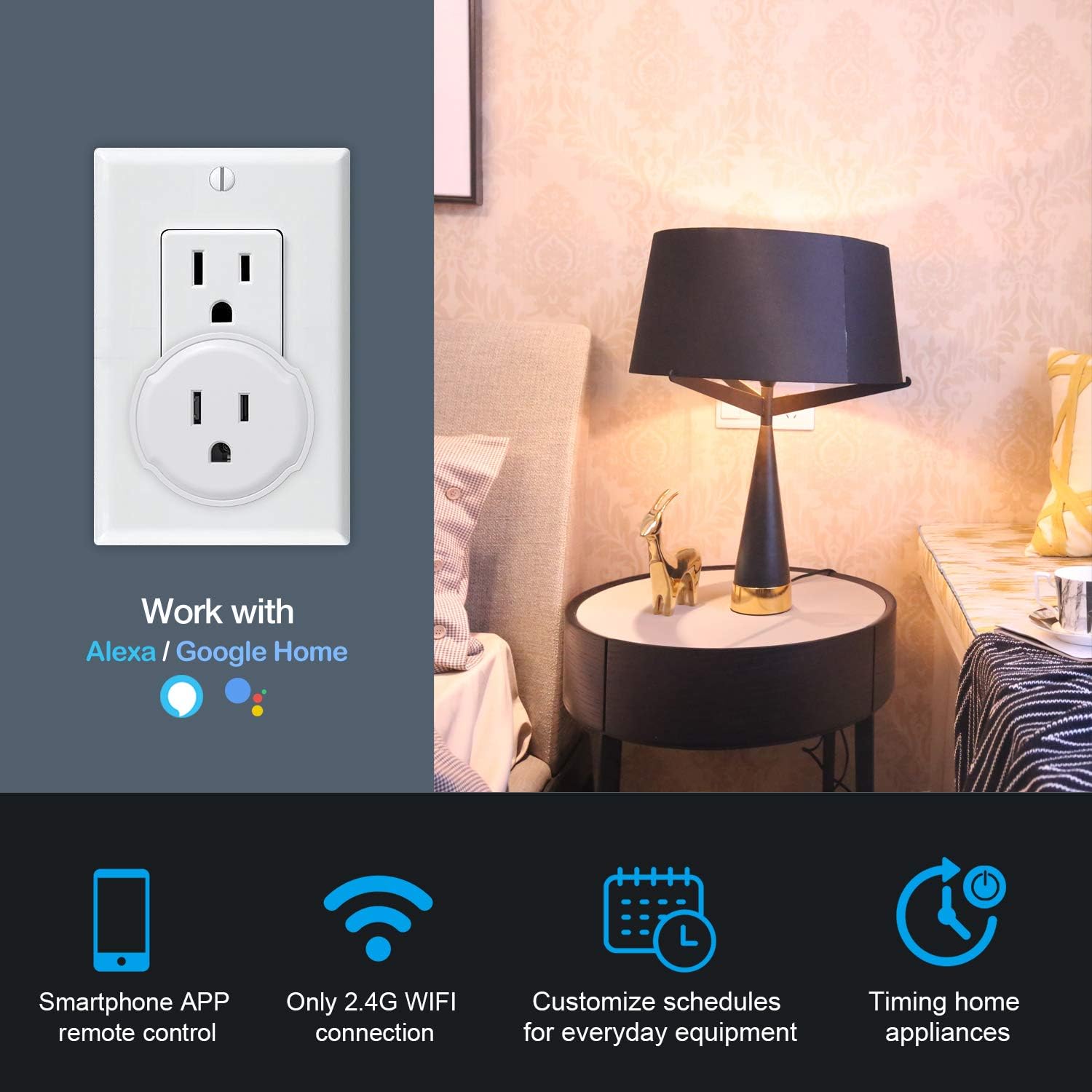
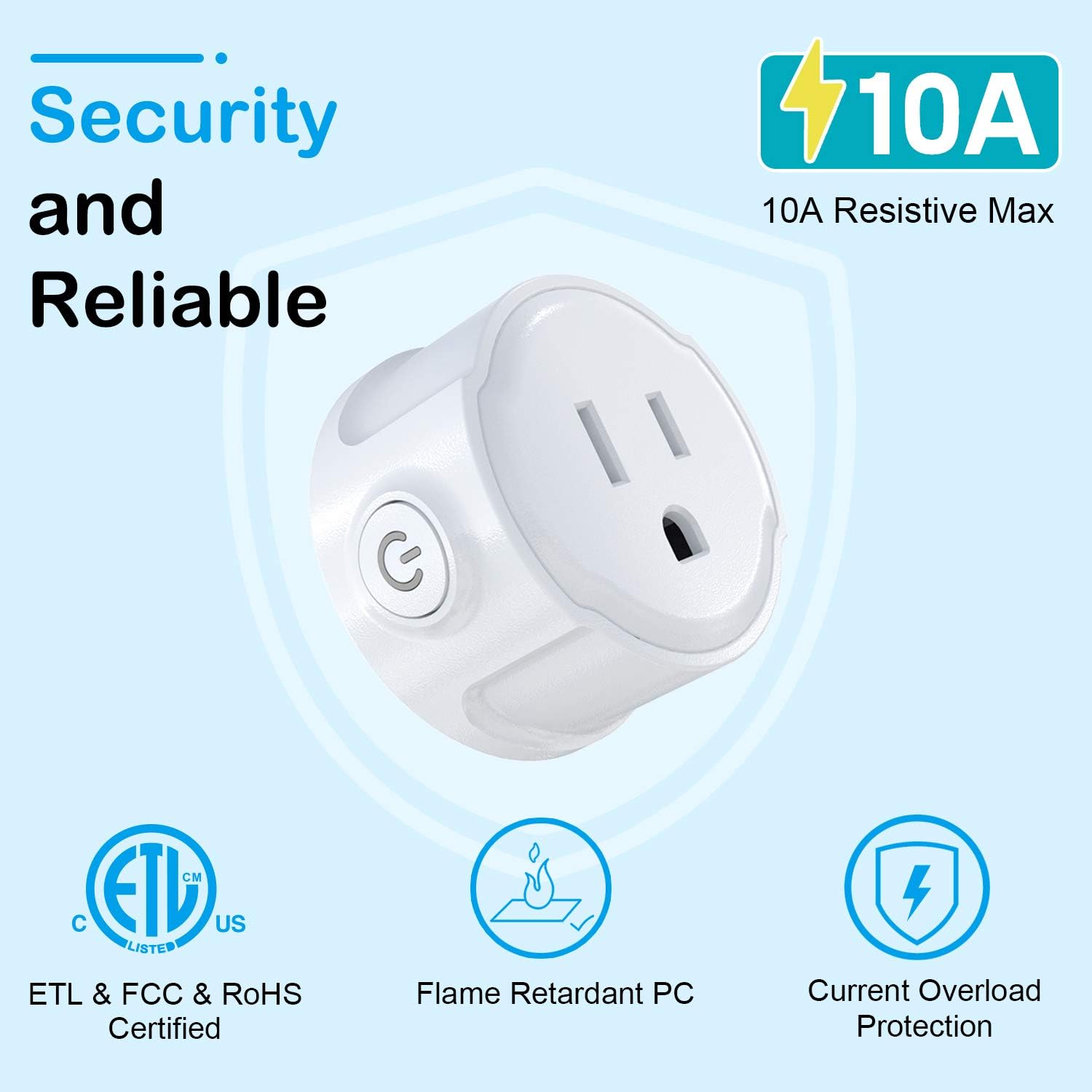
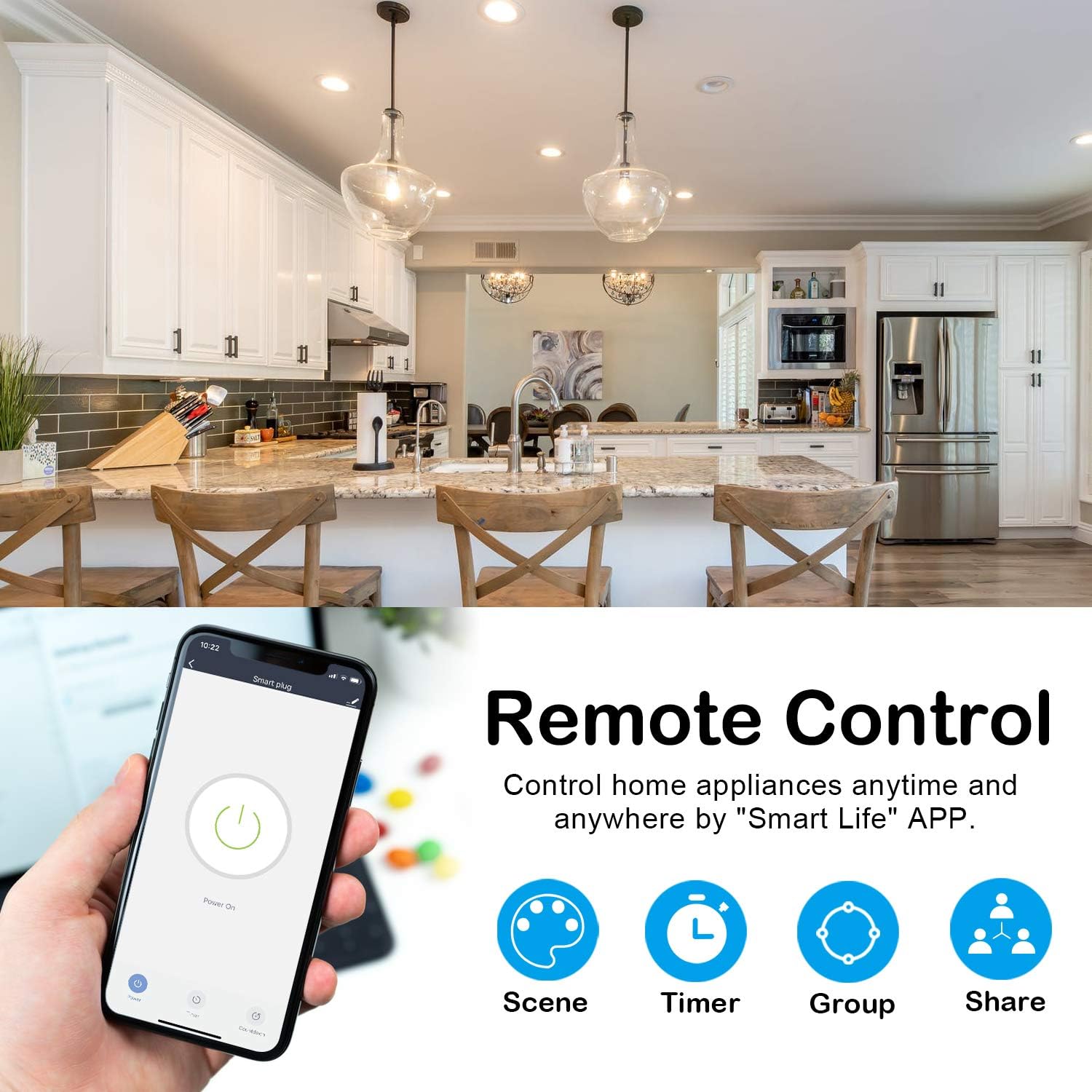
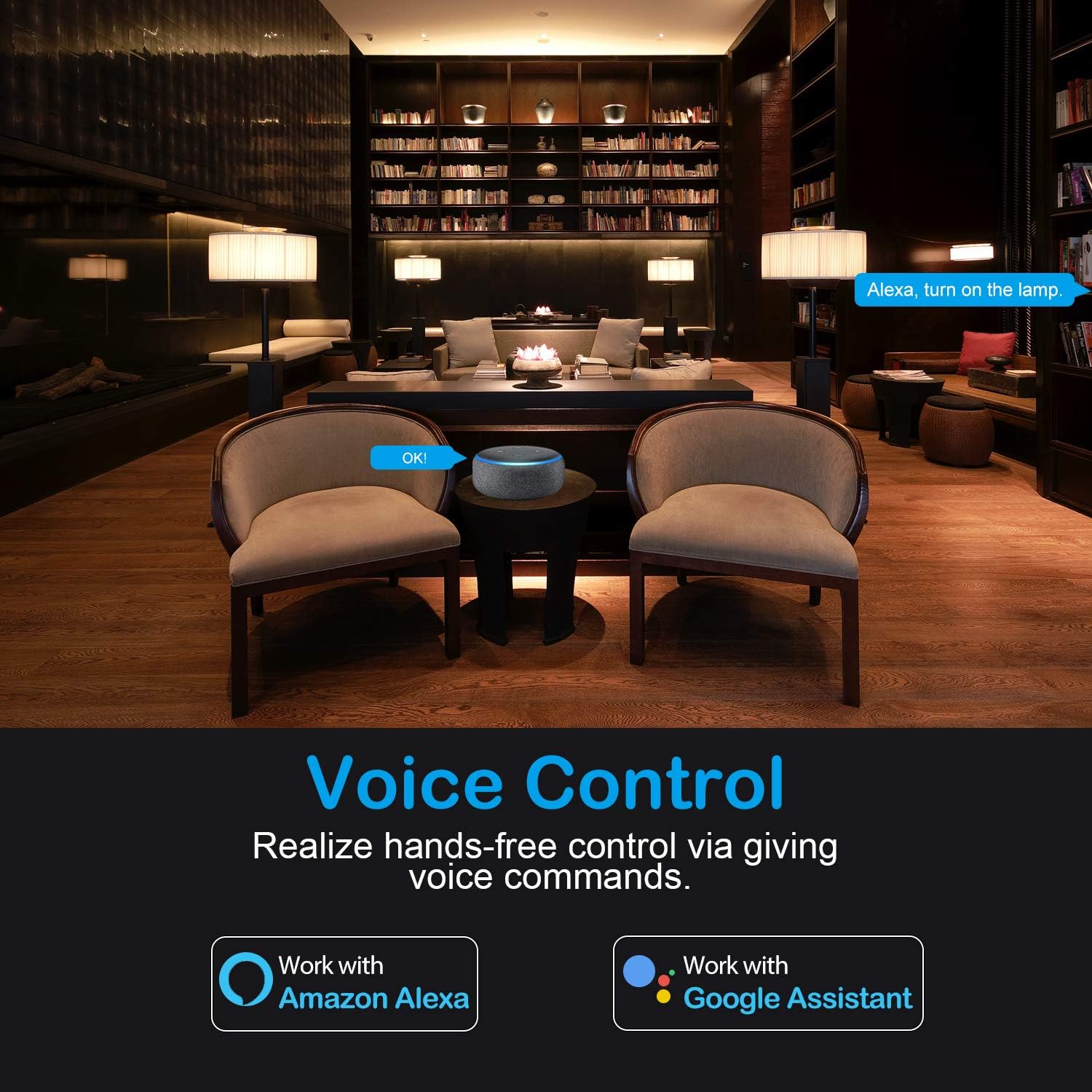
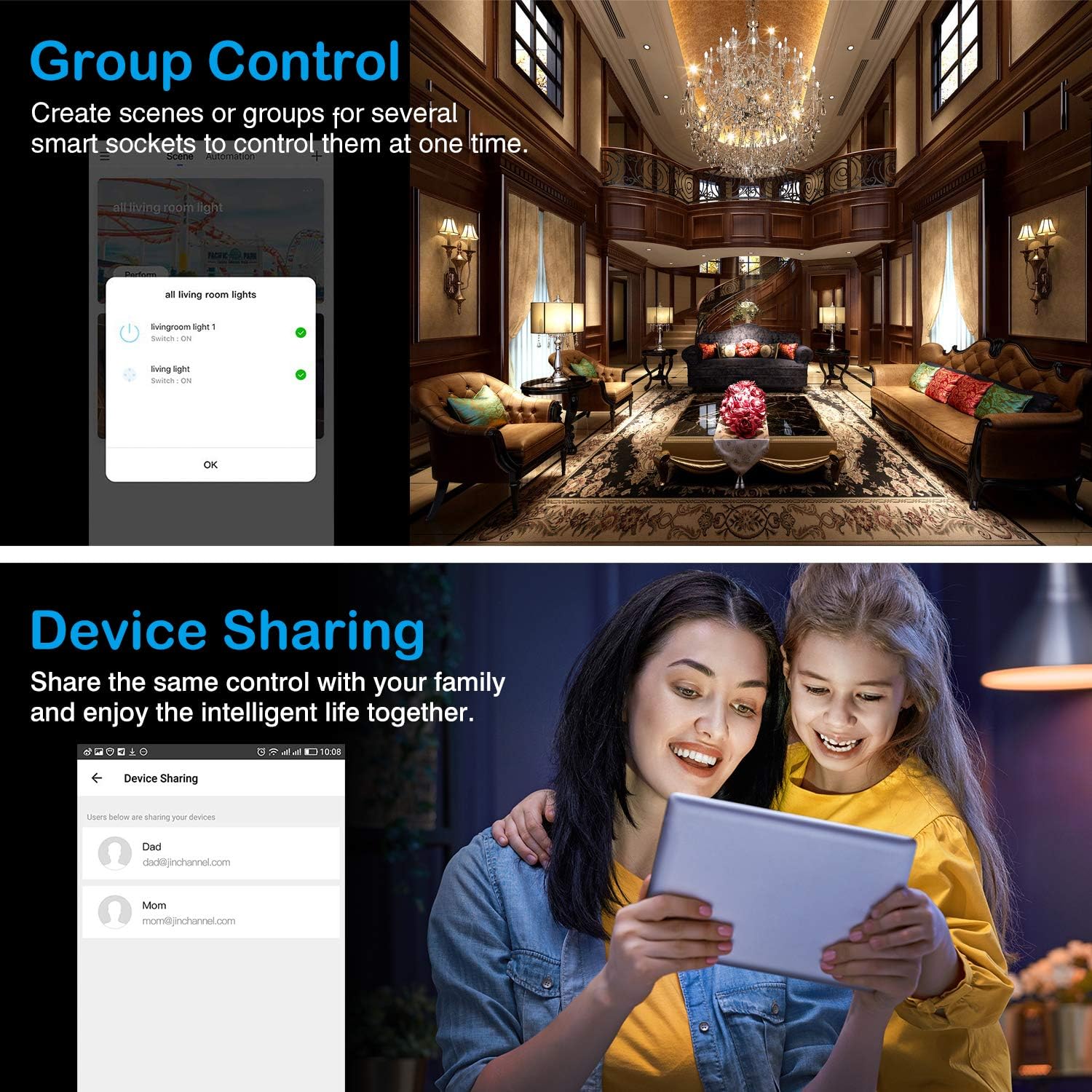
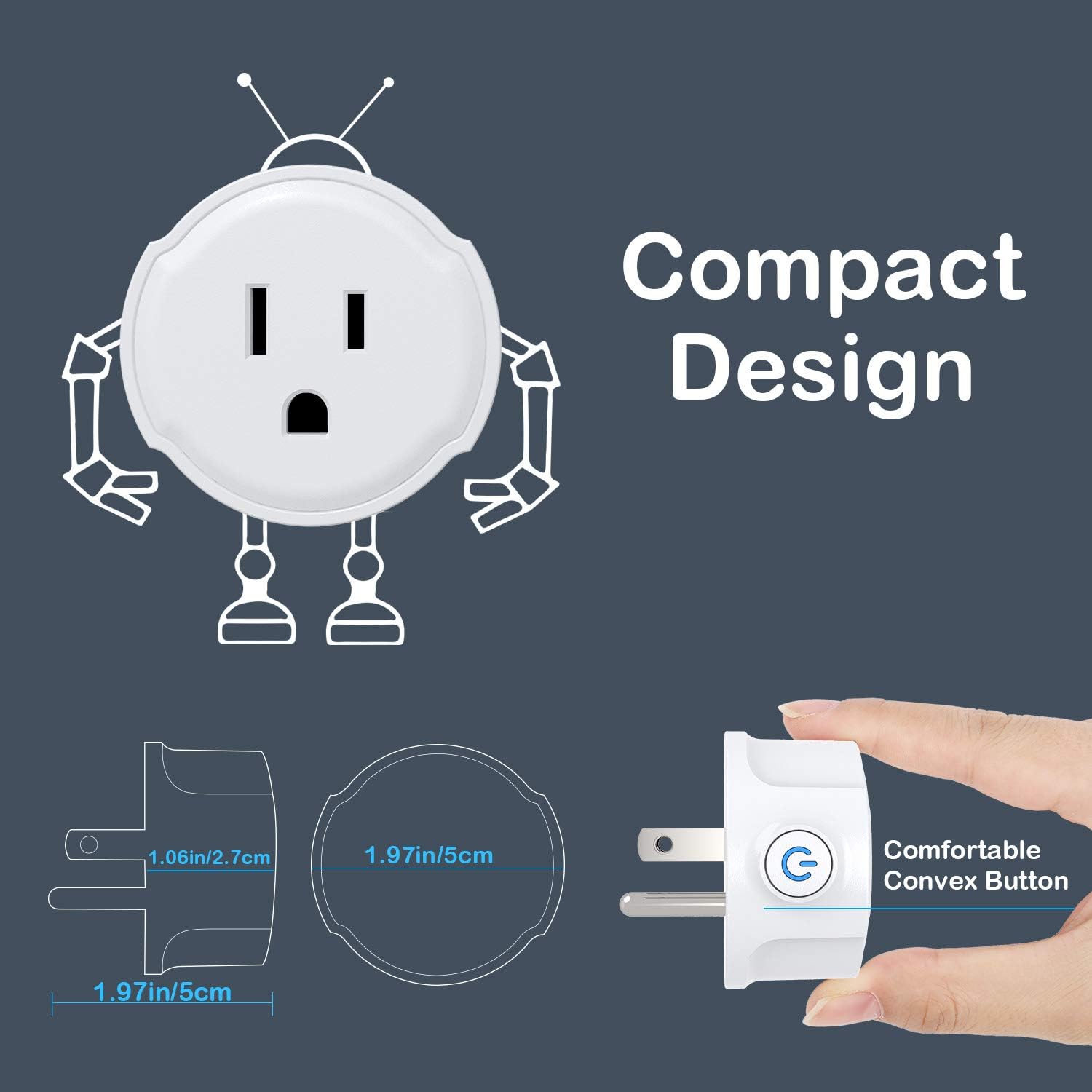
Your everyday life will become more intelligent when you own this smart socket! Add such a socket which serves as a smart home butler to your home, and you can manage your home electrical appliancs by your smartphone APP whenever and wherever possible, just like put a versatile remote to your pocket to realize multiple functions, including schedules & timer, scene & group control, family share, etc. You can also activate the devices by giving some voice commands through Amazon Alexa or Google Assistant when your hands are full. This small yet powerful smart socket will give you a safer and handier home life. Control your linked home appliances from anywhere via Smart Life APP. You can turn them on before getting home or turn them off after leaving home and check their real-time status anytime. Step 1: Search "Smart Life" in App Store/Google Play or scan the QR code on User Guide. Download, register and login it. Step 2: Plug the smart socket into a wall outlet. Step 3: Hold the button over 5s. Add Device/+>Electrical outlet and then confirm the status of the indicator. Step 4: Enter your WIFI router. Step 5: Schedule your home appliances. After pairing with Amazon Alexa or Google Assistant, you can control home equipment via simple voice commands. It especially facilitates the household life of the disabled and elderly. Step 1: Go to Home menu on Alexa App, select "Skills", search "Smart Life" and "Enable". Step 2: Enter your Smart Life account & password. Wait until "Alexa has been successfully linked with Smart Life" shows up. Step 3: Discover your smart device and then control it through Echo. You can set the schedules or timer to automatically turn on or off the connected devices at any time based on your routines and preference. For example, set the doorway lamp to automatically turn on to welcome you home while setting the children room light to automatically turn off to remind your kids of going to bed. Your home automation is made more convenient! MoKo Smart Plug WiFi Outlet Socket, Make Your Life Smarter and Easier ! Features: ✔ Smartphone APP remote control. ✔ Compatible with Alexa/Google Home/IFTTT. ✔ 2.4G WIFI connection. ✔ Timing home appliances. ✔ Customize schedules for everyday equipment. How to achieve the Remote Control ? Step 1: Search Smart Life on App Store/Google Play or scan the QR code on the user manual, and then download it and finish the register. Step 2: Please make sure the smart socket and your mobile phone are covered by the same WiFi router. Plug the smart socket into a wall outlet. Step 3: Hold the button over 5 seconds until indicator rapidly flashes 2 times per second (AP Mode: slowly flashes 1 time every 3 seconds). Add Device and select Electrical Outlet and confirm the device in the App. Step 4: Search the WiFi router and enter your password. Step 5: Once the configuration is completed, the indicator light will stop flickering. Step 6: Begin to schedule your appliances. Specification: 10A Resistive Max Flame Retardant PC Current Overload Protection FCC/ROHS/ETL Certified Comfortable Convex Button
Product Overview
We Recommend