Kinghun KC6A07 Book & Document Camera, 8MP High Definition Portable Book Document Scanner, Capture Size A3/A4, Smarth English OCR, USB, Professional Software, SDK & Twain - Grey&Black: Computers & Accessories
- Category: Document Cameras
- Store: Brand: IFYOO
Share on:
Description
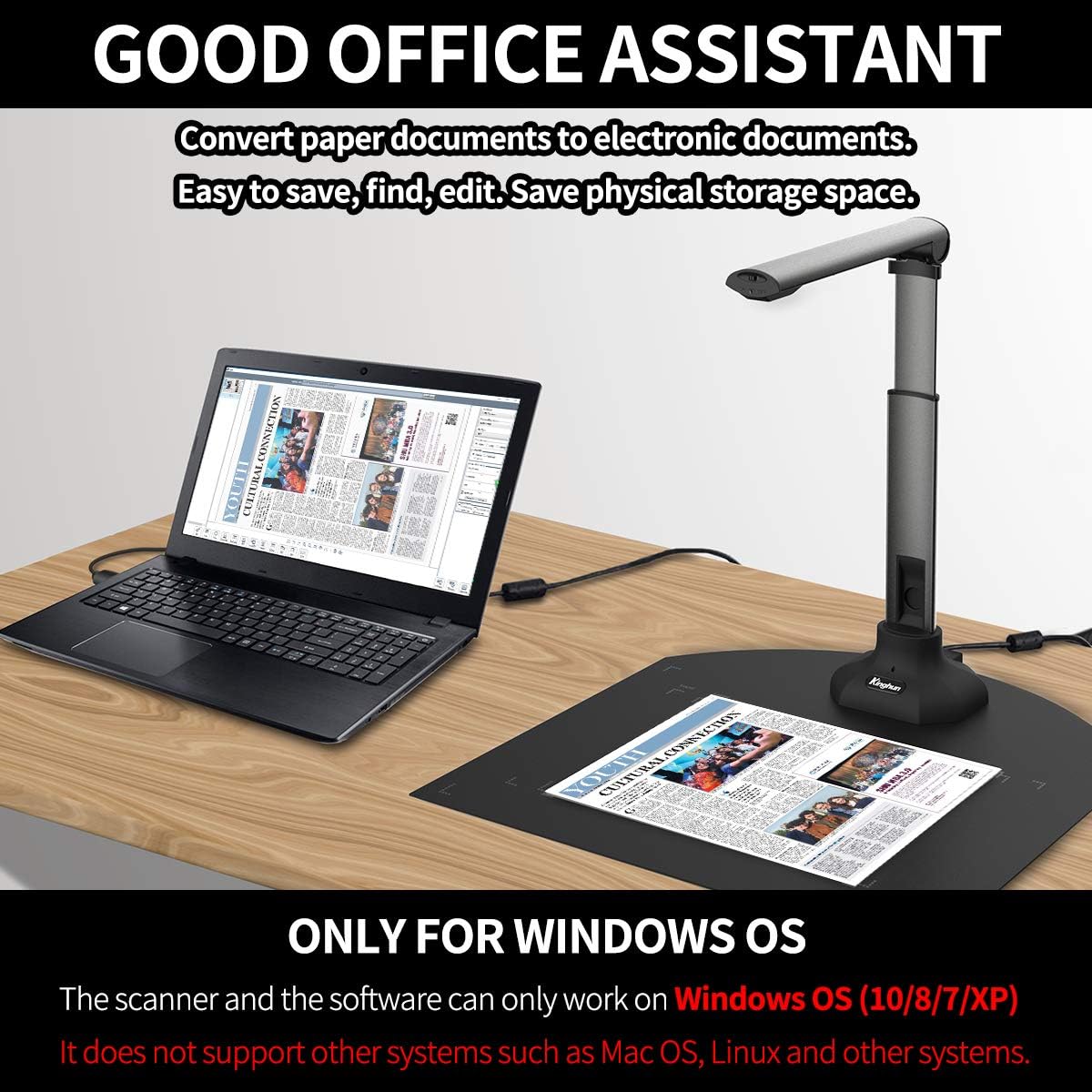
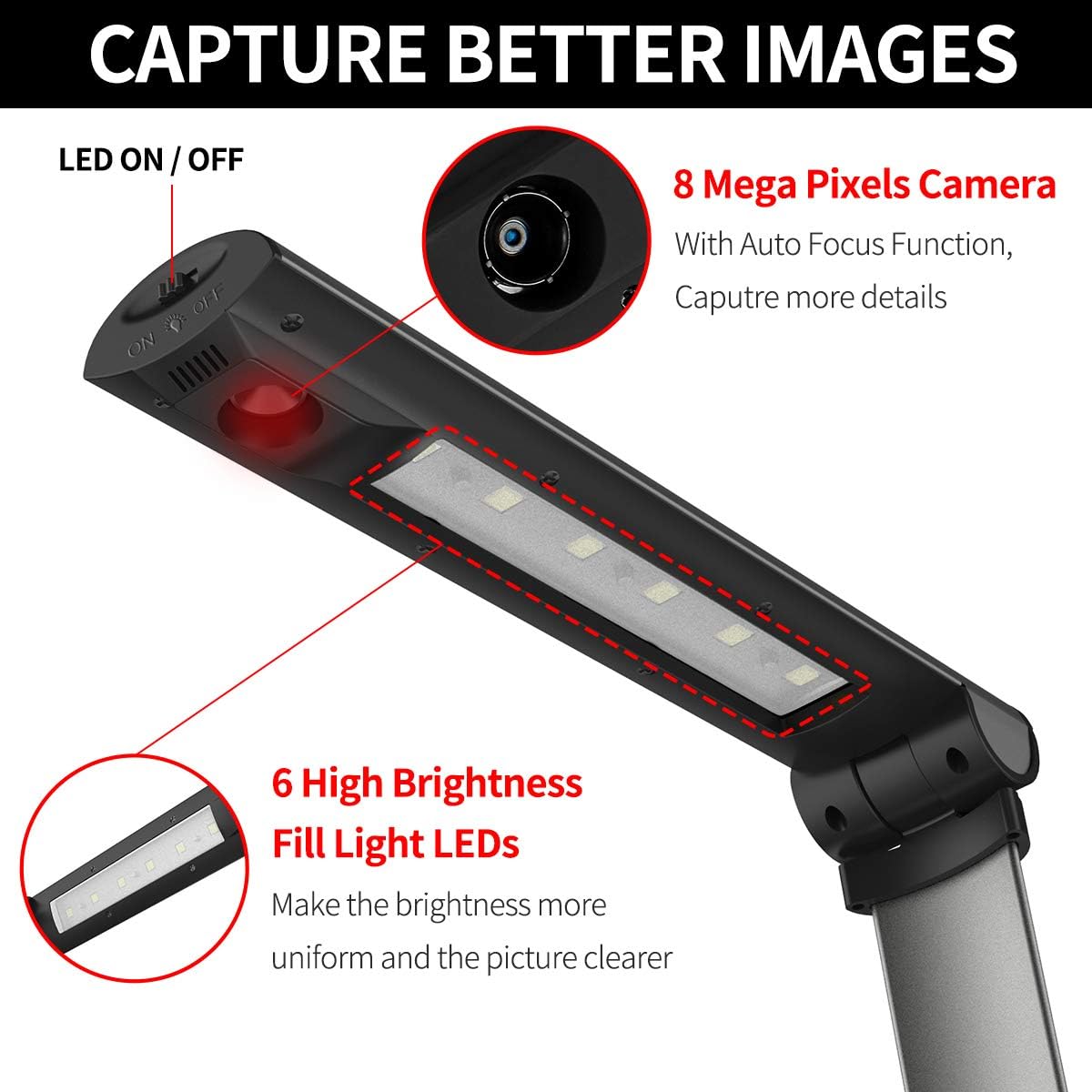
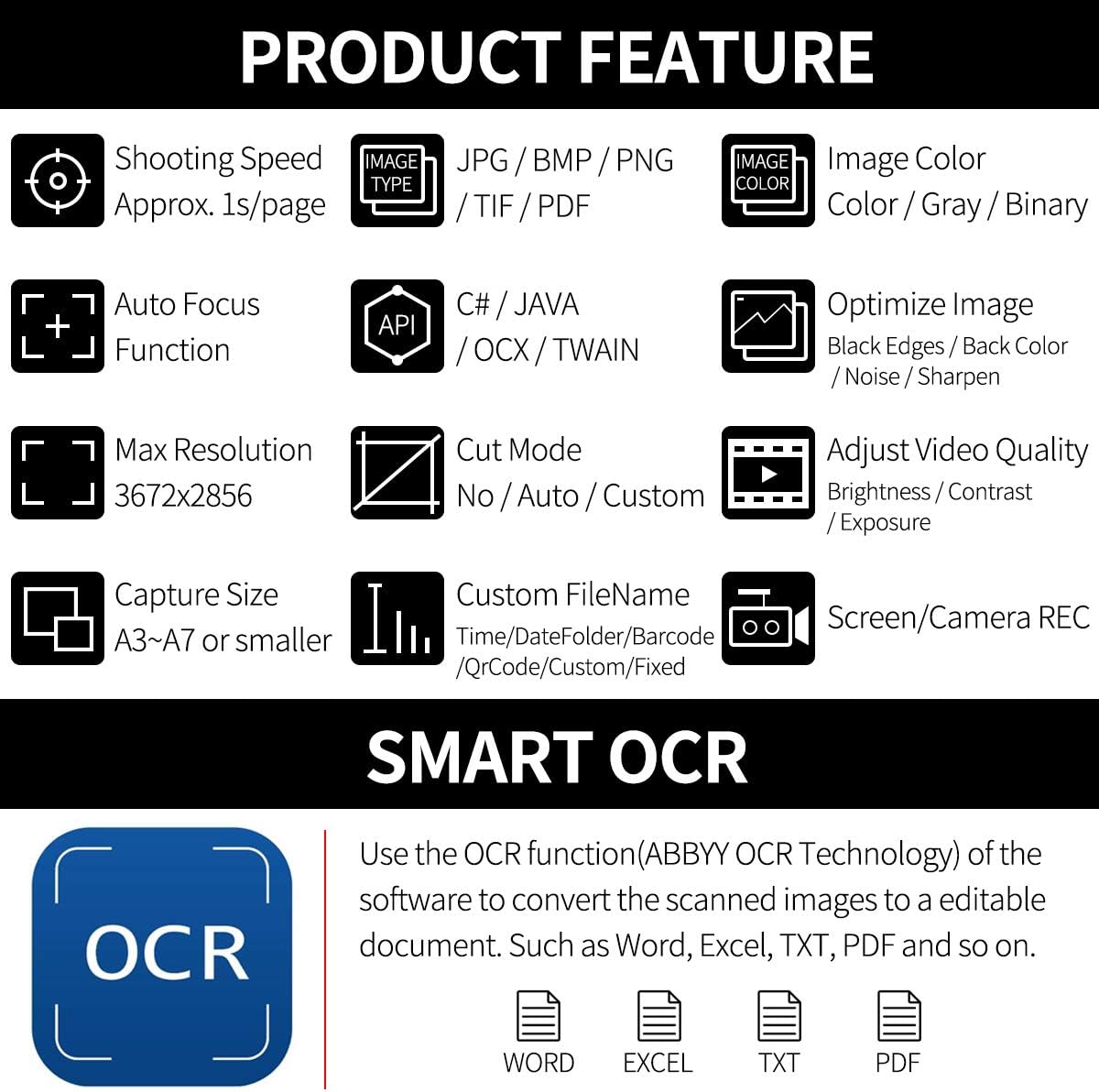
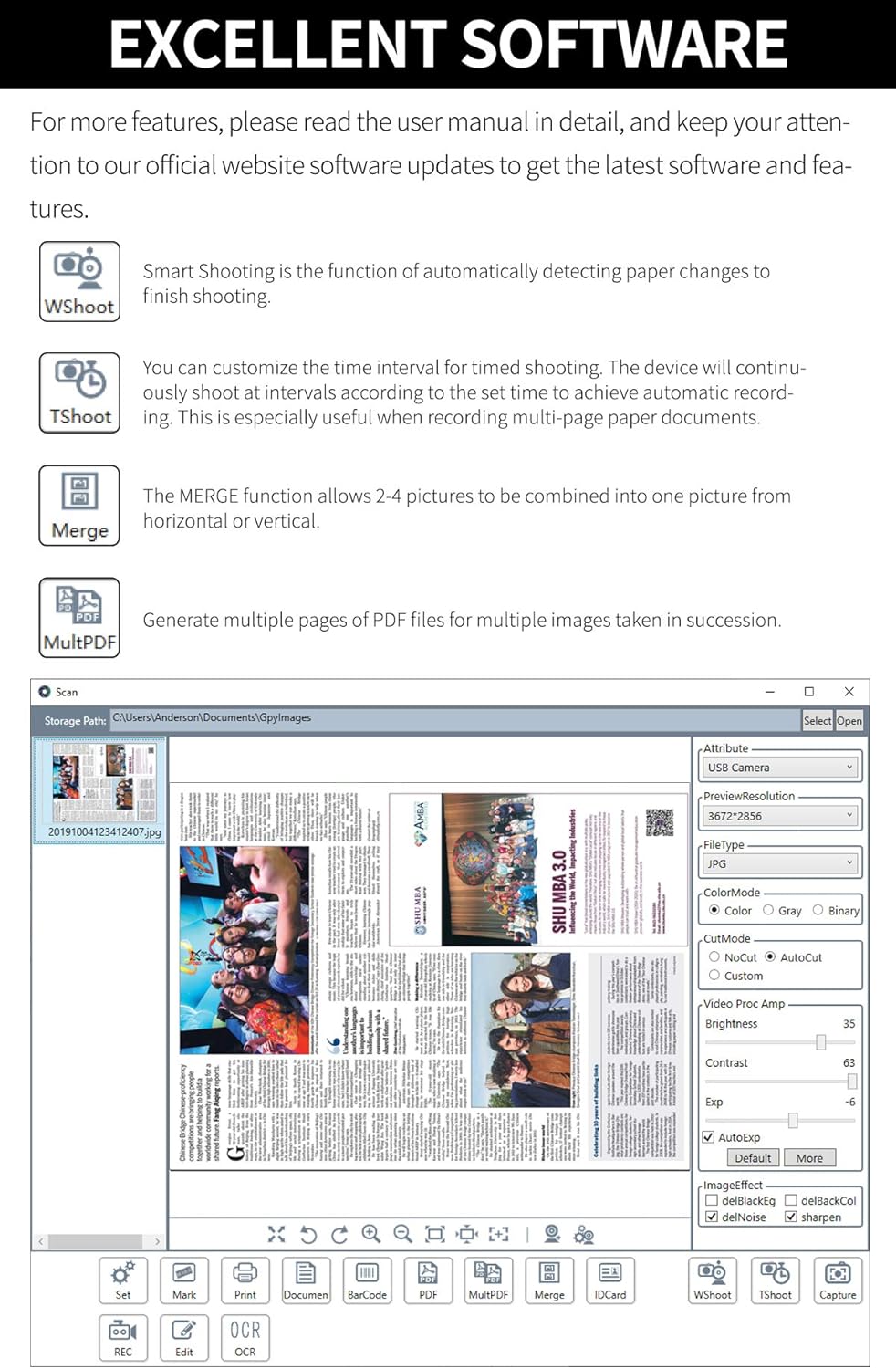
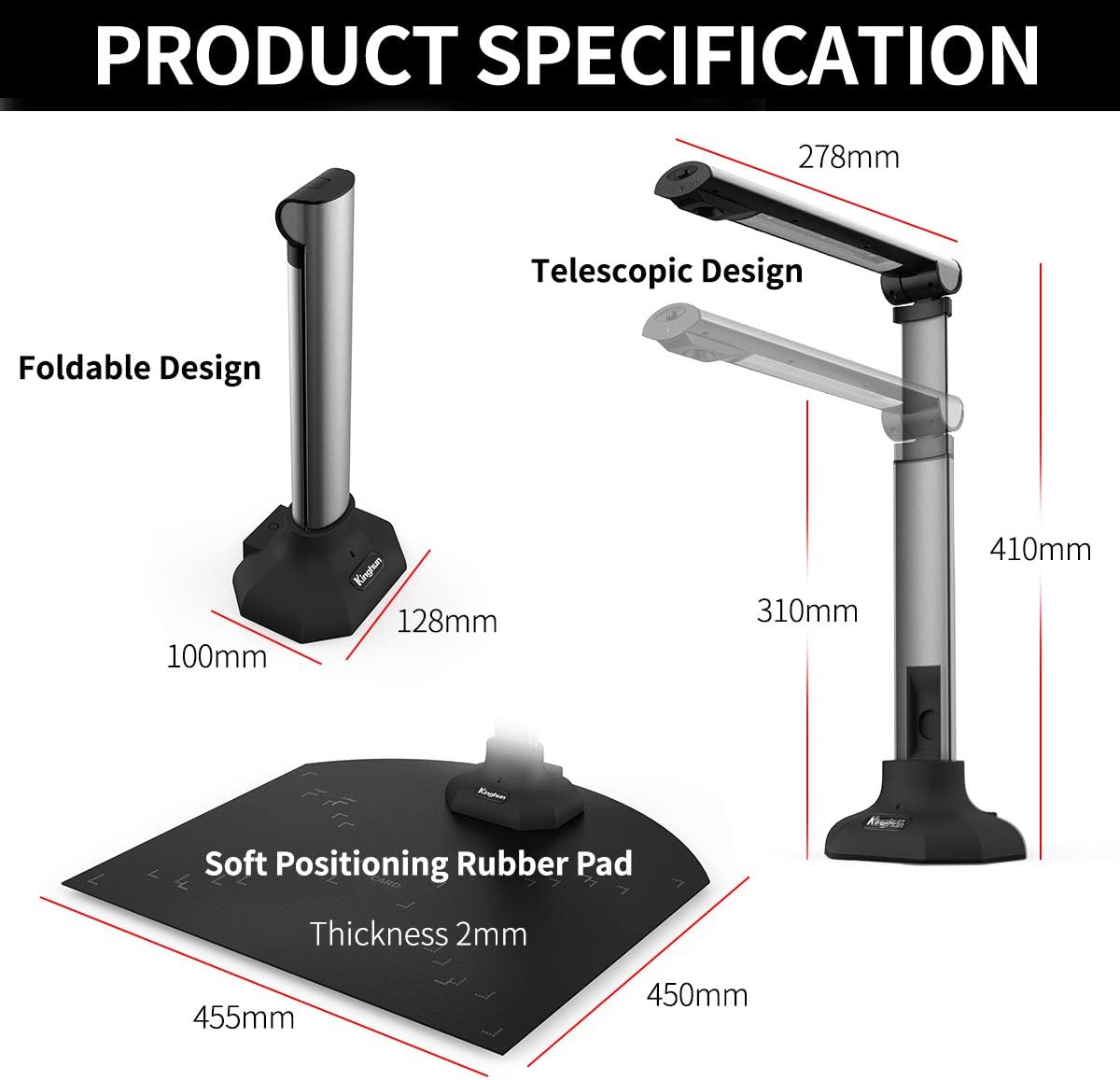
【ATTENTION】 (1) The professional software is ONLY used on Windows OS(10/8/7/XP). (2) It is Not compatible with Mac OS or other operating systems. (3) If you have any problem with our software while using, please take some screenshots of the relevant operation or record some videos, and then contact us. 【HOW TO USE】 1. HARDWARE CONNECTION (1) Turn on the computer/notebook/latop, connect one end of the USB cable to the port of the KC6A07 High Speed Graphic Scanner(HSGS) and the other end to the USB port of the computer. (2) After the connection, the work indicator light of the High Speed Graphic Scanner(HSGS) will be turn on, and then the system will find the new device automatically. 2. SOFTWARE INSTALLATION (1) Donwload the software from the Kinghun official website. (2) Unzip the file and run the software installation package. (3) After the installation interface pops up, you can select a user-defined installation directory or the default installation path, create the desktop shortcut, and keep clicking “next step” as instructed until the installation is finished. 3. START TO USE THE HSGS ON THE SOFTWARE 【SPECIFICATION】 1) Product Dimensions: 306 x 278 x 128 mm 2) Product Weight: Approx. 700g 3) Connection: Wired 4) Working Mode: Graphics / Video 【PACKAGE CONTENT】 1x Kinghun High Speed Graphic Scanner 1x User Manual 1x USB Cable 1x Soft Positioning Rubber Pad 1x USB Flash Disk(Including: User Manual, Software)
Product Overview
We Recommend