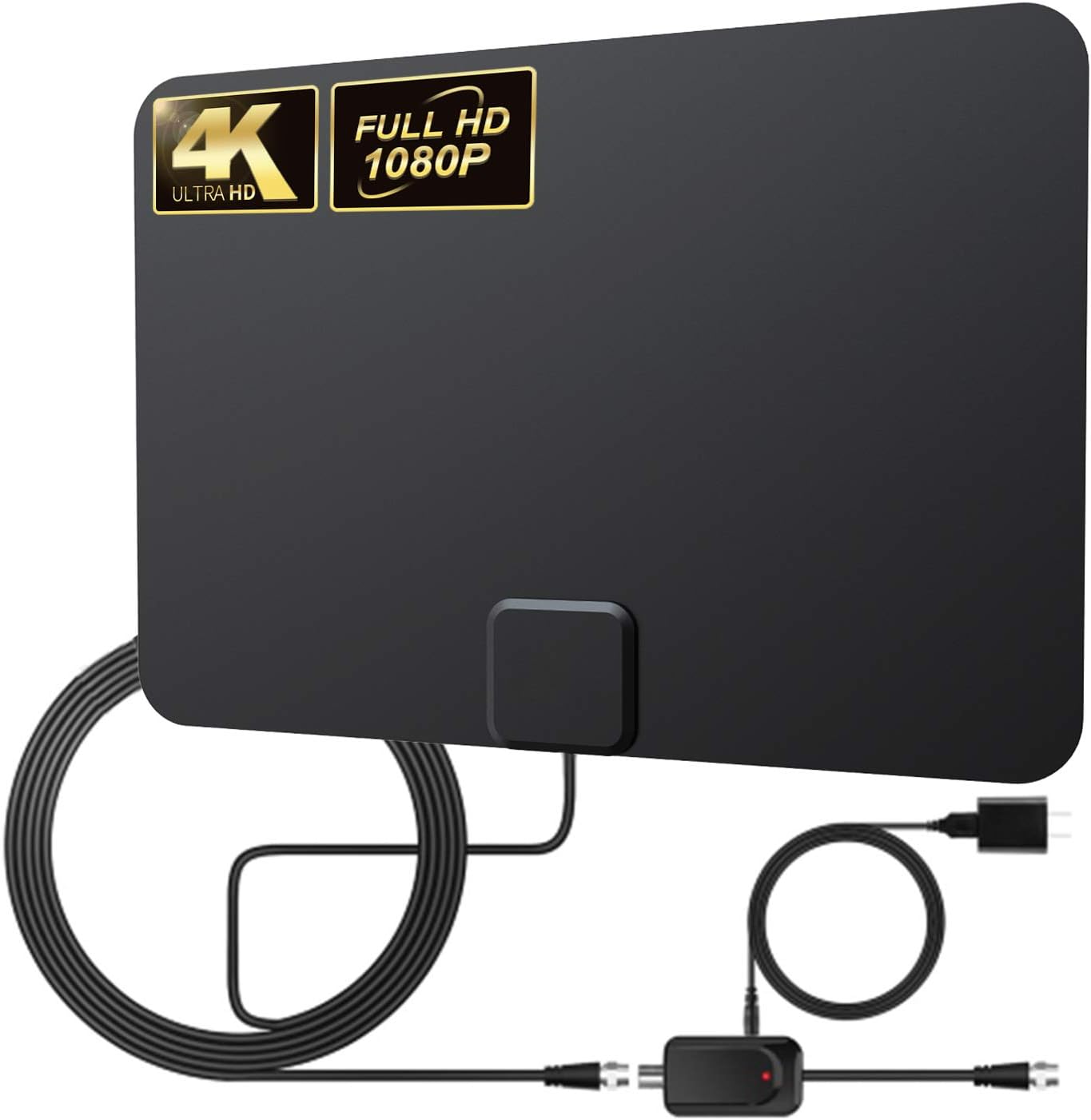

Gesobyte Amplified HD Digital TV Antenna Long 200 Miles Range - Support 4K 1080p Fire tv Stick and All Older TV's - Indoor Smart Switch Amplifier Signal Booster - 18ft Coax HDTV Cable/AC Adapter : Electronics
- Category: TV Antennas
- Store: gesobyte
Share on:
Description
SET UP & AVOID OBSTACLES: 1. Visit http://dtv.gov/maps to confirm available channels in your area, it's simple and the information is useful. 2. Areas with large obstructions such as valleys, mountains, etc, will reduce effective range. Note: Always remember re-scan for channels after moving the Antenna 3. "TVFool" is more complex but gives a lot more detail including gorgeous plots of theoretical signal strength and where the broadcast towers are located. 4. Please remove the amplifier to if your house is very closer to the broadcast tower (within 35 Miles)and have a very strong signal. 5. Place the antenna, on a window (strongly recommended). Try different locations, put the antenna up as high as you can. It depends on your area 6. Connect tv antenna to 'Ant In' on the back of any HDTV 7. In the TV's setup menu, change the scan type to "Antenna" Or "Air". 8. Scan for channels using your TV's "Channel Search" Or "Channel Scan" and be ready to enjoy free TV. 9. It depends on your living quarters and how close you are to the broadcast towers. 10. If you're looking for a cable-style TV schedule,"TitanTV" is a free Web service that lists local programming. GESOBYTE SUPPORT 24/7: https://www.amazon.com/hz/help/contact/ADRPGO5AFWIMT?sellerID=ATVPDKIKX0DER&
Product Overview
We Recommend