


BYEASY Presentation Clicker with Green Laser and Volume Control, RF 2.4GHz Wireless Presenter Remote 100 FT, USB PPT Clicker for Google Slides, PowerPoint and More : Office Products
- Category: Presentation Remotes
- Store: BYEASY
Share on:
Description
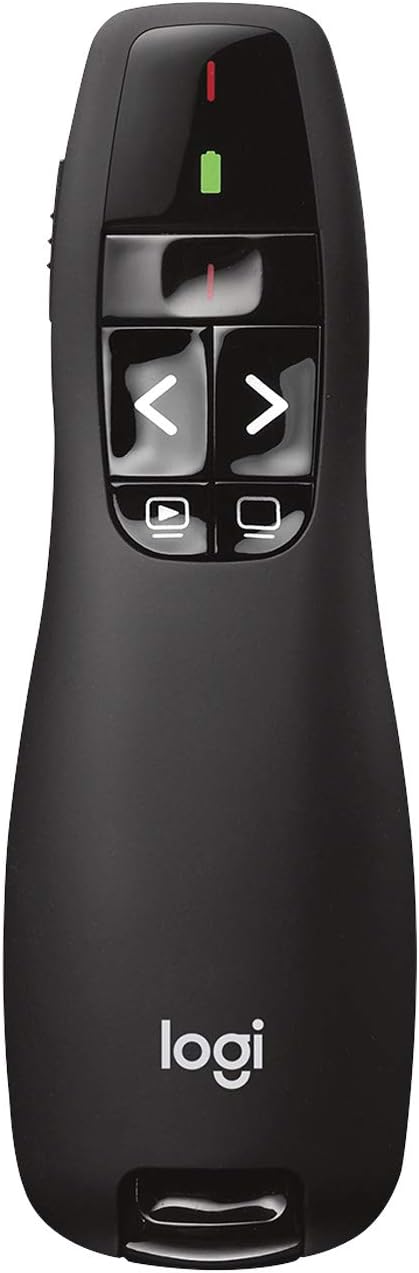
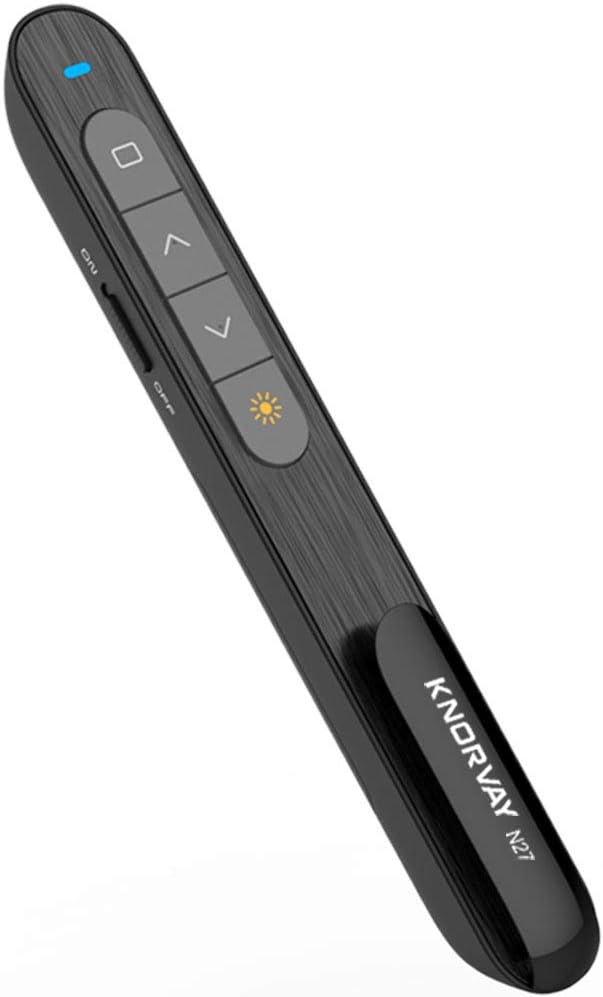
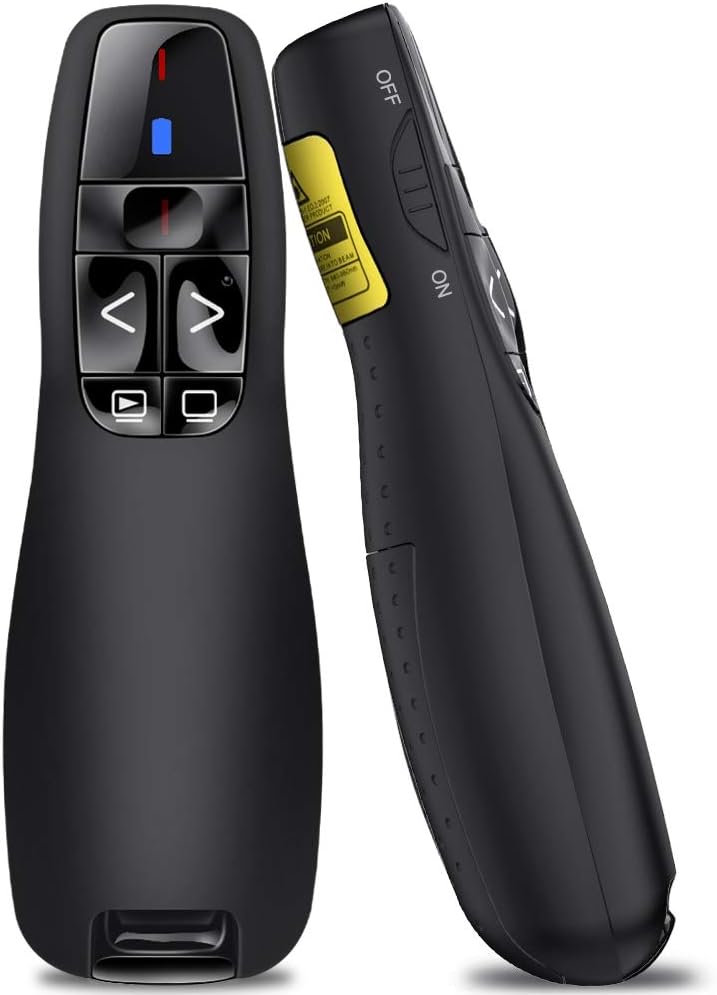
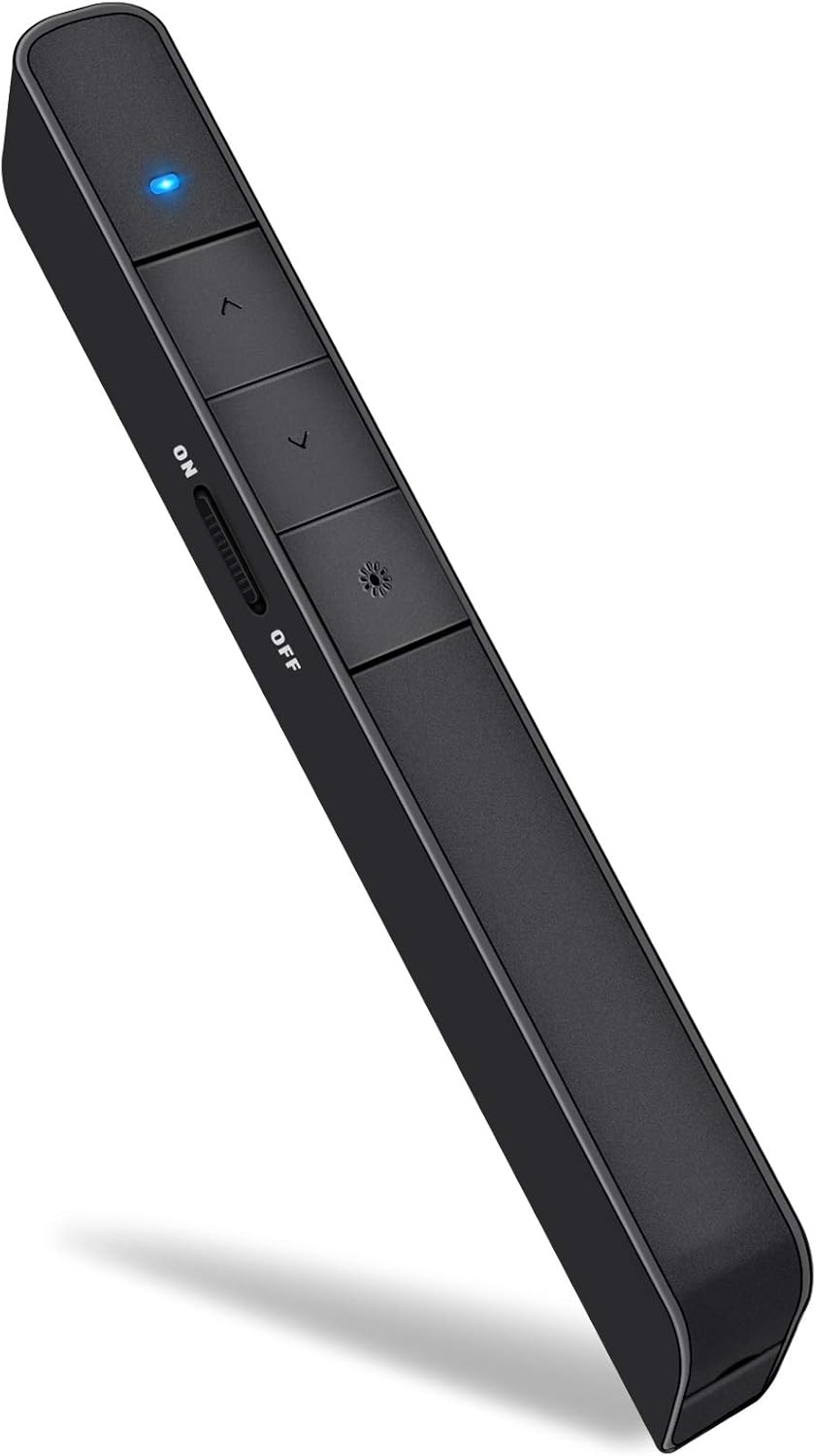
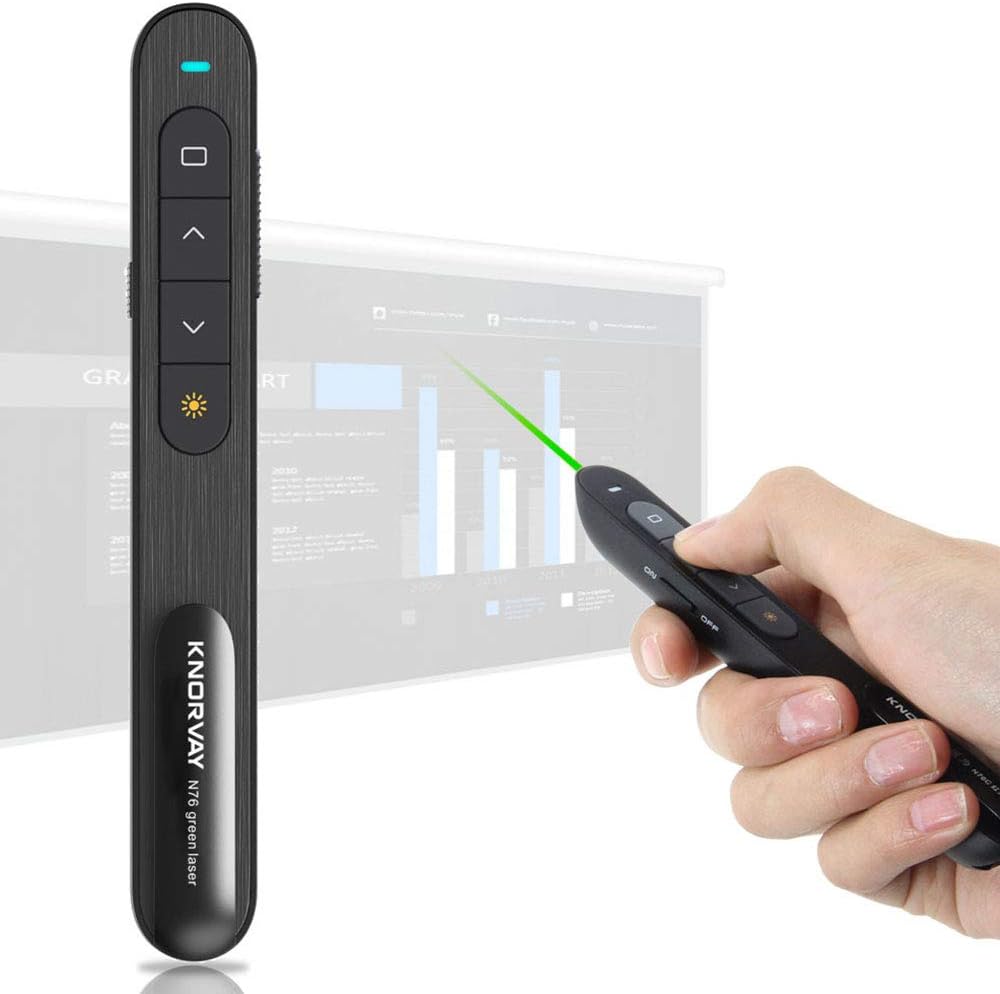
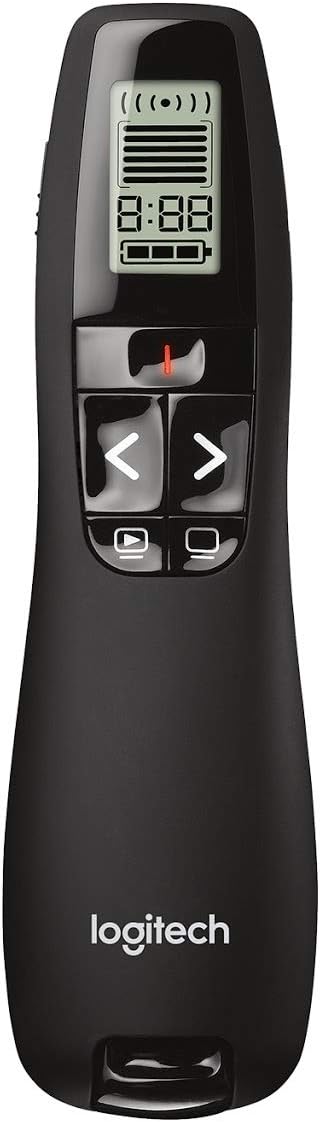
NOTE: The default setting of the wireless presenter is a computer that supports windows system. If you need to use this wireless presenter for the computer of the mac os system, you need to press and hold the forward and back buttons for 3 seconds, and the indicator light will flash before you can use it for the mac system. If you want to use the windows system computer again, switch the same way. If your computer only has USB-C Ports, you need to purchase a USB-C to USB-A HUB. You can search keywords "byeasy usb c hub" on amazon you can find it. Feature: Handheld presenter for navigating through presentations with ease 100-foot wireless range; intuitive one-touch controls Bright-green laser pointer shows up clearly on almost any background Adjustable volume, forward/backward, start/end, and black screen Plug-and-play wireless receiver connects to USB port—no set up or software needed Handheld presenter for navigating through presentations with ease 100-foot wireless range; intuitive one-touch controls Bright-green laser pointer shows up clearly on almost any background Adjustable volume, forward/backward, start/end, and black screen Plug-and-play wireless receiver connects to USB port—no set up or software needed Capture the interest and attention of your audience with help from the BYEASY Wireless Presenter. The presenter’s point-and-press controls make it easy to highlight or clarify information in a slideshow and navigate through presentations with exceptional ease. The handheld wireless presenter puts you in control of the stage and your subject matter, whether presenting an end-of-term thesis at school, a topic at a conference, or a business proposal in the boardroom. Create a more engaging experience by taking command of your space, whether it’s walking back and forth across the stage or moving around the room and connecting with your audience—no need to stay behind the computer or podium. With the compact handheld presenter, you can relax and move about with ease. The cordless handheld device provides a wireless range of up to 100 feet (30 meters), making it a great choice for smaller classrooms and larger auditoriums alike. The presenter’s intuitive design make it easy to quickly locate the control buttons with your fingertips and confidently navigate through your presentation, even in a dark room. Intuitive controls include an on/off power switch, an on/off button for the laser pointer, a button to adjust the volume, a control key for moving forward and backward through the slides, a start- and end-presentation button, and a black-screen button that shifts the audience’s attention back to you. The BYEASY Wireless Presenter’s small size (shorter than a pen) and contoured shape fits perfectly in the hand and offers optimal comfort, even for those more lengthy presentations. The BYEASY Wireless Presenter comes with a small 2.4 GHz receiver that plugs into your computer's USB port when it’s time to present—no set up needed or software to install. NOTE: The PPT clicker with tiny usb receiver which is placed inside the battery compartment. There's also a tiny magnet inside to hold the USB receiver in place. Portable and convenient.
Product Overview
We Recommend